Home

 Creators
 Search
 Recent
 Random
 Posts
 DMs
 Tags
 Random
 Importer
 Import
 FAQ
 Account
 Register
 Login
 Favorites
 Keys
 Logout
 Telegram

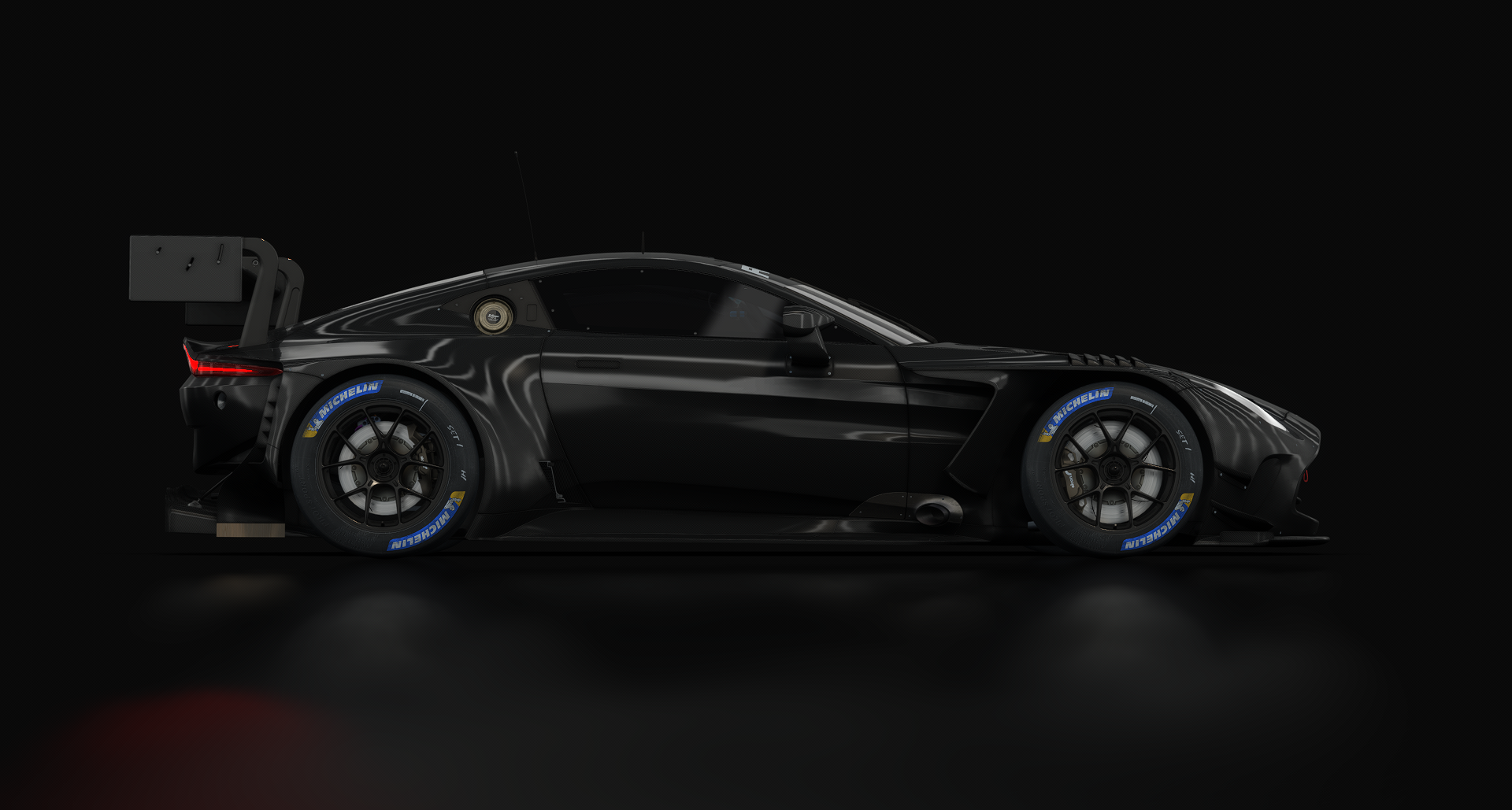
Michelin (N24h) Tyres Extension - for new URD GT3 mods (Patreon)
Published:
2025-12-24 10:12:45
Edited:
2026-01-01 22:00:21
Imported:
2025-12
Content
update:fixed wrong folder strukture_______________________Michelin Pilot Sport N24h (dry & wets) for URD GT3
currently working for:
Arthur Merlin Valor GT3 EVO 2024, Detroit Coyote GT3, Bayro 4 GT3 EVO
and upcoming releases
How to use:
First drag and drop the extension folder from the zip file into the assetto corsa's root folder i.e [Steam\SteamLibrary\steamapps\common\assettocorsa]
Next go to the skin folder of your choice and then paste these lines in the ext_config.ini[INCLUDE: ms6/ms6_michelin_n24.ini]
make sure that no further tyre configuration is included
save config file
H1&H2: Michelin Pilot Sport N24
Wet: Michelin Pilot Sport P2L
Files