Home Creators Posts Import Register Favorites Logout

Videos

  • 434252152.mp4

Downloads

Content

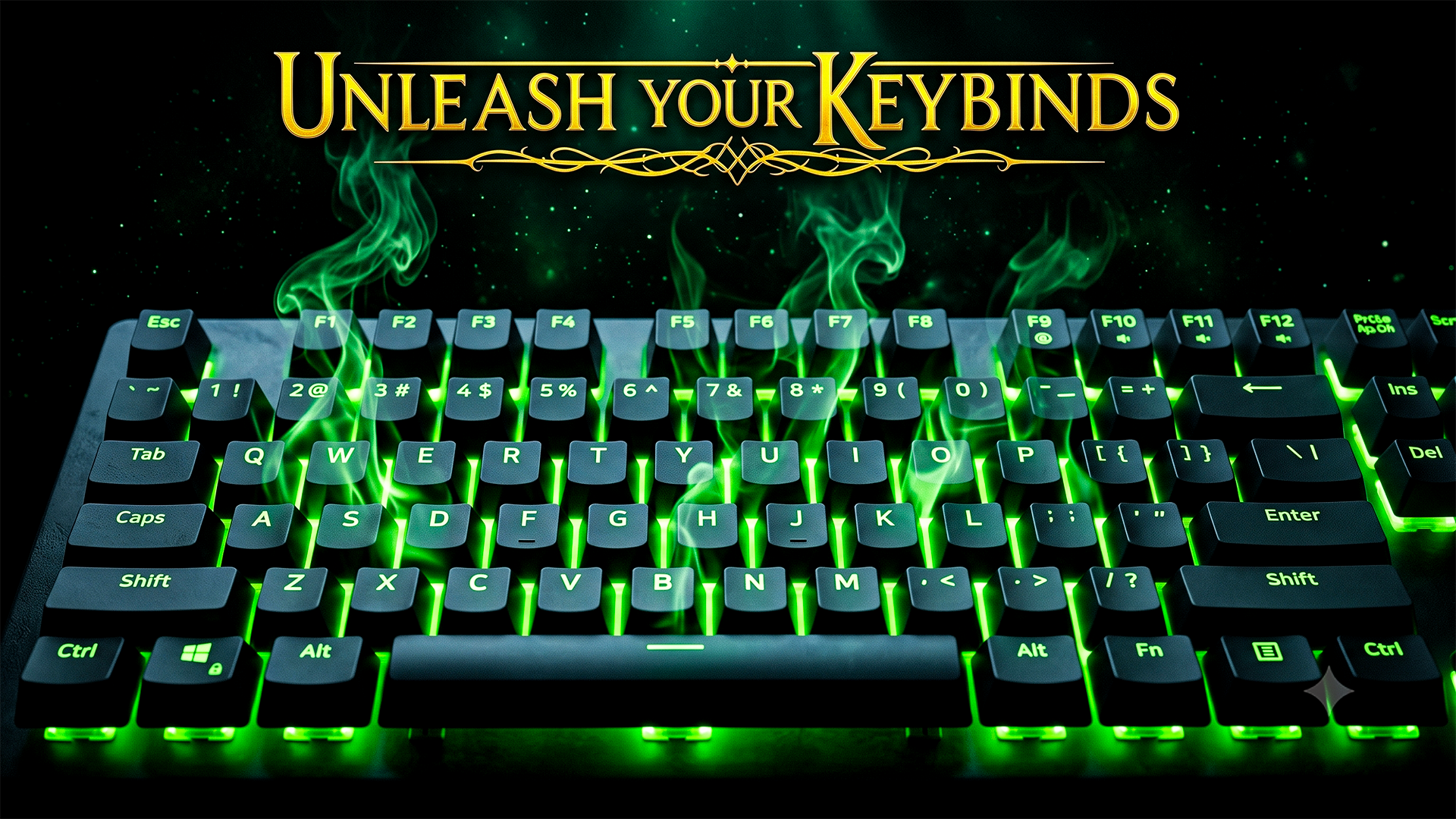
Advanced keybind customization, specifically optimizing controls for ELS and enhancing compatibility with other plugins.

Dive deep into advanced keybind customization, specifically optimizing controls for emergency lighting systems (ELS) and enhancing compatibility across your favorite mods—this comprehensive guide offers unique insights you won't find anywhere else.Note: Sorry the video looks washed out - I think had a bad setting in my video card.TIME STAMPS:00:50 - Keybind Error message - Why you can't change your keybinds on a older game version.08:00 - Simple Trainer Keybind - Overlapping menus with F4 Rage Console Fix10:15 - ScriptHookVDotNet - Tip on keybind15:15 - ELS Keybinds - A lot of discussion on Tips for keybinds and also how to access F13 - F24 Type keys31:20 - Ultimate Backup - Keybind tips (Same method can be applied to ALL plugins)USEFUL LINKS BELOW:Keys Enum Website - Numeric Value for Keyboard keysELS Config - For better light projection By Tha MexikanPATREON MEMBERS - Check out other BlueLine Exclusive Content

Files
Comments

ram val

great video explains so much to ppl thanks for giving my secrets hahahaha (corona) brotha

Max

hey blueline how much would it cost to get all your eup

Max

and outfits

Max

is the eup 9.5 any thing i can buy form the creator

BlueLine Vibes

Not that I am aware of. EUP is created by Alex Ashfold and he does have a Patreon. However, the version I am on is an older version, so those are hard to find. The EUP 9.3 is available for free on the lspdfr.com site. Not sure if there are any dark textures for it, but it is still a great uniform pack. All links you will find on my video here on YouTube including the EUP config and the Serve and Rescue. Paste this into your browser below. https://youtu.be/ZknghdkV1qE

Бојан Дамјаноски

Hey blueline could you help me when I press the insert key to reload scripts it causes the game to crash.

fivebyfive

have you thought about giving use a download and how to that just has your keybind file etc for the various mods you run? So we can download the ones that we need for the mods we have?

BlueLine Vibes

Well I shared all of my game configs on the last Full Install live stream, it is linked on that Live Stream.

BlueLine Vibes

I would pick a different key. I would not use INSERT key. Try Oemcomma Or go to your ScriptHookVDotNet console as mentioned on the video I chose F1 and type the following: Reload()

JeyMix

Hey blueline, have you ever tought making blueline dispatch in italian? Because i sometimes struggle with english, thanks

Mikey Mancuso

my dispatch wont go over my stop the ped its still the old one and also when dispath is saying a location its also the old one, just alot of like spaces when dispatch is talking the old one comes out

BrettV

You always teach me something! Definitely gonna change the Simple Trainer key. I had to change my els keys as i use Reportsplus, so everytime i was typing a plate or just typing it went like: beep boop beep weeeeewooooweeewooo wewowewo beep beep...... The pulled over ai must be like, wtf is going on there🤣💀

BlueLine Vibes

Currently no plans in changing the dispatch mod to a different language. Sorry.

BlueLine Vibes

BlueLine Dispatch replaces all audio that is the old dispatcher. I spent months making sure the old dispatcher is completely gone. If you are hearing the old dispatcher, you probably have one or two things happening. 1. You have Xscanner installed or another plugin that has it's own audio. 2. BlueLine Dispatch was not installed correctly - you will need to refer to the Full Install video as all of that is covered. Xscanner info - if you have that installed has a video that is linked on the Full Install video in description to help with Audio issues and pathway information.

BlueLine Vibes

That would definitely annoy me if I used Report Plus.

Mikey

hey i bought a keypad for my controller and it works, however when i use the dispatch key on my keypad it dose not work i can hear the sound but thats it, starts and stops unless i use big keyboard please help

RavenTwoZero

Right out of the gate, I had the issue with cars hauling ass straight forward into, anything. That tip alone is gold. Thank you!

BearScoop

So I use a PS5 controller for most of the game, with a basic logitech keyboard for some other functions. After ALOT of trial and error, research, alcohol, and swearing I have my controller relatively dialed in. For driving, I can use my DPad to switch between the different lighting stages, enable take down lights, change sirens/enable secondary siren, and of course drive. Oh and I also have Grammar Police mapped as well for PTT to my right thumb stick and STP enabled for my DPad as well. I can give you more info and which files I had to edit, adjust, mangle if you'd like. Thanks again Mike

BlueLine Vibes

Glad you got that worked out. I use the LeftShoulder for my PTT on the controller, but still find myself using the mouse to speak with dispatch too. One thing I did not cover is the Foot Pedal. I bought one of those and have not used it in a good while, but they do come in handy. I used it on FiveM mostly, but you can link any key or key combo to a foot pedal.

Mikey

how do you use the leftshoulder and it brings out your gun?

Brandon

Just watched your video, love your content bro! Keep the grind going!

Jonesz

I absolutely love these videos you put out. One thing for me is getting a better understanding of all these backend process happening in the config files etc. it does well for my sanity actually UNDERSTANDING whats happening when you change these things. I will always be a fan of any type of video like this that you upload!

BlueLine Vibes

Thanks Daniel, the config files are one of those things that I like to refer to as "Rabbit Holes" - Welcome to modding 😂

BlueLine Vibes

1 Year Later and you never replied back. I am marking your problem as solved 😂