Home Creators Posts Import Register Favorites Logout

Content

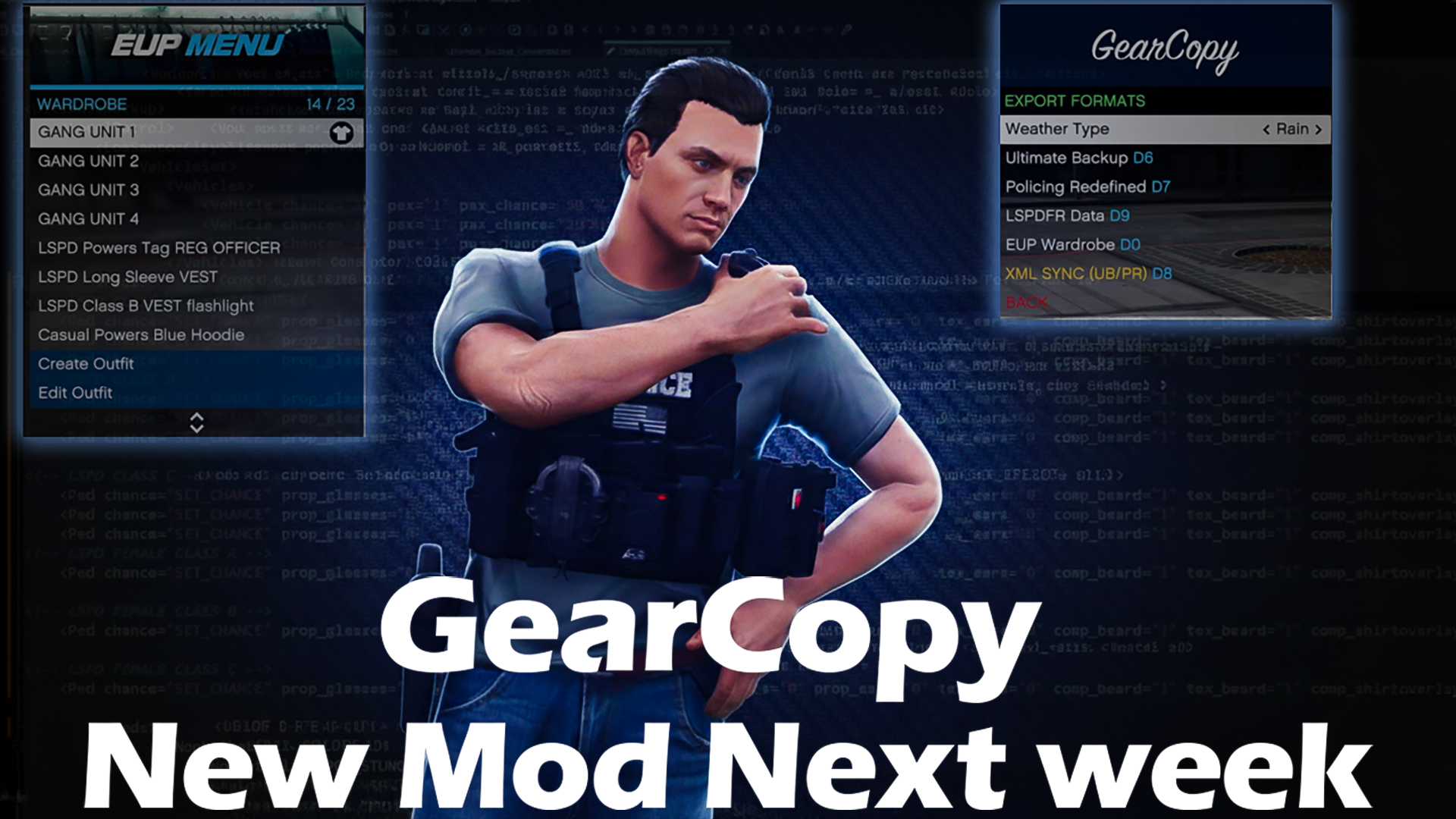
So, after about 400+ hours of me staring at code and probably losing my mind a little bit, GearCopy v1.0 is finally dropping next week.I got tired of the constant headache of matching up EUP uniforms with Ultimate Backup and LSPDFR Data files, so I just decided to build a fix for it. This plugin makes the whole XML sync 10x easier. You just hit the hotkey and you’re good to go. No more mismatched backup units showing up looking like dogshit. I really have to give credit to Astroburgers. Seeing what he did with EUPtoUB and EUPtoPR was a massive inspiration and definitely helped me get the ball rolling on this project.Grab the download next week, try it out, and let me know if it makes your life easier!

— Mike / BlueLine

Files
Comments

RWieber79

Awesome man can't wait! Wish I could learn how to code, I'd love to try my hand at creating something but I don't have a clue about coding.

Que

Can't wait

randy n

Yes I hate it when modding the uniforms that happens but thank you and I can't wait.

Terence

Oh wow! Can’t wait man this is gonna make life so much easier

BlueLine Vibes

I started very slowly to grab the basics for C# - You can find several useful tips from Albo or Yobbin. Visual Studio is free as well. For example: This may have been written about 5 years ago, but it still has the basics to start. You have to paste this into your browser. https://www.yobbinmods.com/development-resources

Nel l

Can’t wait. Thanks Benzo.

Speedy

I can’t wait for the release of gear copy full release it’s so much easier to set up

RWieber79

Cool thanks I'll definitely check it out. Rohan or someone on the discord also sent me something a few weeks ago but I haven't had time to really study it yet. Computer stuff is the one field I wish put more into learning when I was younger but I put my time into auto mechanics, collision repair and painting, welding, carpentry, plumbing and electrical work so I hate not understanding something, lol.

ram val

im ready for it!!

Boat Boy

This will finally give me an excuse to finally give PR a spin.

BlueLine Vibes

You definitely have that technical and meticulous mindset. You would be great at it I'm sure.

B9Bot 1

Thanks Mike. Also, thanks for the fix to my PC saying LSPDFR has a trojan. Got it working with your help.

Mickamikaze_

ooooh my men. can't wait to try this :D this gonna help me a lot for my upgrade to EUP 9.10.

BlueLine Vibes

Yep and it works with pretty much any uniform pack.

Hunter Dawson

Do we have a expected release date?

BlueLine Vibes

I am leaning towards Thursday. I'm stress testing it now making sure there are no bugs or FPS loss etc. So far so good, no issues.

Hunter Dawson

Okay! Im really excited because I have been trying to configure my game and its always a hassle because I use mainly addon eup and it takes forever to make the config files.

BlueLine Vibes

Thanks, I will make a formal announcement tomorrow. There is a good chance it will have to be released the day after. So more than likely Friday.

EasTexBull

Quick question everything is working fine but the PR, I notice they are still coming in in my old setup. 2nd part to that is video says make changes in default regions, do we not need to make changes in the custom, only asking because my custom looks more like your default, without that long introductory part in it about each division etc... Thanks.

EasTexBull

NVM to partial of 2nd after rewatching video looks like you may have edited it out or just really scrolled through it quick, but I got glance of that intro part. Still have question about the custom though. Do we not make changes there also, will it break it?

BlueLine Vibes

Take a look through your CustomRegions.xml Mainly look at the areas that they "might" be called on. Think of custom regions as those special regions that you want your backup to respond to that particular area only. If you look at the zones for the custom regions they might look like this below. Sorry I will have to make this code look a bit weird on your screen since Patron doesn't allow me to paste the code 100% accurate. < CustomRegion name = "High Crime Areas" > < Zones > < Zone > DAVIS < / Zone > < Zone > STRAW < / Zone > < / Zones > You see those names DAVIS and STRAW. Davis and Strawberry, if I am in that zone and ask for backup, the custom regions will supersede the other regions in the area and that particular backup will show up. TLDR: I would edit the custom regions as you would the default regions. 👍

EasTexBull

TY sir, will give that a try

EasTexBull

Thanks again, it worked!