Home Creators Posts Import Register Favorites Logout

Content

TIMESTAMPS FOR VIDEO:00:00 - Intro & NVE + Reshade Install and Recommendations

02:34 - Flashlight Fix For NVE

09:45 - Reshade Menu - How to use it in game for your Lights

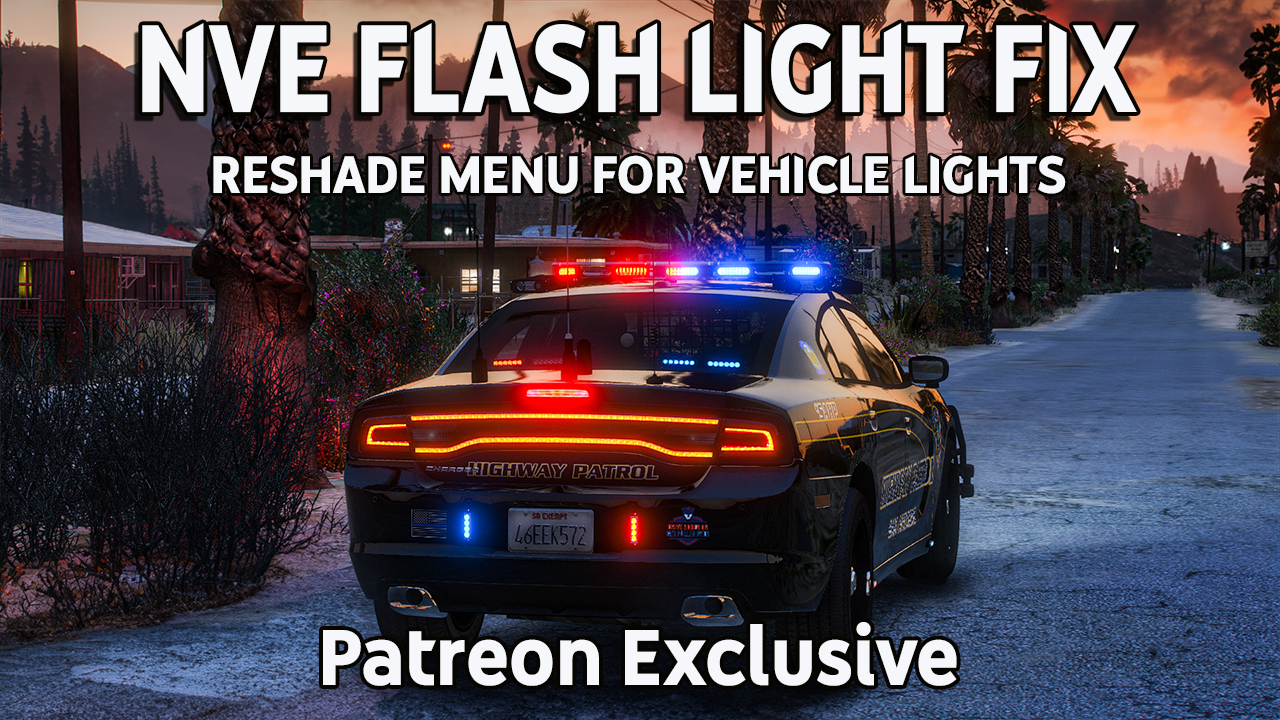
UPDATE - I added a Flashlight Fix OIV link down below, to make all of this easier.  Should install the Torch graphic and also better flashlight settings.ANNOUNCEMENT: The new NVE August Release has fixed the screen flickering problem. NVE now has Volumetric clouds (which can be configured with different types of clouds, how fast the clouds move, in the Reshade Menu)  New Alpha release coming in October more than likely will have God Rays coming out of the clouds in certain weather!  With all that being said,  the flashlight is still lack luster just encase you were wondering.  It is slightly better, but it is still not where we need it.In the first part of this video, we'll discuss the outstanding graphics that NVE offers. However, some of you might have noticed that the flashlight in the game can be a bit too dim, which can be frustrating and hamper your gameplay. Not to worry, I've got you covered with this Patreon Exclusive!Next up, we'll delve into the Reshade Menu—a game-changer when it comes to enhancing visuals. We'll demonstrate how to access and navigate the Reshade Menu to make your police lights look truly spectacular.Natural Vision Evolved (NVE) by Razed on Patreonhttps://www.patreon.com/razedmods[UPDATE EDIT] Added Flashlight Fix as an OIV file.  Drag and drop into OpenIV with edit mode on. Note: This works even without NVE - https://drive.google.com/file/d/1b_xcFxzpdy5TqrlwudkY07MWttn2Xaex/view?usp=sharingFlashlight Overhaul - https://www.lcpdfr.com/downloads/gta5mods/datafile/21695-flashlight-overhaul/Higher and Lower Increased LOD Draw Distance - https://www.lcpdfr.com/downloads/gta5mods/datafile/38412-higher-and-lower-increased-lod-draw-distance-mod/[ELS] Increased Environmental Lighting - https://www.lcpdfr.com/downloads/gta5mods/datafile/22448-els-increased-environmental-lighting/Benzo's Weaponcomponent Meta - https://drive.google.com/file/d/1S9-CklDfYvKvMIyEuLy0_C3Z-G-1kEm6/view?usp=sharingBenzo's Visualsettings for you to try out if you like -  https://drive.google.com/file/d/1jZn7pwIcW9Dwcq0wLvE6mJwanttMezAD/view?usp=sharing🎵Production Music courtesy of  Epidemic Sound: http://www.epidemicsound.com

Files
Comments

SickleMan

Dude! I've been waiting for this! woot woot

Mike B

👍🏻👍🏻👍🏻👍🏻

Echooo

Hmmm

Echooo

PostFX isn’t the only setting that needs to be high for lights to be bright. The shaders setting also has to be high for emergency lights to work properly

Echooo

17:15 just for future reference, that’s not volumetric lighting, that’s emissive lighting. Anything that “glows” is considered an emissive (taillights, headlights, emergency lights, police computers in first person, etc). Volumetric lights are more of “3D” lighting. For example with the spotlight mod, the 3D cone of light that comes off the spotlight is what would be considered volumetric lighting. Some things in gta can also have both emissive and volumetric lighting, like streetlights. Just thought I’d mention that to avoid any possible confusion in the future :)

BlueLine Vibes

You might need to do these types of tutorials Echooo lol

Echooo

Maybe one day, I doubt I’d have an audience lol

Echooo

You missed it and just mentioned postFX

Echooo

Shader quality under graphics settings, I forget the exact setting it needs to be, but it needs to be pretty high as well for lights to look bright.

Nel l

Thanks 👊

Neptune2284

Hey Benzo, maybe I'm just blind but did you include a link to your visualsettings.dat file as mentioned in the video?

Tombstone

can you use quant v and nve together or should i just get rid of quantv

BlueLine Vibes

Why am I just now seeing this question. UGH Hate Patreons comment section as they never tell me when people reply. So I will include it in the description and to make it easier, I will attach it here as well. Once again, sorry about that: Also Note: The new NVE update in August has great visualsettings mainly due to the Volumetric Clouds that Razed added in. Highly suggest you get that if possible. If you don't have access to this or you are no longer a patreon on Razed Mods, then my settings are below. Just be advised that at certain times of the day at certain weather, it has a slight grainy appearance on the horizon for about 1 hour of game time (4 minutes or so in real time) https://drive.google.com/file/d/1jZn7pwIcW9Dwcq0wLvE6mJwanttMezAD/view?usp=sharing

BlueLine Vibes

Sorry to respond so late, had a lot of irl issues going on. Personally, I wouldn't install them together as NVE has great graphic settings and there are a few things that you can change in the Reshade in game menu that helps as well. The new NVE August Release has Volumetric Clouds which fixed all of the screen flickering and the clouds look awesome. You will see them in my game in the next week.

BlueLine Vibes

If you are a Patreon member for Razed to get the new NVE releases, It fixes the screen flickering with the Volumetric Clouds addon. Install that, you are good. No need to install my visualsettings.dat file as the one that comes with the newer version of NVE are much better. For more info on the September Release - Check out this vid here, you might have to copy and paste the URL https://youtu.be/dYWl1RjVfi8 Be sure to watch the last 8 seconds of the vid for a sneak peak, all I can say :)

Scott Miller

Is the reshade fixed to where it won’t crash els.asi an trainers.asi?

Scott Miller

Zero people have addressed this 😂

BlueLine Vibes

Nope and the author of Reshade refuses to fix it. I gave up on it for now as I have put out multiple messages on the Reshade forums, the Reshade discord and even got kicked out of Razed NVE discord itself.

BlueLine Vibes

Whole thread on this on the LSPDFR forums, but have not found a reasonable response. Some say rename one of the files in the reshade folder, but I tested it out and it still crashes the asi files like (ELS.asi, Trainerv.asi and openallinteriors.asi and a few others over time) maybe he will fix it at a later date. For now, I uninstalled NVE and Reshade.

B9Bot 1

Tried this with your settings. Was trying to adjust vehicle lights brightness like you were doing and I didn't get any toggles in the vehicle settings to where I could move it up or down. The only one that did that were the headlights at the top. Is there a button you need to select for like extra lights to get the toggle to move it up or down in brightness. Also my ELS no longer works with the comma key after NVE install.

Hardin

I've never used the Reshade menu, but I'm curious why my police lights appear blue and red dots when viewed from a distance. How can I fix this?

BlueLine Vibes

Sounds like an LOD issue. You can look up my last vehicle install on YT "How to install car mods" long video - but it's timestamped and links are over on that video. Look for a Higher and Lower LOD Fix.

Hardin

I fix that thanks!

Hardin

Hey Mike,are you using Radiance? I installed QuantV, but my police lights, bus lights, taxi lights, and direct sunlight have become abnormally bright. Uninstalling Radiance solved these problems, but a new one appeared. Appear blue and red dots when i see police light at night.(this also happens during the day, but less noticeably), even I installed Higher And Lower Increased LOD Draw Distance Mod .What should I do?