Home
Home

 Creators
 Search
 Recent
 Random
 Posts
Posts
 DMs
DMs
 Tags
Tags
 Random
 Importer
 Import
 FAQ
FAQ
 Account
 Register
 Login
Login
 Favorites
 Keys
Keys
 Logout
 Telegram

Push to Kindle 2 bookmarklet for iOS (iPhone/iPad) (Patreon)
Published:
2020-07-15 23:17:03
Edited:
2020-07-17 08:40:30
Imported:
2020-07
Content
We've now put up steps for using Push to Kindle version 2 on iPads and iPhones. Unlike our app, this is only for use within Safari. But it will send the content within Safari to Push to Kindle for processing, so should work better on some sites.
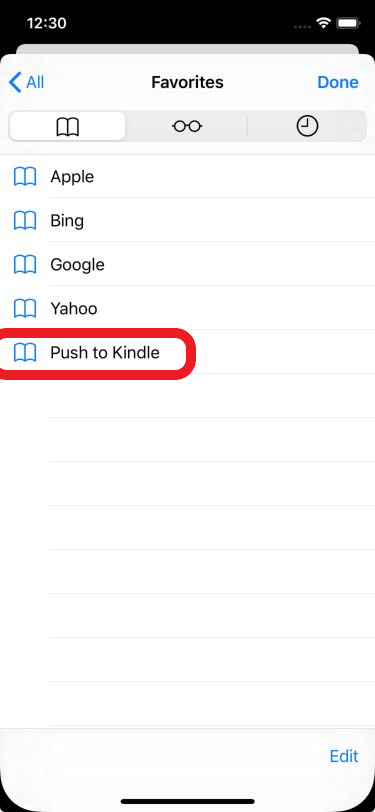
To set this up, you must first create a special bookmark (a bookmarklet). After that, you load the bookmark on the page you want to to send to your Kindle. It will then run the new version of Push to Kindle to process the content.
iPad screenshot (with favorites bar showing in Safari)
iPhone screenshot
Please comment with any feedback if you try this. We'd love to hear what you think.
17 July 2020: The bookmarklet might not work on sites which enforce strong Content Security Policies.
Files