Home Creators Posts Import Register Favorites Logout

Content

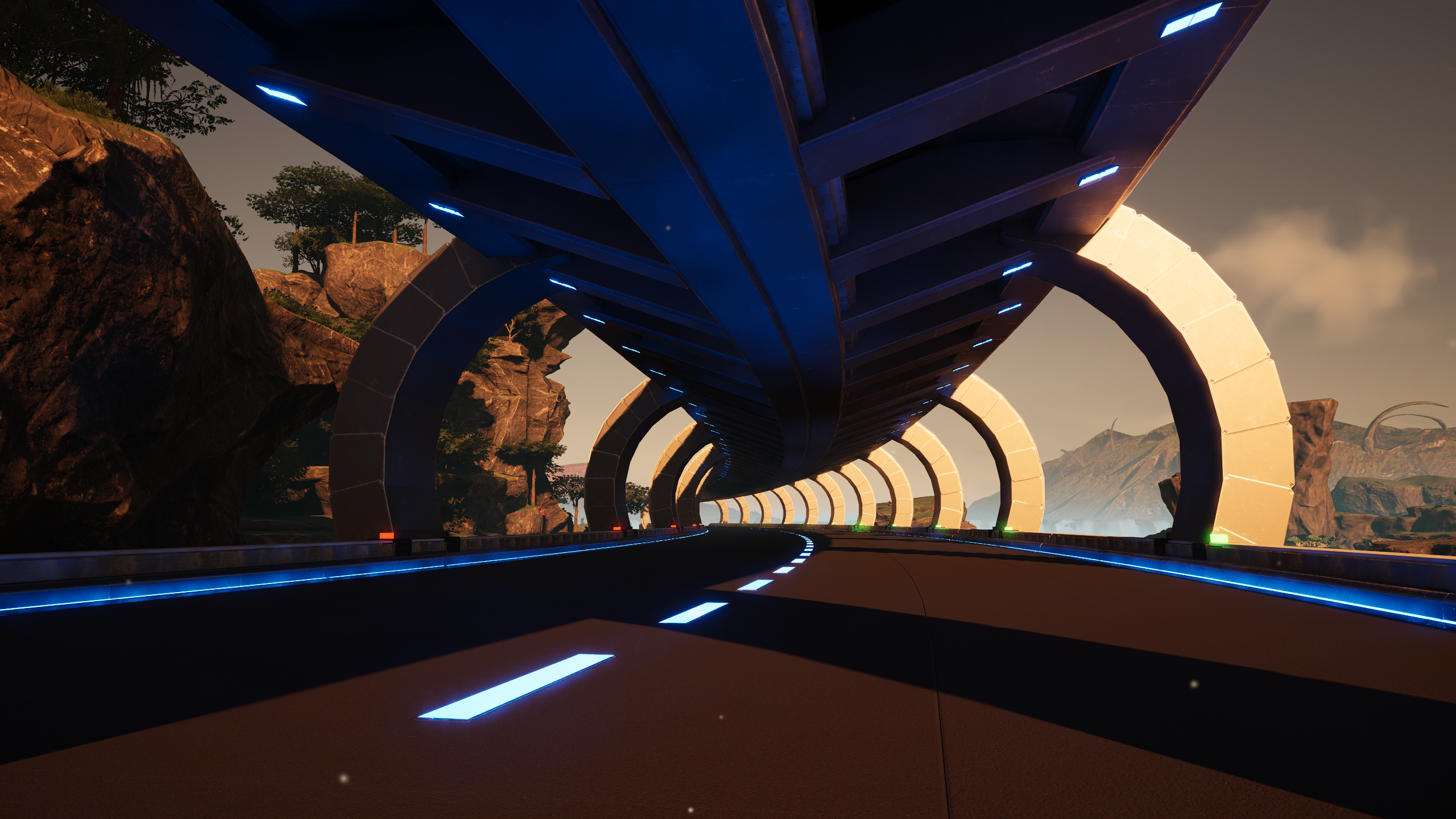
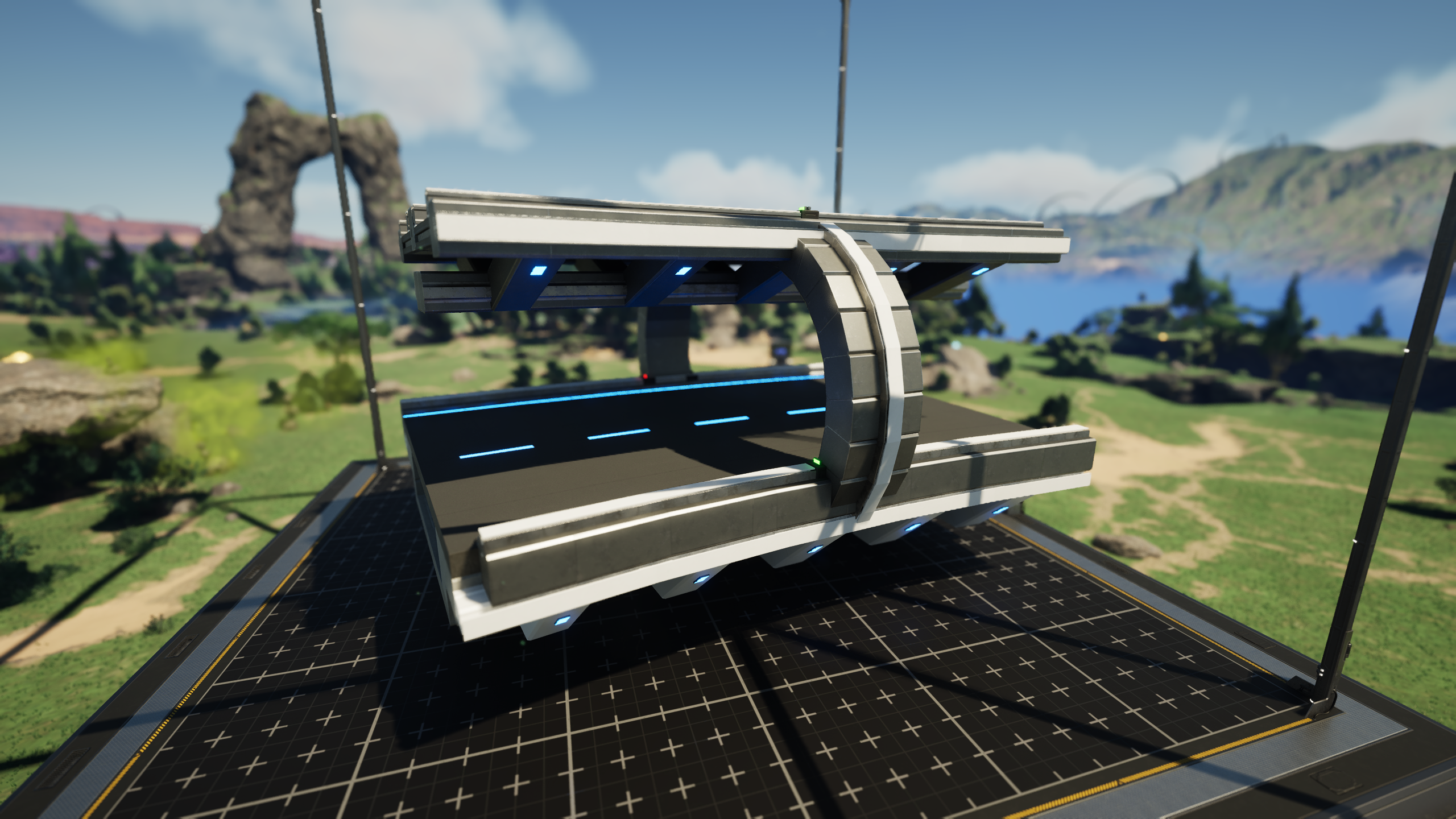
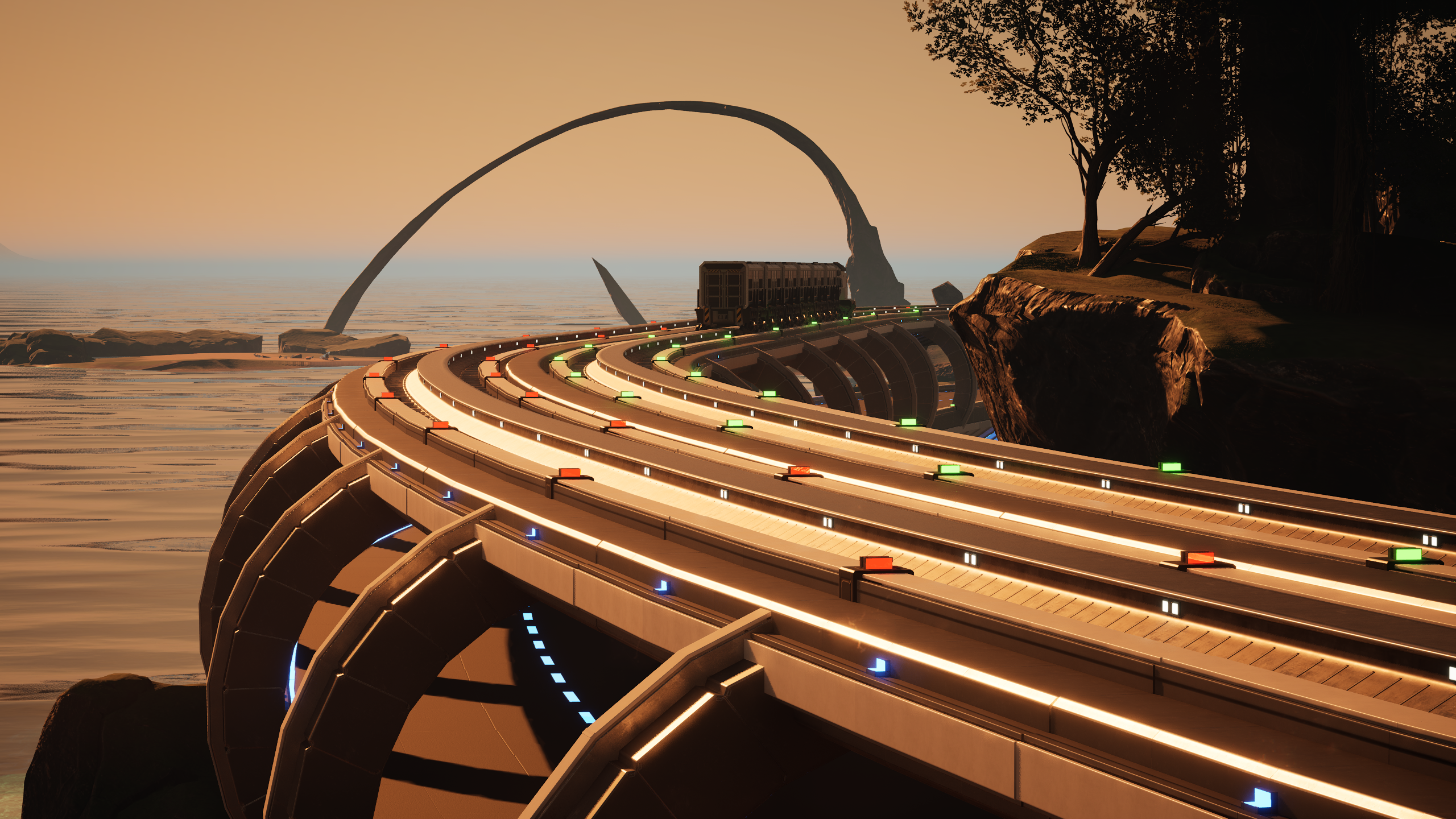
For my new playthrough I needed a compact rail and road solution that will be able to move items between biomes and eventually circle the entire map. I tried a few variants, and this design came out on top!Road has internal cavity (can house up to four belts) where i aim to feel the fuel through for the various refuel station. Also has enough clearance to manually drive a vehicle and not have the camera clip through the rail. Rail on top also designed to so that signs fit perfectly in the middle and don’t clip each other.These set will consist of the follow blueprints ...- 2m &4m ramp incline/decline- 0.5°, 1°, 2°, 3°, 4° & 5° left and right curves- 0.5°, 1°, 2°, 3° left and right INCLINE curves- 0.5°, 1°, 2°, 3° left and right DECLINE curves- Various connector pieces.

Files
Comments

SolarWarden

This looks absolutely amazing! It's clear some great work went into this set. I'm hoping it will have the T-Junction and Intersection as well. Also, is this something we can expect soon?

Gordon Crane

Thanks again for your wonderful work. This would be a great part of a global network, hint!

MyNameJakes

Yup this design is an ideal candidate for a world wide network

MyNameJakes

I still have some work to do on this one but it will be made available as soon as it's ready

AWR41

Amazing look. I'm definitely using this in my next playthrough. Agree with Nathan as I'm hoping it will have T-Junction and Intersection as well. Maybe a roundabout if you have the time. Great work - this makes me look forward to a new playthrough.

MyNameJakes

oo a roundabout for this can look interesting...will have t-junctions and 4 way intersection

Gordon Crane

Any idea on how long until available for download?

MyNameJakes

in the next week or so, busy with a showcase video on this BP!

Sky Gordon

Jakes - as with all your builds, these are fantastic. Wish I'd found you before I wasted tens of house in the blueprint designer bashing my head against nova curves. One thing I've noticed in your videos and blueprints, though, is that you refer to each curve by its stepwise angle (1, 2, 3, etc). But in Nova's system, that only holds true for the rotation and fixture. Once you're building templates, the actual measurement is the stepwise angle MULTIPLIED by the number of segments. So for example, a 15 degree fixture applied to 3 foundations in sequence is in fact a 45 degree curve. So on Rail V4, I renamed the blueprints accordingly, for planning purposes - I intuitively know 90 degrees, 45 degrees, etc, so knowing what I'm getting from each blueprint as I deploy the into the world. You might consider renaming your blueprints accordingly, to make things easier for the end user.

Sky Gordon

You can 'fudge' a wye intersection by dropping a 5 degree left and a 5 degree right at the same origin point, deleting any overlapping decorations to control Z fighting, and then laying track accordingly. It's not a true T intersection but rail lines generally don't use Ts in the real world anyway. More broadly, 'intersections' as such should be avoided as they can jam the rail network. Instead, stack straight pieces and curves to form flyovers or underpasses. This will be easier with the new blueprints V5 that just dropped that allow curving ramps. What WOULD be very helpful, though, would be blueprints for merges and splits. Right now I accomplish this by doubling up a section of straight track and deleting the interior walls, but it should be easy enough to do in the blueprinter.

Sky Gordon

Also very helpful would be a set of single foundation wide pieces, for use in stubs and loops. I like to branch off one-way spurs to my stations, and it's tough to get them to match the aesthetic.

MyNameJakes

100% true, I name them according to how much a single foundation rotates. I then slap a few together and to easily use the same ones keeping the names to the single rotation as oppose to the accumulative rotation keeps it simple especially since they aren’t all the same length. The 0.5° curve has to be 4 foundation long while the rest are 5 foundation long. Originally i was going to include 1 or two foundation long segments but its not that practical if you want to keep them neat and if they are to be easy to use

MyNameJakes

Rail v5 and Road v4 White is spceifically release just before the Rail/road combo as you will use those to branch off from.

M Br

Peux t'on avoir une vidéo avec la construction des blueprints

MyNameJakes

That would be a very long video, ill think about it

M Br

Merci

Richard Bornost

Looks really impressive, not something I want for my world (I barely use trucks, probably from the pre-U8 pathing that i always fought) But I really like the train deck part with the beams. What I am wondering is how you put in the green and red directional markers. I currently have the GRN from Pravum (spelling). but while i like where it goes and there is much I like a lot less. So I am considering rebuilding over it.