Home

 Creators
 Search
 Recent
 Missing
 Random
 Posts
 DMs
 Tags
 Random
 Importer
 Import
 FAQ
 Account
 Register
 Login
 Favorites
 Keys
 Logout
 Telegram

Testing : ComfyUI nodes that pose a threat to PS (Patreon)
Content
For a long time, image editing in ComfyUI has not been true visual editing in the strict sense, and multi-layer compositing like that in Photoshop has been even more difficult. However, the new node we are discussing today is expected to change all this. In my opinion, it will be a fatal blow from ComfyUI to Photoshop.
Pixaroma
A creative visual editor suite designed for ComfyUI. This suite integrates a variety of practical functional nodes, meeting users' needs throughout the entire visual creation process, including 3D scene construction, texture painting, layered image compositing, and result comparison.
The suite contains 7 categories of core nodes, covering all scenarios such as 3D editing, layer compositing, painting, cropping, comparison, annotation, and numerical display.
Image Compare Pixaroma
3D Builder Pixaroma
Image Composer Pixaroma
Paint Pixaroma
Image Crop Pixaroma
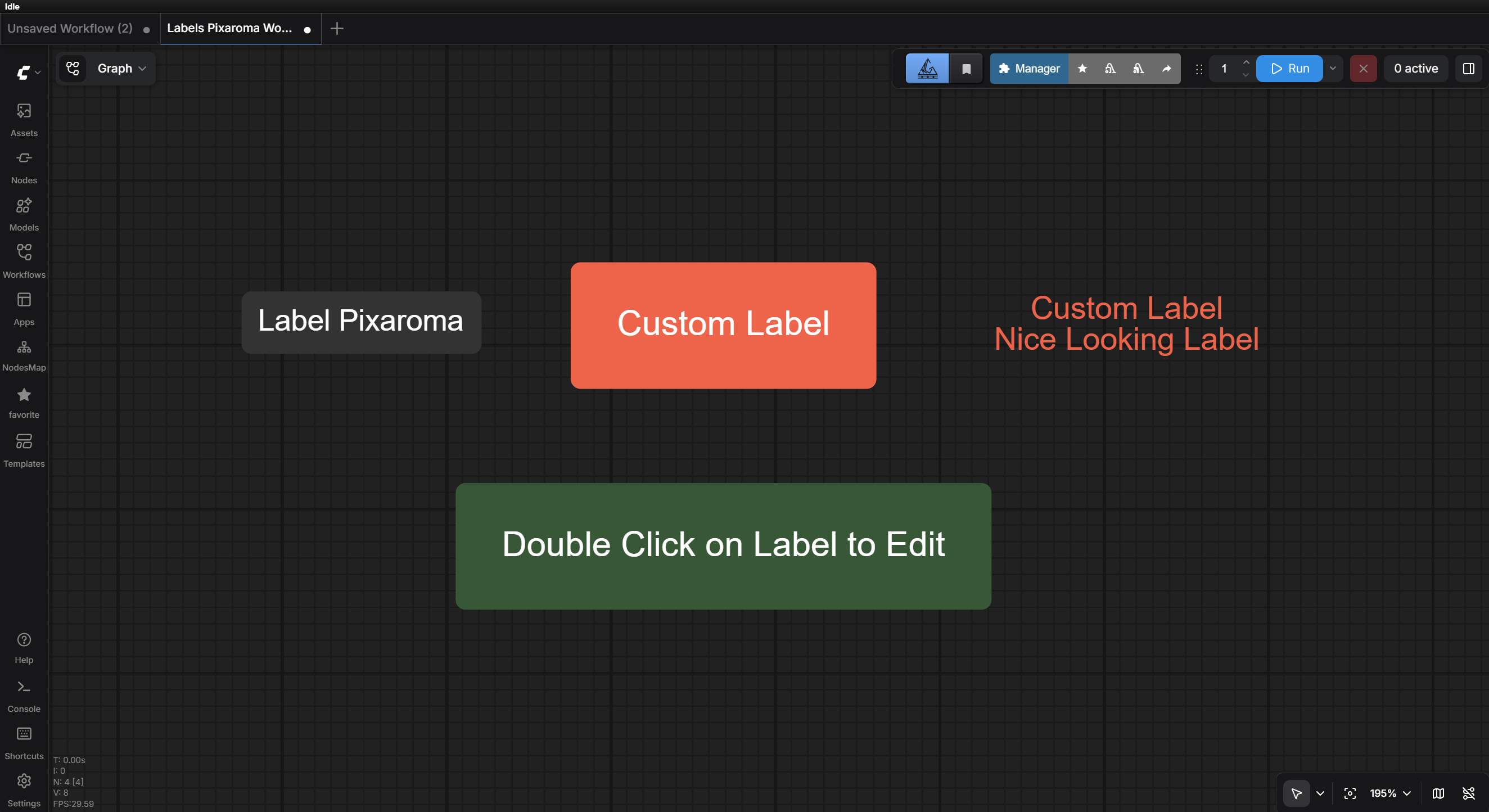
Label Pixaroma
The best part is that it supports in-window editing, allowing you to create canvases, import images, remove backgrounds, move and scale elements, manage layers, and more, just like Photoshop.
Combined with the powerful capabilities of the edit model, image synthesis will become simpler than ever before!
Project Address: https://github.com/pixaroma/ComfyUI-Pixaroma
Simple Tutorial: https://www.youtube.com/watch?v=Lmxf8pK-H1k
Installation method: Search for Pixaroma in the manager
After installation, simply restart ComfyUI.
OK! That's all. I hope you'll like it.
🫡 May the AI-power be with you, see you soon !🫡
Disclaimer: The model or workflow is experimental and intended for learning and communication purposes only. Do not use it for any commercial activities.Users bear full responsibility for the generated content, including its legality, ethical implications, or potential misuse.By using this model or workflow, you are deemed to have agreed to these principles. Please use it responsibly within the scope permitted by local laws.
Files