Home
Home

 Creators
 Search
 Recent
 Random
 Posts
Posts
 DMs
DMs
 Tags
Tags
 Random
 Importer
 Import
 FAQ
FAQ
 Account
 Register
 Login
Login
 Favorites
 Keys
Keys
 Logout
 Telegram

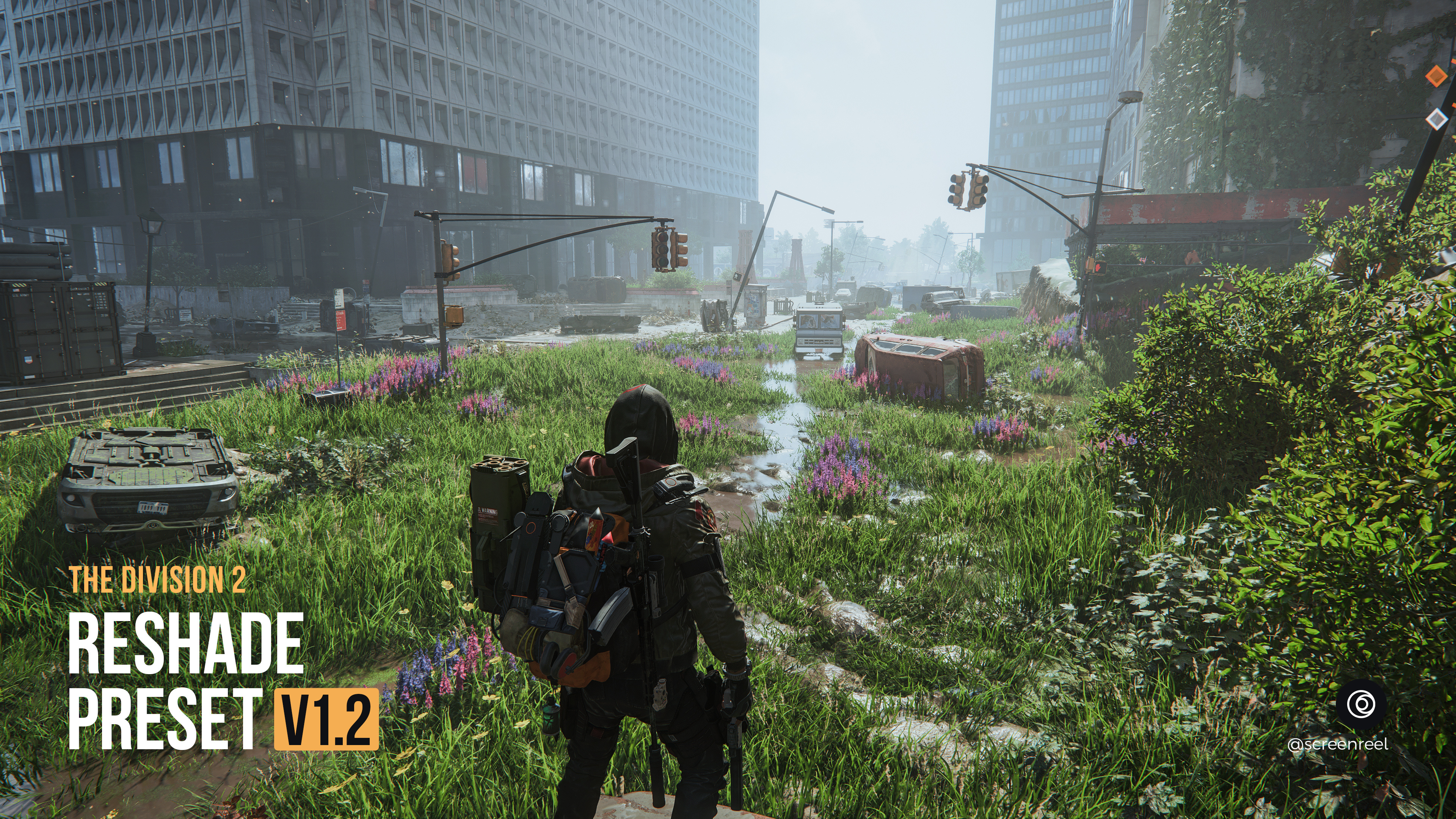
The Division 2 - Reshade Preset v1.2 (Patreon)
Downloads
Content
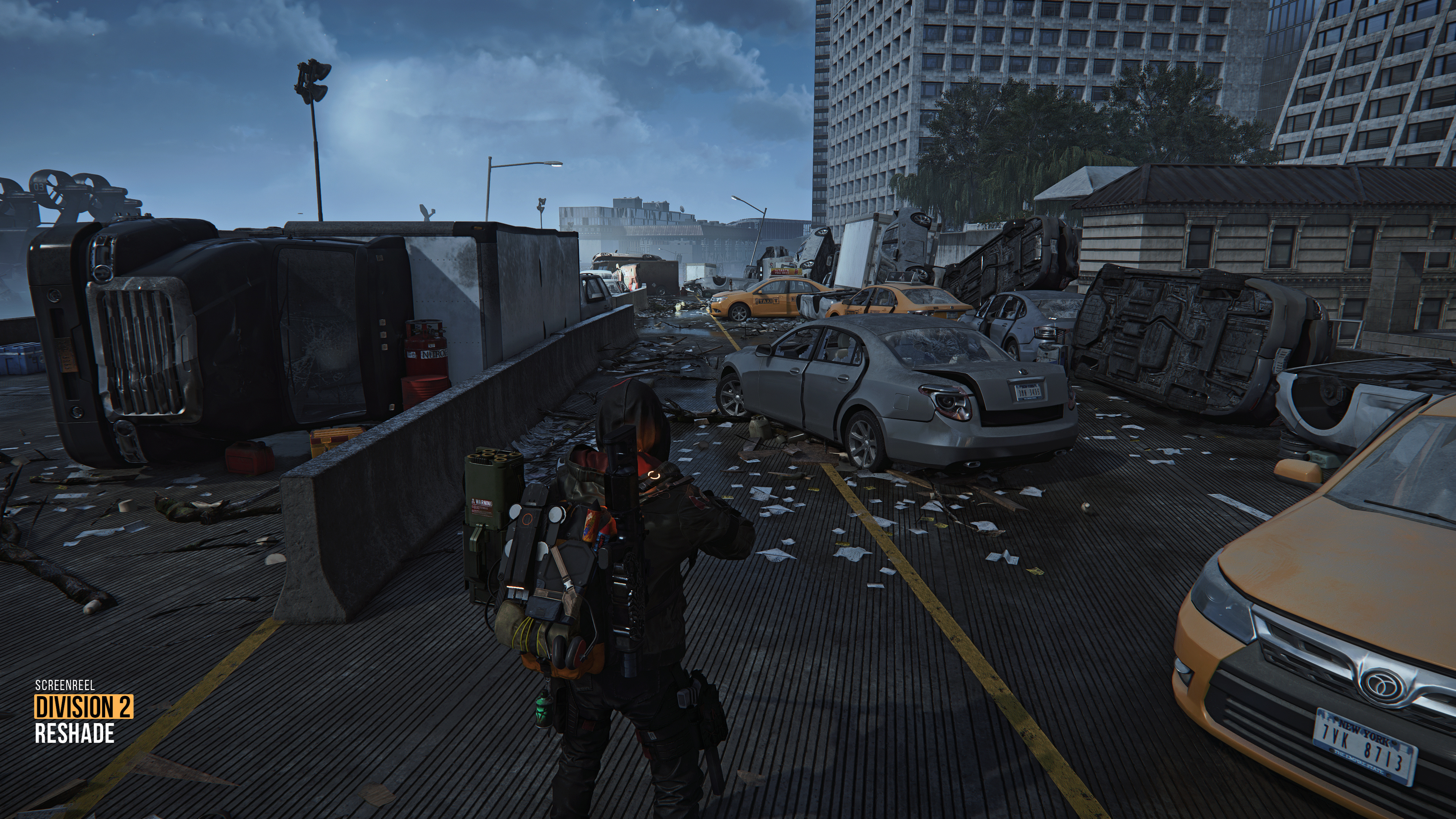
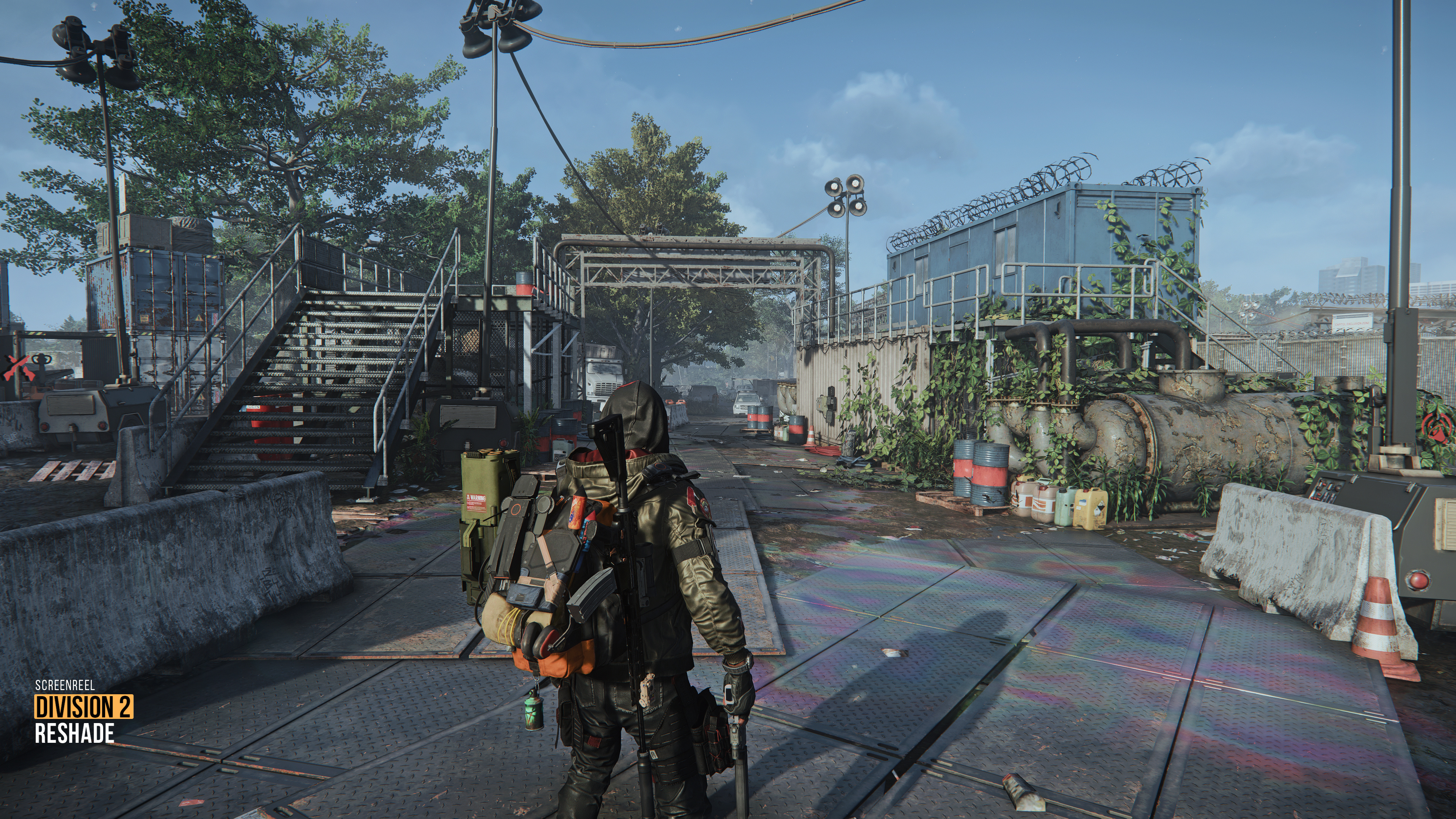
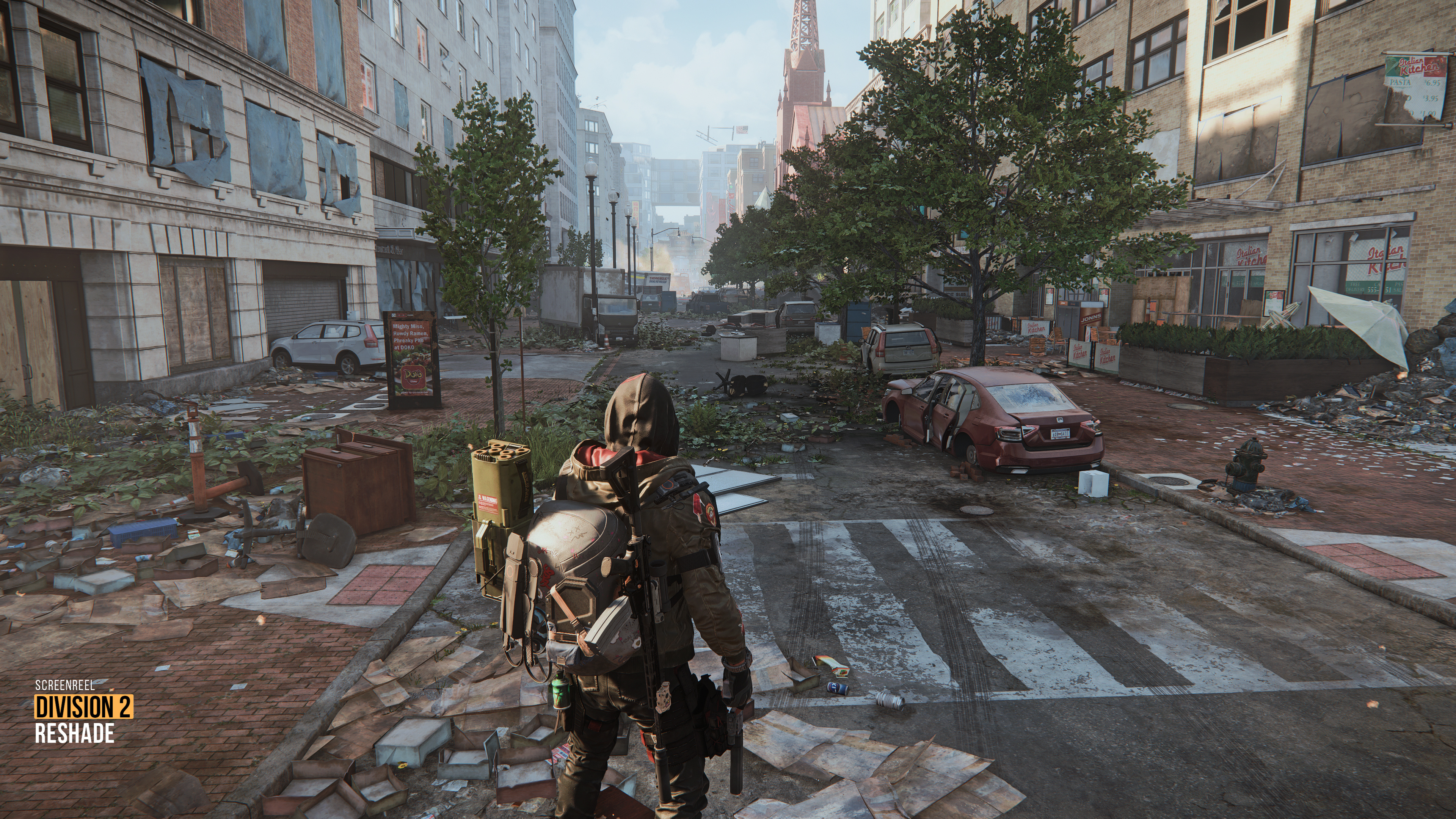
Preset v1.2 is available for The Division 2
Changelog: Better sunny daytime visuals . Decreased haziness for specific weather conditions . Brighter night/indoor . Overall color grading
Preset Showcase: https://youtu.be/da6YQRbSI28
Quick guide: --------------------------------------------------------------------
01. Download Reshade: https://reshade.me/ and run downloaded file
02. Press Browse, find and select (TheDivision2.exe) from your TheDivision2 folder
03. Choose the proper rendering API (For this game select DirectX 10/11/12)
04. Select and download all effect (shader) packages
05. Download my Reshade Preset(s) archive(s), extract it and put extracted files (.ini files and the reshade-shaders folder) into the game folder where the .exe file is located (Overwrite if asks)
07. Check ingame Reshade interface. You should see these shaders below as active in this order:
LUT@LUT.fx,
Blooming_HDR@BloomingHDR.fx,
AmbientLight@AmbientLight.fx,
FlexibleCA@FlexibleCA.fx,
Clarity@Clarity.fx,
AMD FidelityFX ContrastAdaptiveSharpening@CAS.fx
To get the best visuals, Always run presets with all the shaders listed above.
But for The Division 2_Preset v1.2 Preset you can disable AmbientLight, Clarity or FlexibleCA if you need more fps.
-----------------------------------------------
Note: If the Quick Guide does not answer all your questions, you can watch step-by-step video tutorials on how to install Reshade and set up the in-game overlay, Also how to install RTGI shader and configure Depth Buffer properly here:
Reshade Installation and Setup Guide
. . .
Important: Preset was tweaked and tested in Non-HDR game/monitor mode. It may not look decent in HDR mode. So make sure the HDR mode is deactivated in your in-game Display/Graphics settings. Also disable HDR for your Monitor, or set HDR level to low and try to tweak preset using extra shaders like: LevelsPlus, PD80_03_Levels or curves by yourself.
I plan to release HDR presets separately in the future if the project runs well with your support.
Note: Some shaders may give a very subtle effect in some areas. However, they have a significant impact on other environments. So don't turn off any shaders if you want the preset to work as it should. I'll always let you know if there are optional shaders in my presets. So you can turn them off.
The same image looks different on different screens. You might need some tweaking for your monitor's brightness/gamma/contrast if Reshade differs from the showcase.
-----------------------------------------------
If you have a question write down or DM me :)
Files