Home
Home

 Creators
 Search
 Recent
 Random
 Posts
Posts
 DMs
DMs
 Tags
Tags
 Random
 Importer
 Import
 FAQ
FAQ
 Account
 Register
 Login
Login
 Favorites
 Keys
Keys
 Logout
 Telegram

Obsidian Tier - Download ( Java Version) (Patreon)
Published:
2024-04-29 16:49:22
Imported:
2026-06
Content
Note : Must Install. Either Sodium/ Iris or Optifine before running the pack(Installation tutorial below)Settings : Set render distance / Chunks at less than 6 for More fps
Download - 512x Download - 256xDownload - 128x(select the file or version you like to download individually)
This Update Includes:-
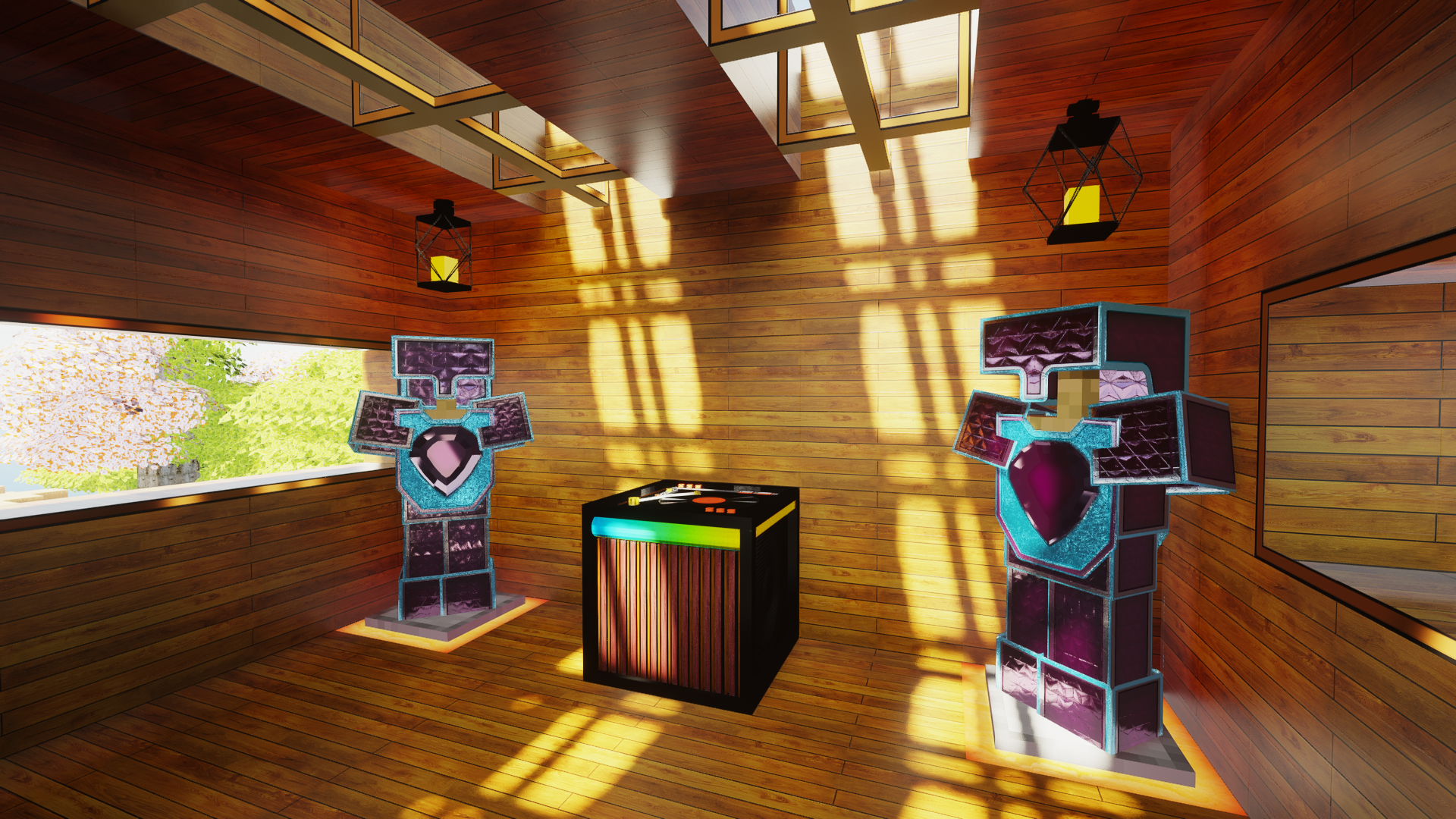
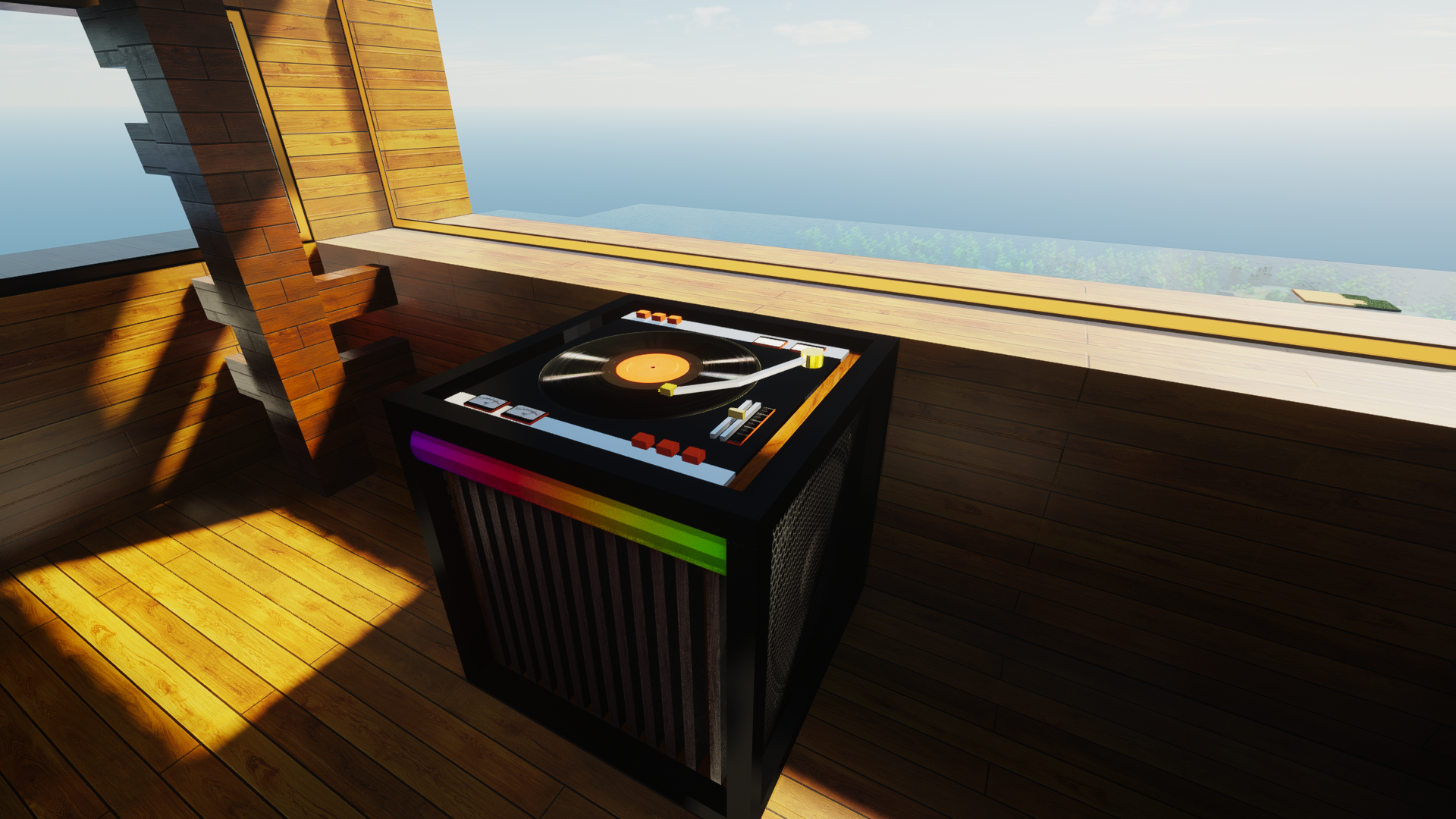
Jukebox update
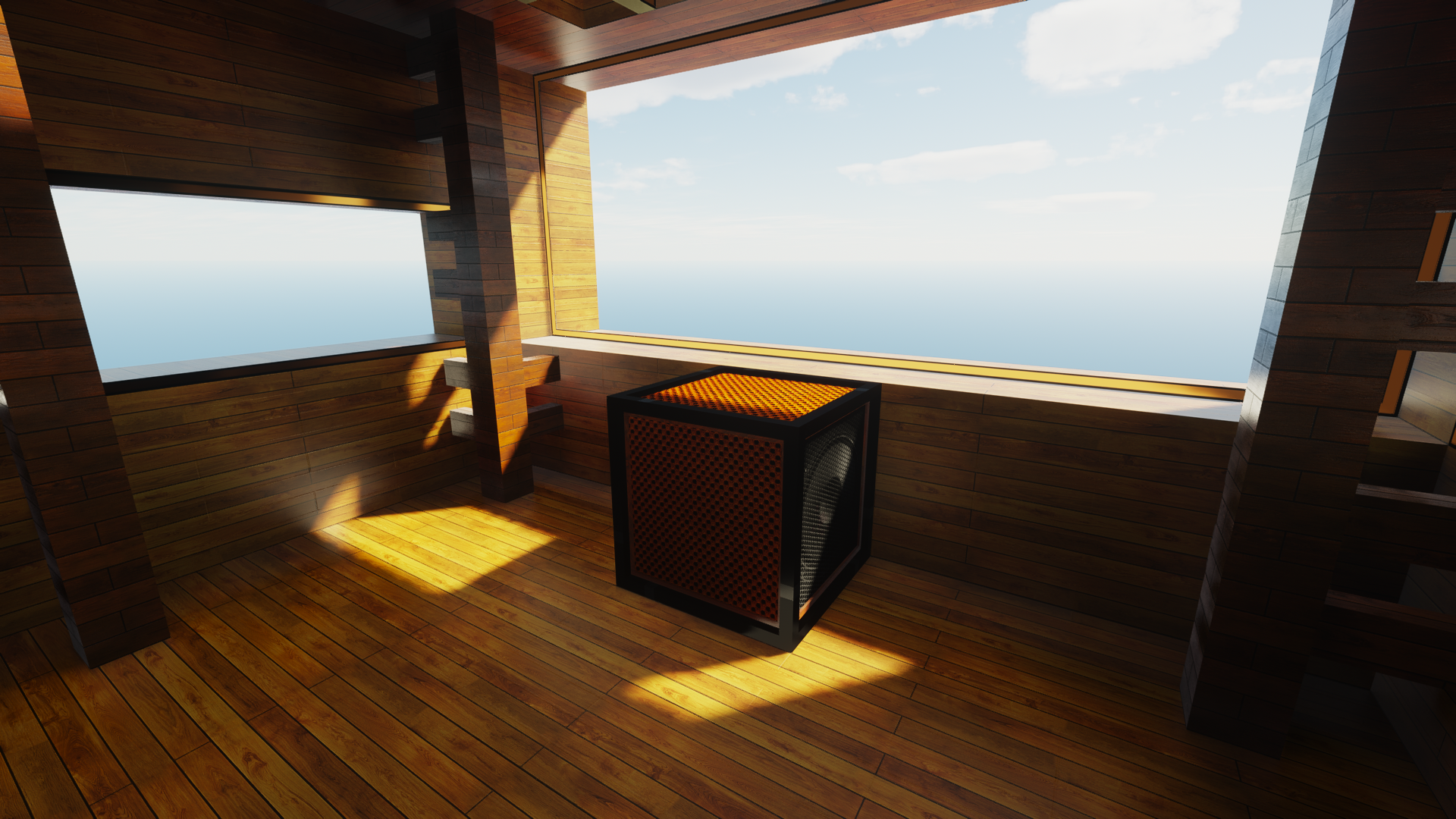
Note block
Vinyl Discs ( All Music)Known BUGS :
Blast furnace Will be pink and Black. Will update soon. Under Optifine it works just fine
Enchanted Book
Iris/Sodium Installation tutorial
Optifine Installation Tutorial
Recommended Shaders for Iris/Sodium -
Recommended Shaders for Optifine
Files