Home Creators Posts Import Register Favorites Logout

Content

Download AUGUST 2021 Update herehttps://www.patreon.com/posts/55572505 

Files

Comments

Jooooooooooo

Hello I installed the 512 HD but it seems like the spruce leaves aren't rendering. Is there something I missed?

lunahd

Hi, try reinstalling the pack. Let me know. And also check if you have the correct version of optifine

Mike D

Hello, I'm new to minecraft. How do I install this? I installed your last pack because it was a "mcpack" file, which ran an installed itself. How about this one?

lunahd

You need Java Minecraft Installed first. Then you need to install 2 more things 1.Optifine 2. Shader before installing this pack. here's a tutorial https://www.youtube.com/watch?v=bGlFxJn_BhY once you are done with this, ill guide you further

Mike D

Ok, I'm running Minecraft windows 10 edition - is that not the right one?

lunahd

Nope, you need to get a java version of minecraft for this pack. Windows 10 version is different.

Mike D

Ok, thanks. Yeah i installed your mcpack version into my windows 10 edition and that seems to be working well. Love your stuff!

Velorian

How do I install this? I'm new and have been trying to get it to work for the past 4 hours.

lunahd

Hi velorian, You need Java Minecraft Installed first. Then you need to install 2 more things 1.Optifine 2. Shader before installing this pack. here's a tutorial https://www.youtube.com/watch?v=bGlFxJn_BhY once you are done with this, ill guide you further

Phenrex Creates (edited)

Comment edits

2026-10-29 07:00 I have a very odd streaking problem, like, whenever I move, there is ghosting reflections that follow the block my character is holding, and it looks odd. If I stand still for a second it goes away and everything looks fine, is there some effect I need to turn off or something? I didn't turn off POM because I wasn't sure what that is lol.
2021-06-13 16:10

lunahd

I'd recommend using PTGI shader. Are you using bsl?

lunahd

if you are using BSL, Shader OPTIONS> Materials > Parallax. Turn it off

lunahd

If you are using Seus Renewed Shader options > Surface options > parallax occlusion mapping - Turn off

lunahd

not sure what exact problem you are going through though. you can connect with ppl at our discord community. https://discord.gg/E2zdURzv and also if you get a chance to get PTGI shader, do try the pack with it.

lunahd

Yes update will be available soon

lunahd

Waiting for optifine 1.17

Ivory Pritchard

Hi, I'm having problems with doors and chests (that I've noticed so far). Is this an ongoing issue? I've tried the 512x full pack download and the L1-L8 and they don't work? I don't know if I'm missing something obvious or not. Is it just something that will get fixed with the 1.17 update?

lunahd

Doors should work without issues. Chests still not updated yet. Please connect to our discord community, we can sort it out for ya. https://discord.gg/SyycJmpy 1.17 update will be up soon.

lunahd

Make sure you install optifine and shader like ptgi or seus renewed

sd

Do the shaders you recommended above work with 1.17 yet?

1337jonas

One of the best realistic Packs in the World

Texjas

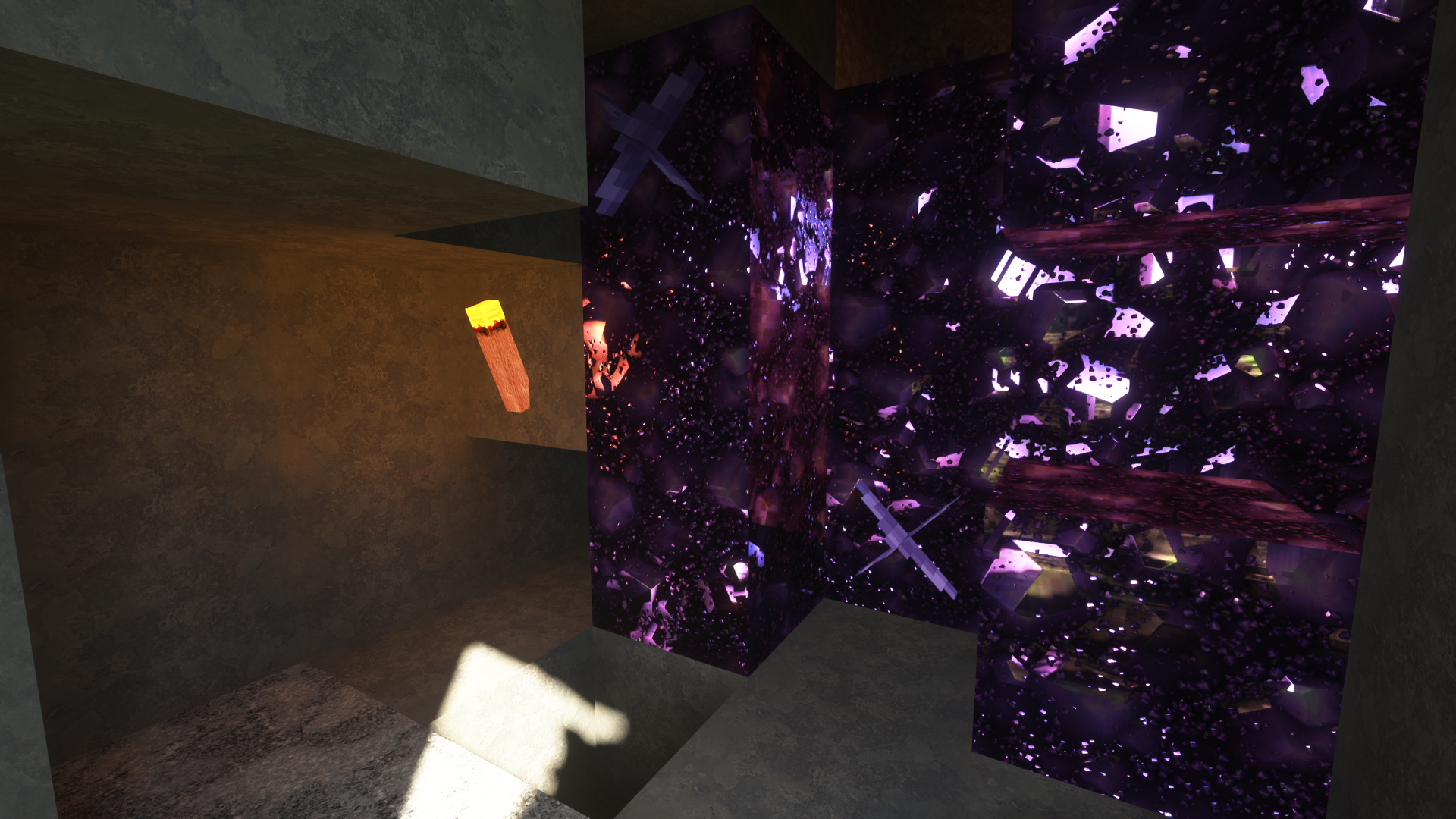
Hi, I used the 256 rez, and some of the features aren't showing up, like the gemstone texturing. Would you happen to know why that might be an issue, and how I can potentially fix it? Edit: I figured it out. I'd recommend if you're having this issue to subscribe to Sonic Ether's Patreon and getting his gold subscription, as that is what gives you access to the actual Seus PTGI/HRR shader pack

lunahd

Which shader are you using ? PTGi is the best for this pack.

Texjas

I'm using the renewed, I was under the impression that the PTGi is still under alpha and has not been released yet as a result, at least that's what the website I got the shader from said. So would I need to get the alpha version, or would i need to get renewed?

Texjas

Okay, nevermind. I figured it out, it is the alpha needed for that. I was using the renewed version which isn't as fancy.