Home
Home

 Creators
 Search
 Recent
 Random
 Posts
Posts
 DMs
DMs
 Tags
Tags
 Random
 Importer
 Import
 FAQ
FAQ
 Account
 Register
 Login
Login
 Favorites
 Keys
Keys
 Logout
 Telegram

[Reward | WIP | NSFW] Mistletoe kiss (Patreon)
Videos
-
LeoKai_Christmas_60.mp4 -
LeoKai_Christmas_Full.mp4
Downloads
Content
Finished Product postDecember's Patreon reward for TibsCove
Download the attachments below to watch the timelapse videos!
Feat. their beautiful Samurott OC Leona-Kai, enjoying the festivities along with someone ;)Will you take the proposition??
These are all the steps taken to create this reward:
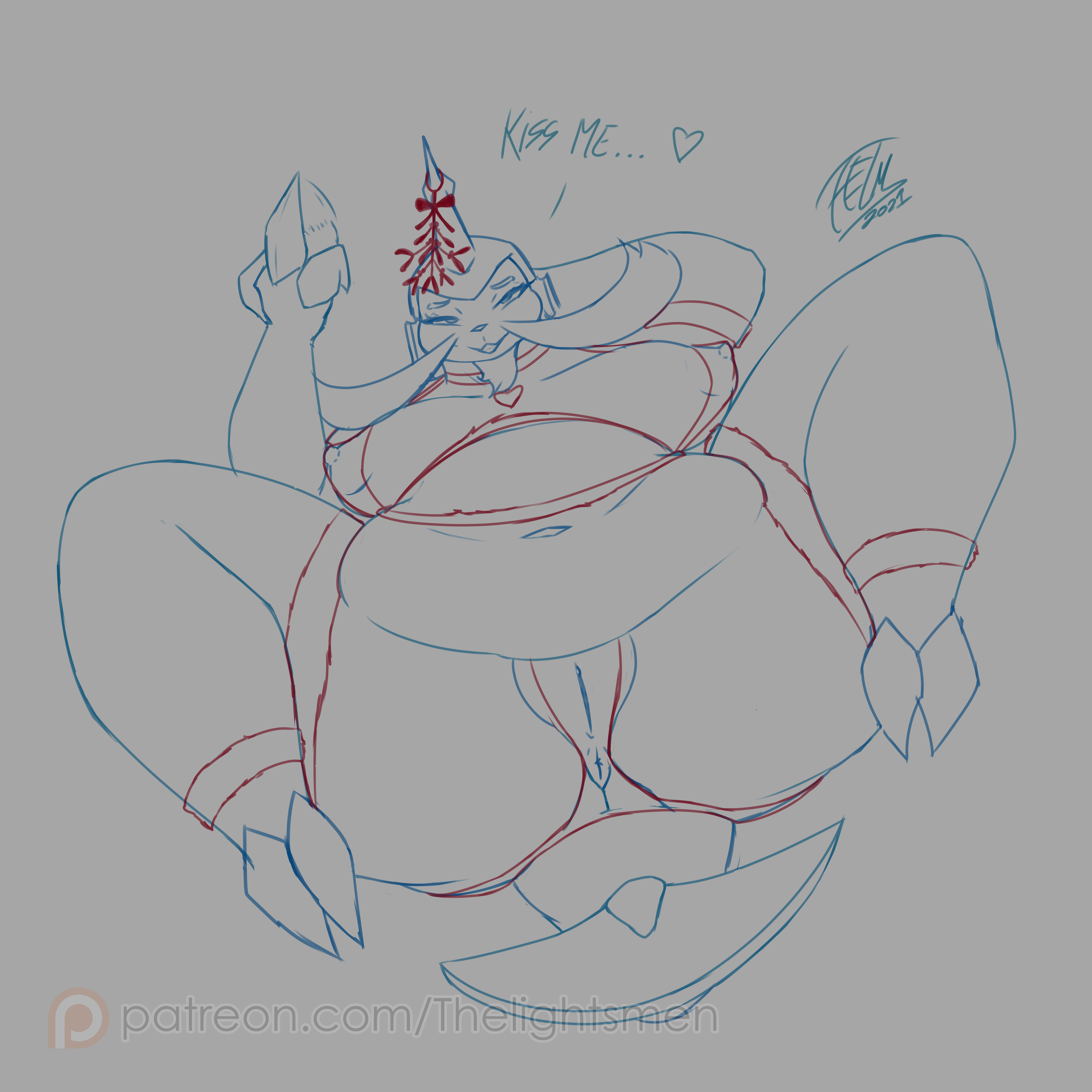
1- Base Sketch: For this project I decided to work on all elements separately, so I'm drawing the base nude body separately using a separate sketch, I was very pleased with how the POV turned out, and Tibs liked it too! :)This Picture will feature a nude version and a clothed version!
2- Base Sketch correction: A little correction for the hands was needed since she doesn't have humanoid hands, I also did a change on the vagina to see if it fit better with what we wanted to go for
3- Clothing sketch: Then, on top of the 1st sketch, I drew all the clothing with christmas theme!
4- Background sketch: Later, I drew a rough sketch for the background, nothing too complex.
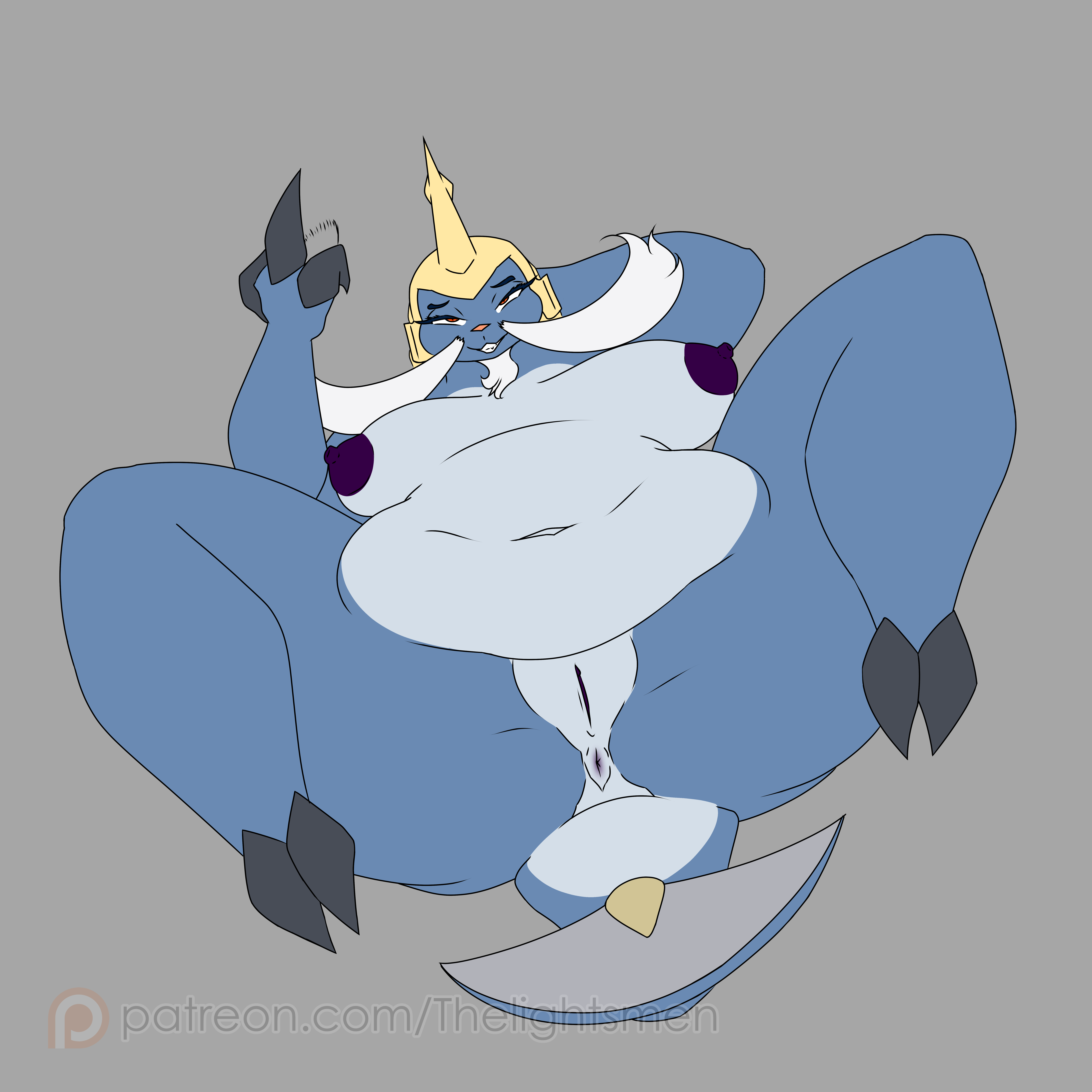
5- Body lineart: Drew the clean lines for the base body
6- Body flat color: Colored the lines with flat colors following the character design!
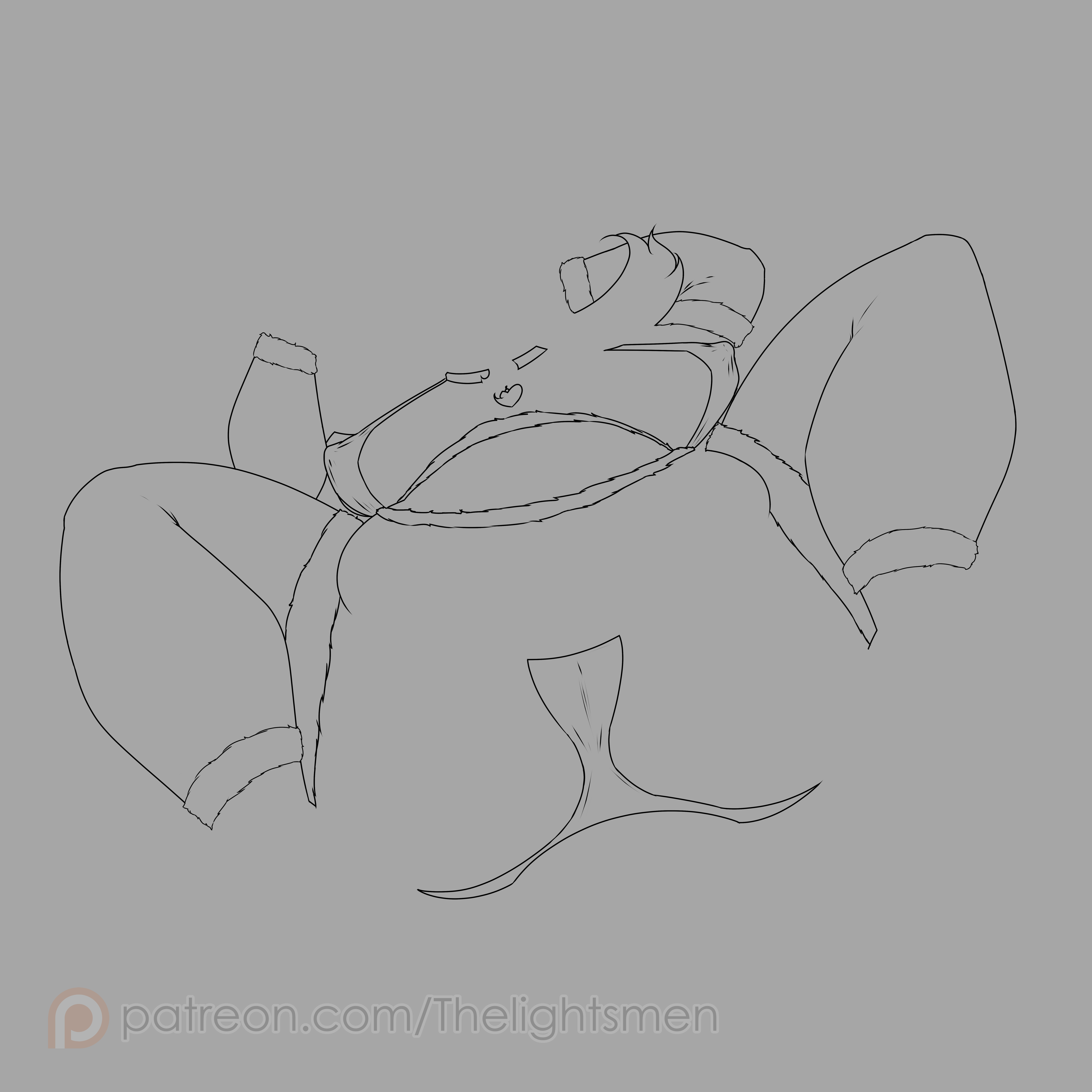
7- Lingerie lineart: Drew the clean lines for the lingerie
8- Lingerie Flat colors: Colored the outfit with the typical christmas colors
9- Mistletoe lineart: Drew the clean lines for the mistletoe
10- Mistletoe Flat colors: Colored the mistletoe with several shades of green to make it look a little better than usual.
11- Complete flats: Then I put all the layers together on top of each other and we're ready to start the later stages as well as the background! :)
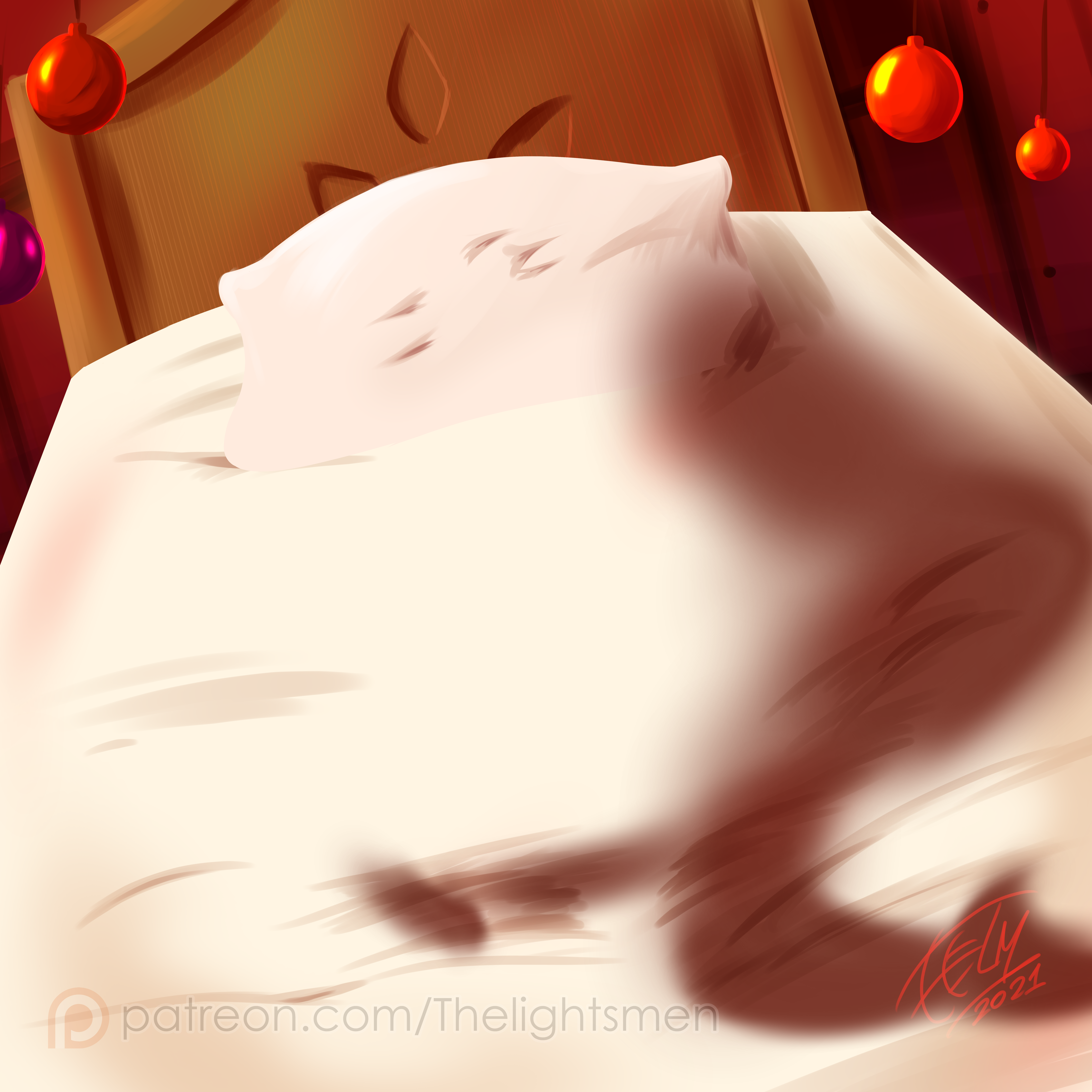
12- Background 1: Now for the background, I start with some flat color bases to define each element of the bg, including the bed, the walls and the frame.
13- Background 2: Now I give some texture to the flats, nothing too complicated, I added a little stripe effect for the wood to make it look nicer!
14- Background 3: Now some shadows before I put the character back in to properly integrate both :)
15- Body Gradients: Now back to the character, I add dark and light gradients to each flat color
16- Body Shading: Then I include several layers for shadows and hightlights, all colored and with specific layer settings to match the overall palette better
17- Body effects: Finally for the body I include some lighting effects such as glow and bloom.
18- Lingerie gradients: Same as step 15
19- Lingerie Shading: Same as step 16
20- Lingerie Effects: Same as step 17
21- Mistletoe colors: Now I add the colorlined mistletoe and a little extra on the butt to simulate the mattress actually being there
22- Lighting effects: And last but not least, I add some color correction and some extra lighting for the final touches!
Files