Home
Home

 Creators
 Search
 Recent
 Random
 Posts
Posts
 DMs
DMs
 Tags
Tags
 Random
 Importer
 Import
 FAQ
FAQ
 Account
 Register
 Login
Login
 Favorites
 Keys
Keys
 Logout
 Telegram

R&D: From DAZ to Blender (Patreon)
Content
Greetings! I've compiled some pictures so I could make another R&D post about my behind the scenes exploits in the ongoing endeavor that is working with Blender. This time I thought I'd continue what I wrote about in my July 2017 R&D post 'Importing into Blender' and show off some pictures as well.
This series helps me get my thoughts into writing and keeps you guys updated on what I've learned thus far. Who knows? Maybe someone will learn something.
There are two major tools established to do this, Khalibloo Panel and DAZ Importer. Both plugins have their own strengths and weaknesses, though after experimenting with both I much prefer the latter.
Khalibloo Panel
This tool was the first one I tried, but it takes some effort to export from DAZ and doesn't come with as many features as DAZ Importer, which results in more of an incomplete asset. It requires you to export your model from DAZ as a collada file and export the morphs as OBJs, which can be a bit time consuming despite the script it comes with.
Problems start to pop up in the importing process, however. Most of them seem to be just bugs, and some were probably errors of my own, but they added up. For example, the morphs from DAZ are imported to Blender and become shape keys, but they're often inverted and sometimes carry weird bugs like changing the height of the model or messing with the other shape keys.
Earlier on when I started using the tool some of my collada files just wouldn't load correctly, or bugs were encountered during the exporting process. I contacted the plugin creator who graciously helped me resolve a few, but a couple other problems still stuck out.
The nice thing about the tool was that the rigging process was really easy. I didn't have to set up IKs or custom shapes, that was all more or less done with the press of a button.
DAZ Importer
I only recently tried this tool, but it was much more intuitive to work with. Perhaps that's because I'm more experienced with both DAZ and Blender. Despite a little set up and a bumpy rigging process, it's much faster.
First off, all I have to export from DAZ is the standard scene file and a json file. Importing it into Blender is just a few button presses, and setting it up only takes a few minutes as long as you know what you're doing.
Second, the biggest time saver about this plugin and Khalibloo's is that it imports the materials as well, with a bunch of different options as well. I usually end up tweaking them, but it saves a ton of time.
Third, and this is a big one, it allows for the capability to import driven corrective morphs. So when a character's leg lifts up it bends properly, or when they tilt their head down the skin folds, and other things like that. This is immensely helpful and something you were just never capable of doing in SFM. It allows for a wider range of motion and poses that would normally just break a model.
There are a couple other features that distinguish the tool, but those are the big ones. The tool's shortcomings are that it doesn't handle shells too well and the rigs that it comes with are pretty bare bones. During the workflow I have to edit a lot of bones, set up IK, and make custom shapes if I want them.
Materials
Converting the materials from DAZ to Blender while keeping their quality is quite a challenge. Since you're hopping not only from one renderer to another, but one program to another, there are a lot of settings to take into account.
Ultimately, you're left with the textures that the original asset creator supplied on DAZ. Usually this ends up being a diffuse map, a bump/normal map, and a specular map. Sometimes you'll get a sub-surface scattering map, an extra bump/normal map, or a roughness/glossy map. It gets more complicated when it comes to eyes and some other materials, but that's the basic concept.
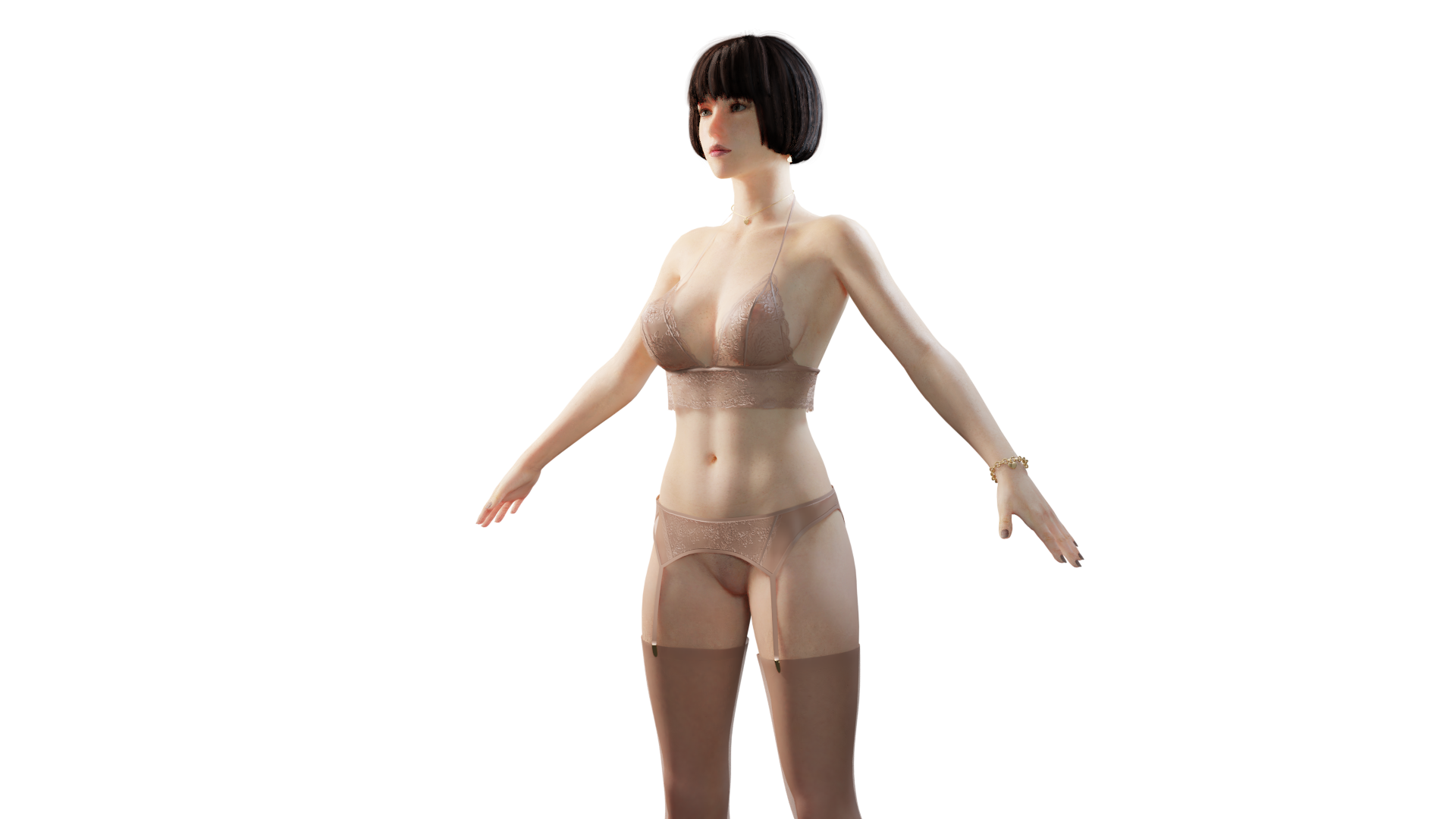
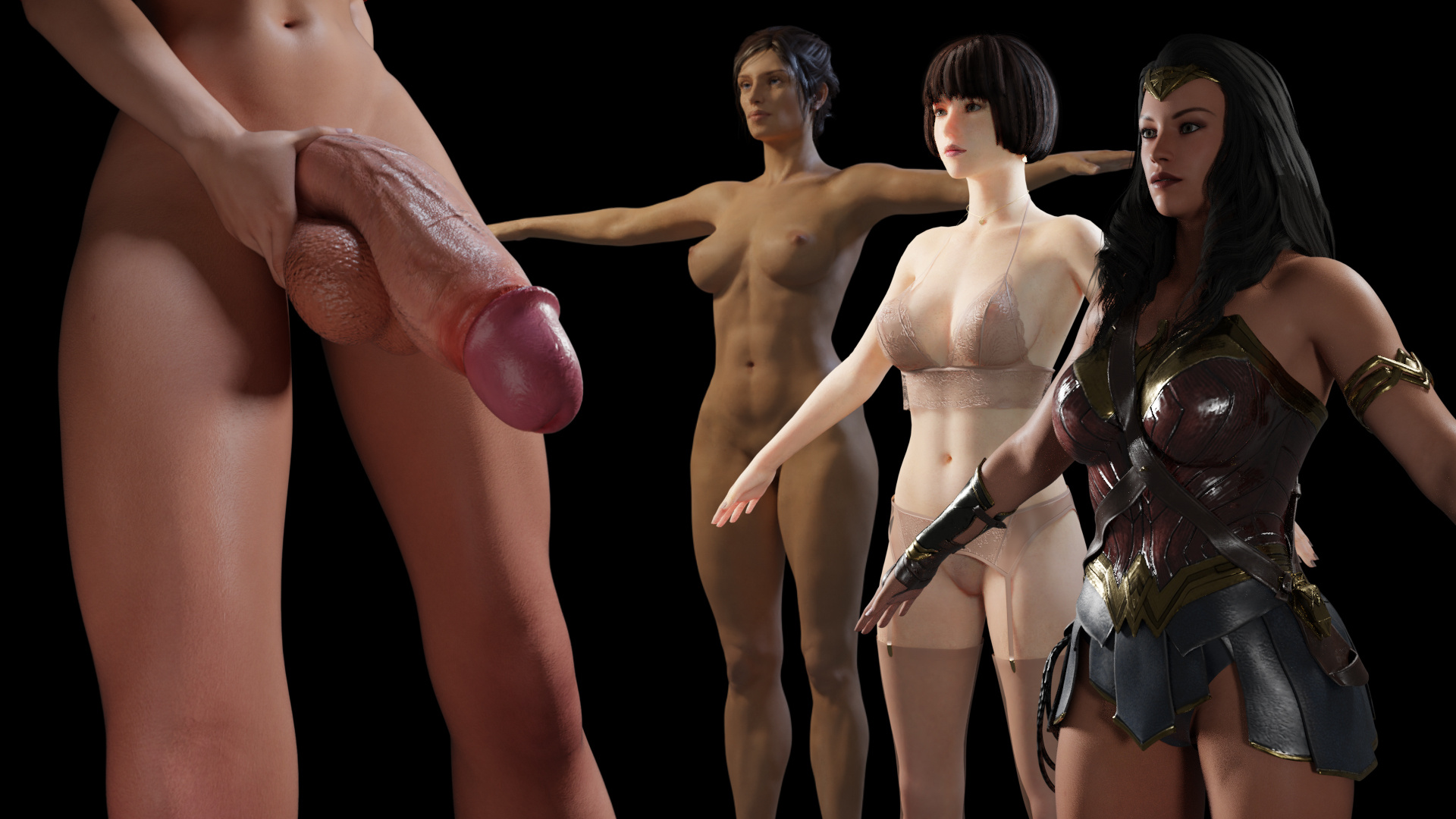
Here's an earlier model I imported using Khalibloo's Panel where I set up the materials myself:
The nice thing about DAZ Importer is that it converts most of those things automatically while giving you a few options. The biggest option I found was choosing whether or not you wanted a simplified SSS-less material or an SSS set-up run through a principled shader. SSS is very expensive, so it's an important thing to consider.
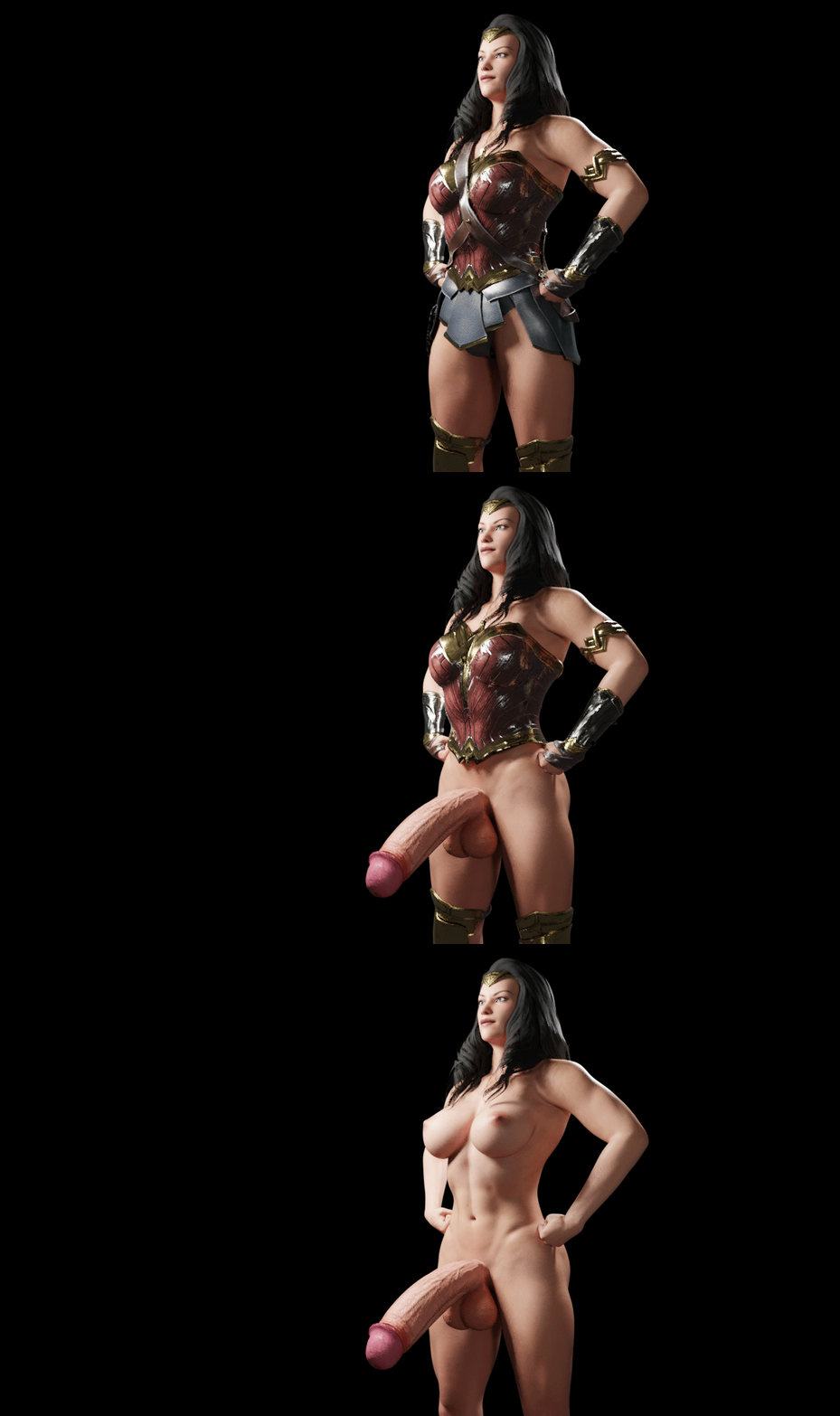
Here's a Wonder Woman model I put together and imported using the simpler materials:
It's very cheap to render and at a distance it looks pretty good. The downside being that it's more difficult to edit when it's not all run through a principled node.
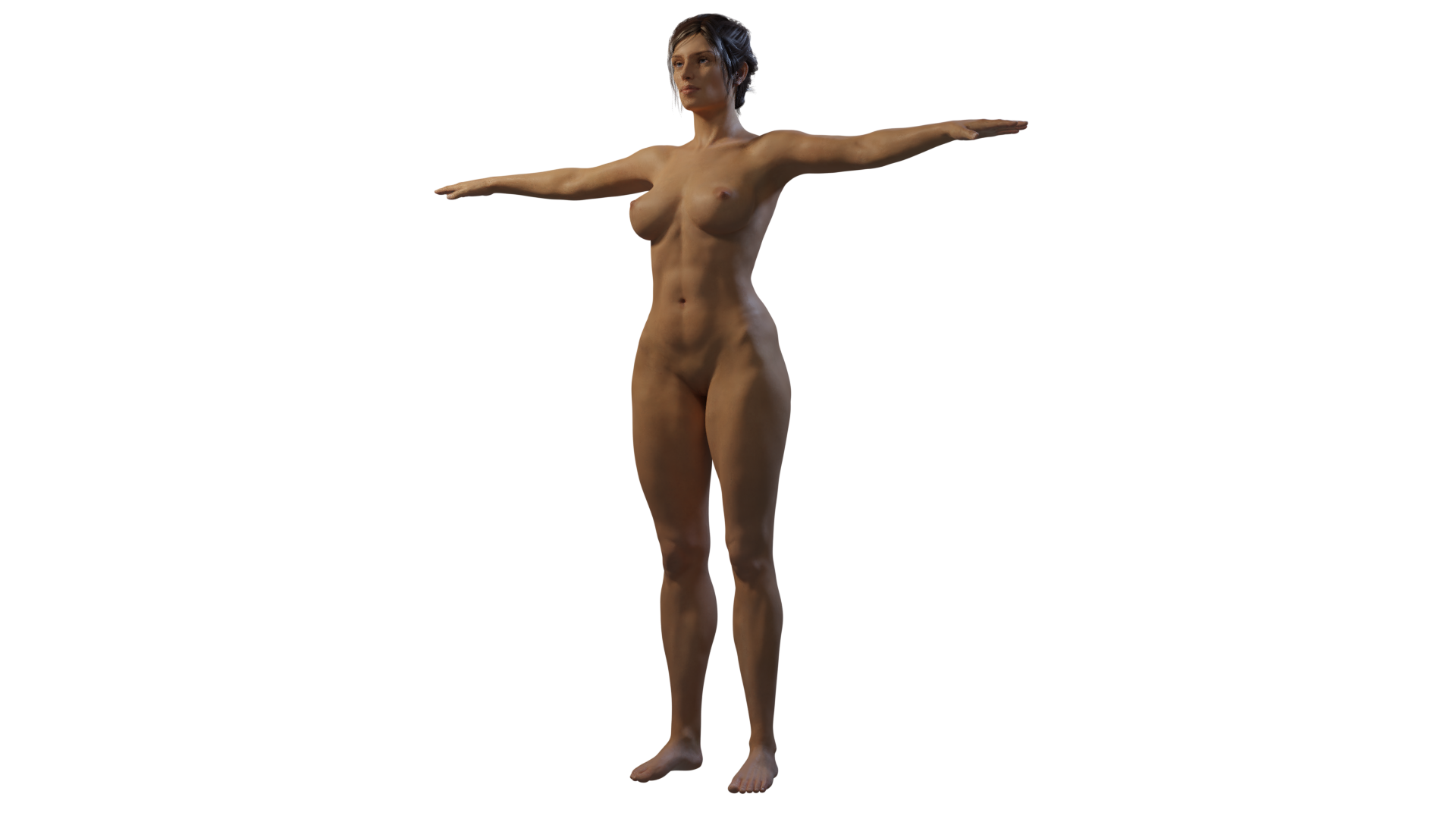
Here's a separate character imported with SSS on, all running through a principled shader. All I did was tweak a few settings:
At a distance there's not too much of a different, but the devil is in the details. This particular asset didn't come with an SSS map, so tweaking the settings there was a bit of a balance. Luckily after a few more tweaks, the model was looking pretty good in a close-up.
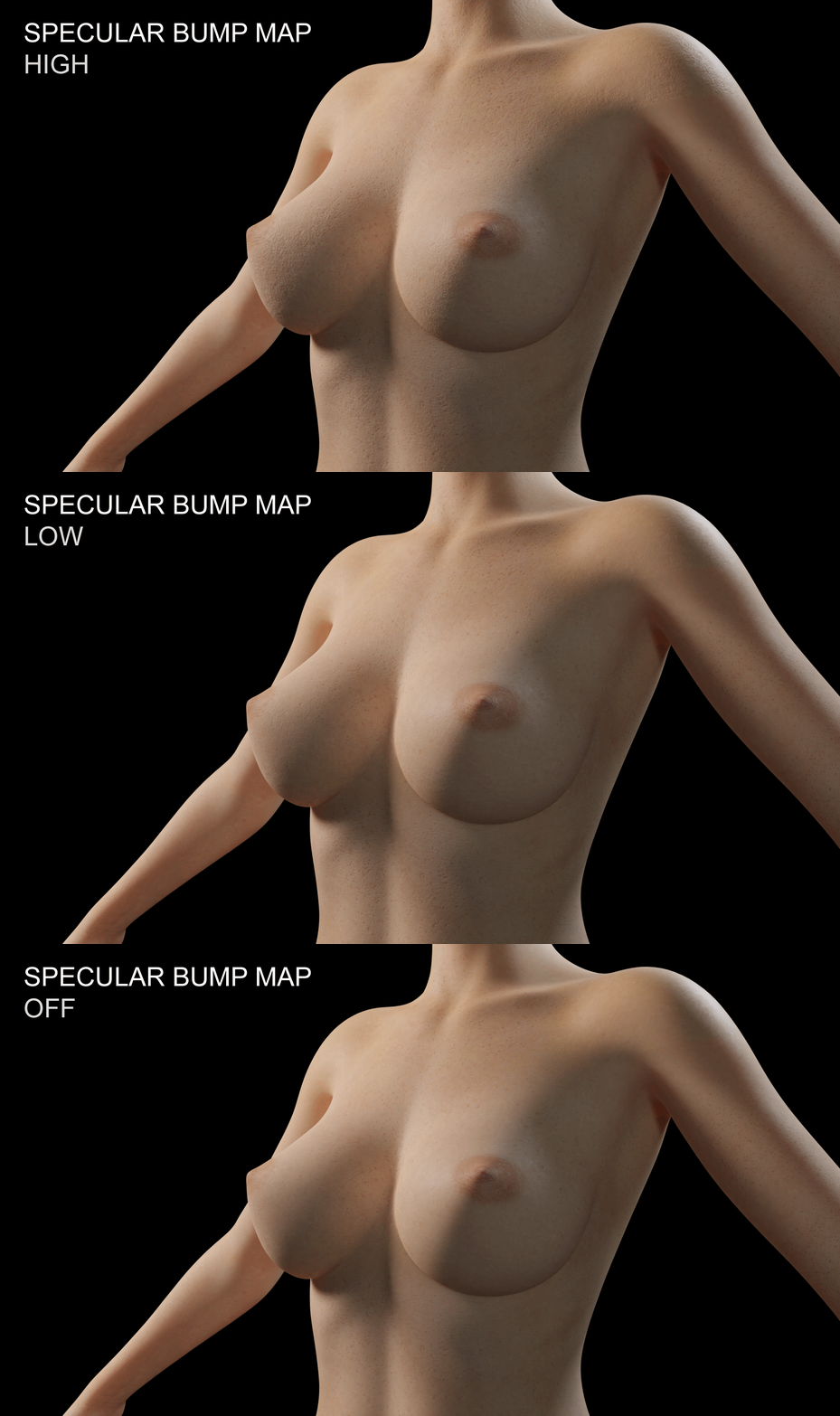
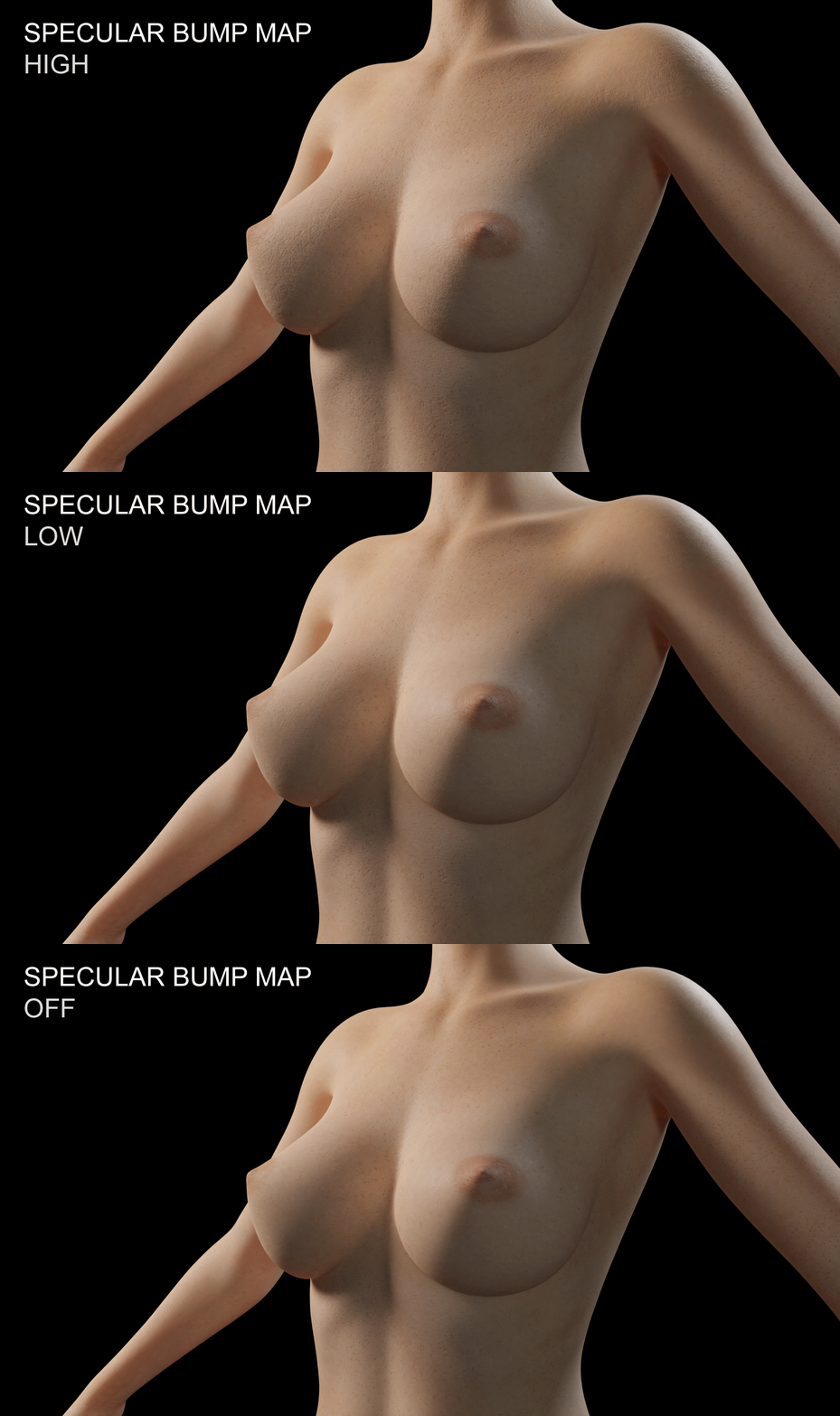
My biggest gripe with the materials was that they didn't show off any imperfections, wrinkles, or pores. I tried bringing some of those out by adding the specular map to the bump, with only limited success.
If I can't find a solution through just editing the materials, I may end up looking into substance painter for some finishing touches. As it stands right now though, the models are pretty high quality despite relatively short preparation time.
Shells
Geometry shells are a thing I occasionally come across in DAZ. I'm not sure of their exact function, but they carry the proper material for a mesh. Importing them into DAZ can be tricky through either importing tool, but I figured out a way to work with them.
A pretty robust dick modeling plugin I use for DAZ utilizes shells. Since most of my porn involves dicks, you could see why this would become a problem. Shells don't import into Blender, but their base meshes do. They have different UV maps which means I can't just drop the same texture onto the base mesh, I have to transfer the UV map. To do so, I found that exporting the shell as a DAE file and importing it into blender allows for a complete UV match without any weird stitching. From there, it's relatively easy to set up materials and smooth out any texture mismatches using Blender's texture painter.
The results are nice and the customization is very robust.
Conclusion
This is quite a long post, so I'll wrap it up here.
These tools are great for taking my models to the next level and making asset creation and modification that much easier. Many head-hacks for SFM and Blender are already created using DAZ bodies, so knowing how to do it myself should open up many doors.
I'd like to thank both the plugin creators for their efforts. Both tools are completely free and it's thanks to people like them that artists like me don't get priced out of doing what we want to do. I'd also like to thank Rikolo for recommending the plugins in the first place. Lastly, I'd like to thank all of you guys for funding my education in this matter.
All of the images in this post can be found in an album here.
Thanks!
Files