 Home

 Creators
 Search
 Recent
 Missing
 Random
 Posts
 DMs
 Tags
 Random
 Importer
 Import
 FAQ
 Account
 Register
 Login
 Favorites
 Keys
 Logout
 Telegram

JuiceLab's Discord Server is Live! (Patreon)
Published:
2020-10-10 15:21:44
Imported:
2026-06
Content
The Discord server is now up and running, Every patron can join right away by connecting Discord and Patreon account. I copied the steps to do it below. If anyone has any trouble connecting message me! - Clay
Step 1: Log in to your Patreon account, and head to the Apps tab of your Profile settings page.
Step 2: Click the option to Connect option next to the Discord app.
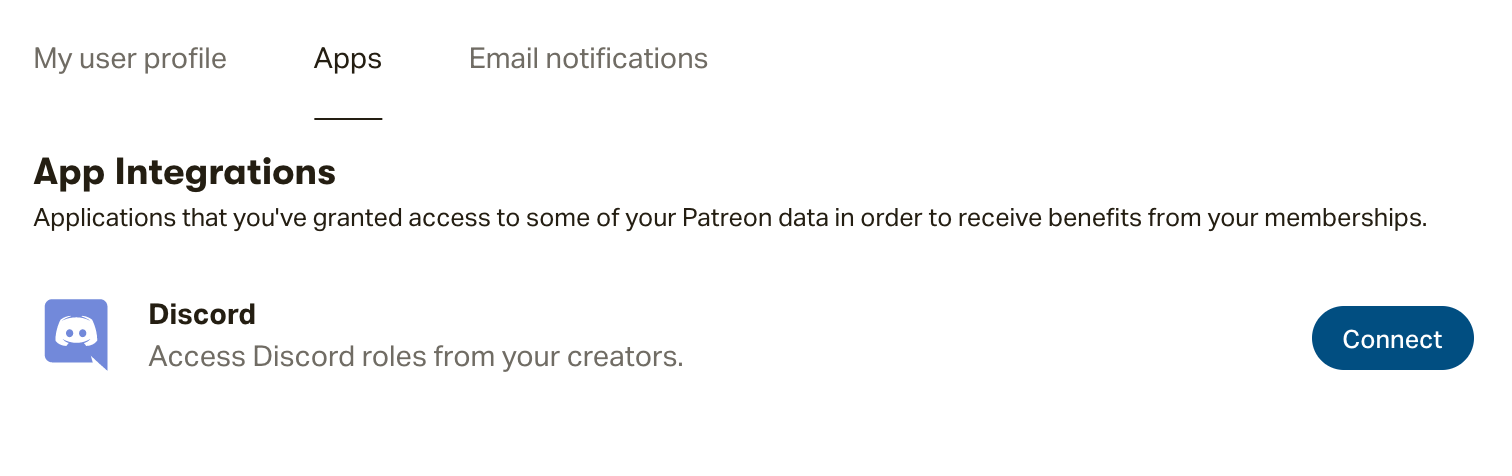
Step 3: Now that your Patreon and Discord accounts are communicating, our integration will assign you the role tied to your Tier!
You can access your new role by logging in to your Discord account.
