Home
Home

 Creators
 Search
 Recent
 Random
 Posts
Posts
 DMs
DMs
 Tags
Tags
 Random
 Importer
 Import
 FAQ
FAQ
 Account
 Register
 Login
Login
 Favorites
 Keys
Keys
 Logout
 Telegram

Fighting Dreamers - Naruto Eye Set (Patreon)
Downloads
Content
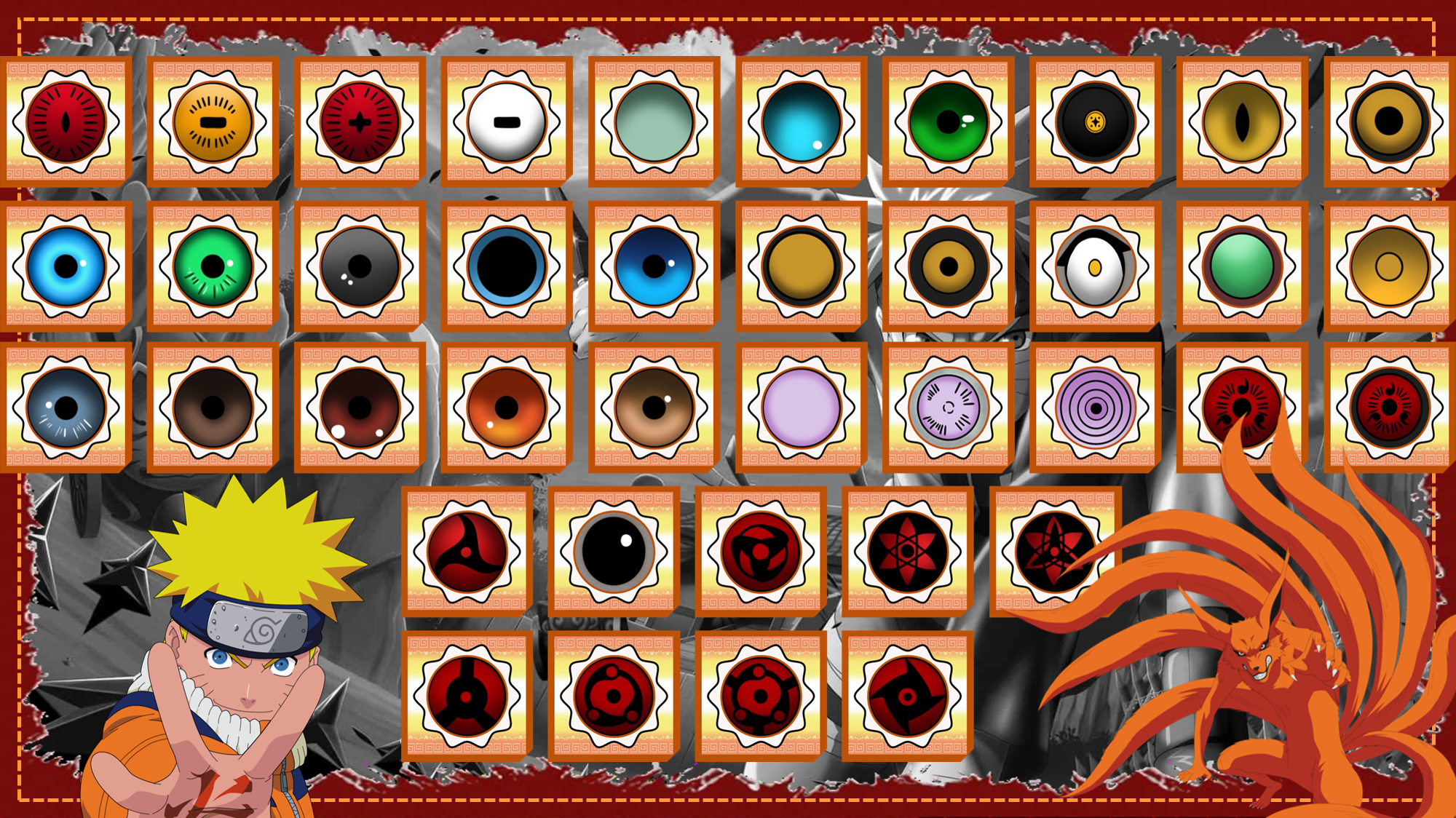
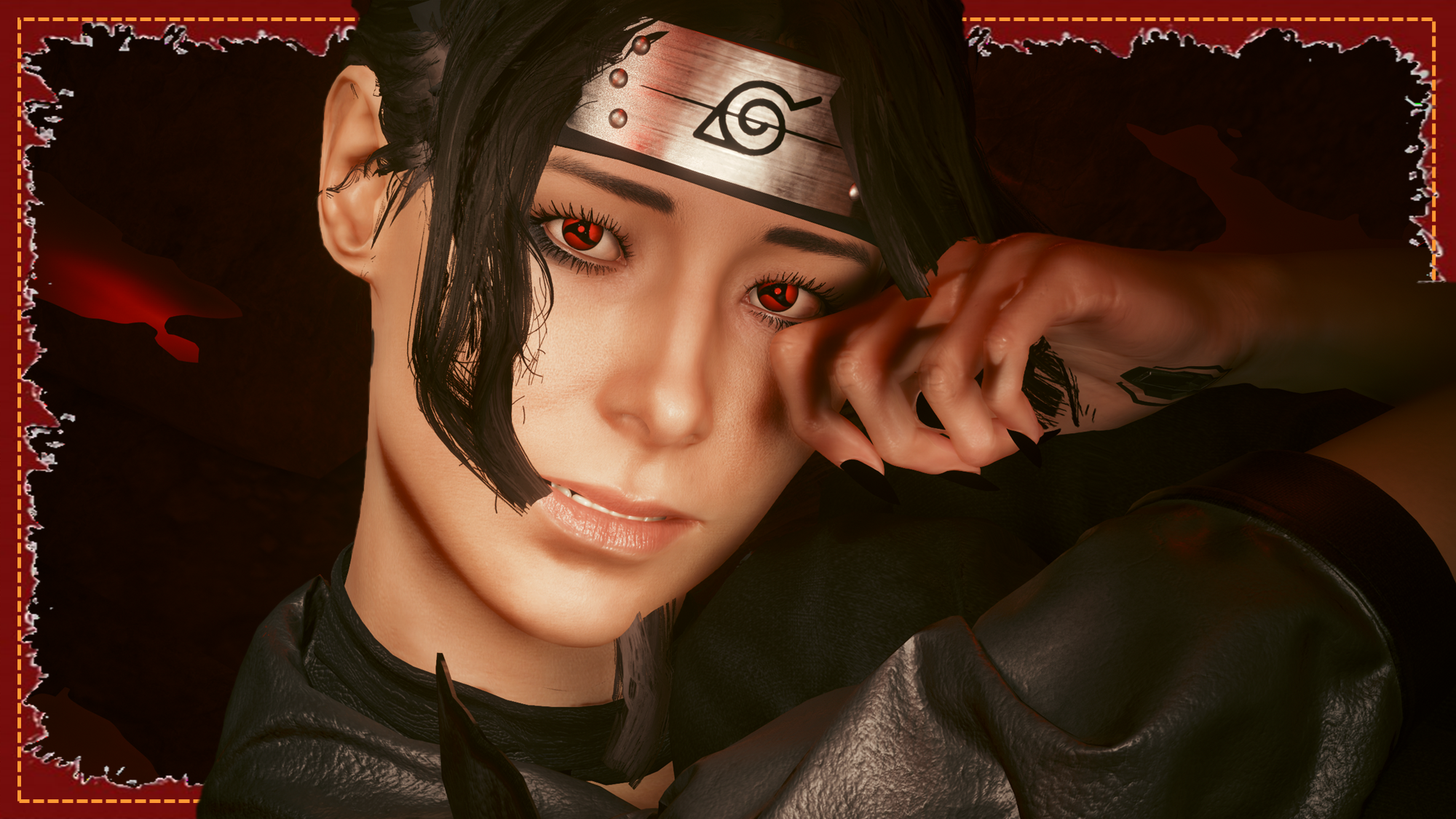
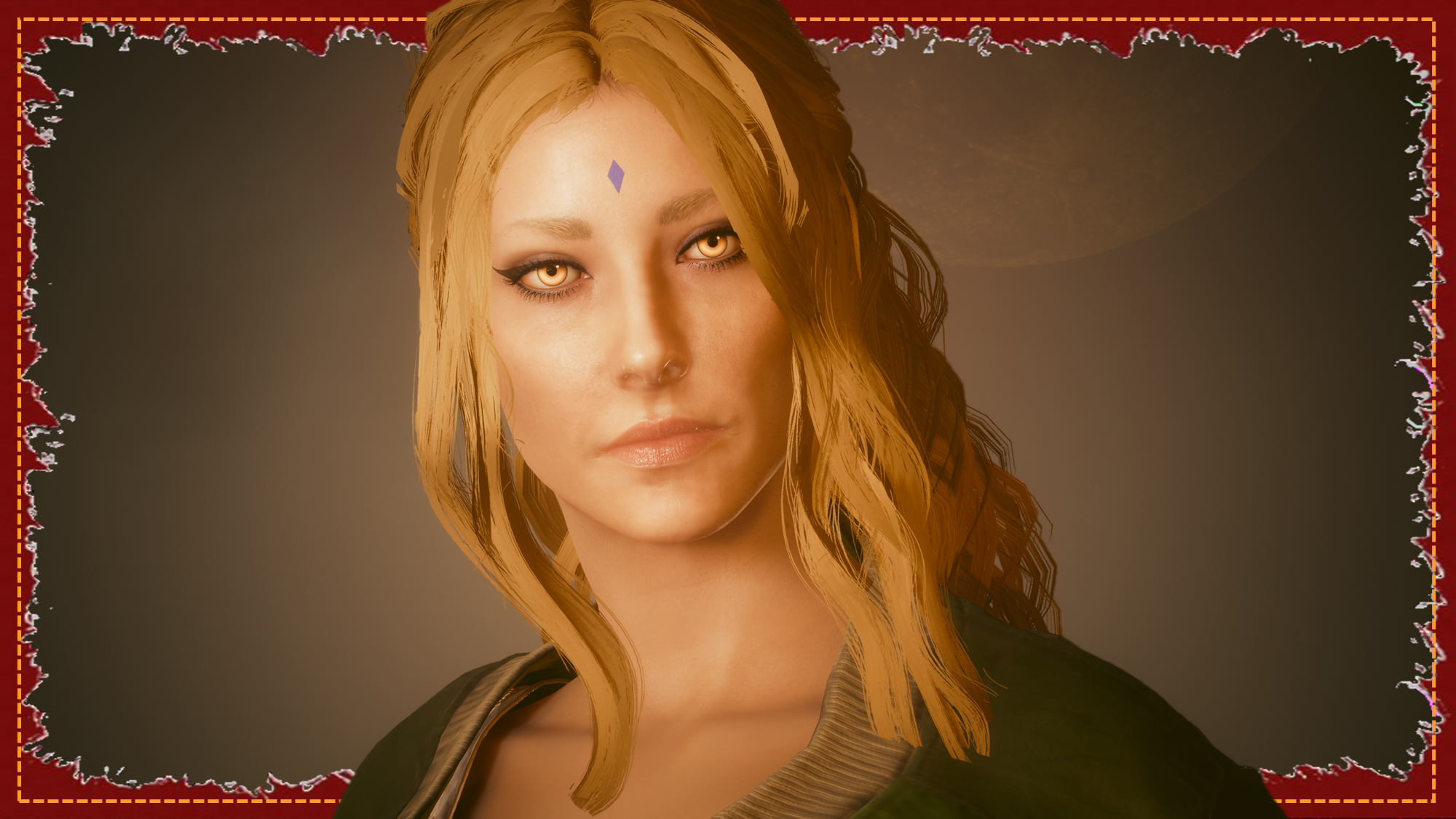
Heya chooms! Here's another one of my prepped Hiatus mods!This is available for Both Vs!Naruto has a special place in my heart. It is very important to me, even if I haven't gotten into the series about his kid. The lore is just amazing, and the story completely sucks you in, right from the very first chapter. I highly reccomend it if you're into the shounen genre. But to be honest, if you like shounen, you've likely already read Naruto; or the first few chapters at least. Anyways! Yeah! A bunch of Naruto eyes for you all! These were hand drawn and coloured by me, so I could ensure 100% accuracy and a high level of quality. It took a very long time, but I am so, so happy with how they all turned out. Particularly all the Sharingan variants! Hopefully you guys enjoy this mod as much as I enjoyed making it, and taking screenshots for it!Yes, this is a full 39 eye set. I covered alot of my favourite characters. If I missed one you liked in particular, feel free to let me know in your comment. Maybe in the future I'll do more. Maybe.
Please note I am no longer uploading to Nexus, so going forward I will be including Installation Instructions on my posts.
Nexus Link (Pre Patch 2.2 Users): Unique Eyes Core
Nexus Link (Patch 2.2+ Users): Unique Eyes 2.2
Nexus Link (UI Icons): ICONIC UI Framework
(Be aware that mod is broken in 2.2+ games)
Installation (Eyes for Pre 2.2 or 2.2+):1) Install the Unique Eyes Core mod OR the Unique Eyes 2.2 mod; go to the pages linked and follow their install instructions- ALWAYS DOWNLOAD THE DEFAULT VERSION, NOT THE GRADIENT!!!2) Download the Eyes zip file from this mod page.3) Unzip the file, and place it in your mod folder. On Steam, the folder path is as follows:steam - steamapps - common - Cyberpunk 2077 - archive - pc - mod(You will place the .archive file in that final mod folder)4) Load up the game, and the Eyes will appear for Both Vs to use!!!Installation (Icons):1) Install the ICONIC Framework by JSILVERHVND; go to the page linked and follow their installation instructions.2) Download the Icon zip file from this mod page.3) Unzip the file, and place it in your mod folder. On Steam, the folder path is as follows:steam - steamapps - common - Cyberpunk 2077 - archive - pc - mod(You will place the .archive file in that final mod folder)4) Load up the game, and the Icons will appear for Both Vs to use!!!
Files