Home
Home

 Creators
 Search
 Recent
 Random
 Posts
Posts
 DMs
DMs
 Tags
Tags
 Random
 Importer
 Import
 FAQ
FAQ
 Account
 Register
 Login
Login
 Favorites
 Keys
Keys
 Logout
 Telegram

Doll's Sparkle Eyes - PATREON EXCLUSIVE MOD (Patreon)
Downloads
Content
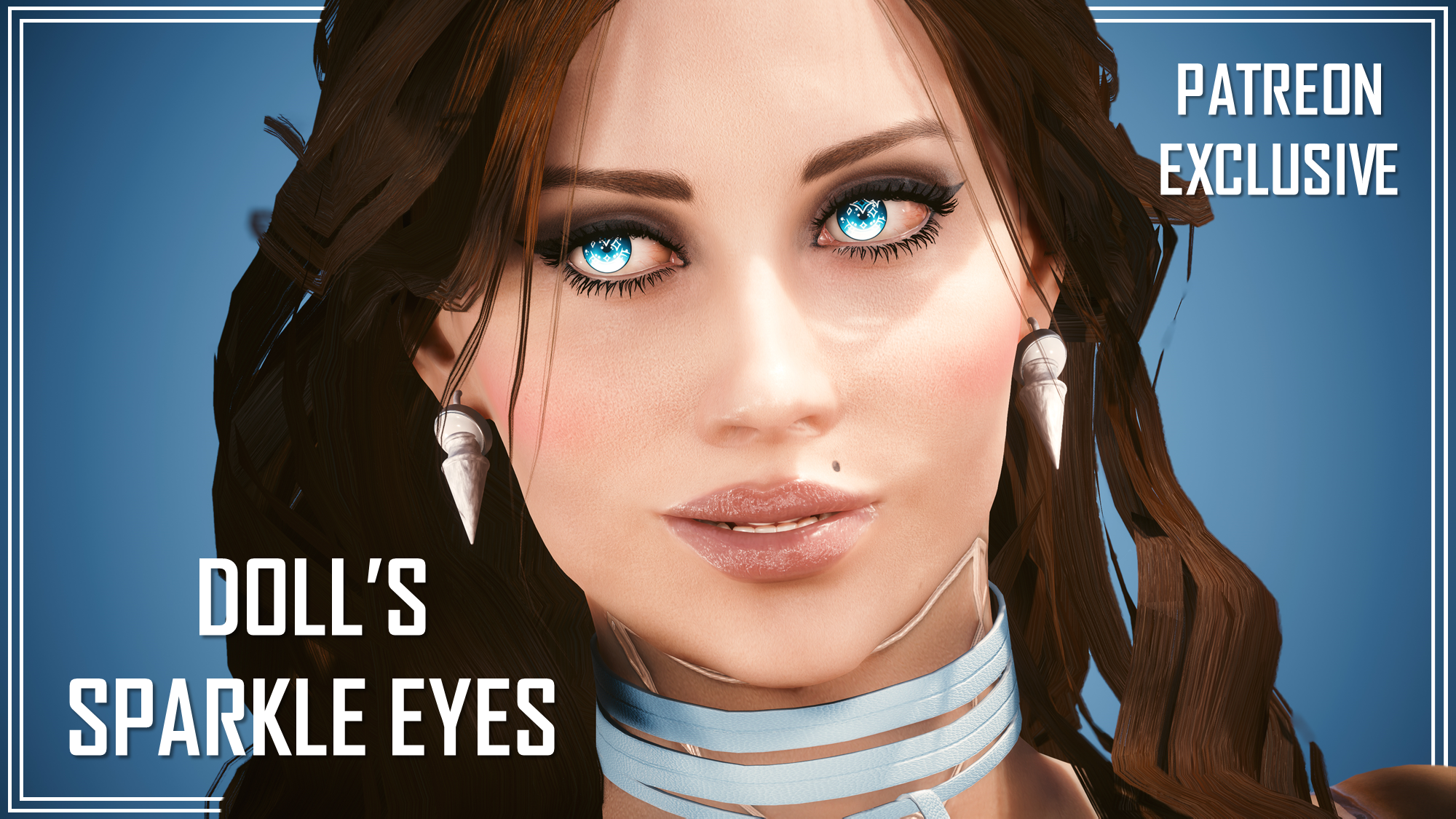
Hey chooms! It's been a while since I opened my Patreon, and many of you have been here since the very beginning. I wanted to do something both to promote this Patreon, and also to kinda say thanks to everyone for supporting so far. I made an Eye mod for my OC, Doll, and I felt it was the perfect first addition to this collection.
As promised, my mods will never be behind a paywall. You don't even have to do the 7 day free trial of my lowest tier to access this mod. I'll be posting the links to this patreon post around on my other social media, but the files will never be uploaded to Nexus or any other mod site. They will remain on Patreon.
IMPORTANT - DO NOT SHARE THESE FILES AROUND. IF I SEE THEM ON NEXUS OR ANY OTHER SITE, I WILL TAKE ACTION.
So yes, please don't send these files to friends or other users either. Please just send them the link to this post.
Oh, and I am no longer uploading anything to Nexus; I am aware this mod is a Patreon Exclusive anyways, I just want to keep everyone informed.
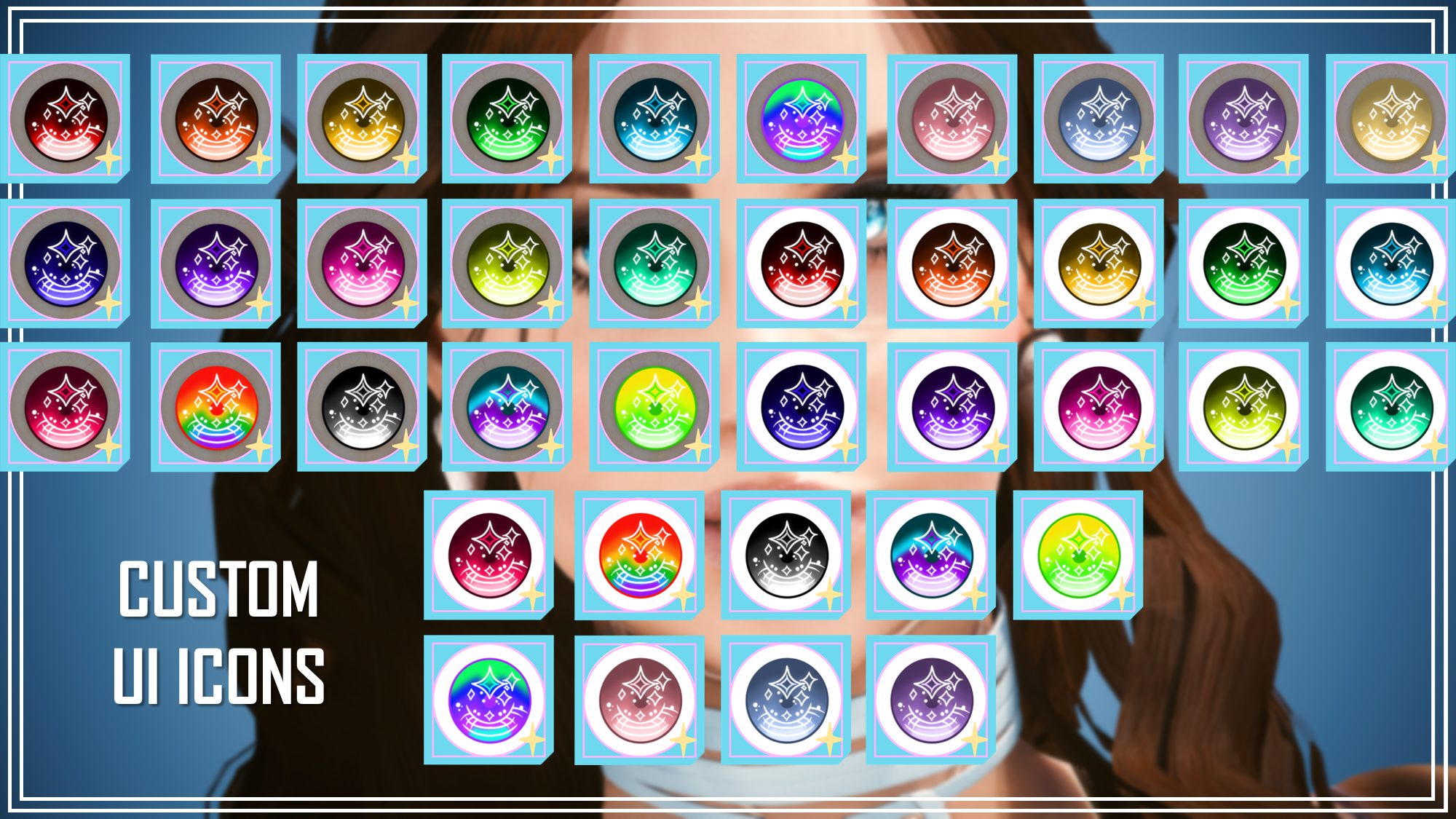
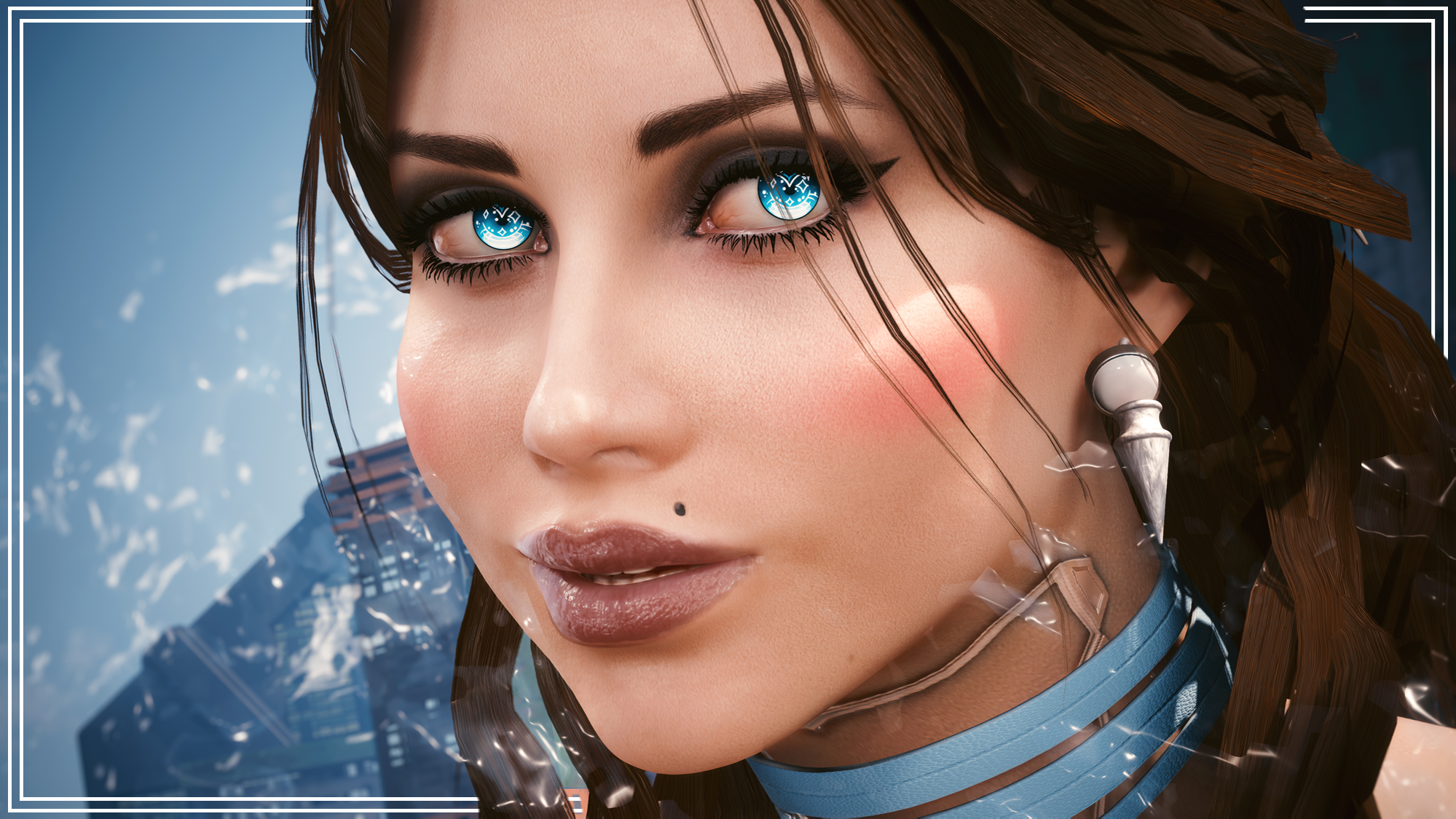
Here's a look at the Eyes, and the Custom UI Icons:
Basically, as you will see, my OC Doll is literally a living Doll. I wanted to make some eyes for her, so I went looking at Doll Eyes online. And I saw so many beautiful glass eyes for dolls. I fell in love with the more sparkly ones I saw, and decided to do my own take on it. So I hand drew the eyes and hand painted them!
You will need these mods from Nexus for the Eyes to work:
Nexus Link (Pre Patch 2.2 Users): Unique Eyes Core
Nexus Link (Patch 2.2+ Users): Unique Eyes 2.2
Nexus Link (UI Icons): ICONIC UI Framework
(Be aware that mod is broken in 2.2+ games)
Installation (Eyes for Pre 2.2 or 2.2+):1) Install the Unique Eyes Core mod OR the Unique Eyes 2.2 mod; go to the pages linked and follow their install instructions- ALWAYS DOWNLOAD THE DEFAULT VERSION, NOT THE GRADIENT!!!2) Download the Eyes zip file from this mod page.3) Unzip the file, and place it in your mod folder. On Steam, the folder path is as follows:steam - steamapps - common - Cyberpunk 2077 - archive - pc - mod(You will place the .archive file in that final mod folder)4) Load up the game, and the Eyes will appear for Both Vs to use!!!Installation (Icons):1) Install the ICONIC Framework by JSILVERHVND; go to the page linked and follow their installation instructions.2) Download the Icon zip file from this mod page.3) Unzip the file, and place it in your mod folder. On Steam, the folder path is as follows:steam - steamapps - common - Cyberpunk 2077 - archive - pc - mod(You will place the .archive file in that final mod folder)4) Load up the game, and the Icons will appear for Both Vs to use!!!- Please only use the DEFAULT version of this mod.
ICONIC UI Framework - This is for the Custom UI Icons to work.
(That mod is broken in Patch 2.2+, so be aware of that)
Please ensure you have those installed. Also, I tested this mod on a save file with the most recent patch. I also have hundreds of .archive files in my mod folder, and it worked fine. If it's not working for you, it'll be some weird mod conflict on your end.
Hey chooms! The next Patreon Exclusive Mod can be found here: Spooky Tattoo Variants
Files