Home
Home

 Creators
 Search
 Recent
 Random
 Posts
Posts
 DMs
DMs
 Tags
Tags
 Random
 Importer
 Import
 FAQ
FAQ
 Account
 Register
 Login
Login
 Favorites
 Keys
Keys
 Logout
 Telegram

Rose Gold Cyberware for Both Vs (Patreon)
Downloads
Content
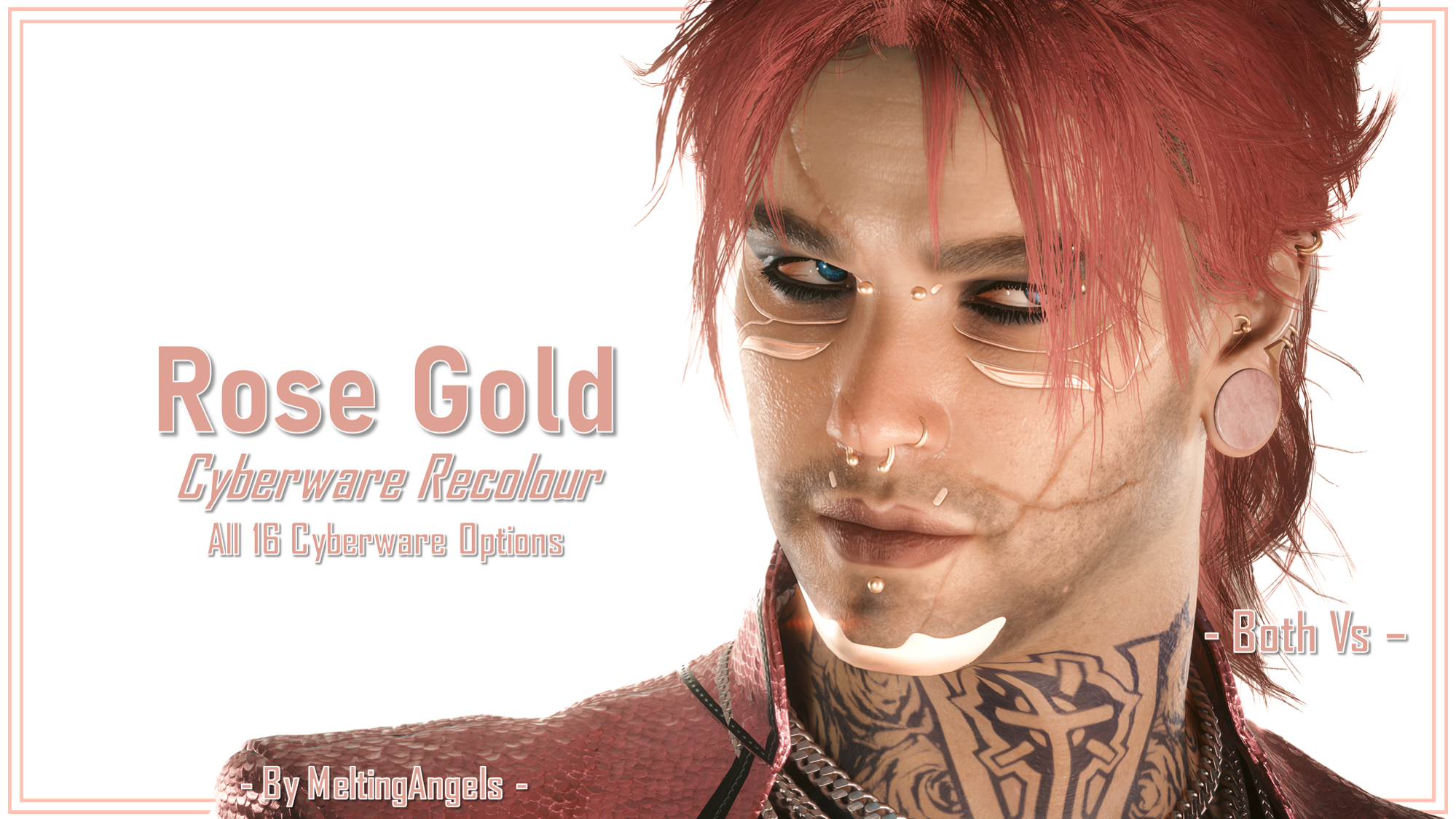
Hey everyone, I wanted to continue the week on a lighter note. So here is the first new mod for you all.
This mod was previewed a while back! So you'll already have seen the mod images. But I will still be including them here, for convenience and for those who have only recently joined. It's actually kind of fun to just be uploading here; no more worrying about Nexus Moderators and petty fandom drama.
My lovely Rose Gold recolours work for Both Vs and there's versions for each Vanilla CC Cyberware option.
Edit: I am now back on Nexus after my Tutorials were restored last month. If you'd like to download on there instead, just click here.
For some installation instructions, scroll down! I'll be including detailed instructions on all my posts going forward, and I've even gone back and updated ALL of my previous mod posts. So everyone will find it super easy to add my mods to their game.
Since these are just recolours, you should be able to use these with any of my Cyberware Mesh Edits, and potentially my Half Cyberware mod as well.
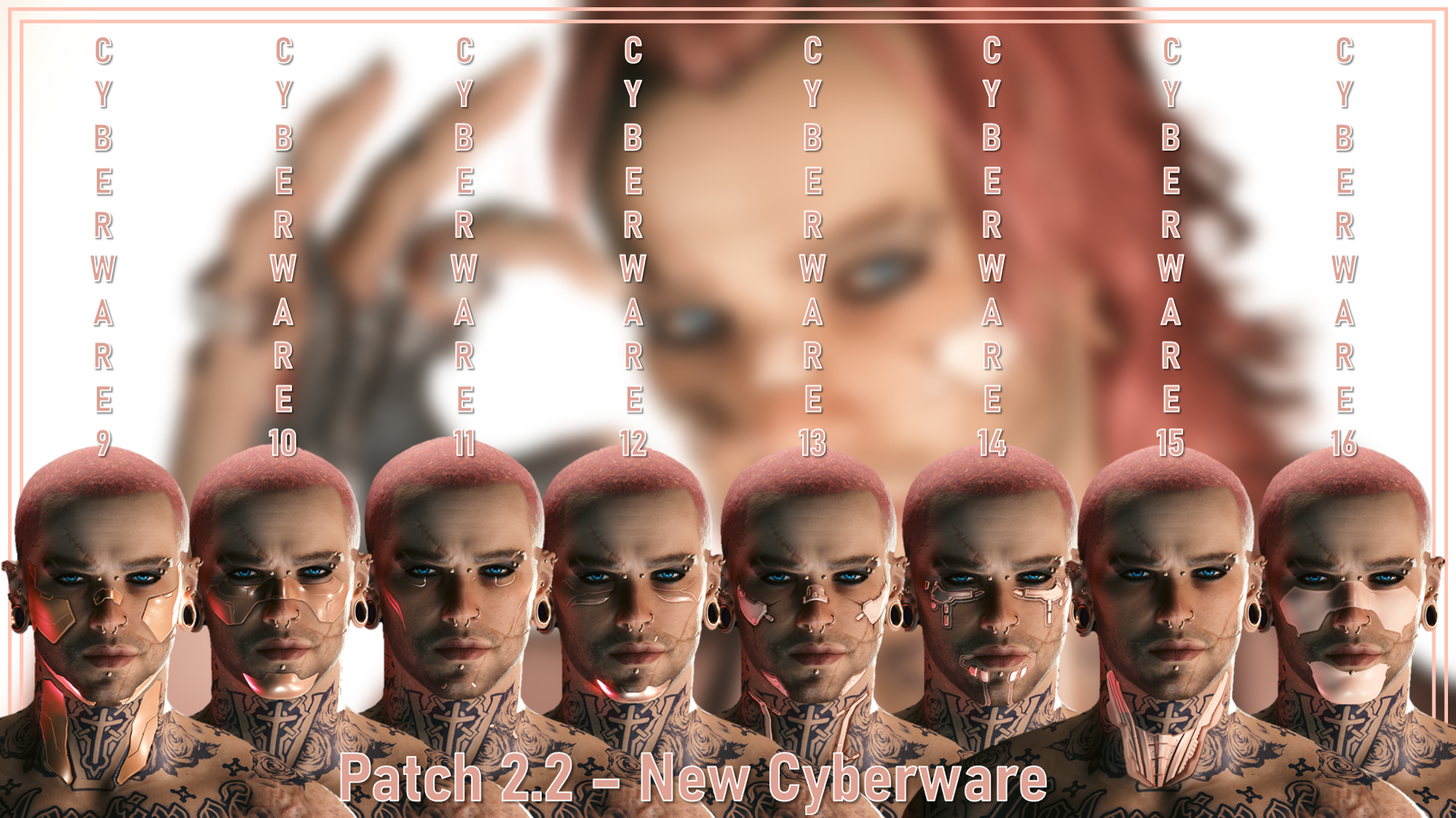
Here's all the options:
As I mentioned, I covered all the Vanilla CC cyberware options. This should go without saying, but do not download the 'Patch 2.2' versions of the mod, unless you have updated to 2.2 and beyond.
I seperated them into 2 zip files, so it'll make things easy for you all.
Installation Instructions
1) Download the Pre 2.2 zip or the Patch 2.2 zip.
2) Put that zip file somewhere safe on your PC, and extract the files within; check the ReadMe document I've included.
3) Grab the ONE .archive file for your desired Cyberware, and put that into your game's mod folder.
On Steam, the file path is as follows:
steam - steamapps - common - Cyberpunk 2077 - archive - pc - mod
Your .archive file goes in the MOD folder at the end of that file path.
4) Launch your game, head into the CC, and the recolour will show up for your chosen cyberware!
That about does it for this mod. I hope to have more WIPs and mods for you guys soon; thanks for the support! I'll leave you all with the zip files, and the rest of the mod images I took.
Files