Home
Home

 Creators
 Search
 Recent
 Random
 Posts
Posts
 DMs
DMs
 Tags
Tags
 Random
 Importer
 Import
 FAQ
FAQ
 Account
 Register
 Login
Login
 Favorites
 Keys
Keys
 Logout
 Telegram

Pride Hair Colours V1 - CCXL (Patreon)
Downloads
Some files exceed the archive size limit and weren't saved: 4 files. Please note these limits are in place to keep this site running long term, without costing a fortune. You can favorite the creator though, certain milestones increase the limit.
Content
Hey, everyone. Thank you for all the kind comments and messages you've sent me; it's been lovely reading them as I recover from surgery. I am slowly feeling more like myself, and so was able to post this mod; I already had it ported and just needed to take mod photos.
ALSO, IT'S A BIT LATE BUT HAPPY PRIDE MONTH! May you be able to feel safe and find happiness.
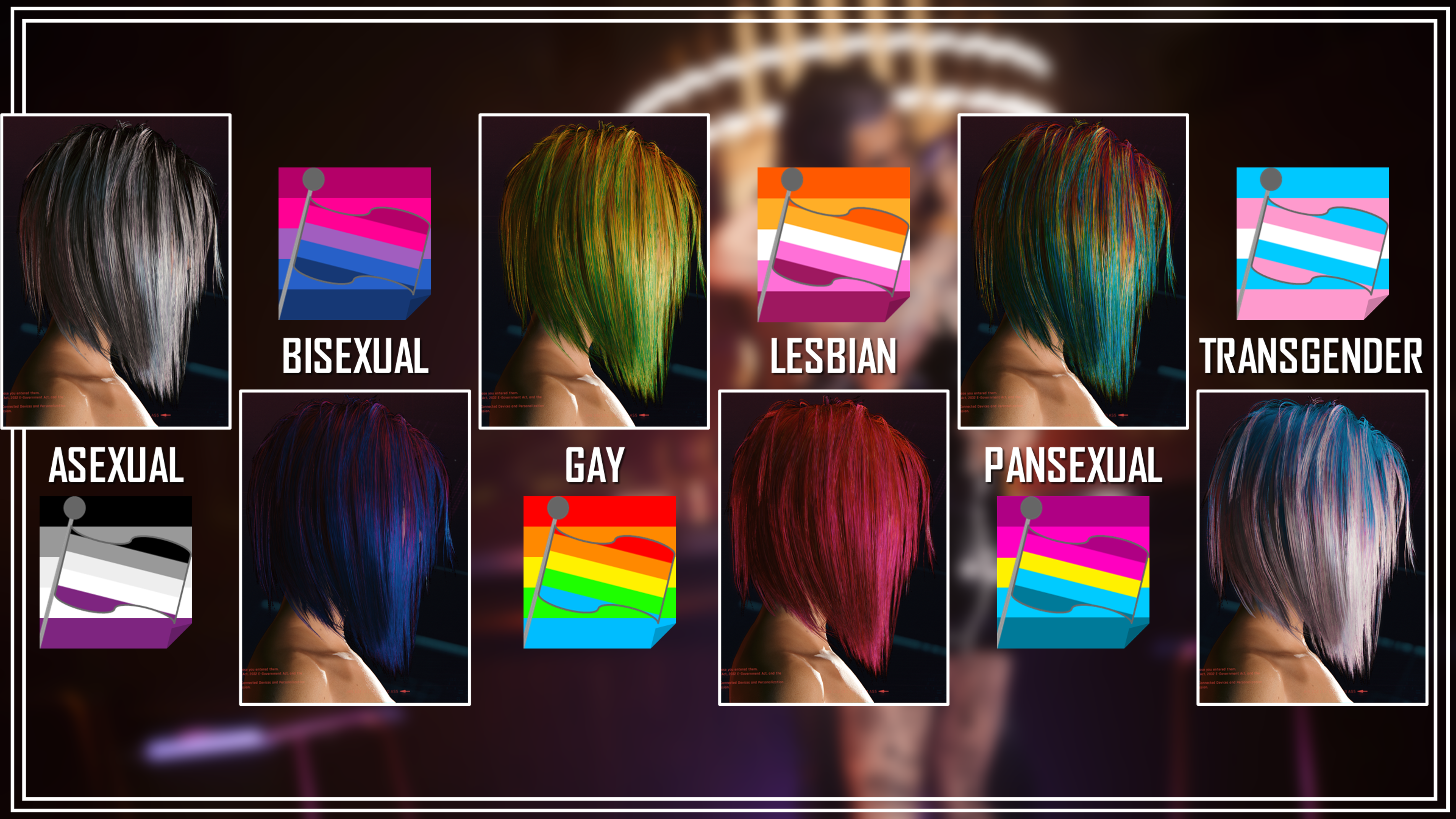
You likely remember the Pride Hair Colours I did a while back. I had alot of fun making them, and so when I started getting into CCXL, I knew I had to convert them. I separated them into four versions, with each having around six colours. I also revamped the icons!
Honestly, it was so fun revisiting all my Pride Hairs!
Here's your options for Pride Hairs V1:
As you can see, the icons no longer have vertical stripes on the flags; I still don't know how I messed that up on the original mod. And yes, the flags get extended a bit so that the colours translate well in-game.
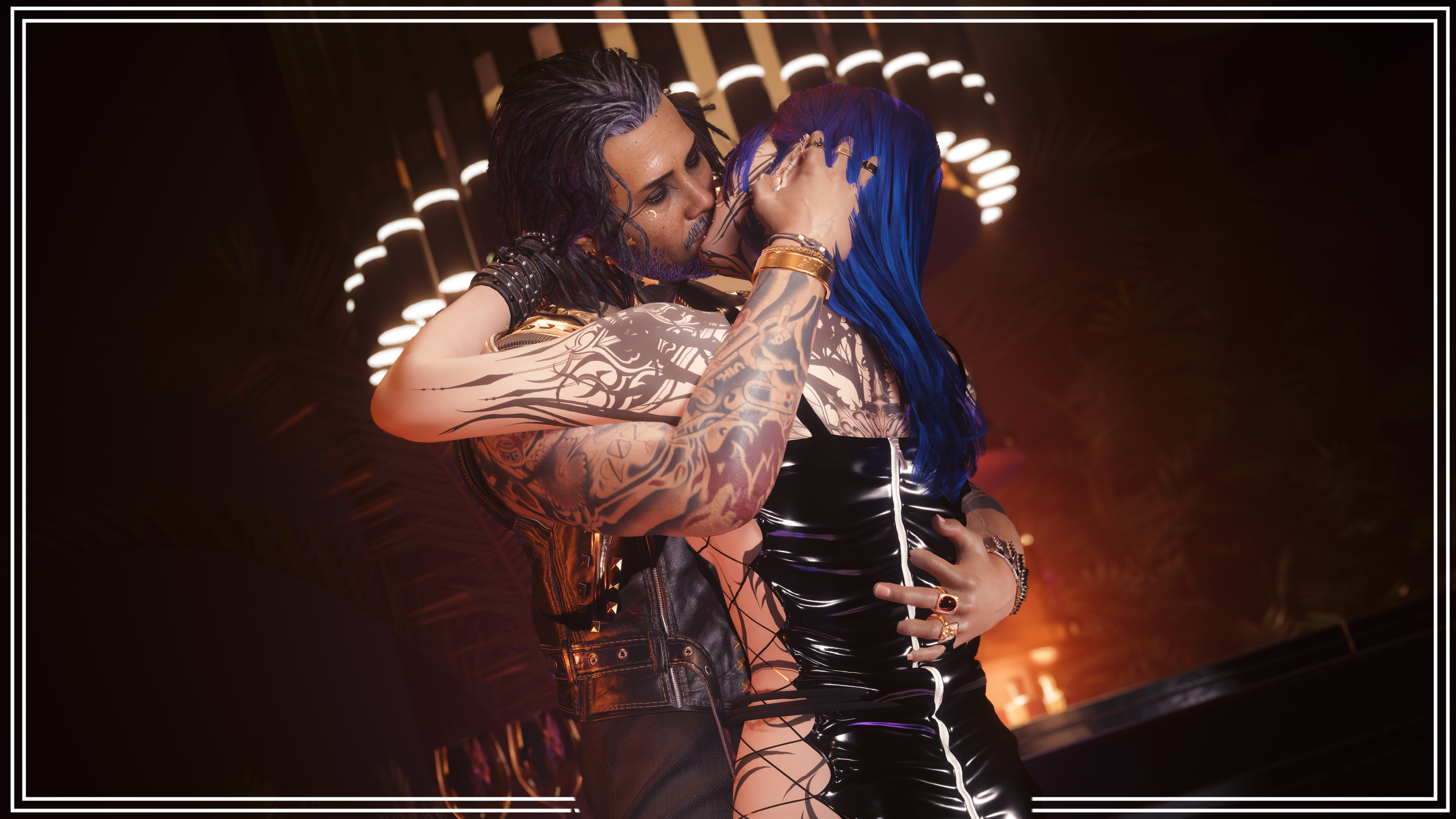
The one I used for the mod page photos was the 'Bisexual Option', because my main V Avery is Bi.
I also did Custom Caps for each colour option, so the roots/cap match the custom hair colours. This helps them look more cohesive. If you had to ask me my favourite option aside from what I used for Avery, I'd say it's the Transgender colours. They have one of the prettiest flags, I swear.
Whilst not every modded hair has been updated to work with CCXL Hair Colours, there's still more than enough options out there for you all. Every hair mod will have different textures depending on who made them, so the colours might look different across various modded hairs.
They will always look cool, though!
REQUIRED MODS FOR CCXL HAIR COLOURS:
ArchiveXL over on Nexus.
TweakXL over on Nexus.
Installation Instructions:
1) Download either the 'All In One' or 'Individual' options from this mod page.
2) Open up the zip file you just downloaded.
3) Open up your Cyberpunk main directory. On Steam, the file path is as follows:
steam - steamapps - common - Cyberpunk 2077
4) Drag and drop the contents of the zip into this main directory. The files will automatically go to the correct places in your files/folders.
5) Load up your game, and head to the Character Creator.
6) My Pride Hairs will show up for Both Vs!
That about does it for this post! Before I post the rest of the mod photos, I again wanted to thank you all for your patience and support during my recovery. It genuinely means the world to me, and it took a load off of my shoulders knowing you were all so understanding.
Take care of yourselves, and remember to join the Discord; you can take part in the Community CCXL Hair Colour project!
Note: The zip file titled 'READY FOR MOD PAGE' contains all the mod page photos, and hair colour references.
Files