Home
Home

 Creators
 Search
 Recent
 Random
 Posts
Posts
 DMs
DMs
 Tags
Tags
 Random
 Importer
 Import
 FAQ
FAQ
 Account
 Register
 Login
Login
 Favorites
 Keys
Keys
 Logout
 Telegram

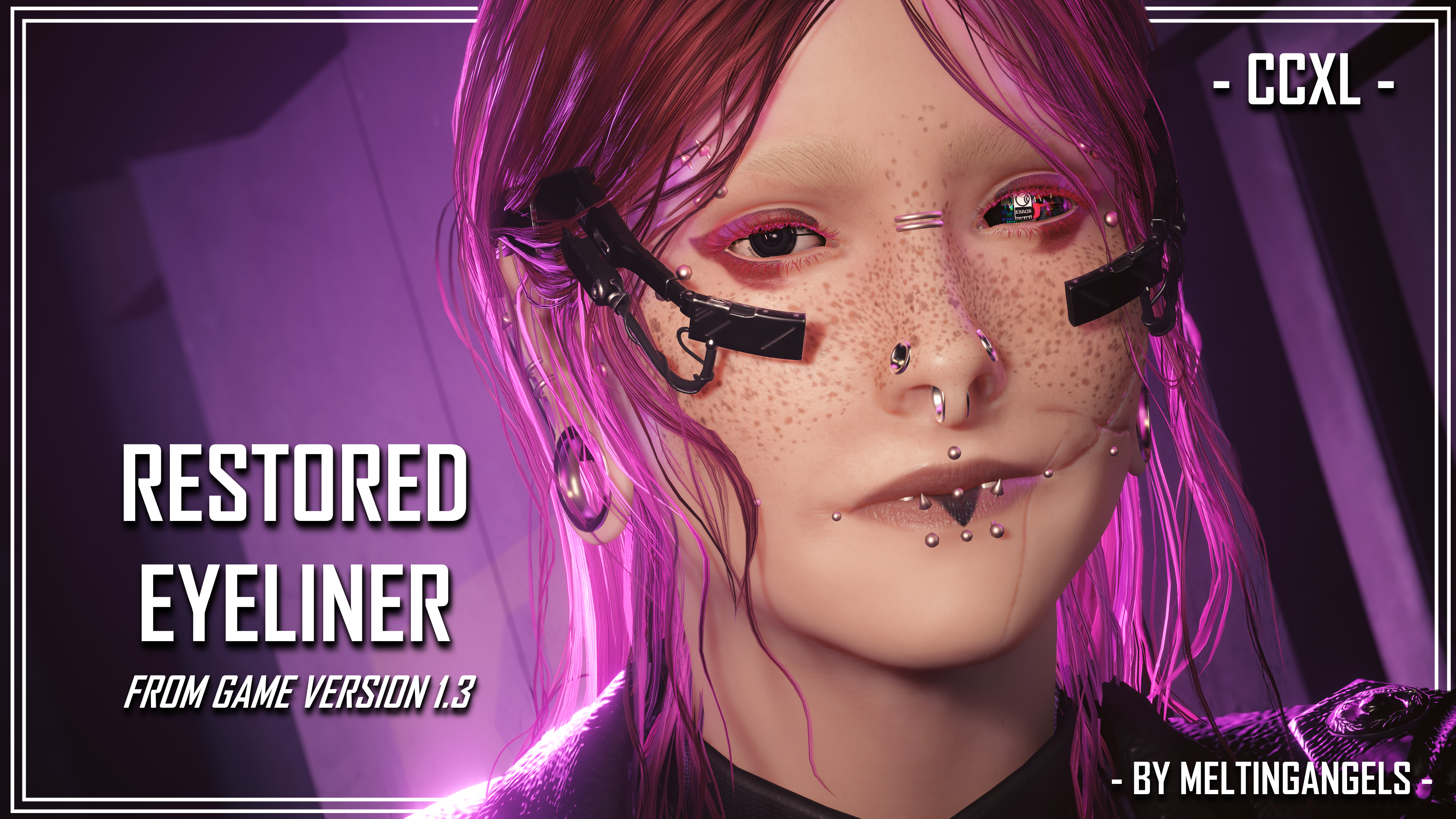
Restored Eyeliner - For Both Vs - CCXL (Patreon)
Downloads
Some files exceed the archive size limit and weren't saved: 1 file. Please note these limits are in place to keep this site running long term, without costing a fortune. You can favorite the creator though, certain milestones increase the limit.
Content
Hey folks! I'm here with another new mod. This time, it's another CCXL piece! And it's another eyeliner!
Recently, I was reminded of an eyeliner that was part of the game all the way back in the game's early days. One that was sadly changed in Patch 1.6. Which honestly seems like a lifetime ago, given how much Cyberpunk has advanced as a game since then. But anyway...it seemed sad that the eyeliner was changed.
I never understood it, honestly.
Luckily, there is a mod from 2022, published on Nexus by SomeoneObviously/Nvo01. That mod restored the old Eye Makeup 3. Because of that mod, the texture was preserved. As it is a vanilla game asset (an old one, but still), I was able to grab the texture from that mod.
And that brings me here, to having converted it into CCXL for BOTH Vs.
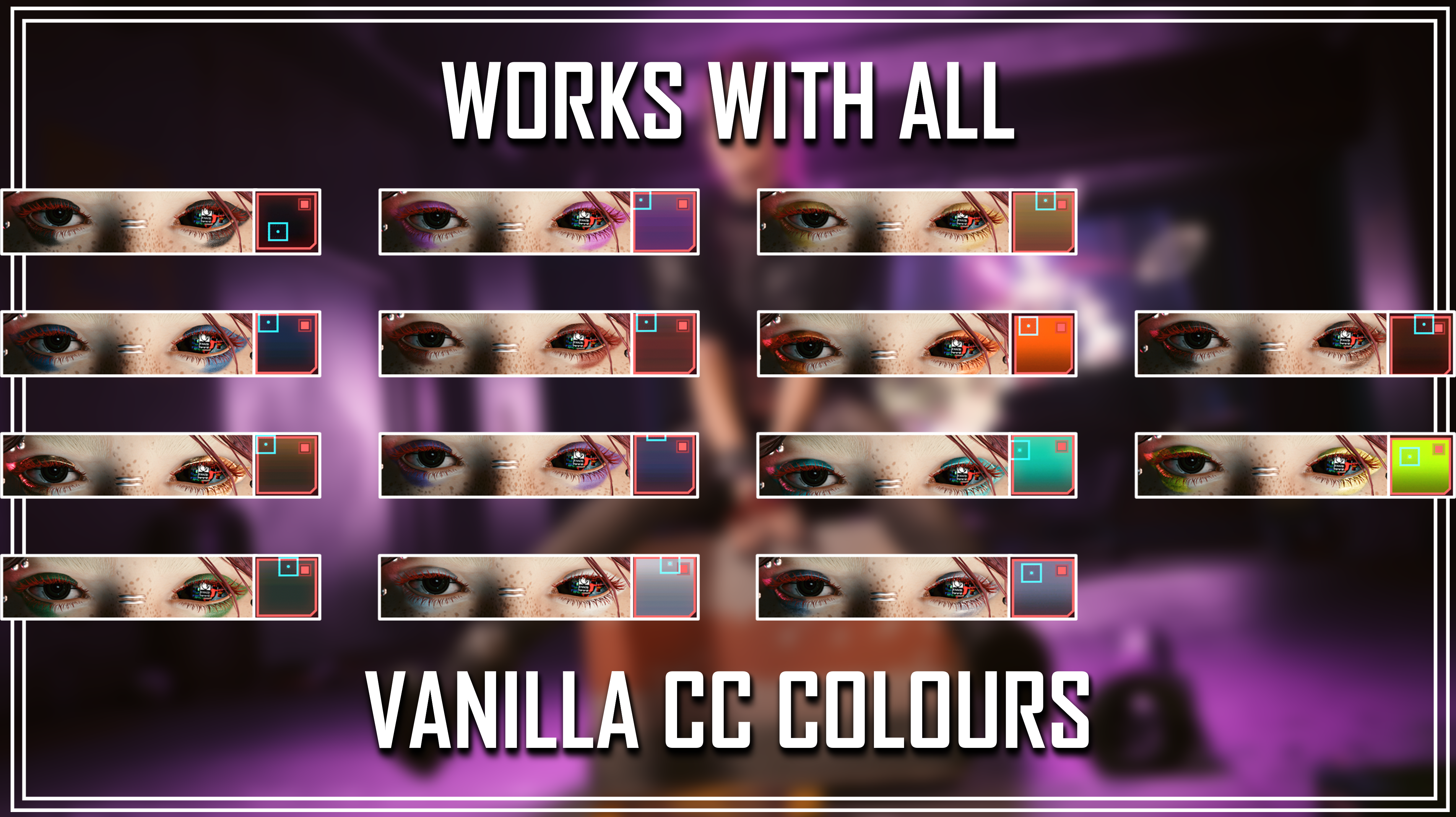
Here's a look at the converted eyeliner:
I included the actual CC colour squares beside each screenshot, because the colours and materials in Cyberpunk behave so strangely. But it does indeed work fine with all the colours. For the mod photos, I went with the brighter red shade; it matched Avery better and stood out more.
It was strange removing her tattoos and cyberware though. I had to show off the eyeliner of course, but yeah...it was weird.
REQUIRED MOD FOR CCXL MODS TO WORK: ArchiveXL over on Nexus.
Here's some Installation Instructions:
1) Download the Zip file from this mod.
2) Extract the contents to somewhere on your Desktop/PC.
3) Grab the .archive AND .xl files from that extracted Zip.
4) Put those into your mod folder. On Steam, the file path is as follows:
steam - steamapps - common - Cyberpunk 2077 - archive - pc - mod
(You put the files in the mod folder at the end of that file path)
5) Load up the game, and head into the Character Creator.
6) Scroll down to the Eye Makeup options. I reccomend just going back, so you don't have to cycle through the 30+ vanilla options.
7) You should then see this CCXL eyeliner and be able to use them with every colour!
(It will work with my other eyeliner mods, just so you know)
That about does it for this post. And actually, that does it for this week! As promised, I am going to be keeping the page updated regularly whilst I work on my 3 remaining commissions. To those of you who missed out, I am so sorry. Once these comms are done, I will take a month's break to avoid burnout. After that, I plan to open my comms again in the Fall.
Thank you all for the continued support! Take care of yourselves!
(The Zip file titled 'READY FOR MOD PAGE' is just a collection of the mod page photos and eyeliner references)
Files