Home
Home

 Creators
 Search
 Recent
 Random
 Posts
Posts
 DMs
DMs
 Tags
Tags
 Random
 Importer
 Import
 FAQ
FAQ
 Account
 Register
 Login
Login
 Favorites
 Keys
Keys
 Logout
 Telegram

Post 2.2 Eye Makeup Edits - CCXL - Both Vs (Patreon)
Downloads
Some files exceed the archive size limit and weren't saved: 1 file. Please note these limits are in place to keep this site running long term, without costing a fortune. You can favorite the creator though, certain milestones increase the limit.
Content
Hey folks! Hope you've all been having a good week so far! I am here with some more makeup for you all.
Just a few days ago, I posted my CCXL eye makeup edits of some Pre 2.2 vanilla options. And now I am here with the Post 2.2 counterpart! There aren't quite as many options this time around, but that's because I simply chose to work with my favourite options; just like the previously posted mod.
If you guys have any ideas for more Post 2.2 edits, I am open to that!
Here's a look at the Edit Options:
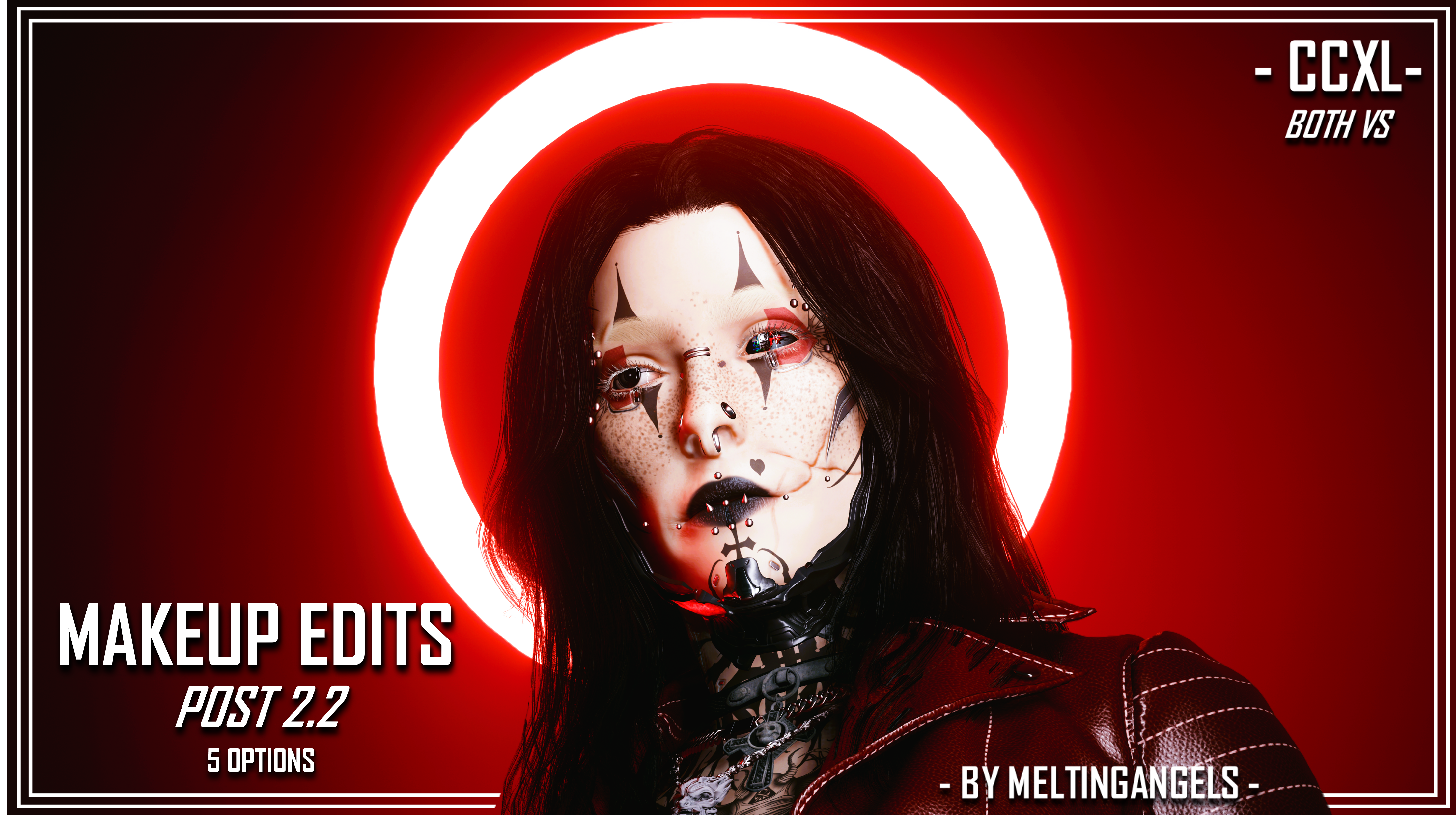
As you can see, the Edit I used for the Mod Page screenshots was 'Angels Edit 3'. I used the more vibrant red in the vanilla colour options. It had to stand out against my Avery's extensive tattoos. And honestly, I think it all turned out great. These edits are super cute, especially the one that's just the isolated hearts.
Again, I am open to adding to this collection if you guys have some ideas.
REQUIRED MOD: ArchiveXL and its requirements.
Here's some Installation Instructions (Individual Options/Files):
-- YES, you can install multiple options --
1) Download the 'Individual Files' zip file from this mod page.
2) Extract the contents of that Zip to somewhere on your Desktop/PC.
3) Open up the Zips of the makeup options you want.
4) Go to your mod folder. On Steam, the file path is as follows:
steam - steamapps - common - Cyberpunk 2077 - archive - pc - mod
(You want the MOD folder at the end of that file path)
5) Drag the contents of your chosen zip files, into that mod folder. You can close the Zips after the files have finished transferring.
6) Load up the game, and head to the Character Creator.
7) Go to the Eye Makeup options. I reccomend cycling backwards through the options, so you don't have to scroll through the 30+ vanilla options.
8) You'll find my eye makeup edits there as CCXL options; for Both Vs!
Here's some Instructions (All In One):
1) Download the 'All In One' zip file from this mod page.
2) Open up that Zip file, and keep it open.
3) Go to your mod folder. On Steam, the file path is as follows:
steam - steamapps - common - Cyberpunk 2077 - archive - pc - mod
(You want the MOD folder at the end of that file path)
4) Drag the contents of the All In One zip, into that mod folder. You can close the Zip after the files have finished transferring.
5) Load up the game, and head to the Character Creator.
6) Go to the Eye Makeup options. I reccomend cycling backwards through the options, so you don't have to scroll through the 30+ vanilla options.
7) You'll find my eye makeup edits there as CCXL options; for Both Vs!
That about does it for this post! I will be back soon with more WIPs and new mods.
I am also hard at work on my current batch of commissions. One is very close to completion, which is super exciting; can't wait to show it to you all when I take some screenshots to show the commissioner!
Take care of yourselves, and remember to join the Discord if you haven't already!
(The Zip file titled 'Post 2.2 READY FOR MOD PAGE' is just a collection of the Mod Page screenshots and eyeliner references)
Files