Home
Home

 Creators
 Search
 Recent
 Random
 Posts
Posts
 DMs
DMs
 Tags
Tags
 Random
 Importer
 Import
 FAQ
FAQ
 Account
 Register
 Login
Login
 Favorites
 Keys
Keys
 Logout
 Telegram

Let You Down - Sasha's Eyes for V (Patreon)
Downloads
Some files exceed the archive size limit and weren't saved: 4 files. Please note these limits are in place to keep this site running long term, without costing a fortune. You can favorite the creator though, certain milestones increase the limit.
Content
Hey everyone, I hope you all had a good weekend! I've had stuff going on IRL as I mentioned before, but things seem to be calming down.
I am here with another new mod. Yes, it's more eyes. I just have alot of fun making eye mods, so that's why you see so many of them. These are inspired by my recent watch of Edgerunners. Yes, it took me 3 years to watch it. I've played 2077 since launch, so I knew about David's drink in the Afterlife. I knew the show would break my heart, hence why it took so long for me to watch it.
The anime lowkey made Smasher so fucking scary tbh
Another thing that broke my heart was the animated video for Let You Down, featuring Sasha. The way they introduced us to her, gave us her backstory, then made us grieve for her in the span of 4 minutes is just insane to me. But it was so well done. And Sasha's eyes are particularly nice, so I decided to make them.
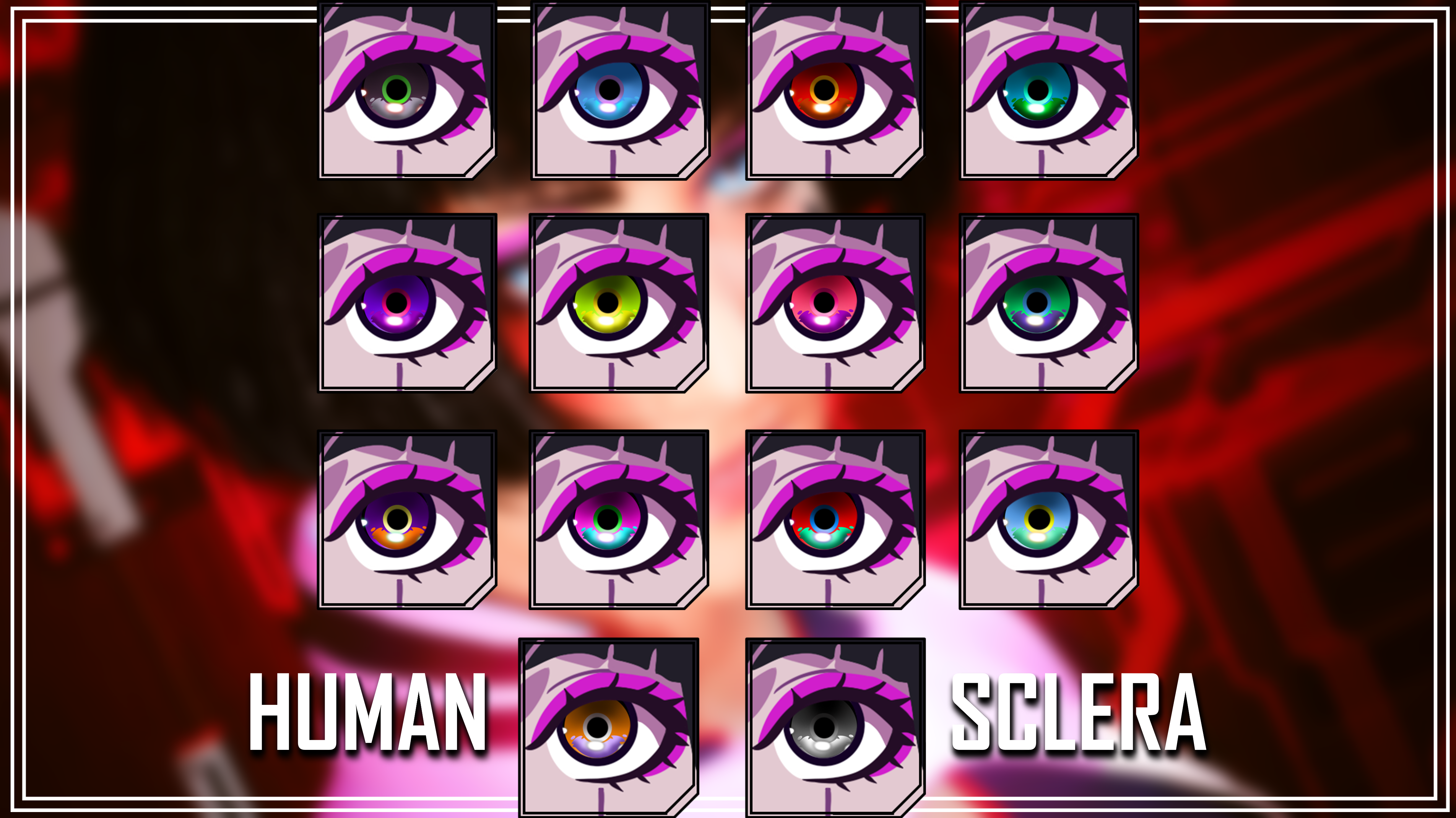
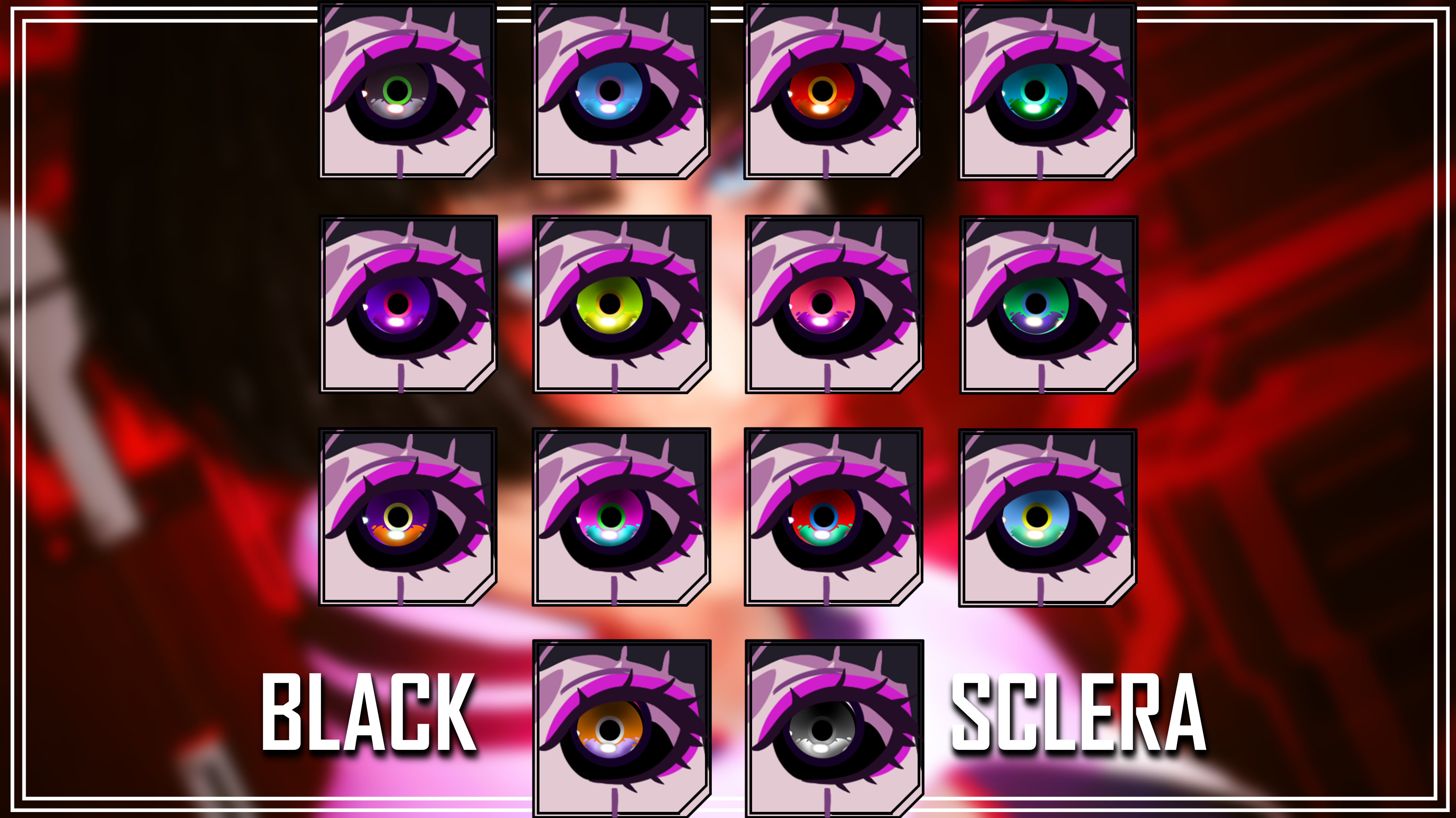
Here's a look at the Eyes, Custom Icons, and Custom Normal Map:
As with my other eye mods, these were hand-drawn and hand-painted by me. I directly eyedropped colours from screenshots of the Let You Down music video. I am so happy with how these turned out, and stoked that the Icons look as cool as they do. They took alot of time to make as they have a fair amount of detail, but I feel the effort expended was worth it.
The first two eyes are Dark/Bright versions of her canon eyes.
REQUIREMENT: You must be on Patch 2.3 or above, and must also have the latest version of ArchiveXL installed. Otherwise, they won't work.
And here are some CCXL Installation Instructions:
1) Download the Zip file from this mod page.
2) Put it somewhere on your Desktop/PC.
3) Open up the Zip file, and head to the main Cyberpunk Directory. On Steam, the file path is as follows:
steam - steamapps - common - Cyberpunk 2077
4) Drag the contents of the Zip, and drop them into that main directory.
5) You can now close that Zip, and boot up the game.
6) Head to the Character Creator, and go to the Eyes.
7) Scroll down, and you'll see my eyes with their custom icons!
And yes, they will work with the CCXL Heterochromia mod.
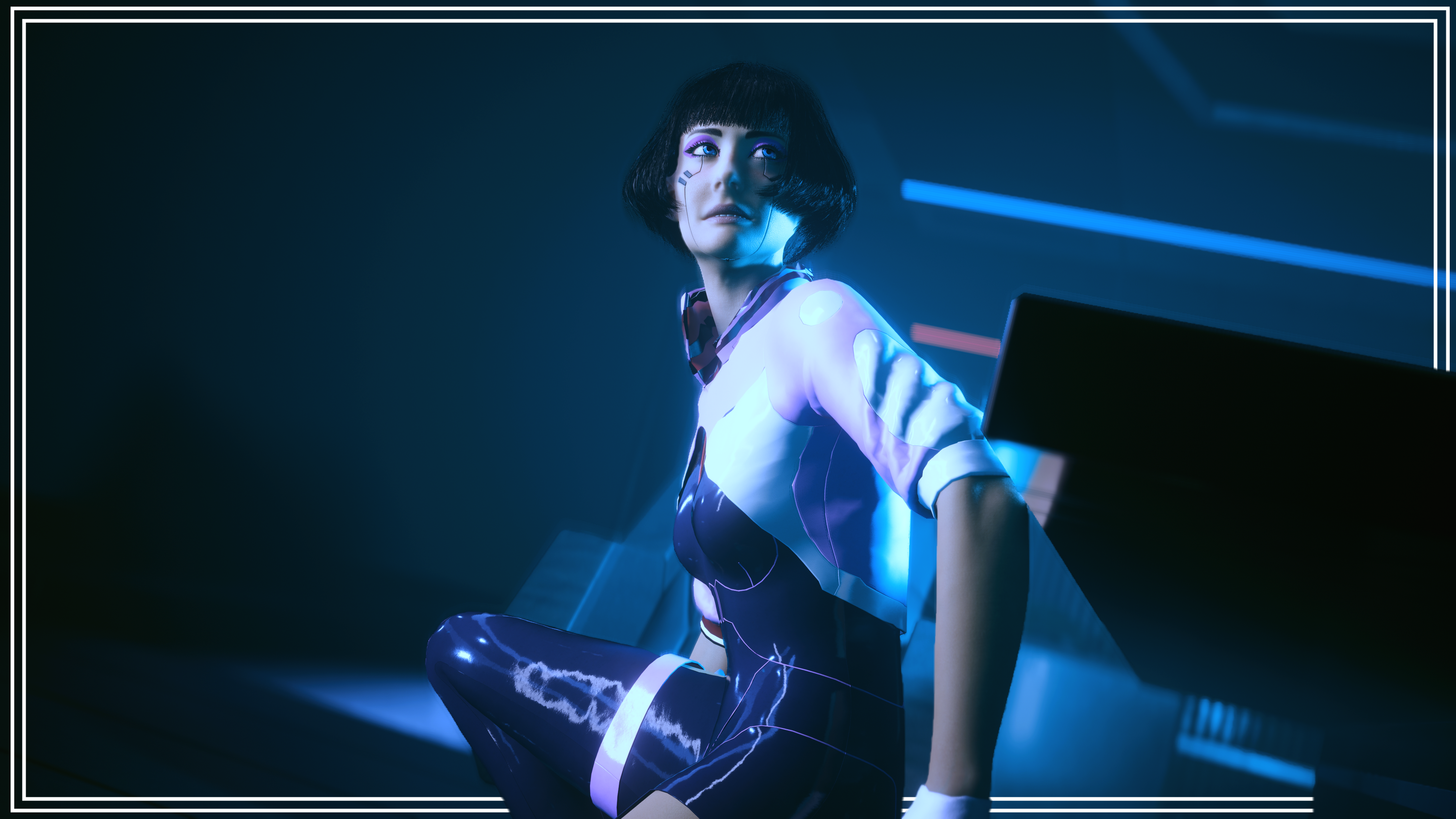
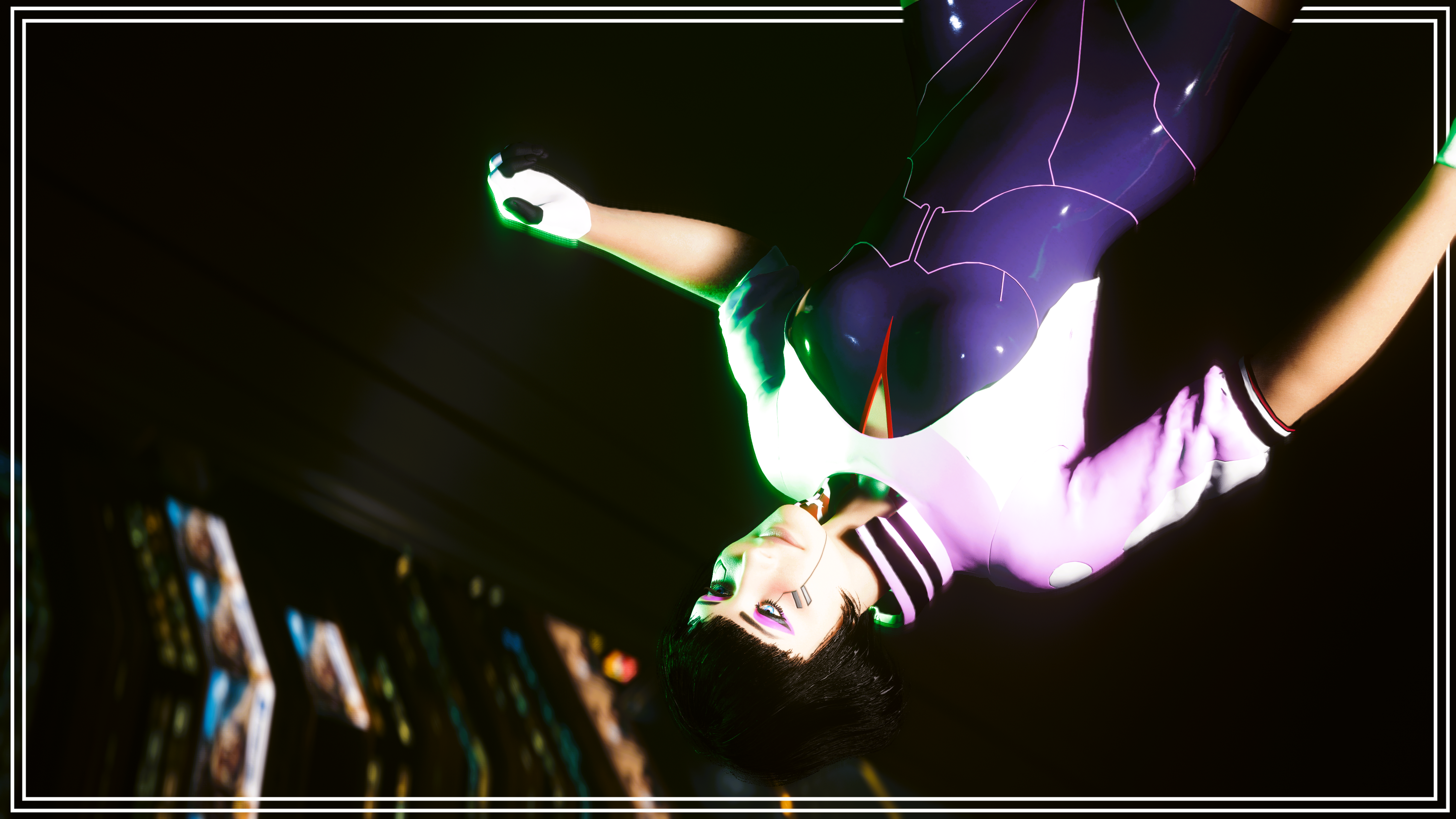
That about does it for this post! I hope you all like these eyes. Alot of effort went into them, their icons, and the mod page screenshots. I genuinely tried to recreate parts of the Let You Down video. Overall, I just put alot of time into this. I may do the eyes of other folks from Edgerunners, so keep an eye out for that.
Thank you for the ongoing support, and take care of yourselves! I am now un-hiding my mods on Nexus, and will see how it goes; basically see if the Tutorials remain up.
(The Zip file titled 'READY FOR MOD PAGE' is just a collection of the Mod Page photos and Eye References)
Files