Home
Home

 Creators
 Search
 Recent
 Random
 Posts
Posts
 DMs
DMs
 Tags
Tags
 Random
 Importer
 Import
 FAQ
FAQ
 Account
 Register
 Login
Login
 Favorites
 Keys
Keys
 Logout
 Telegram

Half Cyberware for V 1.0 - 12 Options - Both Vs and Both Sides (Patreon)
Downloads
Content
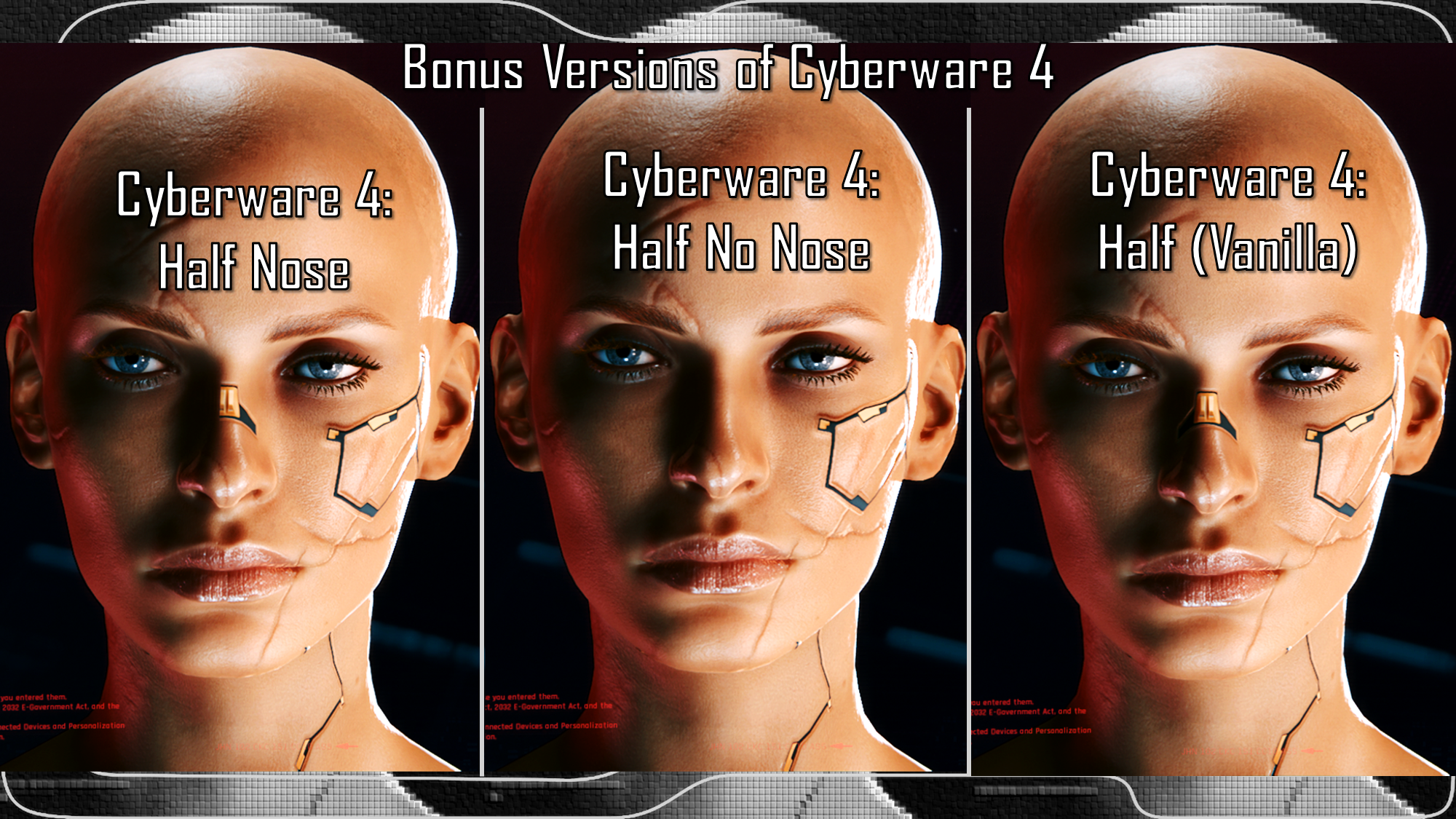
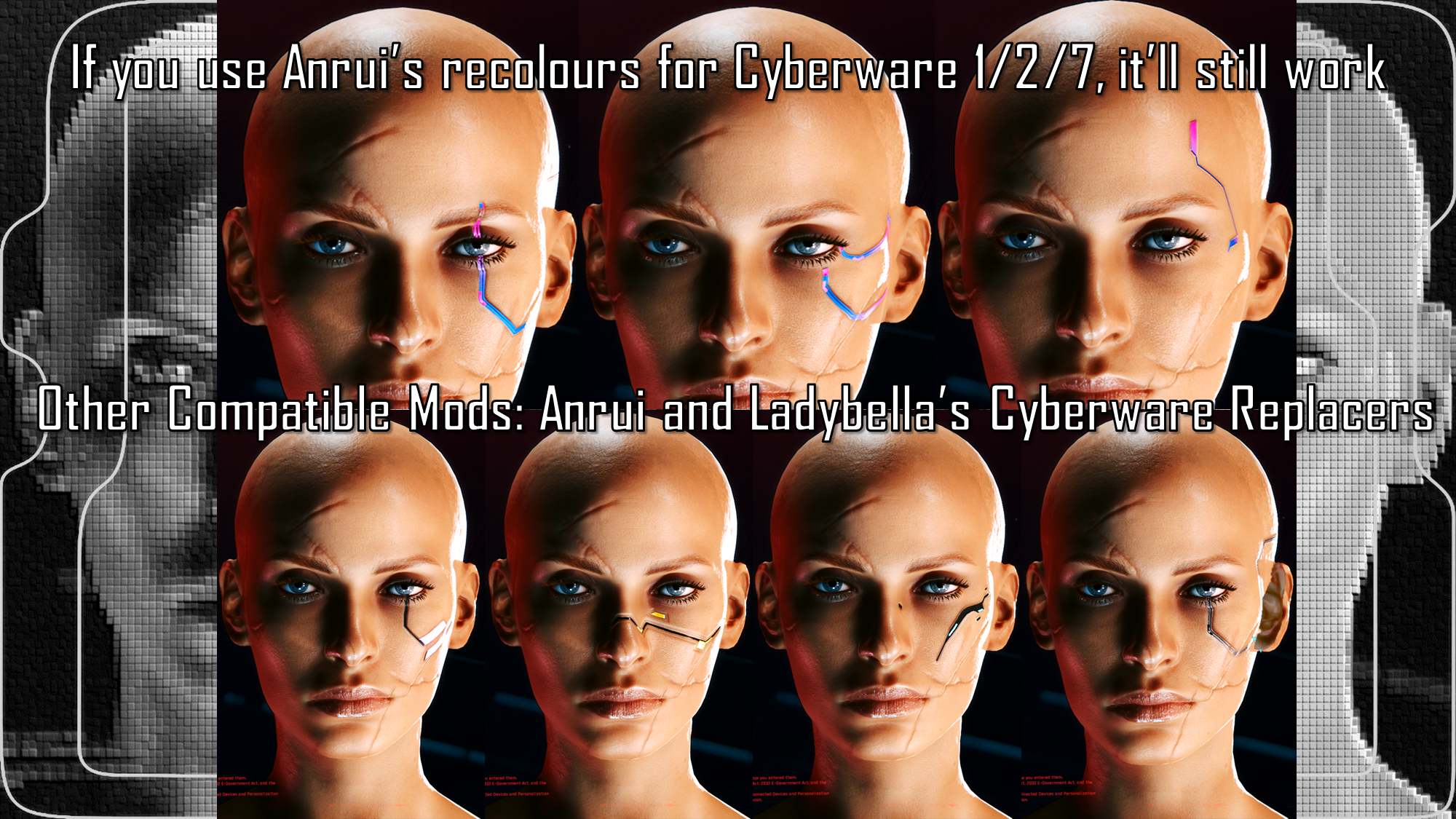
This is the very first Cyberware mod I've ever done; and it took a hell of a lot of work. This is the 1.0 version of my 'Half Cyberware' mod. It's what it says on the tin; cyberware options for either half of the face.
This first version of the mod replaces the vanilla cyberware in the CC; the upcoming second version will be built upon Nora's Morphtargets framework- meaning they will be standalone and won't affect vanilla cyberware.
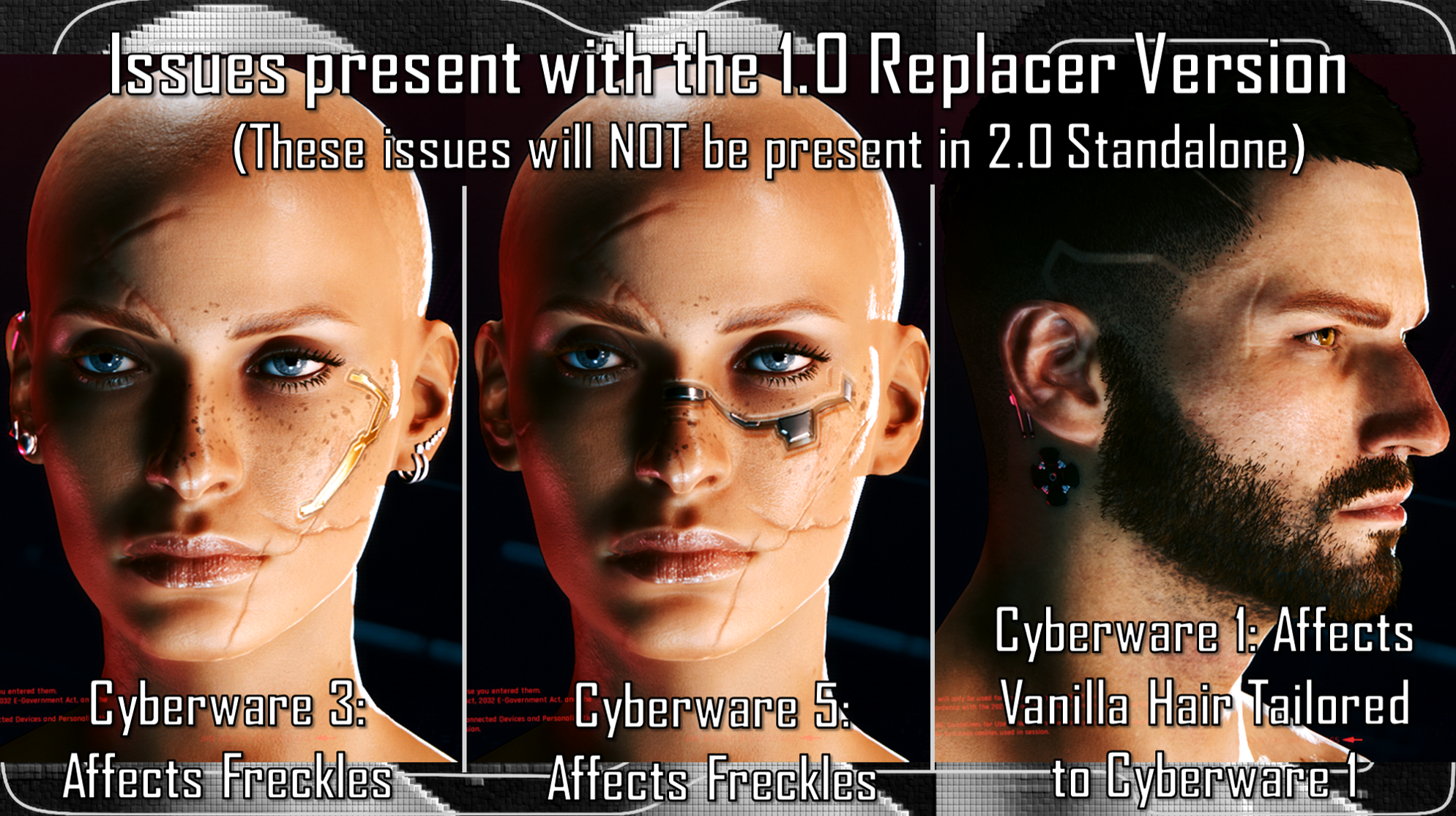
It'll also get rid of a few issues associated with the replacers. Because CDPR put cyberware meshes on the same stuff as some makeup and freckle options...for some reason.
Nora and Edith/JSILVERHVND were a huge help with this mod. Edith did an initial trial with Cyberware 1 to see if this was even possible, and then guided me through the process of making it. They, and then Nora, helped with further questions and advice; they were both amazing.
Yes, as stated, this is available for Both Vs! And note that I will no longer be uploading to Nexus, so going forward I will be including Installation Instructions in my posts.
Installation:1) Download the zip file for this mod for your respective V; I bundled all options into 1 zip file for Masc, and 1 zip for Fem.(I also included PNG references of all the options available)2) Check the 'ReadMe' document.(Please do this, it'll help if you're stuck with what to do)3) Put ONE cyberware .archive file in your mod folder. On Steam, the path is as follows, and is likely similar for GOG:archive/pc/mod(Your .archive file goes in the mod folder)4) Load up the game, and cycle through to the Cyberware you chose in the character creator, and choose it.5) Your chosen .archive should have replaced the vanilla option with the Half Cyberware option you chose!I don't think this affects any major NPCs, so it should be good on that angle. The few minor issues will NOT be present with the 2.0 Standalone edition as that is its own entities and doesn't rely on vanilla files.
Files