Home
Home

 Creators
 Search
 Recent
 Random
 Posts
Posts
 DMs
DMs
 Tags
Tags
 Random
 Importer
 Import
 FAQ
FAQ
 Account
 Register
 Login
Login
 Favorites
 Keys
Keys
 Logout
 Telegram

For the Beldam - A Mod Set inspired by Coraline - Eyes-Tattoos-Poses - Both Vs - Halloween Day 24 (Patreon)
Downloads
Content
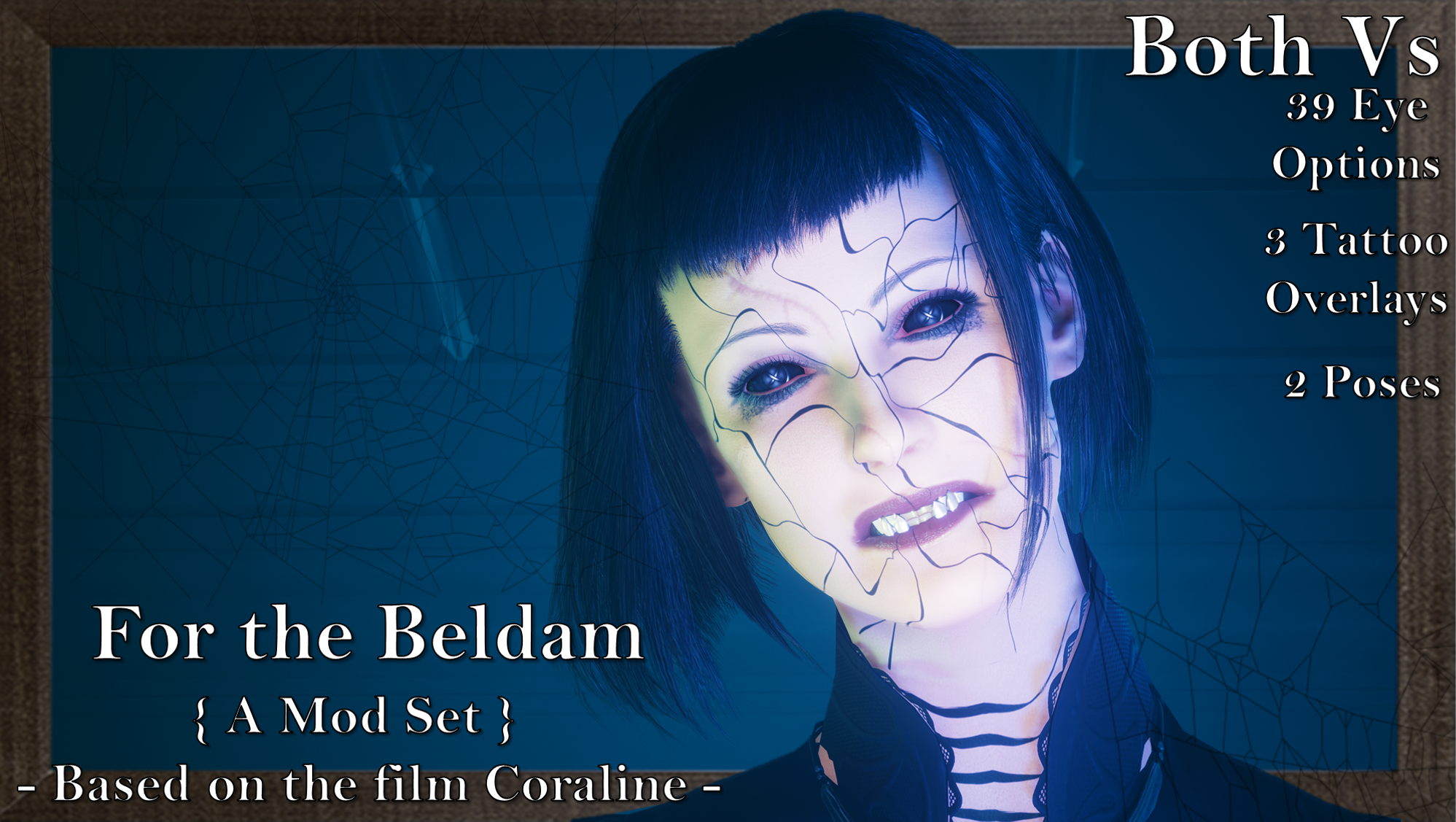
For the Twenty-Fourth day of my big Halloween modding project, I did a pretty big mod pack inspired by Coraline! If you haven't seen the movie, where have you been??? But seriously, it's incredible; a stop-motion film by Laika, based on the book by Neil Gaiman. It's horrendously creepy and it's just a superb work of art besides.
This mod pack was a huge undertaking, but I am so proud of how it turned out; both regarding the mod pack itself, and the Nexus mod page. I really tried to stay true to the aesthetic and design of the movie.
As I am no longer uploading to Nexus, please scroll down for Installation Instructions.
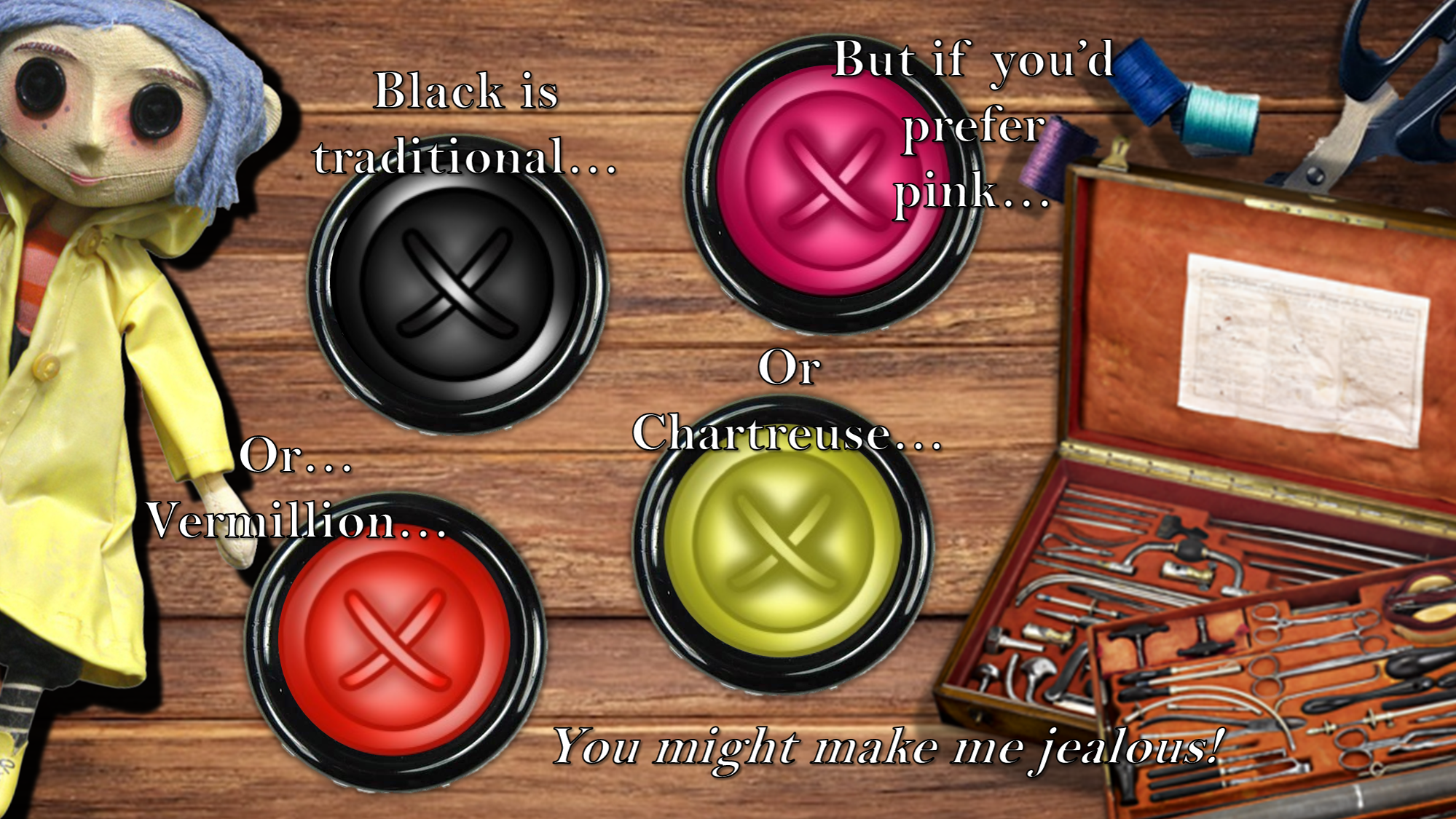
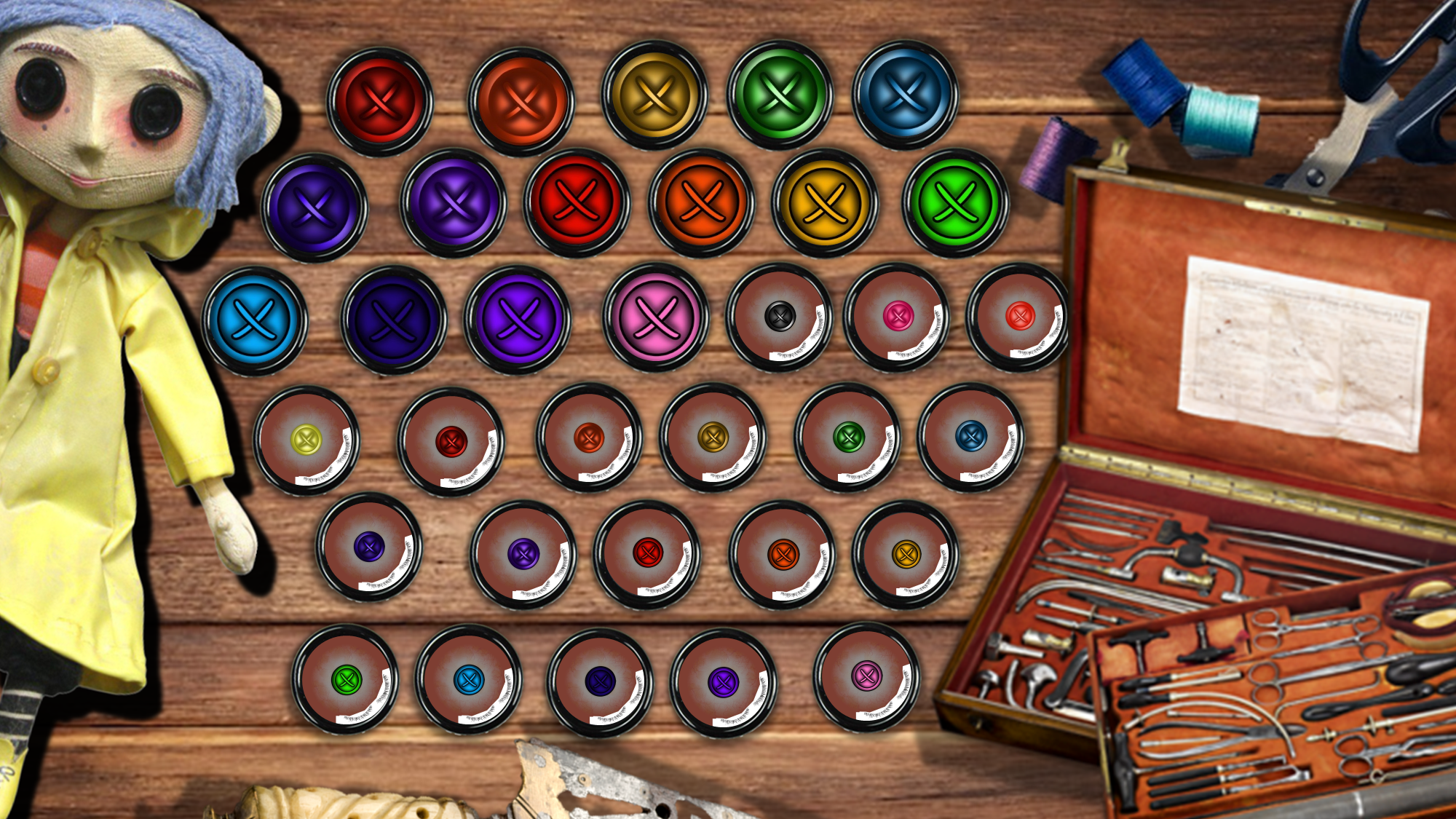
This is a decent sized mod pack, all made by me, including:- A full 39 Eye Set of Button eyes, each one hand drawn/painted by me in Procreate.(Including the 4 colours mentioned in the film! There's black outlined ones, black sclera versions...this was a tonne of work)- 3 Tattoo Overlays.(The Other Mother's face/lip mole, her cracked face, and cracked arms. They will conflict with any other tattoo overlays, I mainly made them for photomode purpsoes, honestly. Again, hand drawn/painted by me in Procreate)- 2 Poses.(One is the hand focused pose you'll see, which I used to spotlight the 4 canonically mentioned button eye colours, and the other is the Eldritch Abomination-esque pose I made for the true form of the Other Mother/Beldam)The Eyes use the Unique Eyes mod so that these eyes are, well, Unique to V; you won't see Johnny walking around staring like he wants to shove buttons in your eyes or anything.As such: UNIQUE EYES (DEFAULT!!!) IS A MUST - THE EYE MOD WILL NOT WORK WITHOUT IT!!!Everything is available for Both Vs, of course! The poses BOTH replace 'Talk to the Hand', so only install 1 at a time!!!The 'tattoo' overlays, as mentioned, were mainly made for Photomode purposes. You can only have 1 face overlay installed at a time, but that can be combined with the arm overlays!
THE MOD NOW HAS CUSTOM UI ICONS THANKS TO JSILVERHVND'S ICON FRAMEWORK!!!
Nexus Link (Unique Eyes for Pre 2.2 Users): Unique Eyes Mod
Nexus Link (UI Icons Mod): Iconic UI Framework
(That mod is broken in 2.2+, so be aware of that)
Nexus Link (Unique Eyes for 2.2+ Users): Unique Eyes 2.2
Installation (Eyes for Pre 2.2 Users):1) Install the Unique Eyes core mod; go to the page linked and follow their install instructions- DOWNLOAD THE DEFAULT VERSION, NOT THE GRADIENT!!!2) Download this eye mod.3) Unzip the Zip file to somewhere on your desktop/PC.4) Check the 'Read Me' note file.5) Place the eye mod's 'archive' file in your mod folder. On Steam, the folder path is as follows:archive/pc/mod6) Load up your game, and the eyes will appear for Both Vs!(If for some reason, the eyes show up greyed/black, try adding a ! to the file name, to bump it up to the top of your load order)
These Installation Instructions are virtually the same for people in Patch 2.2 and beyond, except you need to download the Unique Eyes 2.2 mod linked above.
Installation (Tattoo for any Body):1) Install your chosen body; go to the pages linked and follow their install instructions.2) Download this mod.3) Unzip the Zip file to somewhere on your desktop/PC.4) Check the 'Read Me' note file.5) Place the face and/or arm tattoo 'archive' file in your mod folder. On Steam, the folder path is as follows:archive/pc/mod6) Load up your game, and the tattoo should appear on your face/arms!(For KS UV, if the tattoo doesn't show, try adding a ! to the file name, to bump it up to the top of your load order)
Installation (Eye Icons):1) Install the ICONIC UI framework by JSILVERHVND and its requirements.2) Download the Icons file from THIS mod.3) Unzip the Zip file to somewhere on your desktop/PC.4) Check the 'Read Me' note file.5) Place the Icons 'archive' file in your mod folder. On Steam, the folder path is as follows:archive/pc/mod6) Load up your game, and the custom eye icons will appear for Both Vs!
Files