Home
Home

 Creators
 Search
 Recent
 Random
 Posts
Posts
 DMs
DMs
 Tags
Tags
 Random
 Importer
 Import
 FAQ
FAQ
 Account
 Register
 Login
Login
 Favorites
 Keys
Keys
 Logout
 Telegram

Black Sclera Kiroshi - Basic and Grey Editions - By MeltingAngels (Patreon)
Downloads
Content
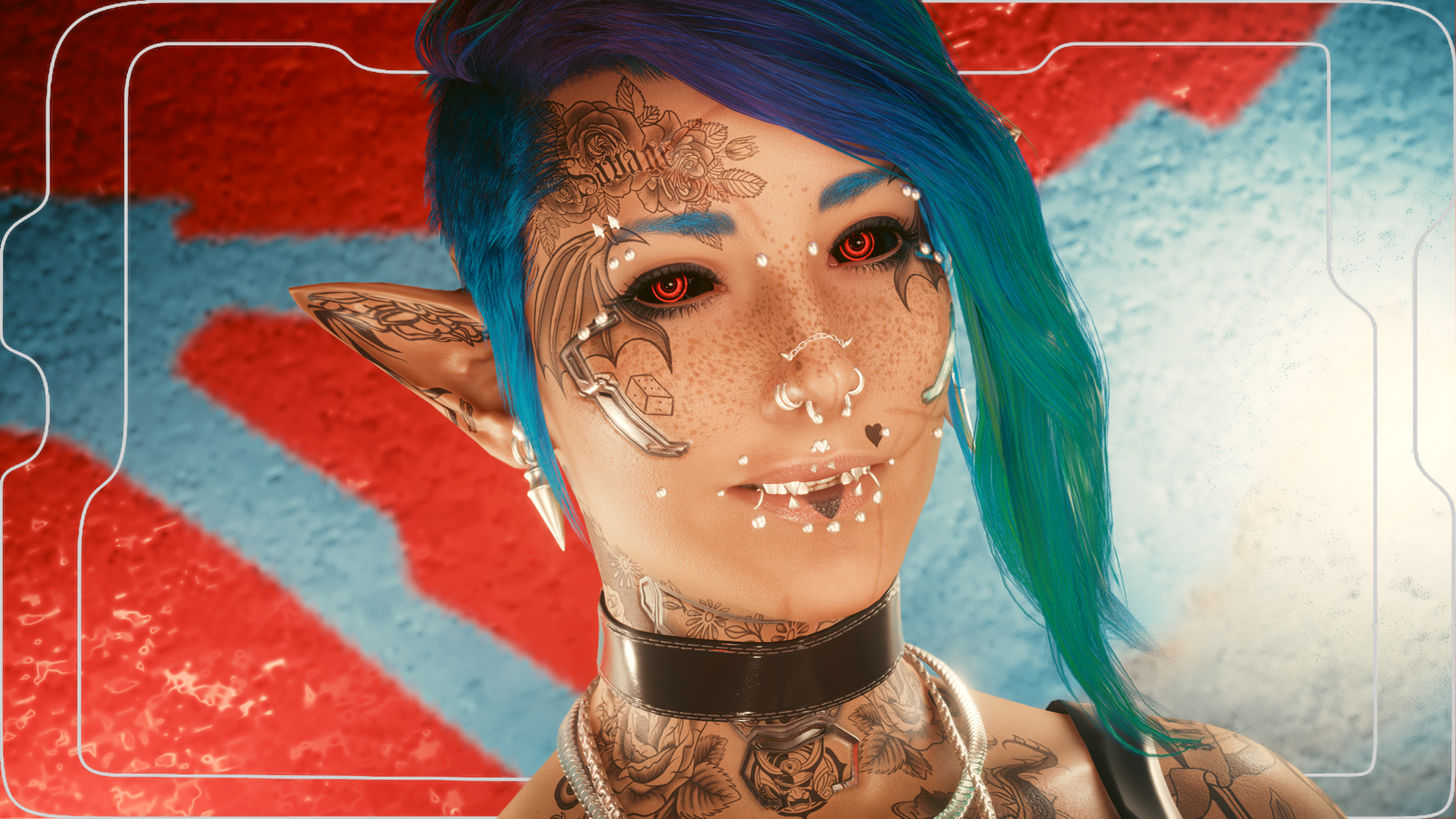
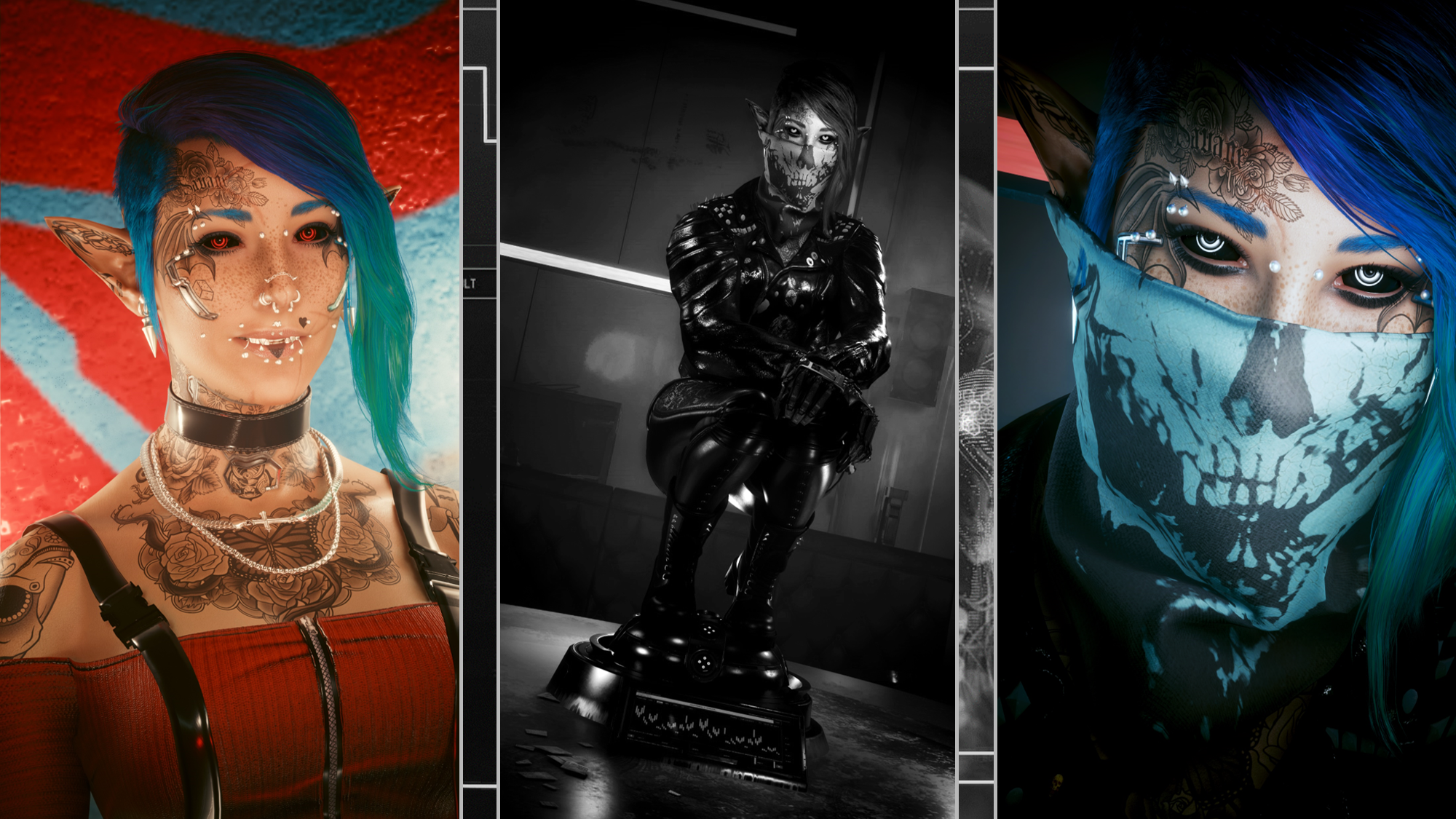
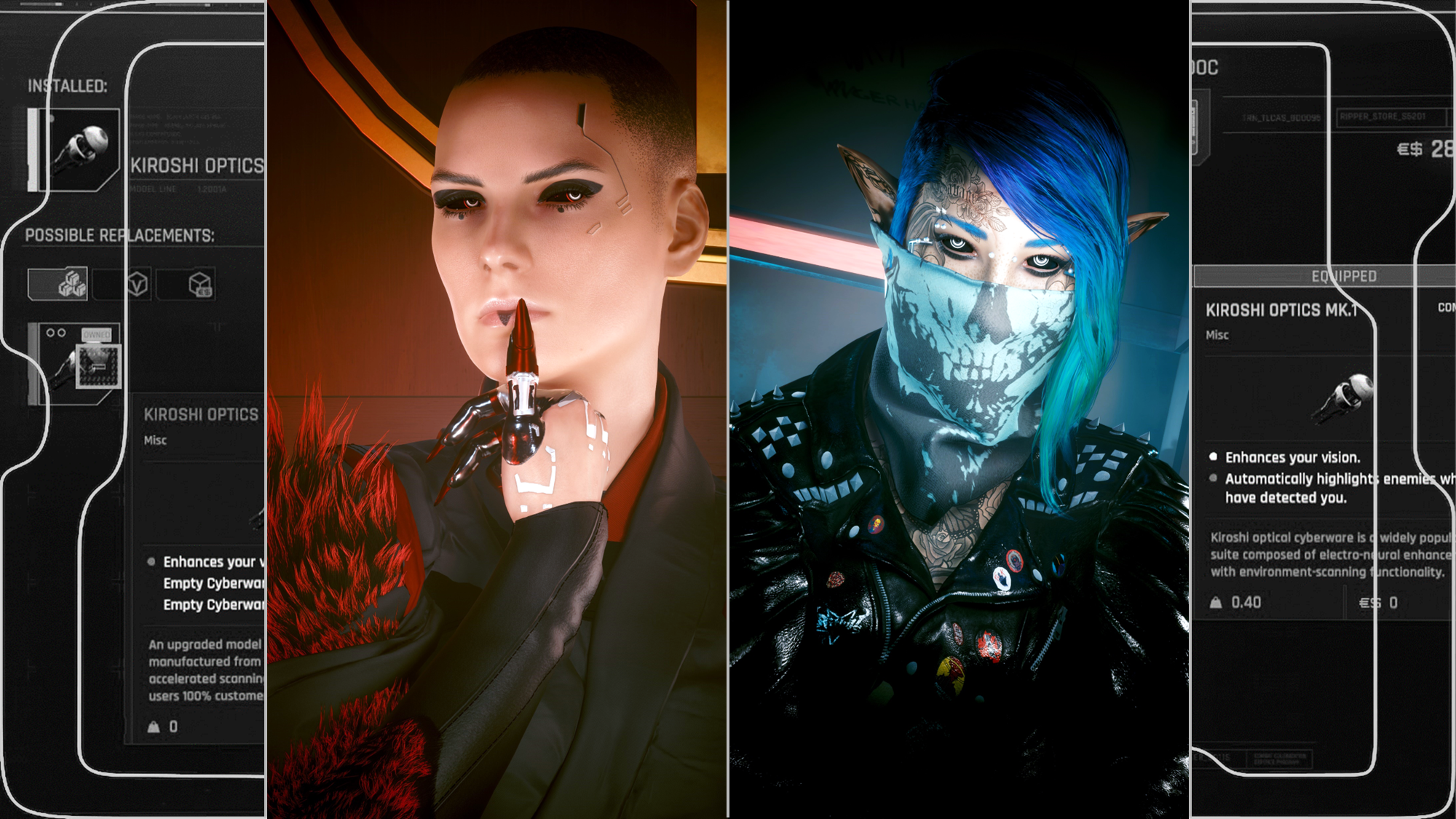
Hey choom! This is available for Both Vs!This eye set by Kala contains my favourite eyes, ones I use for my Main V, Avery. But I always wanted to see more colour variants of it. So after seeing that the mod has been classed as a 'Modder's Resource' by Kala themselves, I decided to go ahead and make this mod! After grabbing the OG texture via Kala's mod, I then popped it into Procreate, the drawing software I use. I redrew the eye lines by hand, and then painted the colour variants by hand as well. I am really happy with the colours I chose, and it's gonna be cool having more variants of these eyes available.Then I got a bunch of requests for Black Sclera and White Line versions of the mod, so here we are with the former! I have to agree the Black Sclera versions look super cool; I may keep them on several of my Vs and various OCs. The white lines version will be uploaded soon, so keep an eye out :) For this mod, there are two versions; you can either have the Basic Kiroshi colours which are full colour, or the Grey Kiroshi where the colour is just on the outer rim of the eye.
Scroll down for installation instructions.There are 38 eye colours in either set, split into Two 'editions', of which you should only have 1 version installed at a time:- Text version.(Has the little Kiroshi text/numbers on the eye; it's not as noticeable on Black Sclera but I included it nonetheless)- Text Free version.(Just the outlines, none of the text or numbers)Support Kala's mods, and check out their Nexus Page here: guidethisonekalaheriaKala's Patreon can be found here.
Please note I am no longer uploading to Nexus, so going forward I will be including Installation Instructions on my posts.
Nexus Link (Pre Patch 2.2 Users): Unique Eyes Core
Nexus Link (Patch 2.2+ Users): Unique Eyes 2.2
Nexus Link (UI Icons): ICONIC UI Framework
(Be aware that mod is broken in 2.2+ games)
Installation (Eyes for Pre 2.2 or 2.2+):1) Install the Unique Eyes Core mod OR the Unique Eyes 2.2 mod; go to the pages linked and follow their install instructions- ALWAYS DOWNLOAD THE DEFAULT VERSION, NOT THE GRADIENT!!!2) Download the Eyes zip file from this mod page.3) Unzip the file, and place it in your mod folder. On Steam, the folder path is as follows:steam - steamapps - common - Cyberpunk 2077 - archive - pc - mod(You will place the .archive file in that final mod folder)4) Load up the game, and the Eyes will appear for Both Vs to use!!!Installation (Icons):1) Install the ICONIC Framework by JSILVERHVND; go to the page linked and follow their installation instructions.2) Download the Icon zip file from this mod page.3) Unzip the file, and place it in your mod folder. On Steam, the folder path is as follows:steam - steamapps - common - Cyberpunk 2077 - archive - pc - mod(You will place the .archive file in that final mod folder)4) Load up the game, and the Icons will appear for Both Vs to use!!!
Files