Home
Home

 Creators
 Search
 Recent
 Random
 Posts
Posts
 DMs
DMs
 Tags
Tags
 Random
 Importer
 Import
 FAQ
FAQ
 Account
 Register
 Login
Login
 Favorites
 Keys
Keys
 Logout
 Telegram

What You Made Me - Eyes of the Corinthian - For V (Patreon)
Downloads
Content
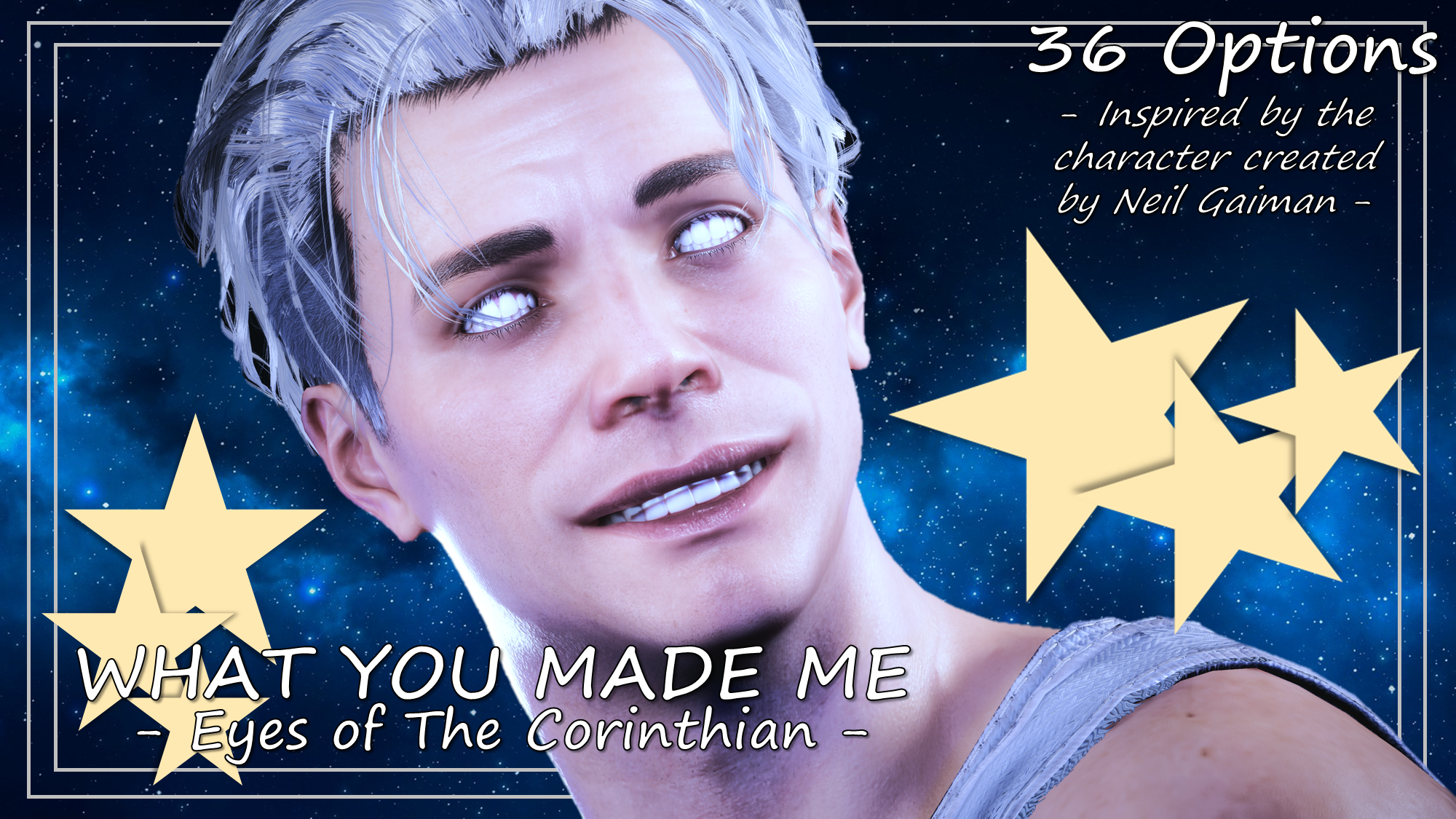
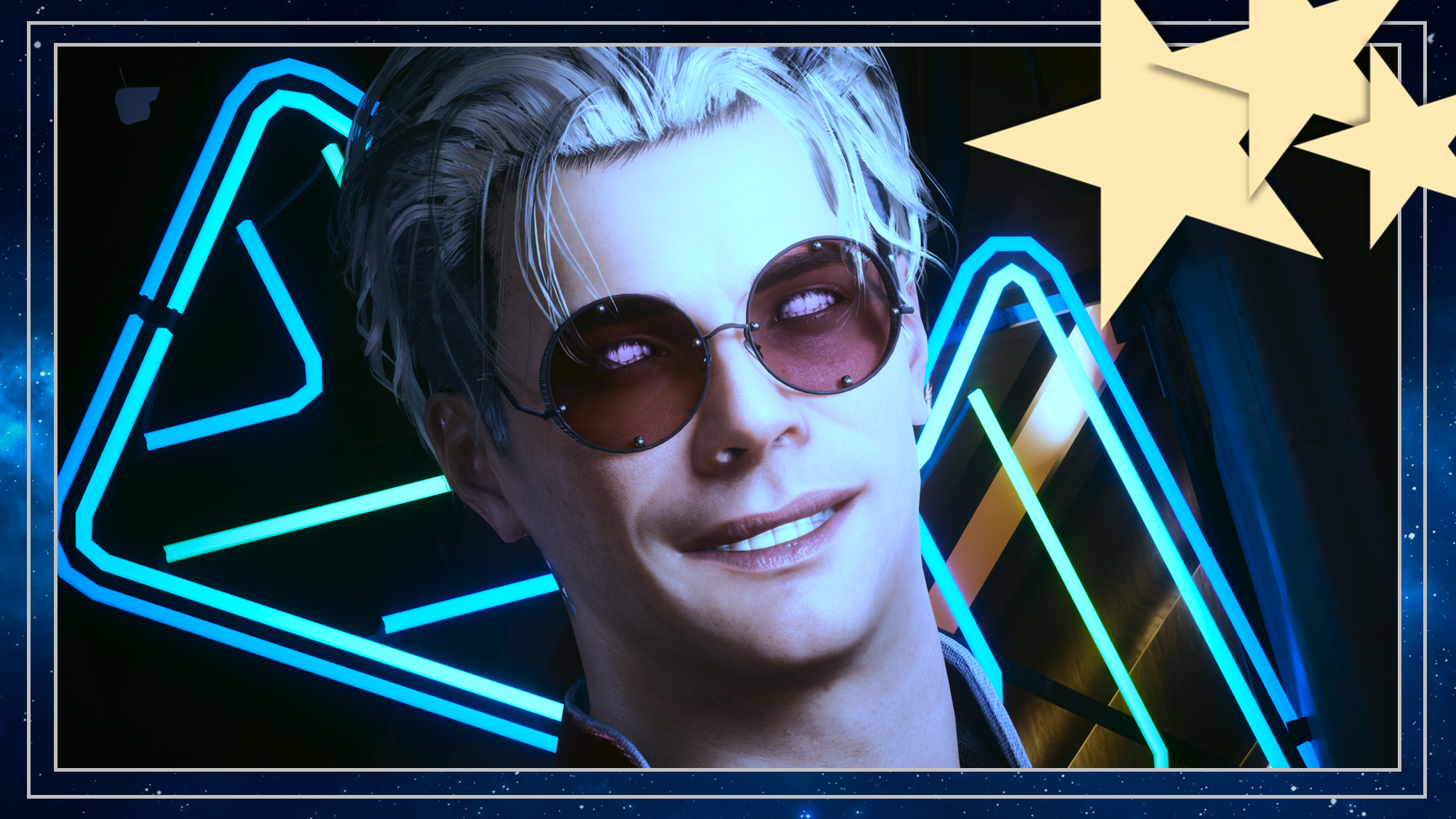
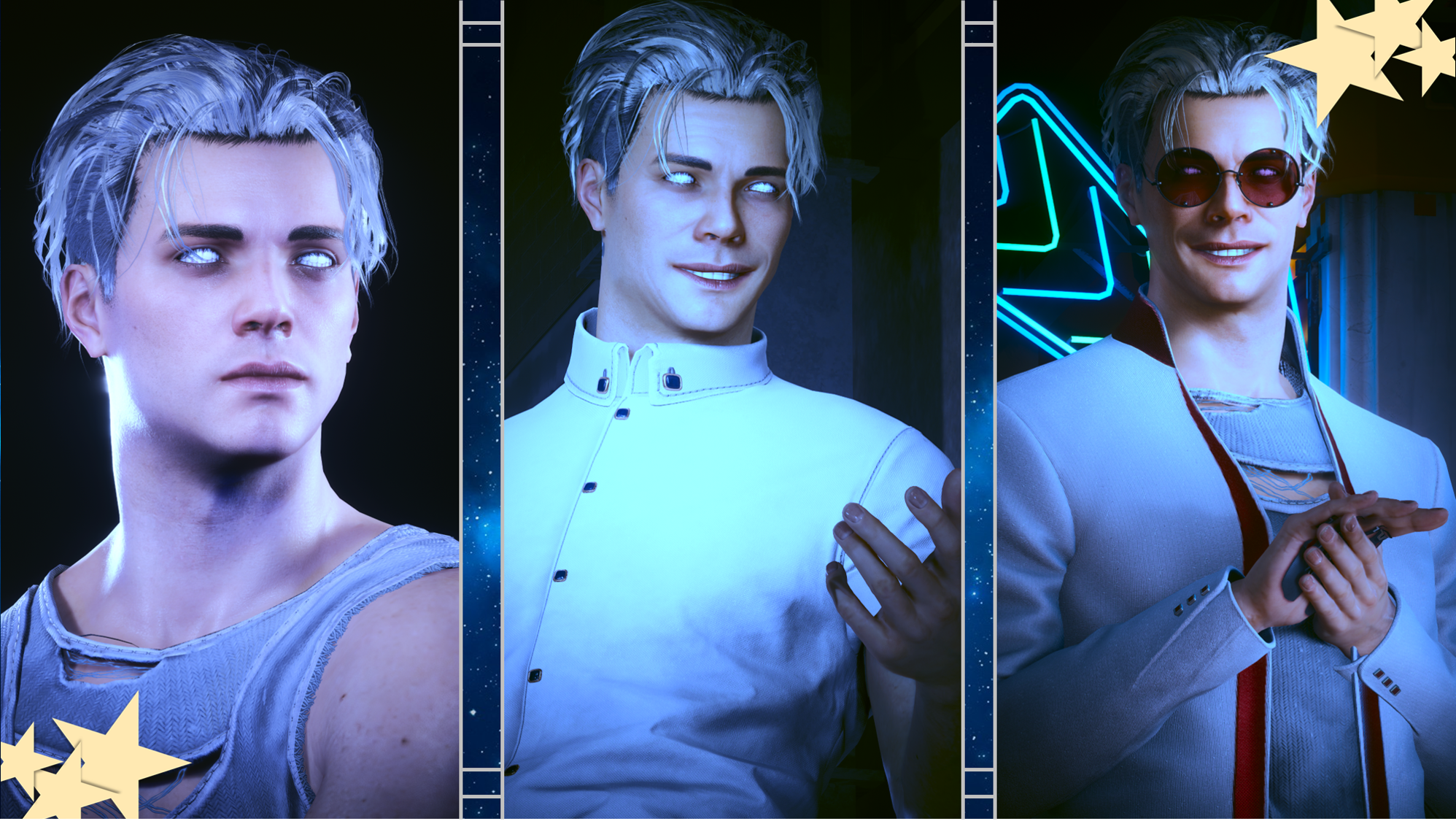
Hey choom! This is available for Both Vs!I've recently started reading the OG run of the Sandman comic; purchased a hard-copy volume comprised of the first 20 or so issues. Mainly trying to get through the original series before Season 2 of the show comes out. And uh also watch Season 1. Been holding off on that due to wanting to read the comics first. I'm absolutely in love with this world so far. It's so interesting, the art style is so bold and a bit sketchy, and the dialogue is expertly written. I highly reccomend checking out the original comics for yourself.This eye mod set works for Both Vs, and there are about 36 Options.First 3 Options:- Real Teeth.- Comics-esque Teeth.- Teeth designed by me.Yes, I hand drew/painted 35 of the 36 available options. There is a variety of colour options, and some blood-stained/paint-stained versions. I only really wanted those first 3 options, but decided to quickly make the rest to bulk out the eye pack. I also did Custom UI Icons, as always.
Please note I am no longer uploading to Nexus, so going forward I will be including Installation Instructions on my posts.
Nexus Link (Pre Patch 2.2 Users): Unique Eyes Core
Nexus Link (Patch 2.2+ Users): Unique Eyes 2.2
Nexus Link (UI Icons): ICONIC UI Framework
(Be aware that mod is broken in 2.2+ games)
Installation (Eyes for Pre 2.2 or 2.2+):1) Install the Unique Eyes Core mod OR the Unique Eyes 2.2 mod; go to the pages linked and follow their install instructions- ALWAYS DOWNLOAD THE DEFAULT VERSION, NOT THE GRADIENT!!!2) Download the Eyes zip file from this mod page.3) Unzip the file, and place it in your mod folder. On Steam, the folder path is as follows:steam - steamapps - common - Cyberpunk 2077 - archive - pc - mod(You will place the .archive file in that final mod folder)4) Load up the game, and the Eyes will appear for Both Vs to use!!!Installation (Icons):1) Install the ICONIC Framework by JSILVERHVND; go to the page linked and follow their installation instructions.2) Download the Icon zip file from this mod page.3) Unzip the file, and place it in your mod folder. On Steam, the folder path is as follows:steam - steamapps - common - Cyberpunk 2077 - archive - pc - mod(You will place the .archive file in that final mod folder)4) Load up the game, and the Icons will appear for Both Vs to use!!!
Files