Home
Home

 Creators
 Search
 Recent
 Random
 Posts
Posts
 DMs
DMs
 Tags
Tags
 Random
 Importer
 Import
 FAQ
FAQ
 Account
 Register
 Login
Login
 Favorites
 Keys
Keys
 Logout
 Telegram

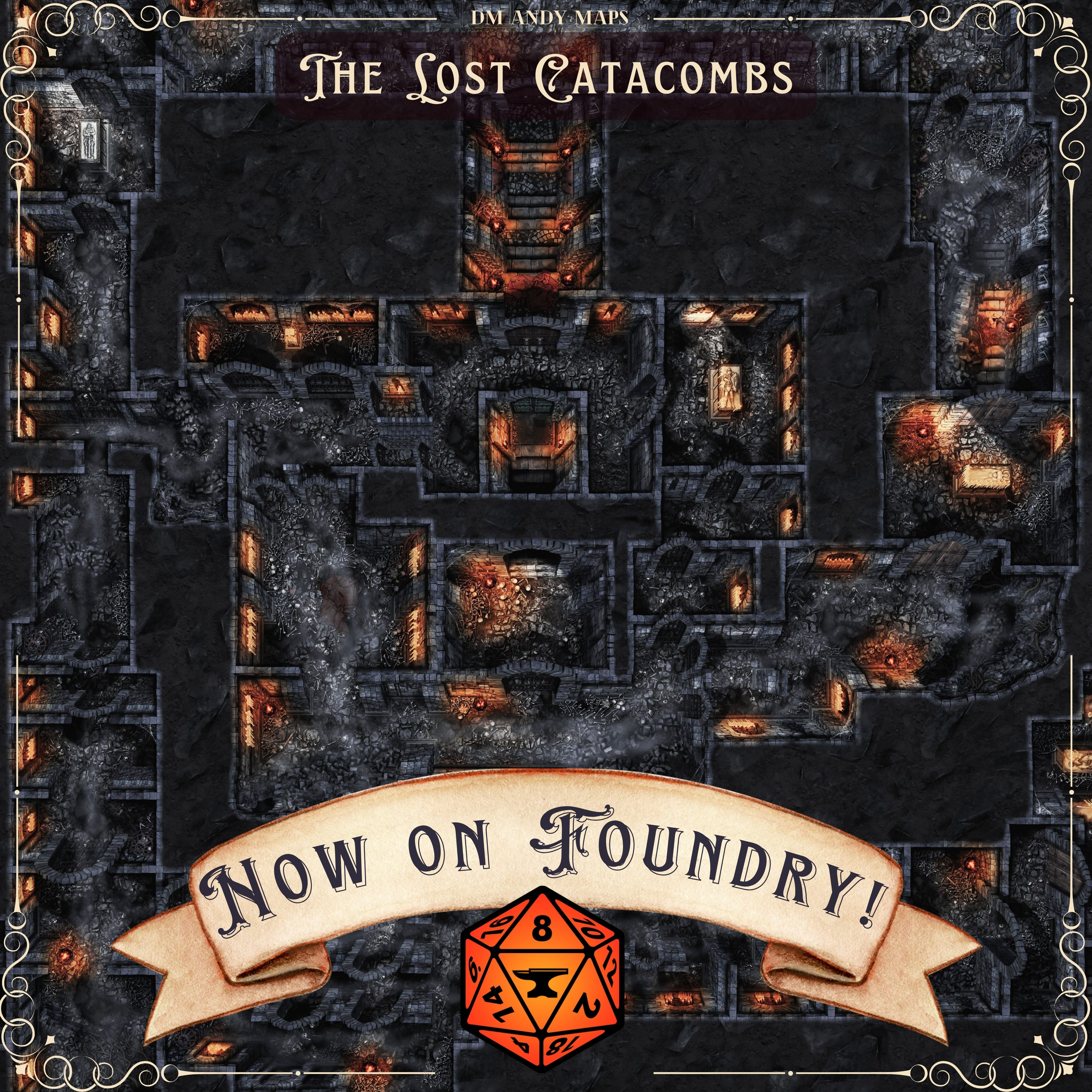
The Lost Catacombs is Now on Foundry! (Patreon)
Content
Hey everyone!
The Lost Catacombs is now available on Foundry Premium to all VTT members.
This module only includes my portion of this map collab and not Eledryll's (For his Shadenhäl Catacombs). Due to our different approaches on how we handle modules, it was just easier if we both handled our modules individually. If you're looking for Eledryll's Foundry work, be sure to check out his Patreon Page!
Also, if you're new to Foundry, I created an Installation Guide video and posted it on the Foundry Map Hub page. Check it out here!
Lastly, if you update to the latest version of the Map UI Presets and press ALT+M anywhere on the map, I now have a new pop-up UI where you can change the map variants on the fly!
Everything is compatible with v13 now!
Installation Instructions
1. Make sure your Foundry and Patreon accounts are linked, as it will need to check for active member status. Go to: https://foundryvtt.com/ and log in. Then click on your user name (top right) and click edit profile. At the bottom, you will see the Patreon link option.
2. Open up the Foundry program and from the Foundry Setup page, click Add-on Module and search for the map name (or "DM Andy" to see all my modules)
3. Make sure you have the required modules (see below). A window should prompt you for both required and optional modules to install them if you have not done so. You may also be required to update the Map Preset UI.
For additional help, head over to the install guide video on my Master Map Hub Page.
Required Modules
Monk's Active Tile Triggers
Tagger
Light/Sound Mask (also requires libWrapper)
Map UI Presets (Make sure this is updated if you already have it installed)
DM Andy’s Bits and Bobs
Manifest URLs for the Required UI
Map UI Presets (copy/paste this in your Addon Modules "Manifest URL" bar and click "Install") : https://github.com/Talanor/map-ui-presets/releases/latest/download/module.json
DM Andy's Bits and Bobs (copy/paste this in your Addon Modules "Manifest URL" bar and click "Install"): https://www.dropbox.com/scl/fi/y5o01okid04jyj7cdfmju/module.json?rlkey=bp4jzuyz8cph5ade8892j9255&dl=1
Cheers,
DM Andy
Files