Home
Home

 Creators
 Search
 Recent
 Random
 Posts
Posts
 DMs
DMs
 Tags
Tags
 Random
 Importer
 Import
 FAQ
FAQ
 Account
 Register
 Login
Login
 Favorites
 Keys
Keys
 Logout
 Telegram

Initial D Arcade Tachometer V3.0 Beta 4 (Patreon)
Downloads
Content
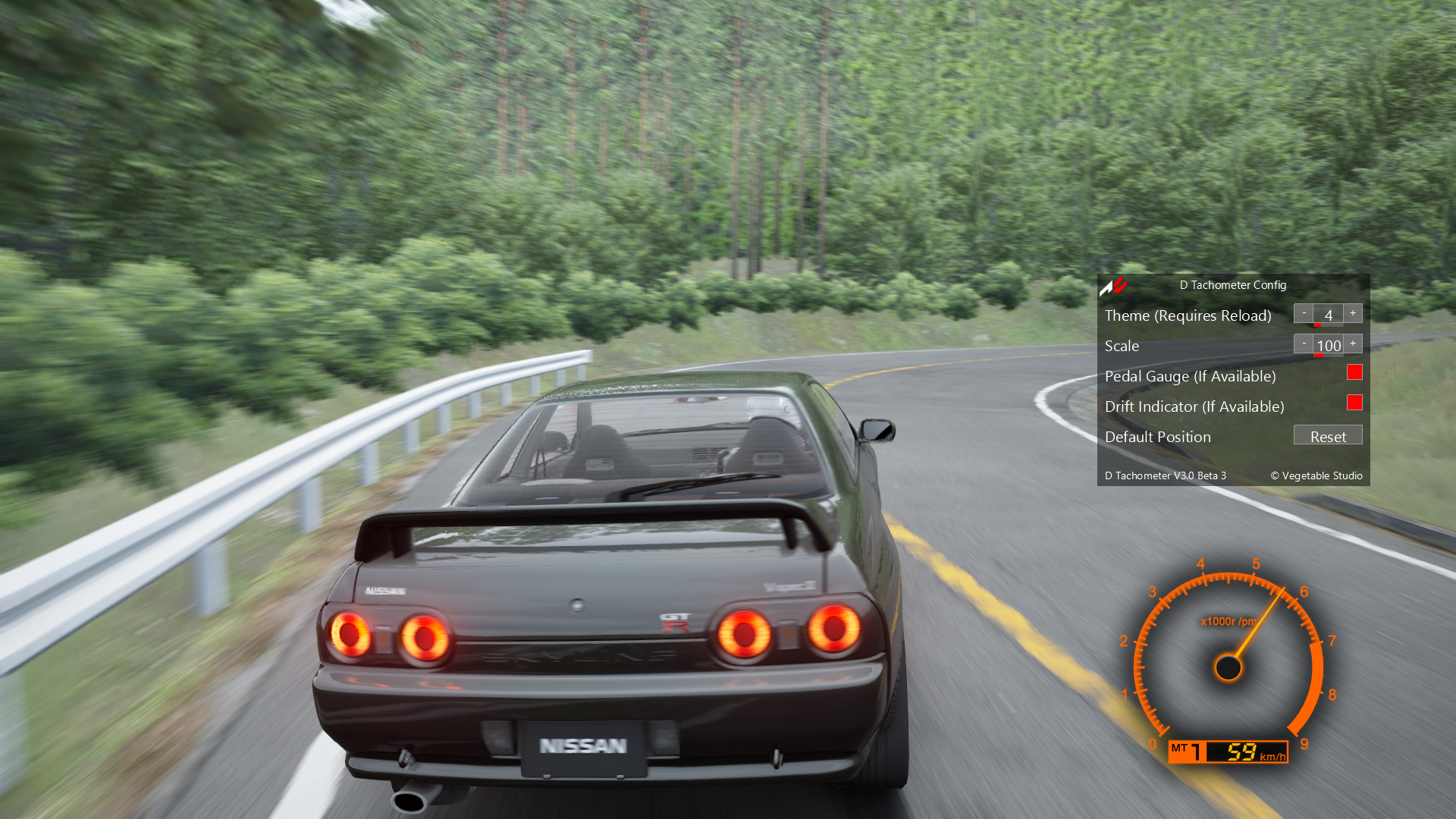
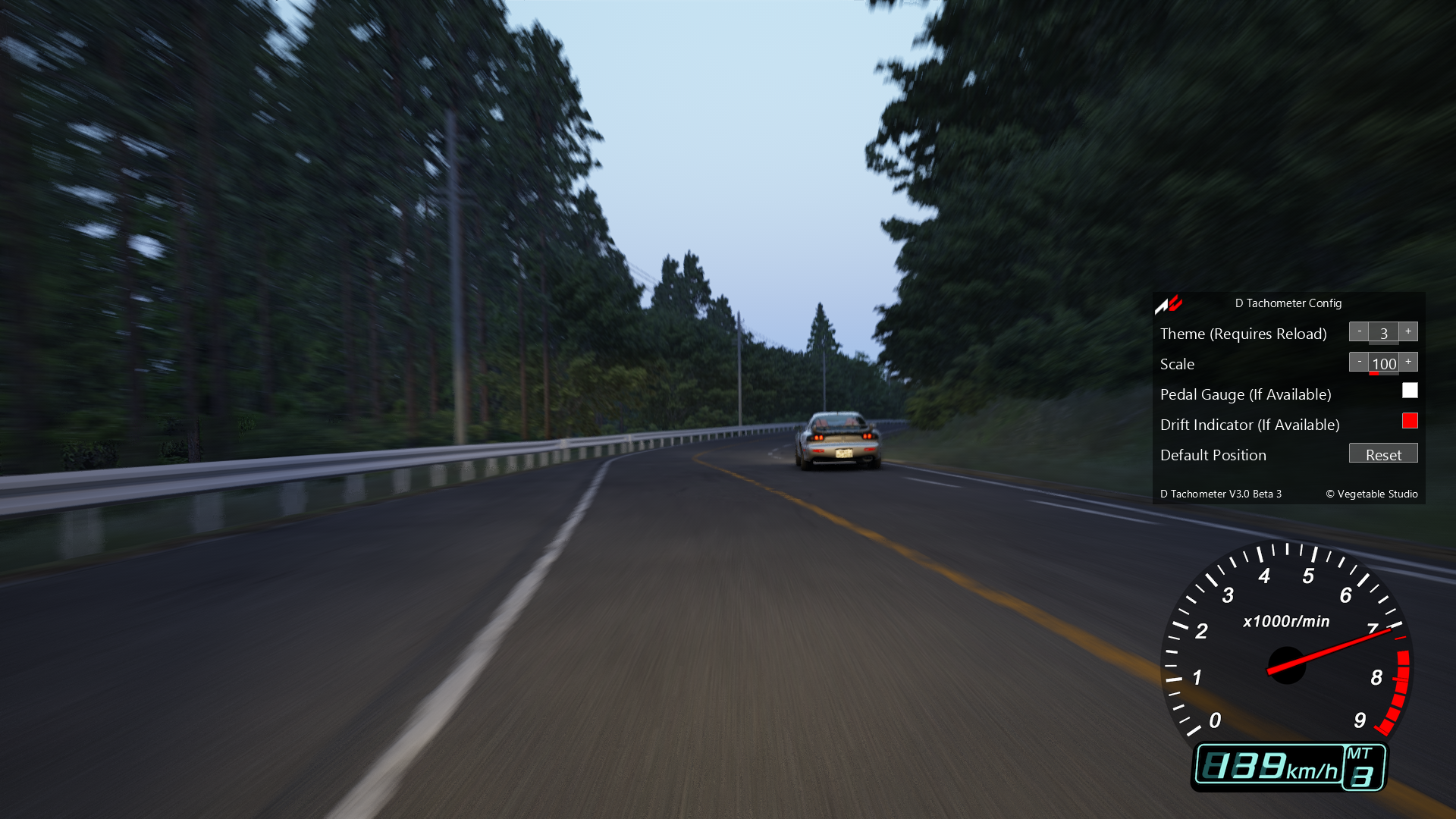
This beta version features "New Drift Indicator Animation" and more automatic experience, more themes will be added back once they're finished.
There may be some issues and will receive more features and improvements in final code.
Please report bugs and use at your own risk!
Current Public Release:
https://www.racedepartment.com/downloads/initial-d-arcade-tachometer.21199/
Changes & Fixes in Beta 4:
Updated drift indicator and pedal gauge textures. (D6)
Animation playback speed is now in sync with replay speed.
Changes & Fixes in Beta 3:
Added back D7 theme.
Reworked textures. (D5 & D7)
Auto scaling now detects render resolution instead of screen resolution. (Should fix the scaling issue with windowed mode.)
Changes & Fixes in Beta 2:
Added back 2 themes with updated textures. (D3 & D4)
V3.0 Features:
New Drift Indicator Animation
Theme Switching with Live Reload
Reset to Default Position Button
Auto Transmission Detection
Auto Speed Unit Selection
Auto Resolution Scale
Reworked Textures
Known Issue:
None.
HOW TO (Custom Shaders Patch 0.1.76 or above required)
1. Drop & Install D Tachometer v3.0 beta4.7z through Content Manager.
(Or extract D Tachometer v3.0 beta4.7z to Assetto Corsa's root folder.)
2. Enable "D Tachometer" in Content Manager -> Settings -> Assetto Corsa -> Apps -> Activated apps.
3. Activate "D Tachometer" from the sidebar in game.
4. You can toggle "Theme", "Scale" & more settings through "D Tachometer Config".
Files