Home Creators Posts Import Register Favorites Logout

Content

This originated from TAS Color Drift workflow (Legacy).

This workflow is now super simple with the direct TAS SVG Strokes plugin, available through the TAS Base Launcher!

Load your SVG files directly into Resolume. No more workarounds, no extra steps. Just load, play, and create. ✨

Available with the TAS Base Launcher:https://www.patreon.com/tasvisuals/posts/tas-base-get-164384231
Files

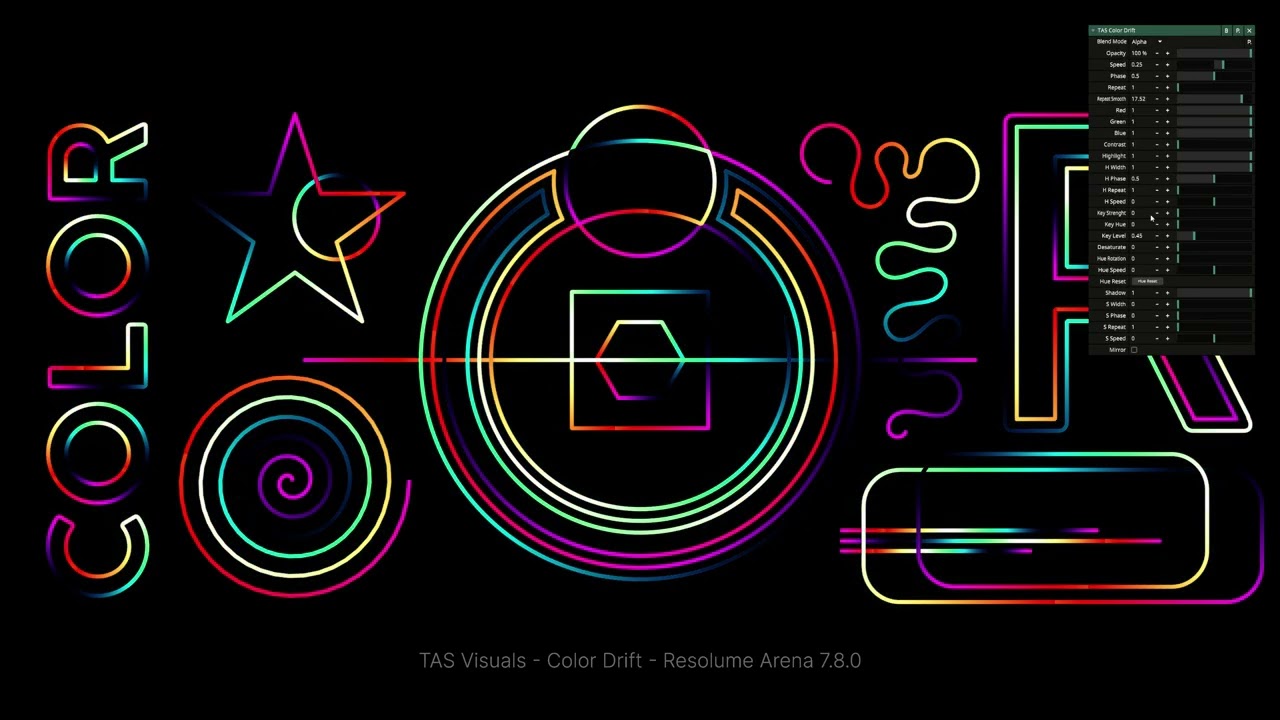
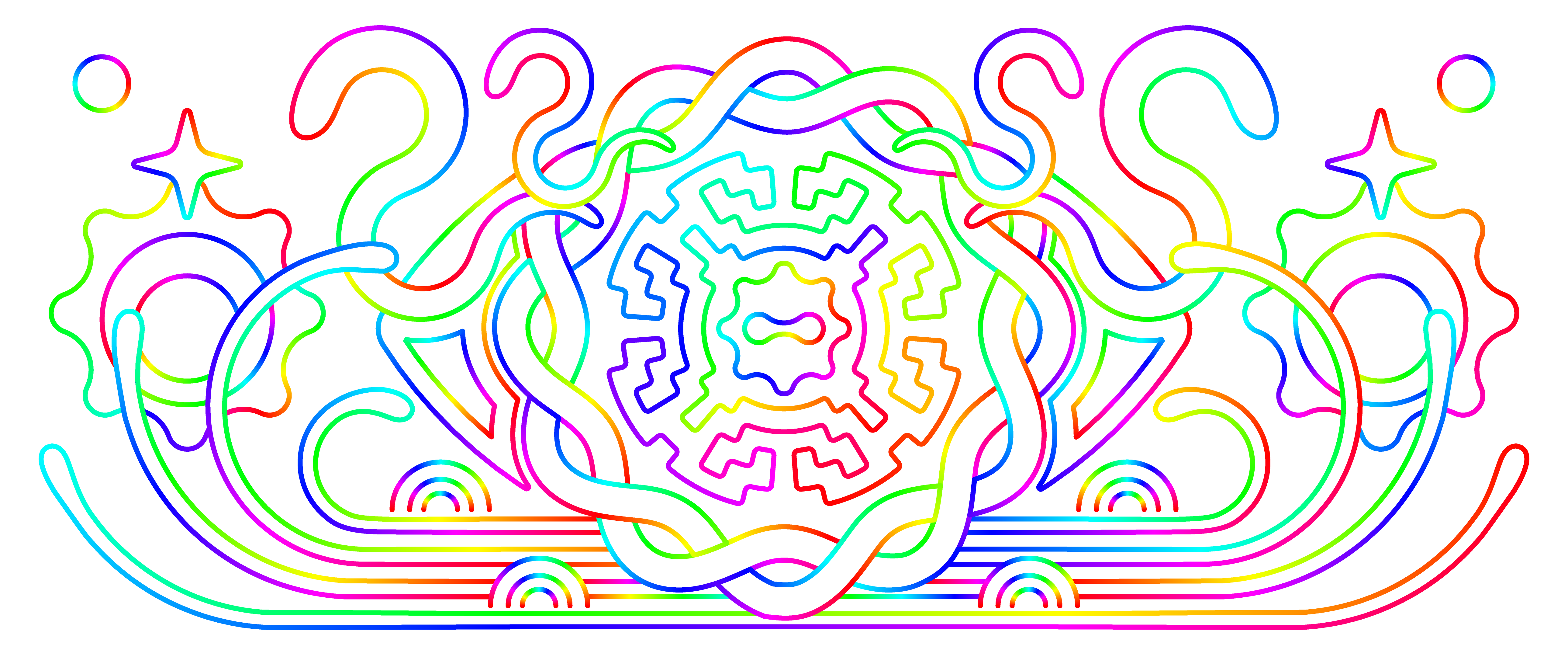
TAS Color Drift - Stroke Animation for Resolume Arena

https://www.patreon.com/tasvisuals/posts/tas-color-drift-138699057/

Comments

Kosma

Thanks a million for this 🙏🏻

Optic Tempo

WOW!!! So gracious of you to bless the people with this! Absolutely incredible plugin and one that I have been hoping you would make for some time. I'm on IG at Optictempo and will probably be using this quite a lot, been loving turbulent and ripple as well. So grateful! -Forrest

Optillusion

This is so awesome! Saves so much time and mucking around! Also, works great with solid faces for chaser effects! And if you mess around with fades and gradients of the faces you get some very epic flow effects as well :D

t

I don't have the option to download the wire patch or any other files unfortunately can't wait to use this thank you for your. work inspirational .

t

my bad found it and all sorted thanks

Fullon Crew

Is it possible to recreate this workflow in Inkscape?

TCE Visuals

somehow i still keep seing pixels when i convert the png to dxv, so i cannot get smooth drifts. i make the drawing in 2K size start file, with lines of 2 pt. its like the lines are stil there even with alpha on and everything

Visual Drip.official

oh man, i need help to get this setup. do you have a video tutorial by chance? it would help me a lot!