Home

 Creators
 Search
 Recent
 Random
 Posts
 DMs
 Tags
 Random
 Importer
 Import
 FAQ
 Account
 Register
 Login
 Favorites
 Keys
 Logout
 Telegram

TAS Visuals - Captain Hook & Skizologic - The Lost Diamond 4k (Patreon)
Content
Behind the Scenes of My Latest Video
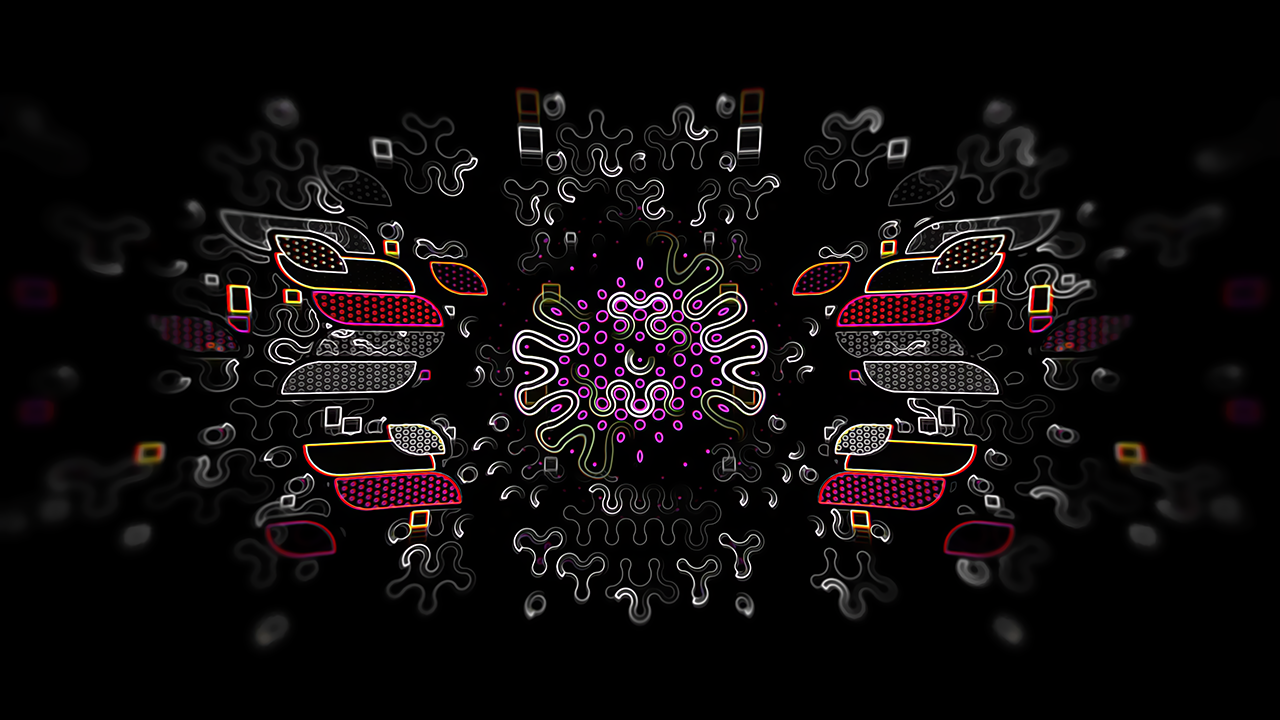
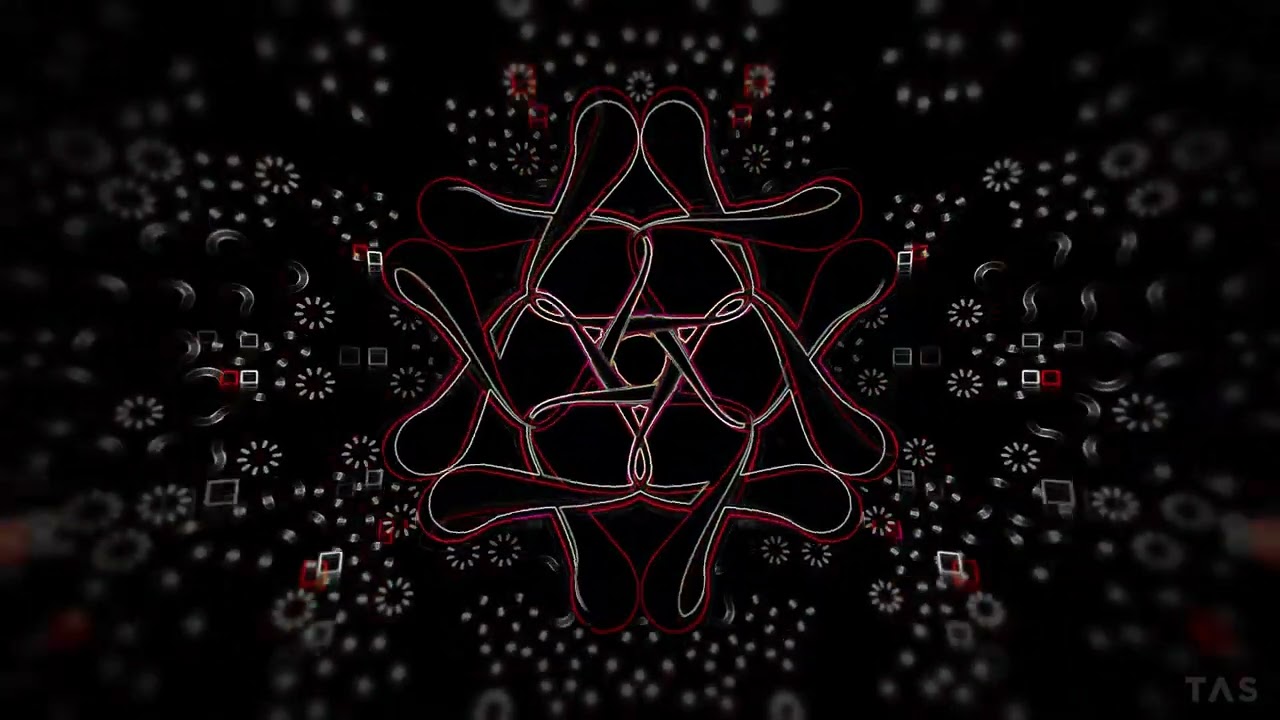
I want to share a few details about how this new piece was created. The entire performance was arranged in Resolume Arena and recorded with OBS. I used many of my newest effects to shape the look and I have to say I am really happy with the result. This whole setup is still in development and it will only get better. I am slowly solving most of my hurdles and concepts with new Wire effects and custom ISF shader code.
Effects usedTAS Soft MaskTAS StrokeTAS Sine TransformTAS Motion KeyTAS RippleTAS PulseTAS Lens Distort (unreleased)TAS Lens Blur (unreleased)TAS Turbulent 2TAS Space (unreleased, in development)
The Arrangement
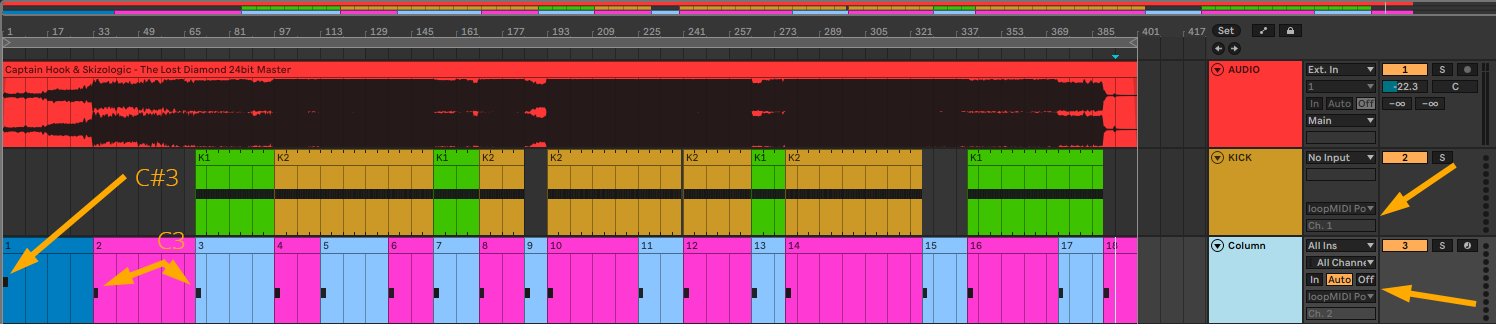
This is the way I arrange and trigger my clips. Via LoopMidi I send MIDI signals from Ableton to Resolume. Both Resolume and Ableton run at the same BPM.C#3 triggers the first column plus the Sync button for a fresh and perfectly BPM aligned start. C3 triggers the next column. You can see the MIDI notes in the image below.
In Resolume I first set up each column with the clips I want. When all columns are complete I replace most clips with an empty clip that ignores column triggers. This clip has the three dots and I call it KEEP. This means clips from the previous column keep playing even when the next column starts. In short. Each clip is triggered only once and keeps playing as long as there are KEEP clips after it. This makes everything clean and avoids retriggering.
If you are using ASIO you can sync Ableton to Resolume via Ableton Link. The downside is that it becomes harder to record audio through OBS.
Live Recording the Effects
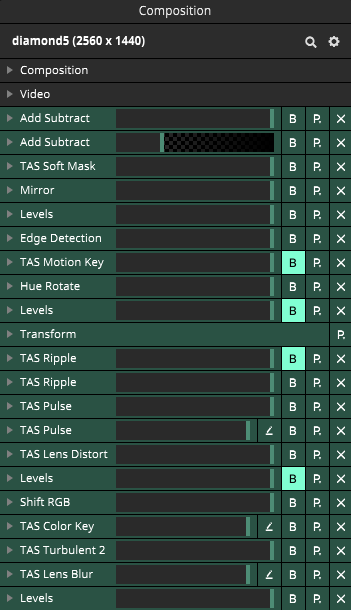
I ran out of time so I recorded all effects live (master effects and space control). I used two Korg NanoKontrol2 controllers. Around 25 faders and knobs in total. Below is the composition effect chain I used for this video.
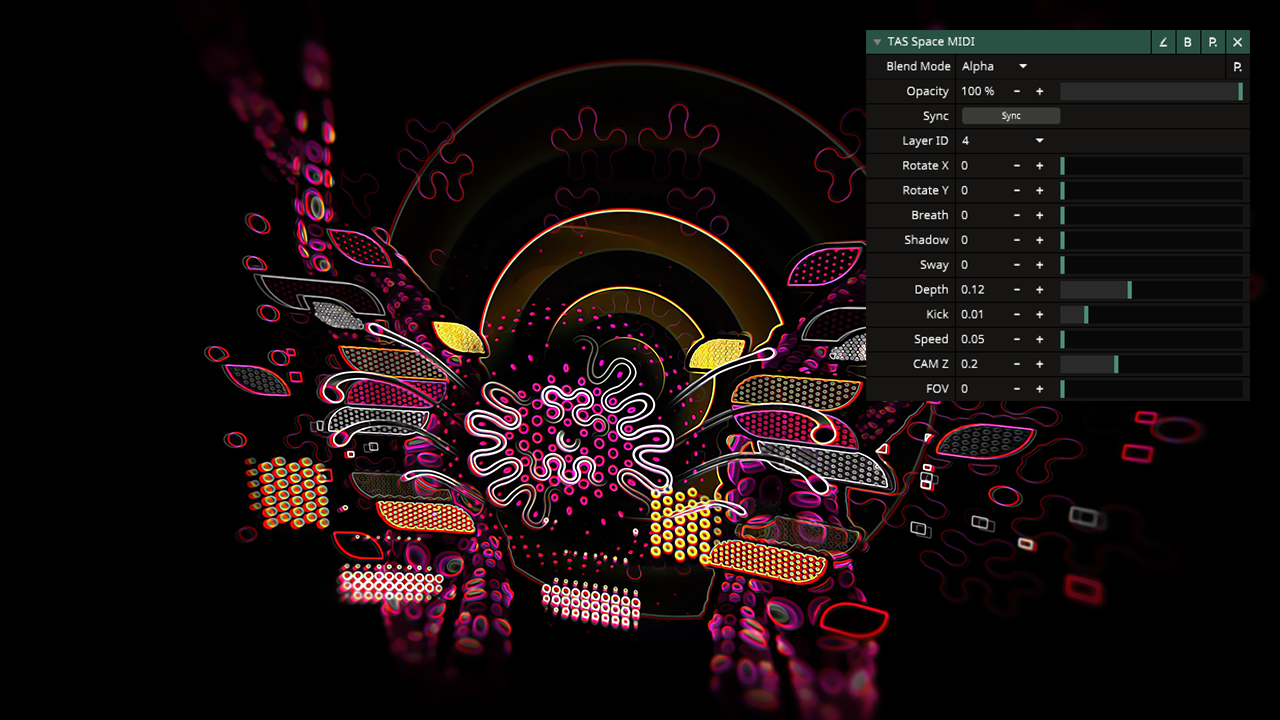
TAS Space
A full post about this effect will come later. It is still in development so I keep it short here. I used to do this technique in VVVV and OSC to create depth in Resolume. Now I finally built a new Wire effect called TAS Space.
This effect lets you move the camera in 3D, create depth and build layered space inside Resolume. In this project layer or group uses it. I worked with six layers. Three of them are groups that transform in 3D space. I also have a kick input coming from Ableton as a MIDI trigger which transforms space.
Recording with OBS
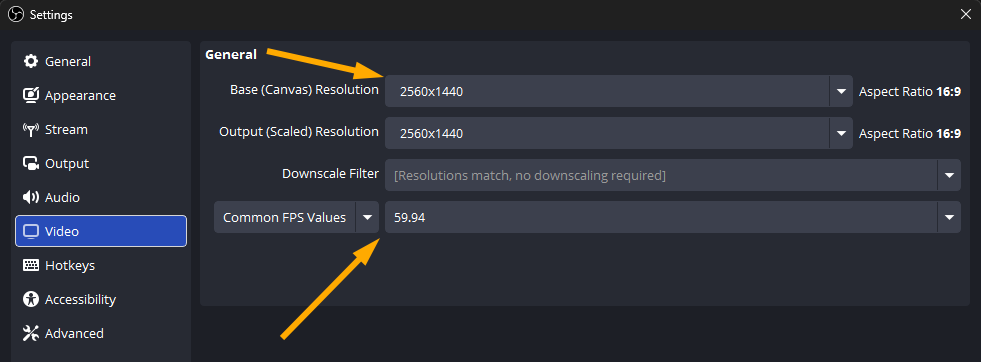
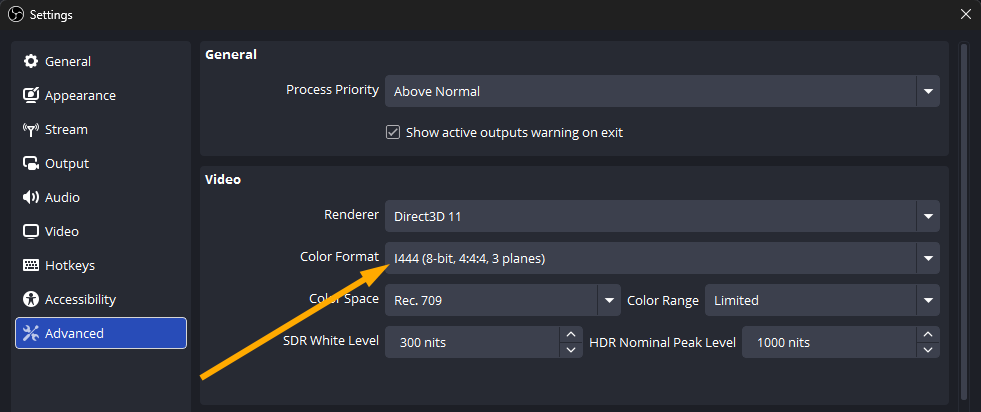
I send the composition to OBS using Spout. I have a dedicated tutorial for this but here are my best quality settings.Playback and recording are done on a single RTX 5090.Resolution 2560x1440 pxFramerate 59.94 fps
Fixing Frame Drops
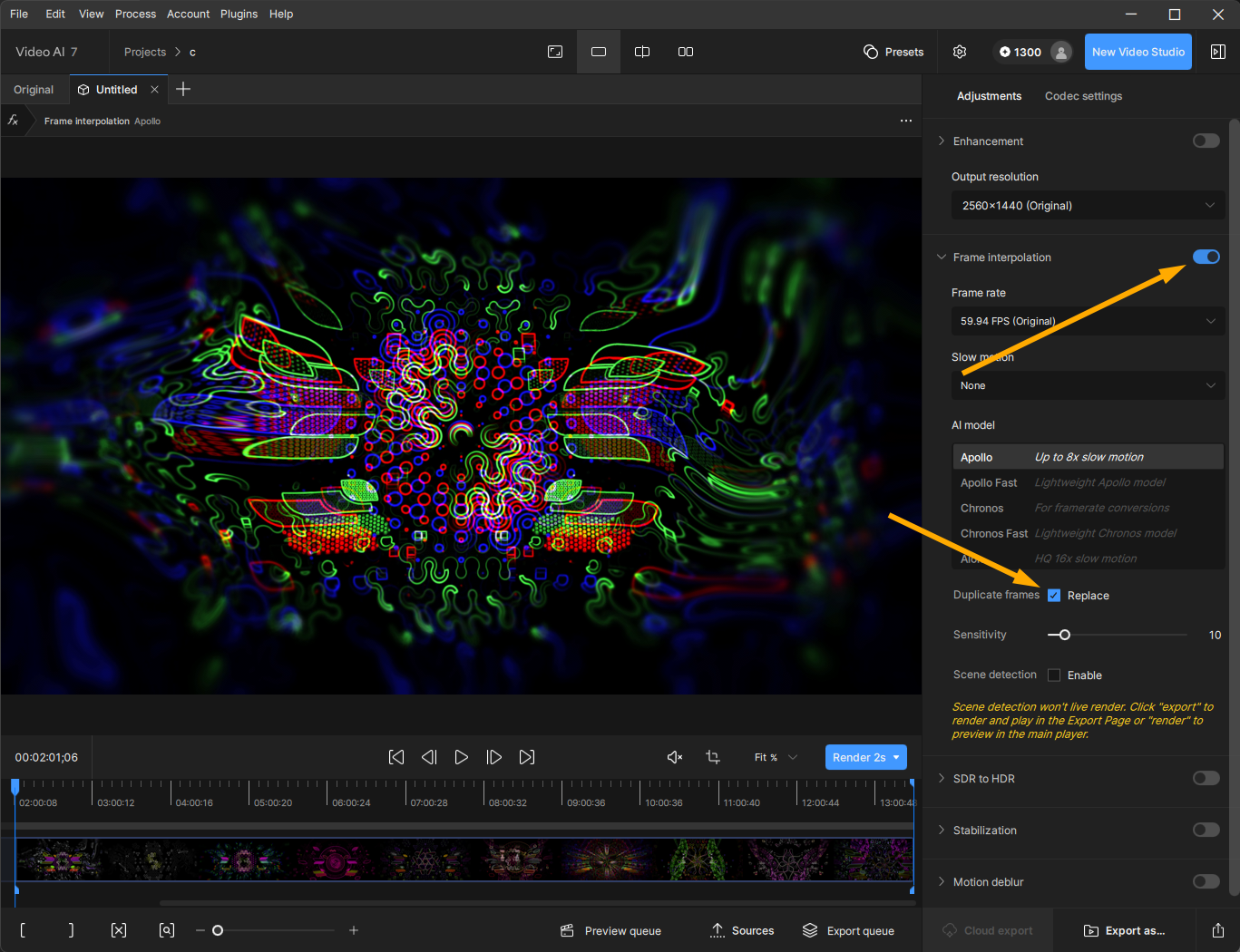
When recording Resolume Arena the composition framerate is set to Auto. Frame drops will always happen. When a frame drops, OBS duplicates it. The best solution is Topaz Video AI. It scans your recording and interpolates duplicate frames. The result becomes super smooth.
Final Touch
After recording I run all frames in batch through Photoshop and apply a custom TAS Action. It is a set of effects to upscales everything to 4K and smooths surfaces and lines. This action is optimized for my visual style.