Home
Home

 Creators
 Search
 Recent
 Random
 Posts
Posts
 DMs
DMs
 Tags
Tags
 Random
 Importer
 Import
 FAQ
FAQ
 Account
 Register
 Login
Login
 Favorites
 Keys
Keys
 Logout
 Telegram

Trance for Fans (Patreon)
Content
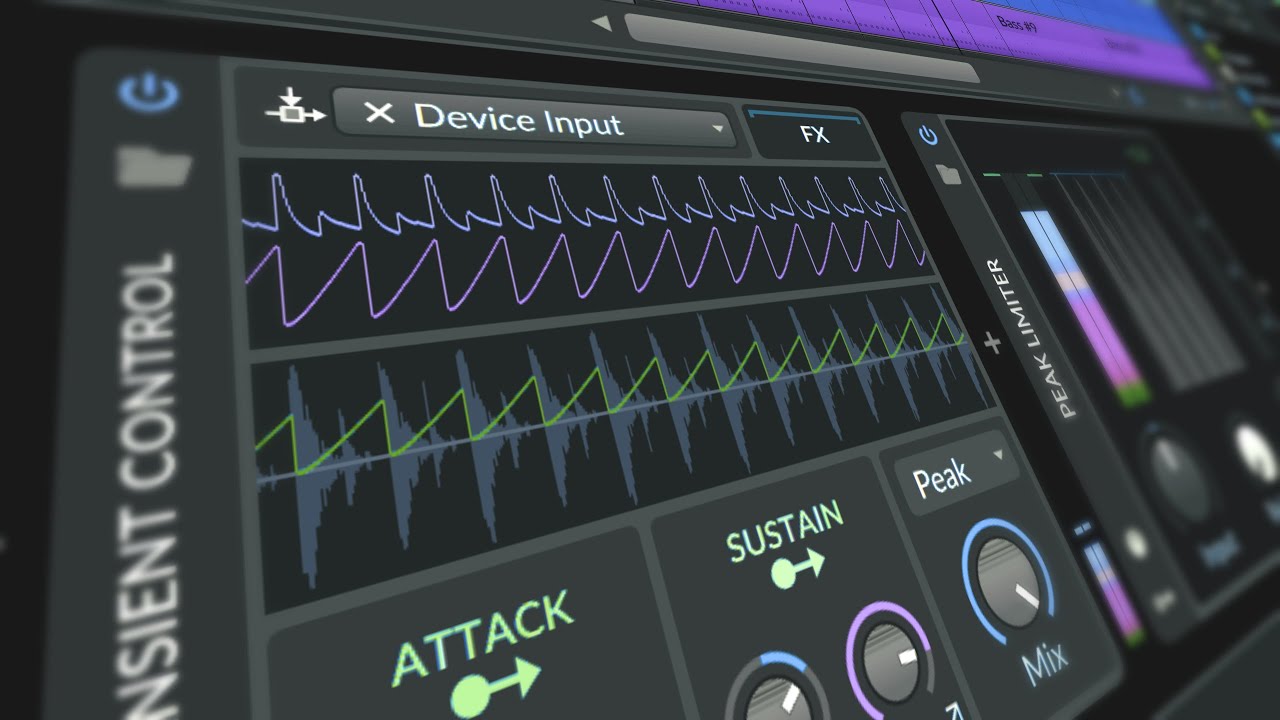
In this Bitwig Studio tutorial, I demonstrate how to create a trance track from scratch, without using any presets, samples, or loops. Here's a concise breakdown of the process:
Tempo and Basics:
Set the BPM to around 130-135, suitable for trance but not as fast as hardcore subgenres.
Initiate with a simple kick drum pattern using Bitwig’s e-kick at G zero tuning, adjusting pitch as necessary.
Drum Construction:
Add a snare or clap and a high hat, utilizing velocity to emphasize off-beat hits and applying an expression modulator for dynamic control.
Employ peak limiters and an EQ on the drum track for clean mixing.
Bassline:
Use a monophonic synthesizer for the bass, crafting a pattern in A minor for simplicity, which aligns with all white keys starting from A on the keyboard.
Apply a light reverb for spatial enhancement.
Lead and Pads:
Create a lead with a saw wave, unison effect for thickness, and LP-1 filter for tone shaping.
Introduce simple melodic patterns and apply a convolution reverb for depth.
Automation and Effects:
Gradually introduce elements using automation on parameters like mix levels and filter settings.
Experiment with a frequency shifter for unique textural changes.
Chord Progressions:
Construct chord layers using a saw wave with unison and an LP filter, emphasizing minor chords and their variations.
Final Touches:
Group tracks for collective processing, such as side-chaining to the kick for rhythmic coherence.
Enhance the arrangement with additional modulation and effects like sweeps and noise for transitional elements.
Mix and Master:
Discuss the preliminary mixing and mastering steps, indicating that while the setup is basic, it lays the groundwork for a professional trance track that may require more detailed sound design and mastering tweaks to match current genre standards.
This tutorial showcases how to build a trance track in Bitwig Studio, emphasizing in-the-box production techniques without external samples or plugins.
Download: https://bit.ly/4d5dFj9