Home Creators Posts Import Register Favorites Logout

Content

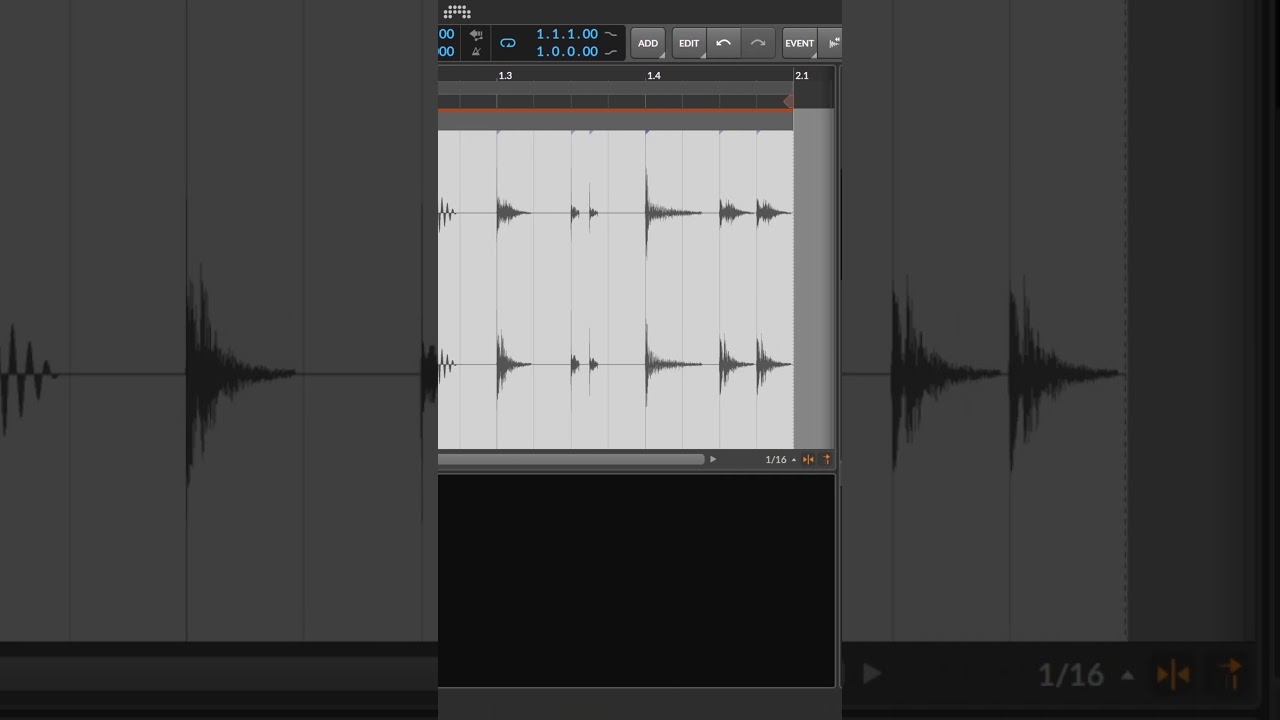
In Bitwig, you can use CTRL+R to rename audio clips, note clips, and events, which also renames the actual file inside your project folder. You can also rename the file inside the project panel, perfect for keeping the project folder clean.

I'm not sure how long this is in probably 5.0/5.1, but i recall that i tried that before and it never worked. It´s very nice to get rid of these automated file names from Bitwig bounces. Or rename the wav files inside of multisample patches.
Files

Quick #bitwig Tip for File Management

In Bitwig, you can use CTRL+R to rename audio clips, note clips, and events, which also renames the actual file inside your project folder. You can also rename the file inside the project panel, perfect for keeping the project folder clean. -- 💕 Support me on Patreon: https://bit.ly/3PgbxZz 💰 or donate via Paypal: https://bit.ly/3cae9t8 🎧 Buy my Music: https://polarity.bandcamp.com/ 💾 Download my Tools / Github / Resources: https://polarity-dnb.de/blog/polarity-music-tools-samples-and-bitwig-presets-update-2019.html 💻 Check out my gear on Kit: https://kit.co/polarity/polarity-music-kit -- DEALZ: 🛒 Buy Bitwig Studio & Support me https://bit.ly/3yQEyDU 🛒 Upgrade Bitwig Studio & Support me https://bit.ly/3OimEjc 🛒 VST/AU Plugin Deals https://bit.ly/3zcvo66 -- SOCIAL MEDIA Discord: https://discord.gg/eWwFBww Blog: https://polarity-dnb.de/blog/ Twitter: https://twitter.com/polarity Reddit: https://www.reddit.com/user/polarity-berlin/ Business Inquiries: robert@polarity-dnb.de Paypal Donations: donate@polarity-dnb.de

Comments

Jan

Since I switched to Bitwig I wisched they add that feature and now you say it's already in? Good to know haha.