Home
Home

 Creators
 Search
 Recent
 Random
 Posts
Posts
 DMs
DMs
 Tags
Tags
 Random
 Importer
 Import
 FAQ
FAQ
 Account
 Register
 Login
Login
 Favorites
 Keys
Keys
 Logout
 Telegram

Pitch Maze! (Patreon)
Content
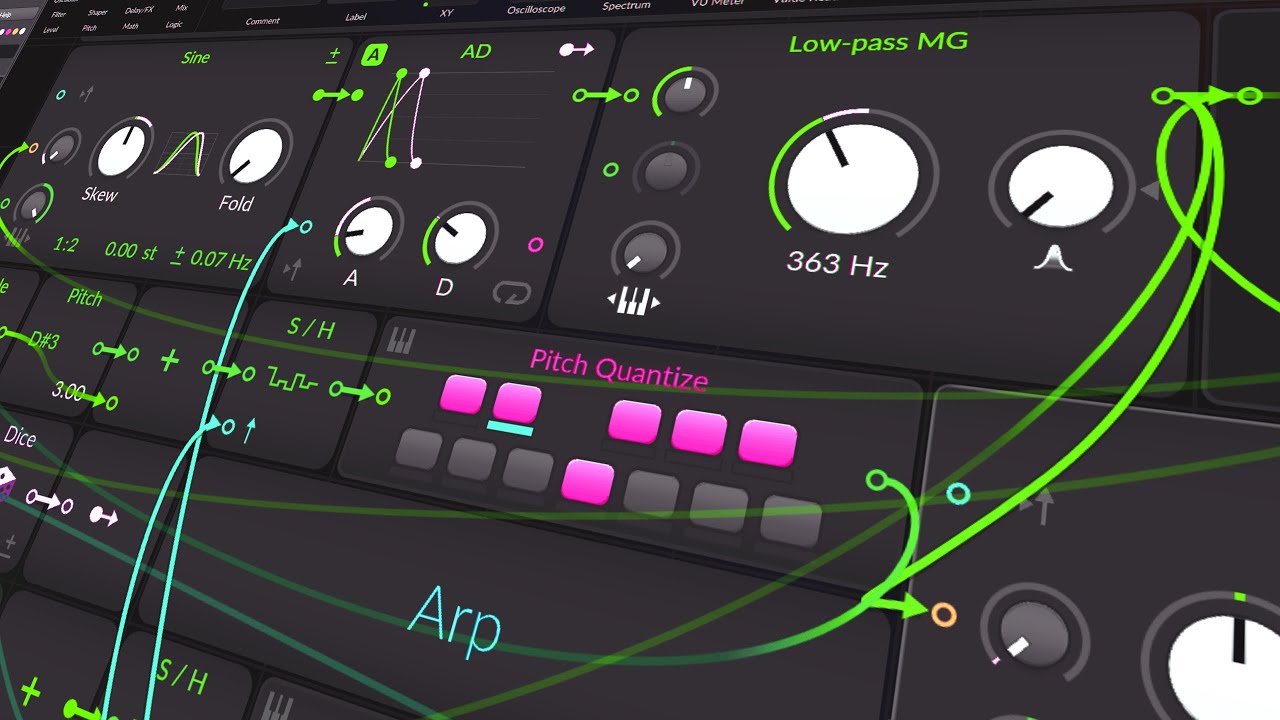
Today, I'm creating a Generative Patch using Bitwig's Poly-Grid. I'll walk through setting it up, focusing on pitch generation using feedback and modulation techniques. Here's a brief overview and the main steps:
Overview:
Creating a monophonic Poly-Grid.
Using feedback for pitch generation.
Implementing pitch modulation and smoothing transitions.
Adding effects for a dynamic sound.
Steps:
Setup:
Create a new Poly-Grid in monophonic mode.
Add a sine oscillator set to D#3.
Pitch Down Effect:
Use a long delay set to a quarter note.
Apply an LFO to modulate the delay, creating a pitch-down effect.
Blend the original and the pitch-down signals.
Volume Fade:
Use a ramp signal to create volume fades, reducing crackling sounds.
Apply a sine window to smooth the ramp signal.
Extended Delays:
Implement longer delays for richer textures.
Add another delay to create an octave pitch-down effect.
Triggering Envelopes:
Use disrupted pitch signals to trigger envelopes.
Quantize the pitch signal to fit within a scale.
Rhythm and Feedback:
Create a rhythm by combining different delay times.
Use a stereo split to add slight variations between channels.
Effects:
Apply filters to manage overtones.
Add a phaser and all-pass delay for texture.
Use convolution reverb for space and depth.
Final Adjustments:
Tweak phase modulation and add pitch wobble using an LFO.
Apply EQ to balance the final sound.
The preset can be downloaded from the description. I'll let this patch run on my music channel with added piano layers for an extended performance.
Download: https://bit.ly/4c9TYFj