Home
Home

 Creators
 Search
 Recent
 Random
 Posts
Posts
 DMs
DMs
 Tags
Tags
 Random
 Importer
 Import
 FAQ
FAQ
 Account
 Register
 Login
Login
 Favorites
 Keys
Keys
 Logout
 Telegram

Custom Filter Fun (Patreon)
Content
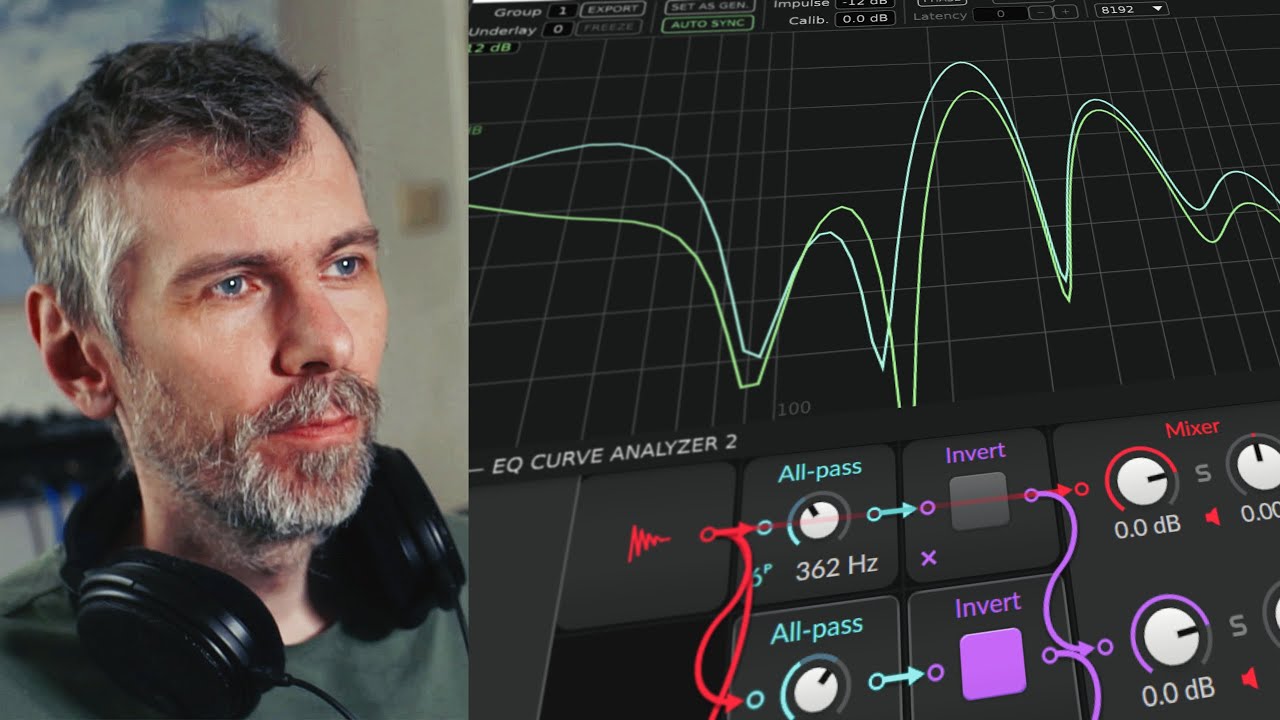
In this video, I dive into creating unique basslines and custom filter shapes in Bitwig Studio using the Polymer synth and FX Grid. I walk you through how I crafted a classic Drum and Bass reese bassline by combining sawtooth waves, adjusting filters, and experimenting with all-pass filters in the FX Grid to design my own filter shapes. The inspiration came from the versatile filters found in synths like Serum.
Key Points:
I started by setting up the Polymer synth with sawtooth waves, adjusting attack, sustain, and filters to create a monophonic bassline.
I used subtractive synthesis to filter out overtones, resulting in a more interesting bass sound.
In the FX Grid, I combined all-pass filters with the invert module to create custom filter shapes.
I experimented with different all-pass filter configurations to achieve unique effects, like mirror and morph filters.
My approach was inspired by the diverse filter options available in Serum, which motivated me to recreate similar effects in Bitwig.