Home
Home

 Creators
 Search
 Recent
 Random
 Posts
Posts
 DMs
DMs
 Tags
Tags
 Random
 Importer
 Import
 FAQ
FAQ
 Account
 Register
 Login
Login
 Favorites
 Keys
Keys
 Logout
 Telegram

Linear Phase Split and Cut (Patreon)
Content
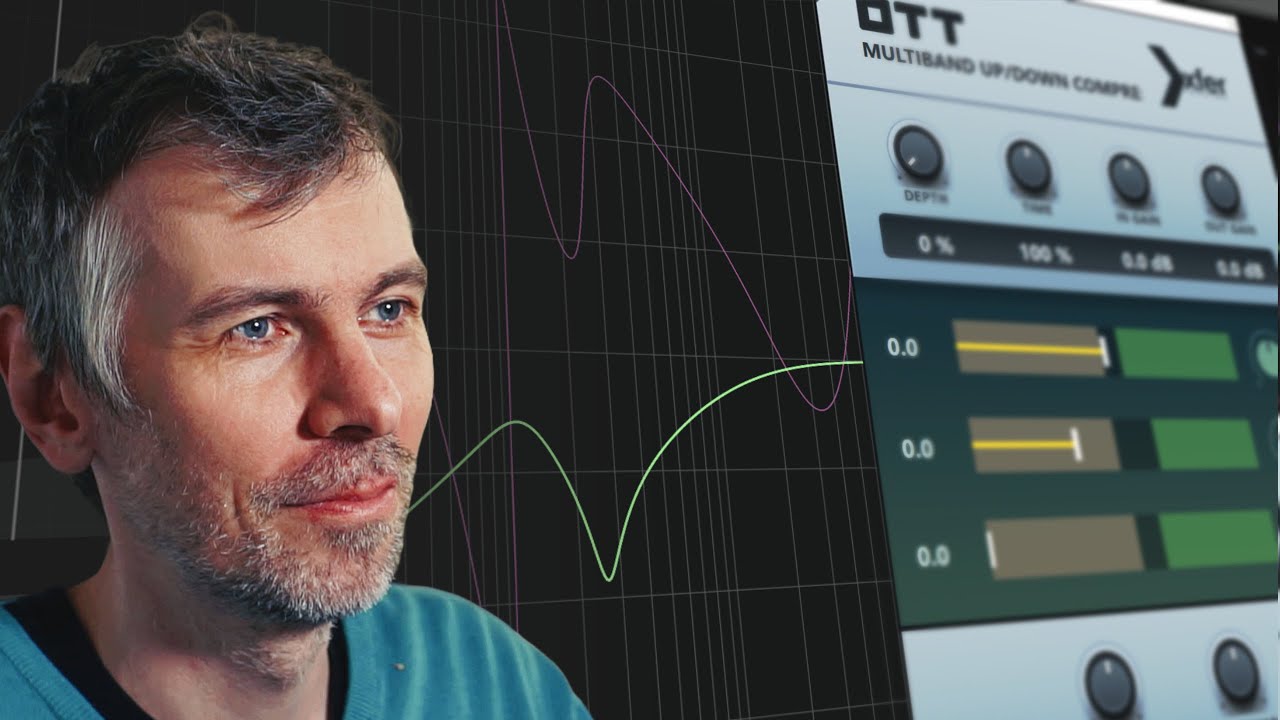
In this video, I show you how to split audio signals into multiple frequency ranges while keeping phase issues to a minimum. I start by explaining the problem with traditional analog-modeled zero-latency EQs, which introduce phase shifts when adjusting frequencies. Then, I explore some alternatives like using Ozone 8’s digital mode, Bitwig’s FX3, and a custom-made EQ split using impulse responses. Throughout the video, I talk about the trade-offs between phase accuracy and latency, sharing some presets to experiment with.
Key Points:
Analog EQs naturally cause phase shifts, especially with low cuts.
Ozone 8 has a digital mode that preserves phase but adds latency.
Bitwig’s FX3 can split frequencies but introduces phase inversions at crossover points.
The Spectral Splitter keeps phase accurate but requires latency.
I created an impulse response splitter to maintain phase integrity, but it comes with fixed crossover points and latency.
Download XSplit & XCut: https://bit.ly/3Bcfmg0