Home
Home

 Creators
 Search
 Recent
 Random
 Posts
Posts
 DMs
DMs
 Tags
Tags
 Random
 Importer
 Import
 FAQ
FAQ
 Account
 Register
 Login
Login
 Favorites
 Keys
Keys
 Logout
 Telegram

Why is randomness so satisfying? (Patreon)
Content
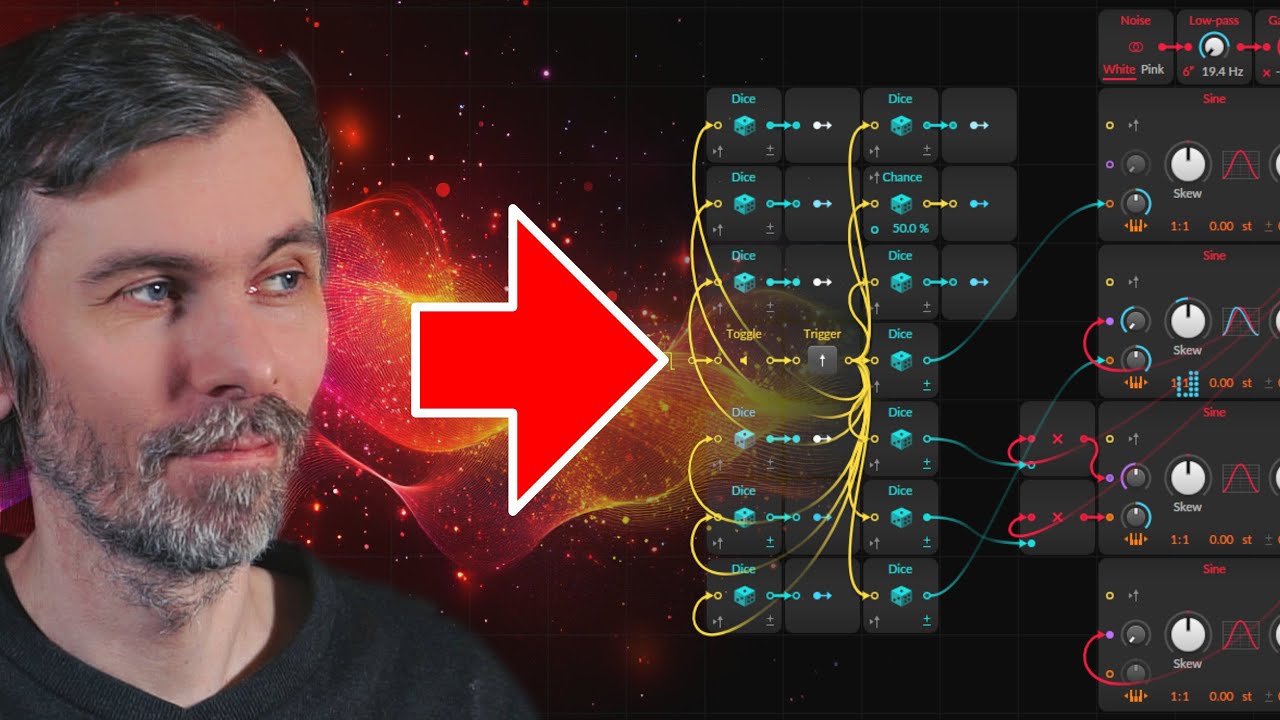
Today, I’m showing you a random noise generator I created in Bitwig’s Grid. It generates unique sounds every time you press a key, making it great for designing percussion, atmospheric effects, or creating sample libraries. You can download the patch, but here’s how it works and how you can build your own.
Key Features of the Random Noise Generator
Random Sound Generation:
Every key press generates a new, random sound.
Includes a Hold Mode to freeze the current sound, allowing it to be played chromatically on the keyboard.
A Pitch Offset Knob lets you fine-tune the sound to align with the musical scale or desired pitch.
Oscillator Blending:
Blend between a random oscillator and a sub oscillator for tonal control.
The sub oscillator ensures pitch stability if needed.
Use FM (Frequency Modulation) or PM (Phase Modulation) to mix random oscillations into the sub oscillator, creating a balance between tonality and randomness.
Re-triggering:
Option to re-trigger oscillators so each note starts at the same phase, or leave it off for more organic variation.
Sound Persistence:
Since Grid patches are non-persistent, sounds reset when reopening the project. You’ll need to sample or record sounds for future use.
How It Works
Core Setup:
Sine oscillators are modulated using a DICE module, which generates random values for pitch and modulation amounts.
Randomly set oscillators produce both low-frequency modulations and high-pitched tonal sounds.
Additional Features:
Noise Oscillator: Blends noise into the main oscillator for more texture.
Filters and Envelopes: Shape the sound dynamically with randomized parameters.
Simple Random Sound Setup:
Use a sine oscillator and connect a DICE module to its pitch input for exponential FM.
Chain multiple oscillators and modulate their parameters with randomized values.
Add peak limiters or filters to manage levels and shape the output.
Use Cases
Percussion: Sample random hits for drums or FX.
Textures: Generate evolving ambient layers.
Sound Design: Quickly experiment with unique, chaotic sounds for creative projects.
Downloads:
Download Preset (5.3b3): https://bit.ly/4gPRCy2