Home
Home

 Creators
 Search
 Recent
 Random
 Posts
Posts
 DMs
DMs
 Tags
Tags
 Random
 Importer
 Import
 FAQ
FAQ
 Account
 Register
 Login
Login
 Favorites
 Keys
Keys
 Logout
 Telegram

State of Bitwig 2025 (Patreon)
Content
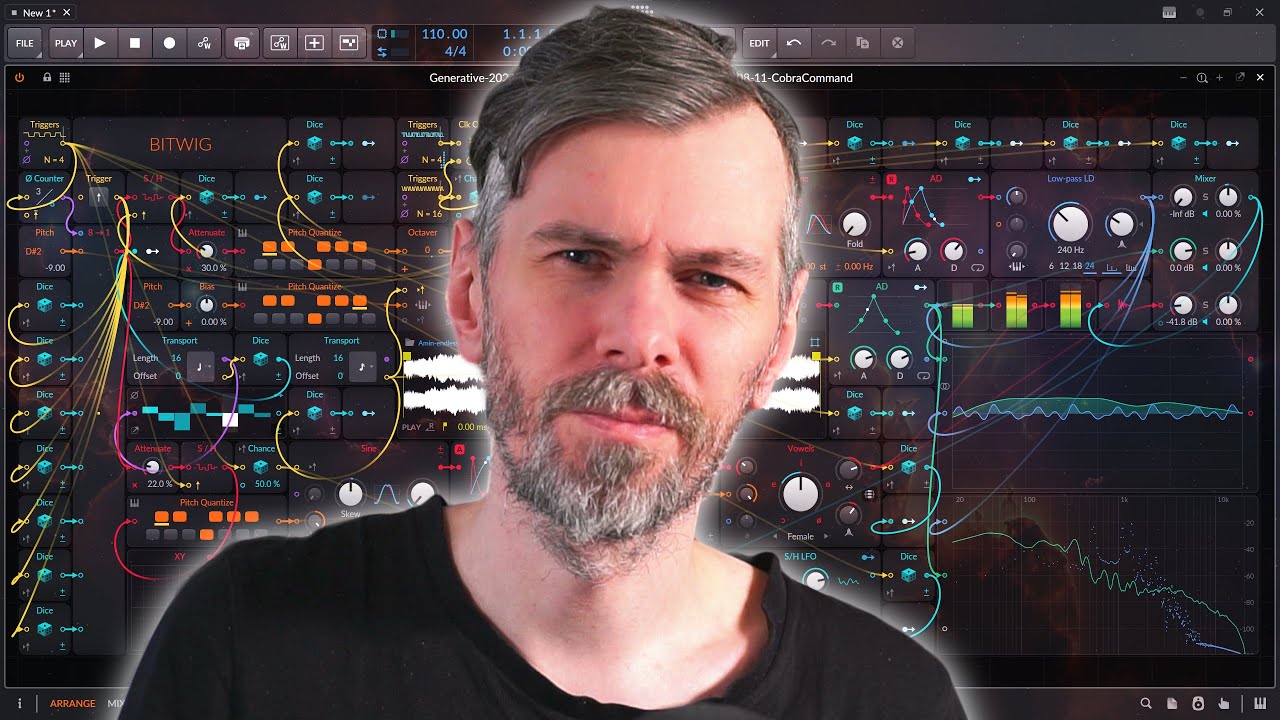
In this video, I reflected on Bitwig Studio's development, sharing my thoughts on recent updates, personal frustrations, and suggestions for future improvements. It's not a rant—just honest feedback from a long-time user who loves the software but sees room for improvement.
Recap of 2024:
Bitwig Studio 5.2 introduced new devices like the Compressor, Sculpt, Focus, Tilt, and Over.
While they sound great, they weren't features I personally needed. I still reach for the old compressor because it's simpler and more intuitive for me.
The graphical engine upgrade to GPU rendering was a big improvement, making the software smoother and freeing up CPU for audio tasks.
The undo function for VST plugins was also a significant step forward.
Bitwig's Two Worlds Problem:
I discussed a recurring issue where Bitwig splits functionality across separate systems without allowing them to interact fully:
Stepwise vs. The Grid:
Stepwise has a great UI but limited features.
The Grid is feature-rich but lacks the intuitive UI of Stepwise.
No way to merge both worlds for advanced sequencing with an easy interface.
Sampler vs. Grid Recorder:
Sampler offers advanced features like grain size and playback control but can't record audio live.
Grid Recorder allows live recording but lacks granular playback controls.
👉 Solution Idea: Combine both or allow data sharing between the two devices.
Grid Frustrations and Ideas:
Trigger Module:
Can't be modulated directly.
Would be great to have trigger as a modulation target.
Voice Handling:
Voice stacking is limited to 16 voices. Why not more?
No way to separate polyphonic voices effectively inside the Note Grid.
Audio and Note Inputs:
No way to route MIDI notes from external channels into the grid.
Audio sidechaining exists, but note routing would unlock so many creative possibilities.
Interface Limitations:
No Customizable Grid Interfaces:
Creating complex patches can be overwhelming for users.
I suggested an interface builder where you could choose which controls to expose, like Polymer’s simplified layout.
Piano Roll Improvements Needed:
Many want a scale highlighter, but I think Bitwig could push further.
What about inversion visualization, chord guides, or even a modular piano roll with scripting for custom note handling?
Comping and Recording Issues:
Comping Can't Be Disabled:
Loop recording always creates comp lanes, even when I don't need them.
I suggested a global toggle to revert to the old behavior.
Audio Pitching Limitations:
Re-Pitch Mode doesn't allow direct pitch adjustments for samples.
The slice mode workaround is inconsistent and confusing for simple drum editing tasks.
Final Thoughts and Suggestions:
Bitwig Studio remains a modular powerhouse with innovative ideas.
But there are gaps where separate systems don't connect well enough.
I hope future updates focus on bridging these gaps, polishing existing tools, and making the modular experience more cohesive.
What do you think? Let me know in the comments:
What features do you want next?
Do you agree with these frustrations?
Let me know your thoughts and wishes for 2025!