Home
Home

 Creators
 Search
 Recent
 Random
 Posts
Posts
 DMs
DMs
 Tags
Tags
 Random
 Importer
 Import
 FAQ
FAQ
 Account
 Register
 Login
Login
 Favorites
 Keys
Keys
 Logout
 Telegram

Bitwig 5.3 beta 5 - release soon? (Patreon)
Content
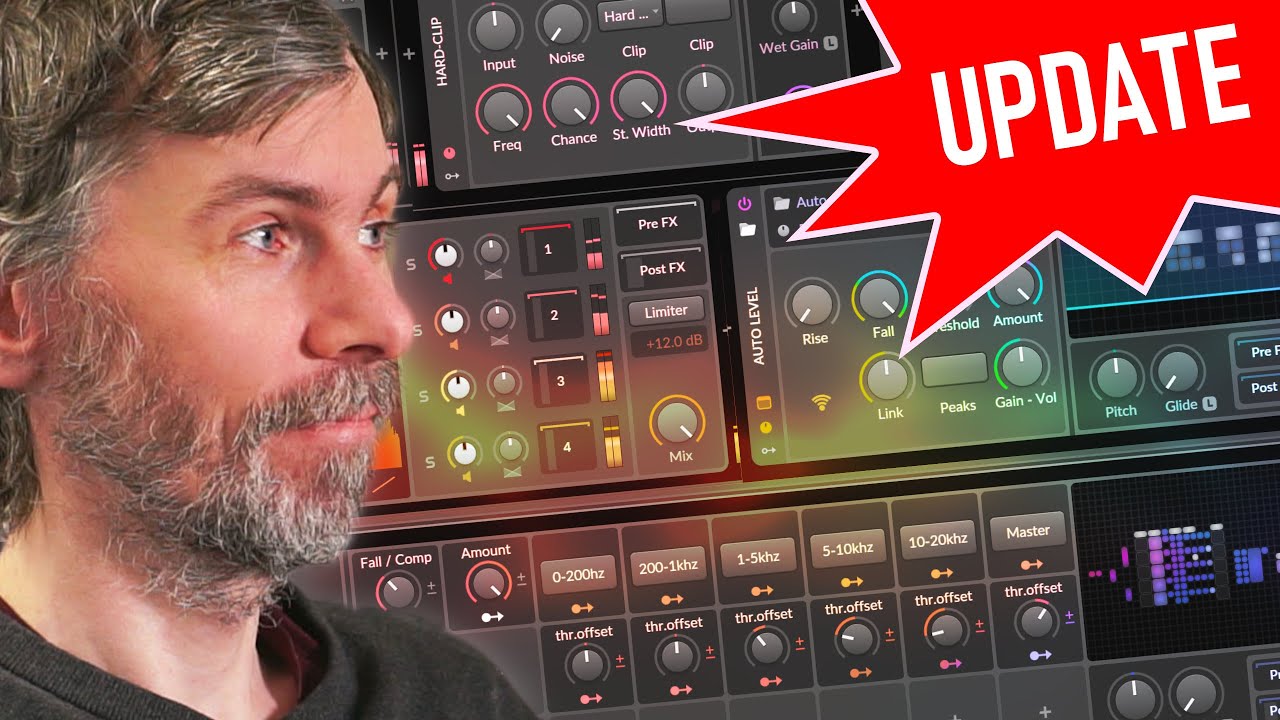
In this video, I shared my thoughts on Bitwig Studio 5.3 Beta 5 and walked through some key fixes and improvements, as well as a more detailed explanation of chaining Note FX Selectors. I also clarified an issue I encountered in the previous video and showed how to solve it with a more advanced setup.
Key Fixes in Bitwig Studio 5.3 Beta 5:
Audio Interface Notifications:
If a new audio device is detected, you can now choose "Don’t show again" for that specific device.
I wish we had this option for all notifications, especially the one asking to install factory presets!
Audio System Improvements:
Some audio issues have been fixed, though I personally haven’t experienced many problems in the betas.
Preset Fixes:
Fixed an issue where presets were loading incorrectly.
Note FX Selector Fix:
The infinite loop issue in the audio engine when chaining Note FX Selector devices has been resolved.
This was likely the cause of the crashes I experienced in the last video.
Using Note FX Selectors for Chord Switching:
Basic Setup:
Created chords with the Multi-Note device.
Used a Note FX Selector to switch between a minor chord and a major chord.
Set up key switches (e.g., C1, C#1, D1) to toggle between layers in the Note FX Selector.
Everything works flawlessly now—smooth switching with no delays.
Chaining Note FX Selectors:
I created a more complex setup to chain selectors, adding a transpose selector for switching between no transposition, +7 (fifth), +14 (octave + fifth), etc.
Set key switches (e.g., C0, C#0, D0) to toggle layers.
Addressing the Chaining Issue:
The problem I faced was that notes used for switching layers were also being played as part of the output, creating unwanted chords. Here’s how I fixed it:
Channel Filtering Solution:
Assigned different MIDI channels for each selector layer:
Channel 1 for the first layer.
Channel 2 for the second.
Channel 3 for the third, and so on.
Used a Channel Filter device to ensure that only the correct channels passed through each selector layer.
Pass-Through Layer for Key Switch Notes:
Added a dedicated layer to allow key switch notes (on their respective channels) to pass through without interfering with the main chord notes.
Final Result:
The setup now switches layers cleanly using the key switches, while ensuring only the desired notes play through.
It’s a bit more complex to set up, but it works perfectly!
Conclusion:
Bitwig Studio 5.3 Beta 5 feels very polished, and I’m hoping for a stable release soon, maybe on Friday or Monday. I’m happy to see the Note FX Selector improvements—it’s now working tightly and reliably, even for more complex setups. https://www.bitwig.com