Home
Home

 Creators
 Search
 Recent
 Random
 Posts
Posts
 DMs
DMs
 Tags
Tags
 Random
 Importer
 Import
 FAQ
FAQ
 Account
 Register
 Login
Login
 Favorites
 Keys
Keys
 Logout
 Telegram

Binaural Heaven (Patreon)
Content
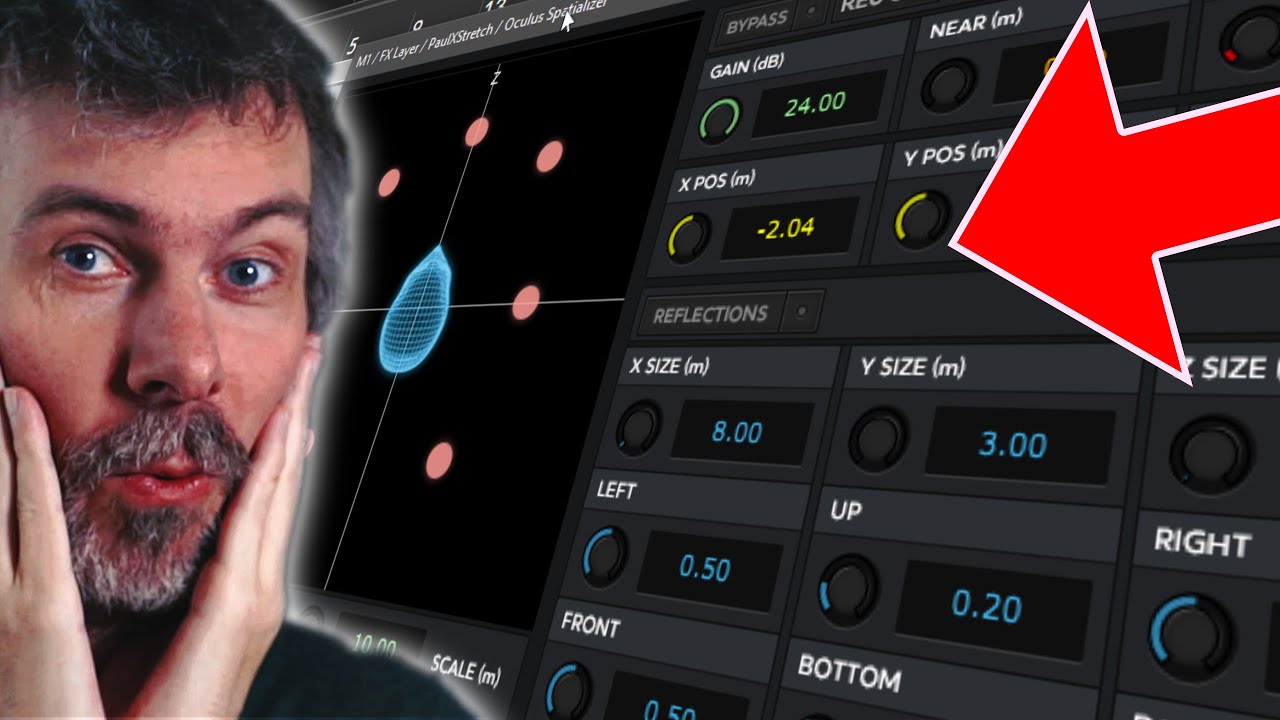
In this video, I shared a quick idea for creating wide, spatial pad sounds using the Oculus Spatializer plugin, which is a free binaural panner. It lets you position sounds around your head in 3D space—left, right, up, down, or even behind. This works best with headphones, as the stereo effects are much clearer than on speakers.
I combined it with pad sounds and stretching techniques to create immersive, atmospheric layers. Here's the breakdown:
Steps for Creating Spatial Sounds:
Set Up the Pad Sound:
I used Korg M1 for some classic pad presets. You can use any synth or sampled pad sounds.
Route the sound through the Oculus Spatializer to start positioning it in space (e.g., left or right).
Stretch the Pad with Paul Stretch:
I inserted Paul Stretch before the Spatializer to create long, evolving textures.
Recorded the pad sound into Paul Stretch, adjusted the stretch amount, and positioned the stretched audio with the Spatializer.
Layer Multiple Pads:
Duplicated the layer and recorded different pad sounds for each layer.
Each layer was positioned in a unique spot using the Spatializer (e.g., one on the right, another on the left, one above, etc.).
Global Reverb for Cohesion:
After creating all layers, I added a global reverb (post-FX layer) to glue everything together and give it a unified spatial feel.
Features of Oculus Spatializer:
Binaural Panning: Moves the sound in 3D space around your head.
Realistic Spatial Effects: Adjusts the volume, muffling, and delay between your ears to mimic real-world acoustics.
Linked Instances: Moving one Spatializer instance can adjust others, which is helpful for balancing your soundscape.
Pro Tips:
Balancing Loudness: When positioning pads, use the distance control in the Spatializer to adjust volume naturally (closer = louder).
Recording the Result: Once the spatial positioning and reverb are set, record everything into a single track for a finalized pad layer.
Use Headphones: For the best experience, use headphones to fully hear the 3D spatial effect.
End Result:
The final soundscape is a rich, immersive drone or pad with elements positioned around your head, creating a sense of depth and movement.
Spatializer Download Win VST (top right) https://bit.ly/3PORnHP
Spatializer Download Mac VST (top right) https://bit.ly/4g76N5b