Home
Home

 Creators
 Search
 Recent
 Random
 Posts
Posts
 DMs
DMs
 Tags
Tags
 Random
 Importer
 Import
 FAQ
FAQ
 Account
 Register
 Login
Login
 Favorites
 Keys
Keys
 Logout
 Telegram

Retrospective Midi Recording (Patreon)
Content
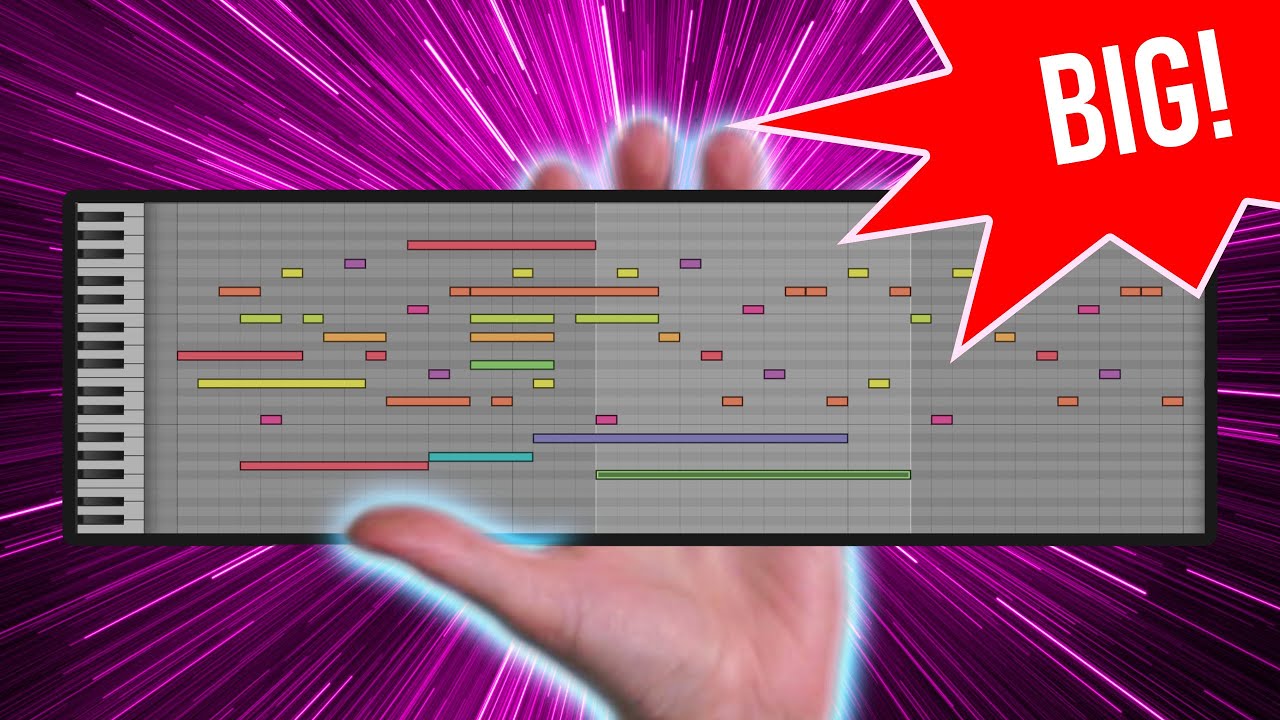
Hey folks, welcome back! Today, I’m sharing a cool new script I’ve been working on: Retrospective Recording for MIDI notes in Bitwig Studio. This feature allows you to capture your ideas even if you forget to hit record while playing. It's not perfect, but it’s a handy tool that can save your creative moments.
Key Points:
How Retrospective Recording Works
You play your instrument and if you forget to hit record, the script captures the MIDI notes as you play.
It works by tracking MIDI input and storing the events in a buffer with the timestamp (using JavaScript’s date object).
Notes are placed in the grid based on the tempo and time difference between each event.
Buffer Behavior
The script keeps a 16-bar buffer that always updates as you play.
If no new notes are played, it retains the last recorded notes. When new notes are played, the older notes shift left in the piano roll.
You can also use this with a note clip in the launcher, and it behaves similarly.
Controller Script Setup
To use it, you need to swap out your current MIDI controller script with a new one called "Retrospect".
The script records all incoming MIDI data into a buffer and passes the notes into Bitwig Studio.
Scale Mode and Diatonic Transposer (Coming Soon)
I’m working on adding a diatonic transposer to the script. This will allow you to record corrected notes based on a selected scale directly into the note clip.
Currently, you need to create a separate track and use the key filter for this, but with the update, the corrected notes will be recorded right away.
New Scales Added
I've included new scales from Frank at Jana Brothers, which you can access in the new zip file I’ve provided.
Download and Try It Out
I’ve put everything in a zip file, and you can download and extract it into your controller script folder.
It works as intended, but I’m still testing it, so let me know how it works for you.
Final Thoughts:
This script is a simple but powerful way to never lose your musical ideas, even if you forget to record.
I’ll be adding more features like the scale mode soon, so keep an eye out for updates.
Let me know what you think in the comments, and if you enjoy it, give it a try!
Download (all zip): https://bit.ly/3X8UX3R