Home
Home

 Creators
 Search
 Recent
 Random
 Posts
Posts
 DMs
DMs
 Tags
Tags
 Random
 Importer
 Import
 FAQ
FAQ
 Account
 Register
 Login
Login
 Favorites
 Keys
Keys
 Logout
 Telegram

Bitwig 6 - Global Transpose (Patreon)
Content
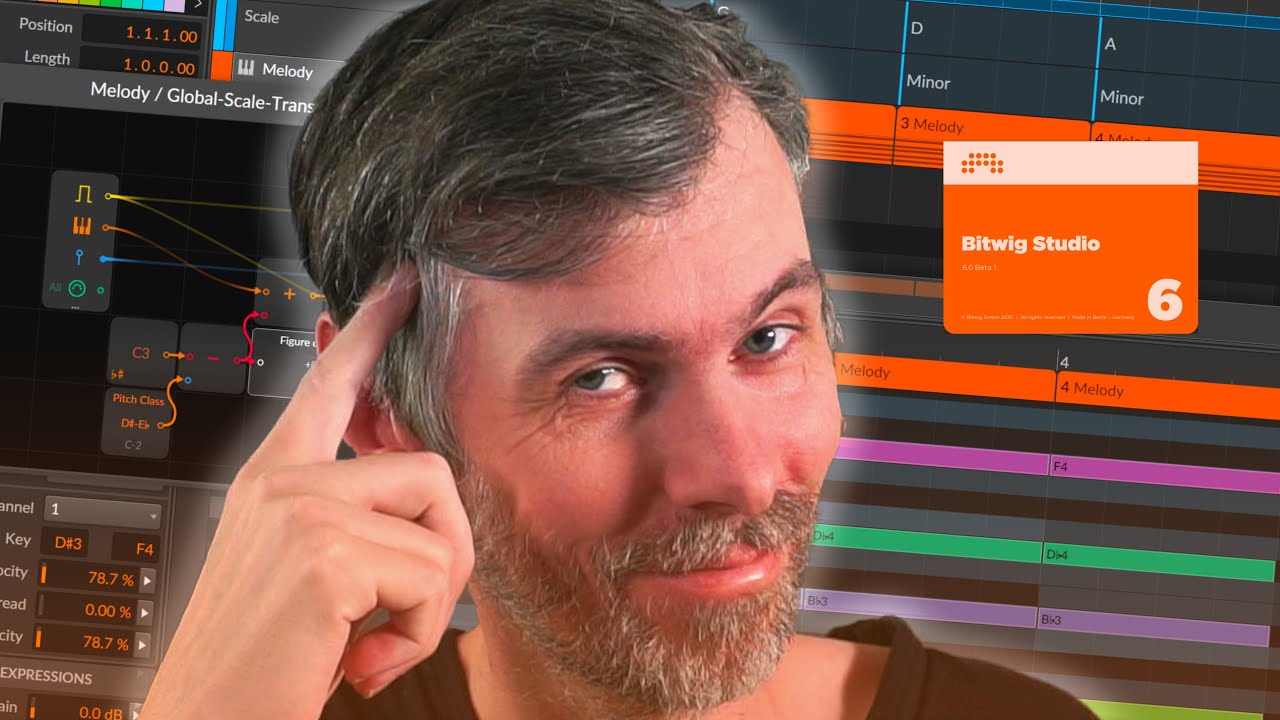
Recently, I explored how Bitwig Studio 6 handles global scales and discovered that you can easily set up a global note transpose using the Note Grid.
By creating a simple preset, you can automatically transpose your notes whenever you change the root of your global scale, making it seamless to switch keys mid-song. This approach keeps your chord progressions and melodies aligned with the correct root note, saving you the hassle of manual adjustments.
It’s a practical workaround that leverages Bitwig’s modular features, making complex key changes much easier to manage across your projects.
Demonstrates how to use Bitwig Studio 6’s global scale and the importance of root note transposition when changing scales.
Shows a workaround for global note transposition using the Note Grid and new Bitwig 6 modules like Root Key and Pitch Class.
Explains how to automate note transposition when switching scales or root notes using the circular fifth (e.g., from C minor to G minor).
Offers a preset solution in the Note Grid for automatic global transposition, making it easy to play in any scale section by simply transposing the input notes.
Details setup steps: adding a synthesizer, effects, setting up scales, building chords, and using arpeggiators.
Demonstrates how the preset correctly transposes all notes when changing key signatures, allowing flexible and creative workflow.
Emphasizes user-friendliness: you don’t have to know the target scale in advance since the preset handles all transpositions.
Mentions that the preset will be available for free download and compares it briefly to other harmonizer devices, highlighting its advantages.
Download for B6b1: https://bit.ly/3HRBksB