Home
Home

 Creators
 Search
 Recent
 Random
 Posts
Posts
 DMs
DMs
 Tags
Tags
 Random
 Importer
 Import
 FAQ
FAQ
 Account
 Register
 Login
Login
 Favorites
 Keys
Keys
 Logout
 Telegram

Note FX + Bitwig 6 = ❤ (Patreon)
Content
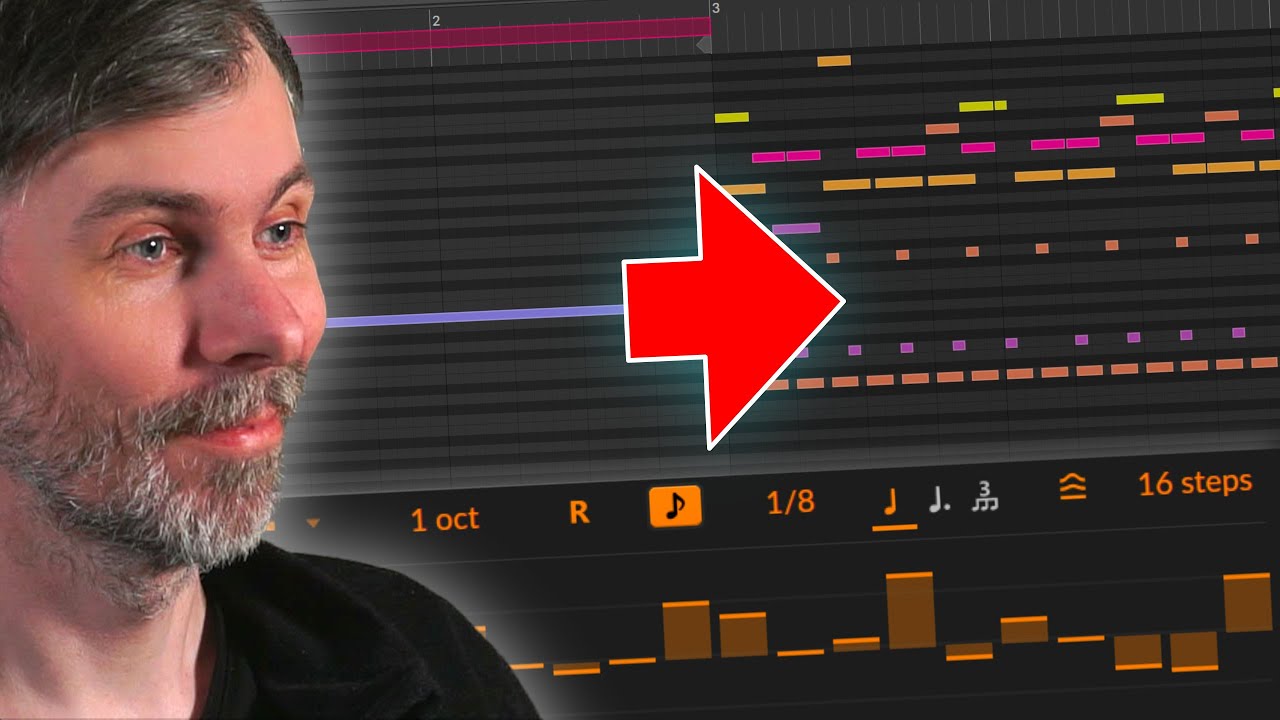
In this video, I explore how to get the most out of Bitwig Studio 6's new global scale feature, showing how it can make creating interesting drum and melodic sequences easier and more musical.
I walk through building a beat with kicks, claps, and hi-hats, then demonstrate how to use note effects and arpeggiators along with the global scale to generate creative basslines and melodies, all while keeping everything in key.
The workflow opens up new possibilities for generative music and fresh ideas by letting modulation and randomness become musical, instead of unpredictable noise. If you want to break out of repetitive patterns or try something new in Bitwig, this feature is definitely worth exploring.
Introduction to Bitwig Studio 6 and its new global scale feature for creative sequencing
Setting up a drum section with kick, clap, and hi-hat including velocity and expression edits
Grouping drum tracks for cleaner workflow and adding peak limiter for safety
Creating a bassline using Polymer synth, monophonic mode, arpeggiator, and MIDI FX
Utilizing the global scale feature to lock arpeggiator steps to the key/scale
Applying note FX like velocity for filter modulation instead of volume
Using audio sidechain to duck bass with the kick drum
Building a melody using similar note FX routing and global scale quantization
Layering arpeggiators and routing different MIDI channels for richer melodic textures
Leveraging global scale with randomizers, note repeaters, and quantizers for generative patterns
Encouragement to use note effects and global scale for breaking habitual workflows and discovering new musical ideas
Concluding statement about the potential and flexibility with the global scale feature in creative and generative music workflows