Home
Home

 Creators
 Search
 Recent
 Random
 Posts
Posts
 DMs
DMs
 Tags
Tags
 Random
 Importer
 Import
 FAQ
FAQ
 Account
 Register
 Login
Login
 Favorites
 Keys
Keys
 Logout
 Telegram

Quick Tip! (Patreon)
Published:
2020-12-10 14:51:31
Imported:
2026-06
Content
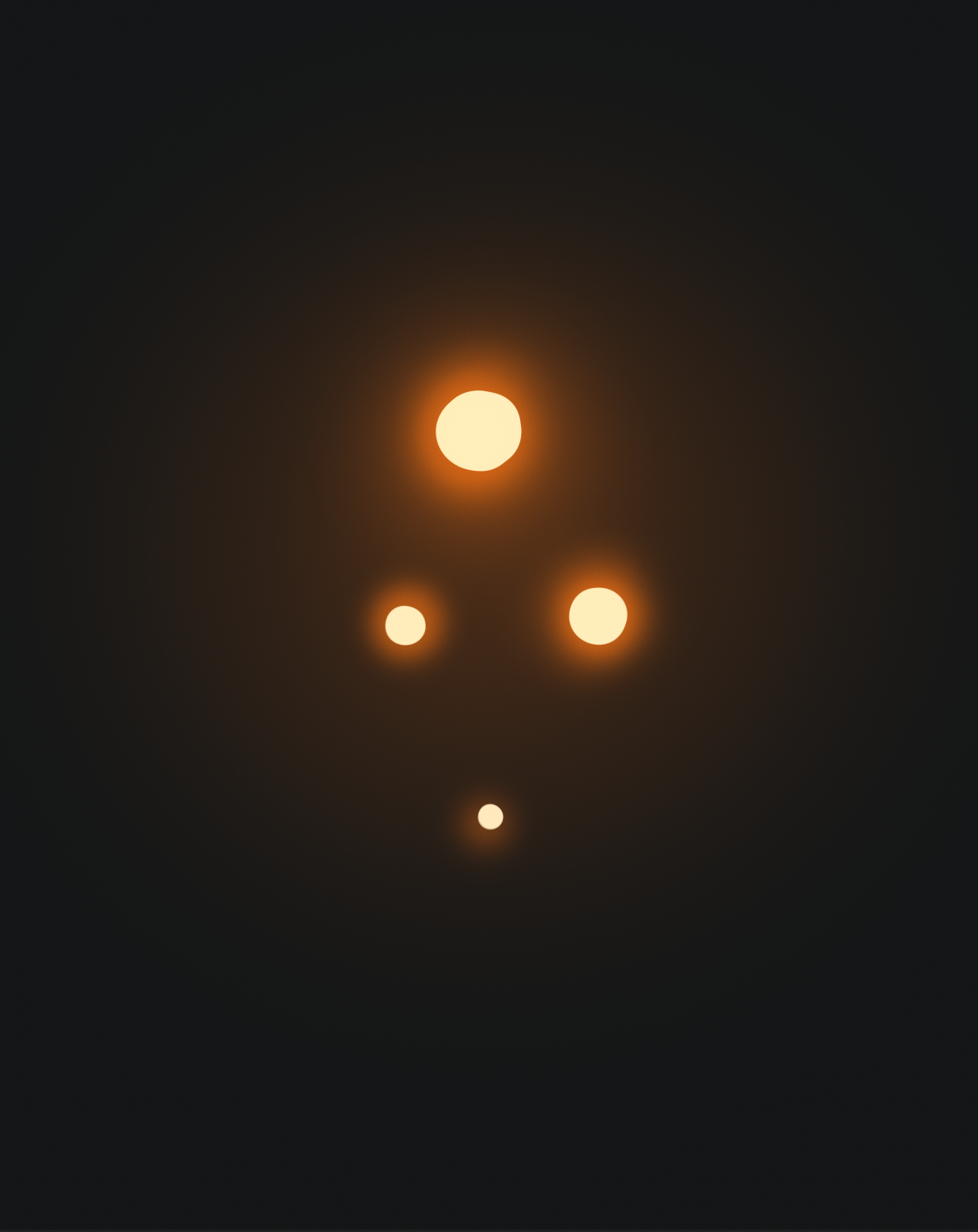
Glowing light effect
To achieve the glowing effect you see in a lot of my work, I use the hard light blend mode.
In photoshop, I create a new layer and set the blend mode to hard light. For this blend mode, I like to stay towards the less saturated (left half) portion of the colour palette for the most realistic effect. And I almost always keep the value right at the very top.
This is a really efficient way to get that glowing look from any kind of light source, even direct sunlight, without having to manually paint it in. Feel free to give it a try, just remember to not overdo it!!For my procreate peeps, if you guys have a similar blend mode, please let each other know in the comments :)
Files