Home
Home

 Creators
 Search
 Recent
 Random
 Posts
Posts
 DMs
DMs
 Tags
Tags
 Random
 Importer
 Import
 FAQ
FAQ
 Account
 Register
 Login
Login
 Favorites
 Keys
Keys
 Logout
 Telegram

Development Log 11.15.2024 (Patreon)
Downloads
Some files exceed the archive size limit and weren't saved: 2 files. Please note these limits are in place to keep this site running long term, without costing a fortune. You can favorite the creator though, certain milestones increase the limit.
Content
Hello Friends,
It's time once again for another Development News. I've been working on my project under the new Unity 6 Engine the past several weeks.
It was a rough start but I managed to implement the new lighting system called Adaptive Probe Volumes to my project. Adaptive Probe Volumes or APV helps bounce lighting and light scenes in real-time. This feature helps with a Day and Night system tremendously.
I had to painfully bake my scenes multiple times as in a lot of baking. Each bake would take up to 30 minutes to almost a whole day. It was so hard waiting to add new features into my game but I had to sit back and bake my scenes.
The payoff was great, my scene lighting looks incredible. The interiors in my buildings were lit correctly. Also a big difference I learned was Exposure. I was using Exposure incorrectly.
I will do a comparison between the old Unity Engine to the new Unity 6 engine.
Unity 2022
Unity 6
Unity 2022
Unity 6
Unity 2022
Unity 6
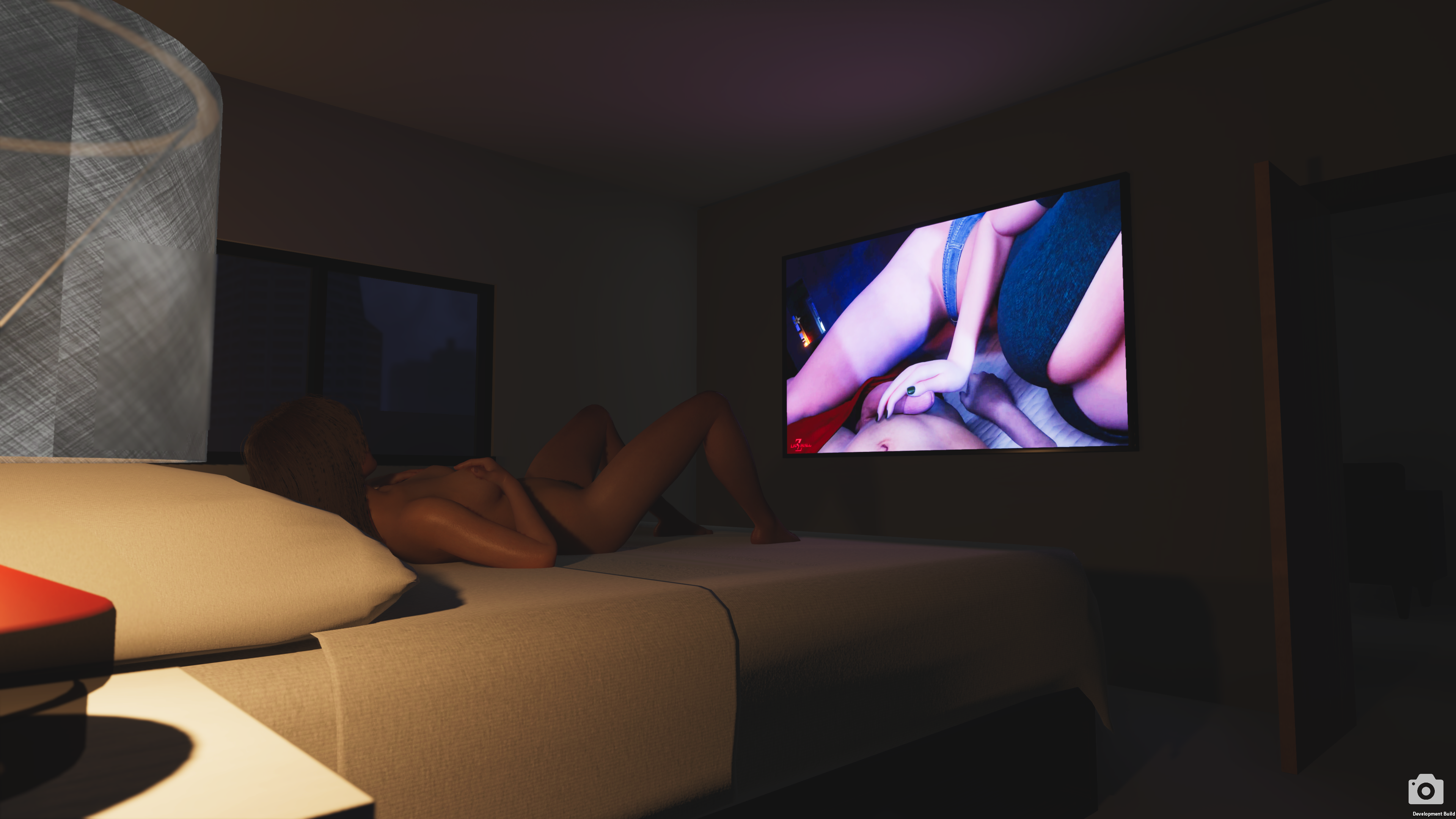
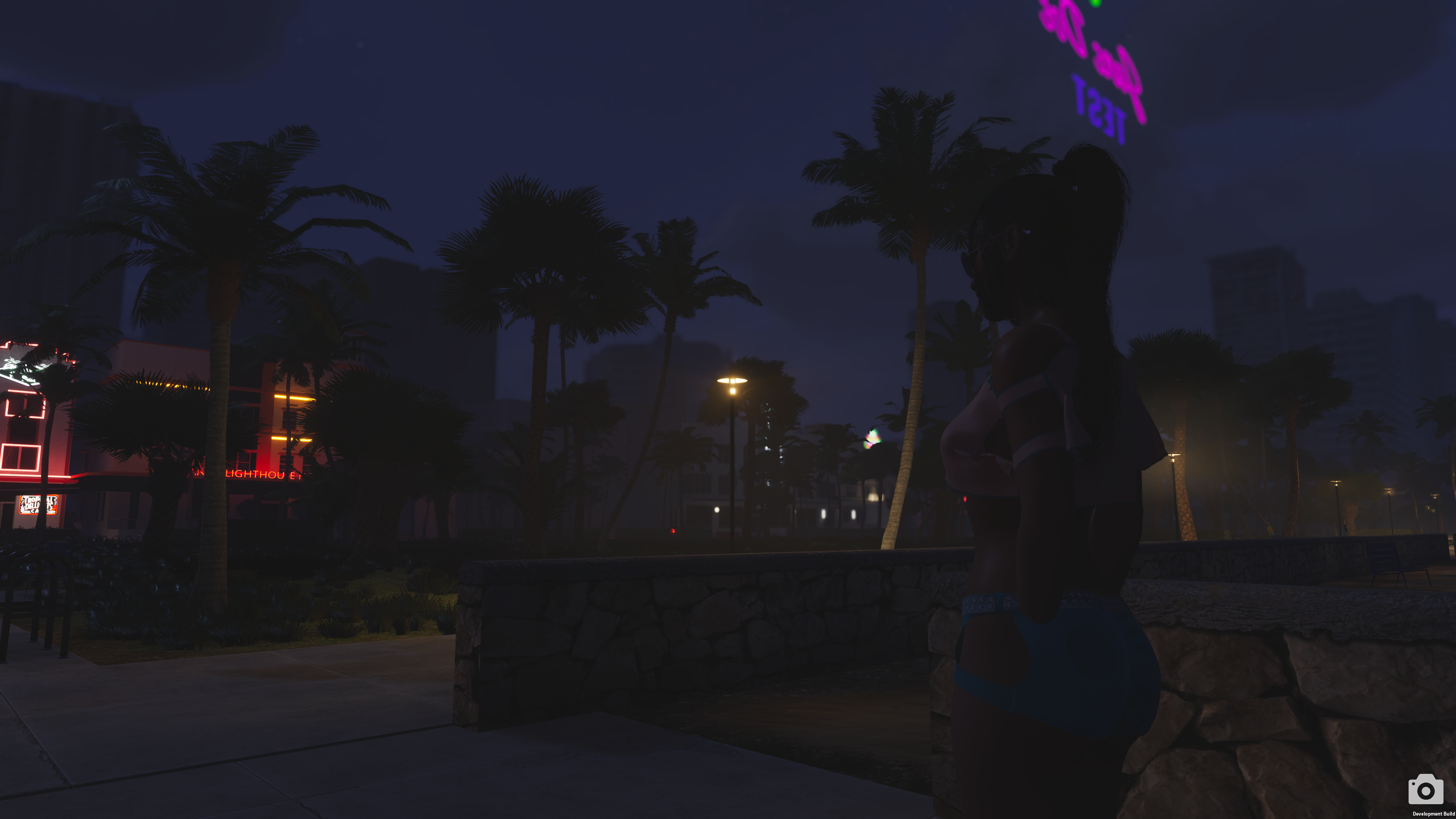
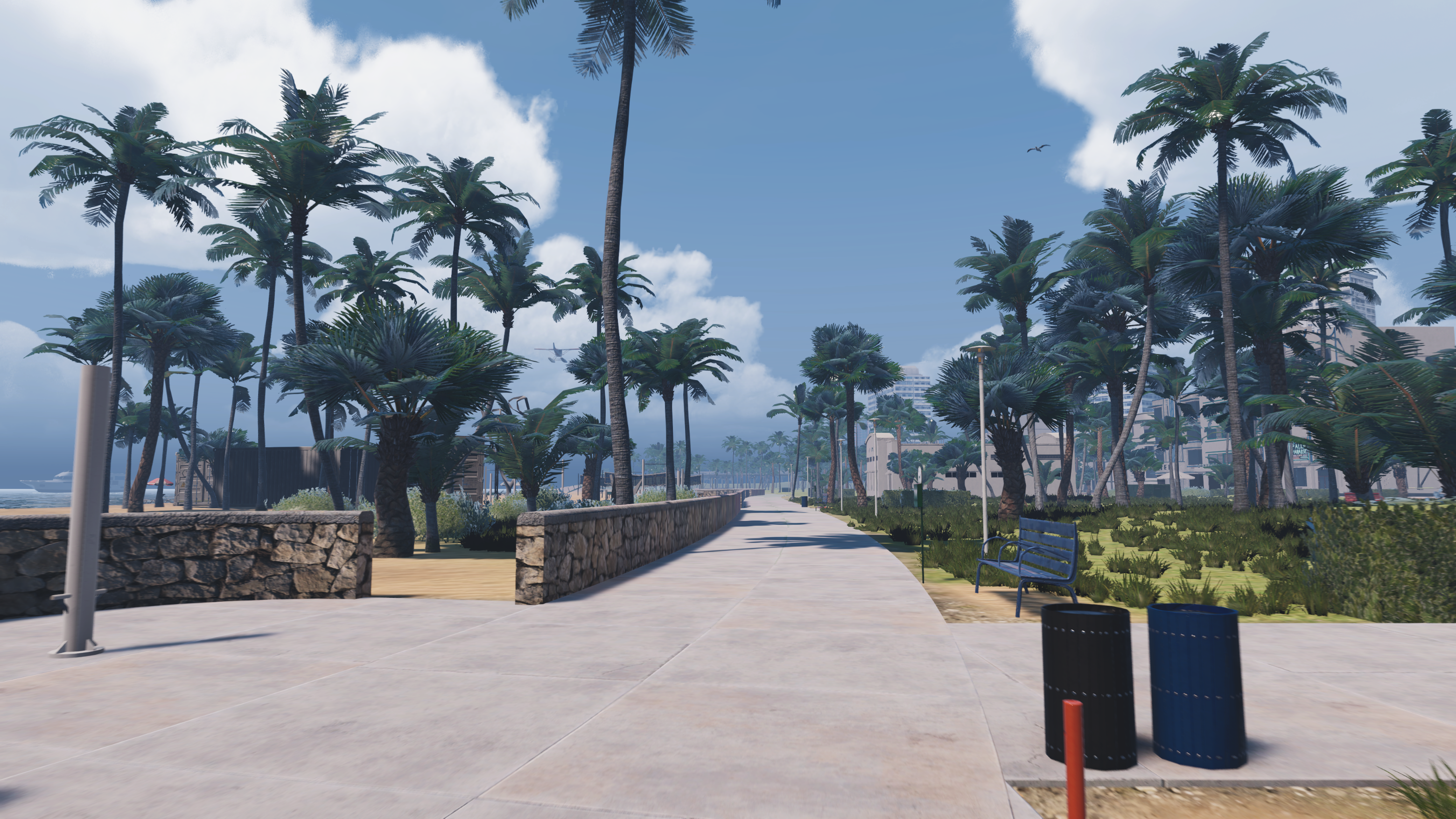
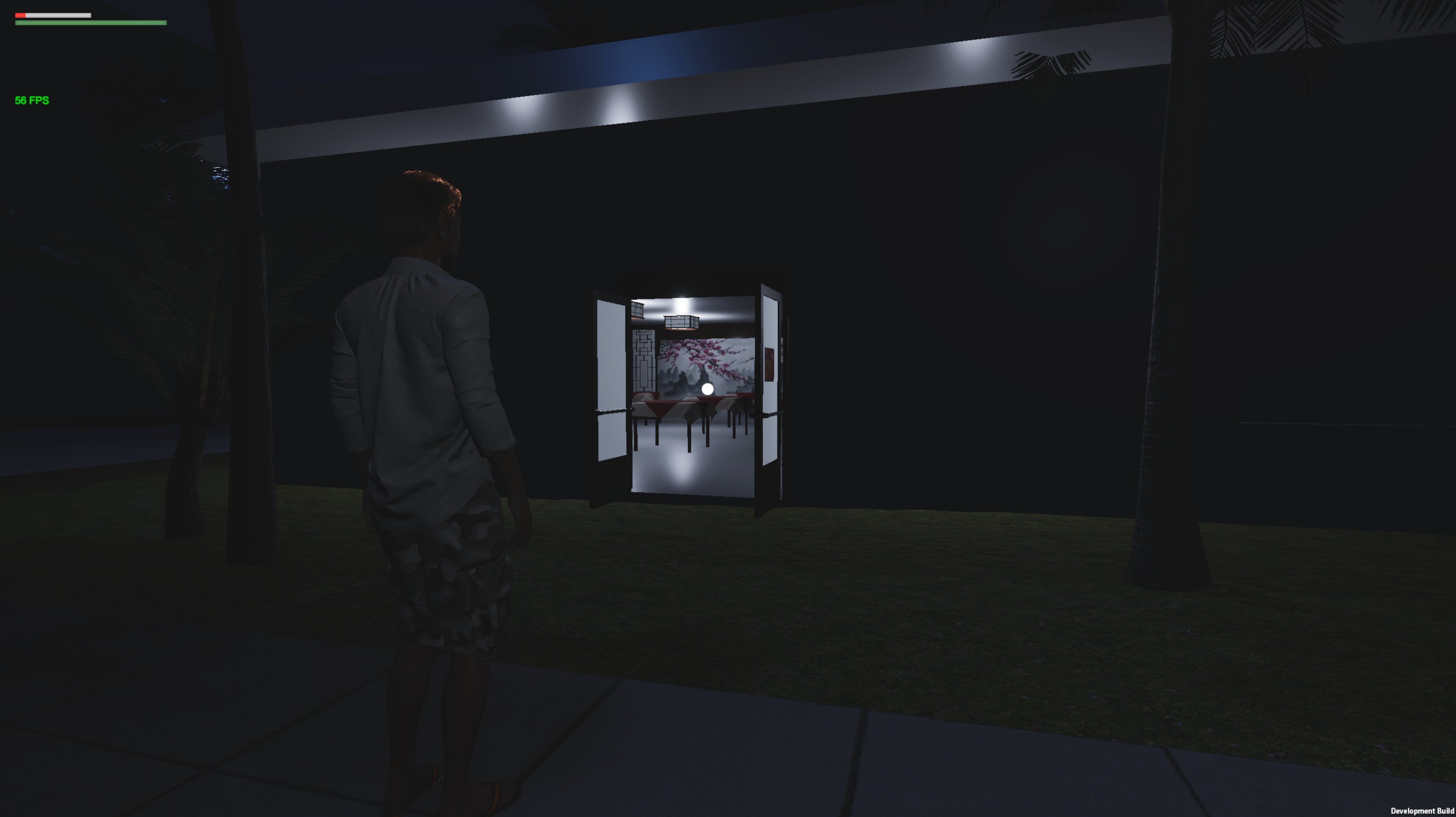
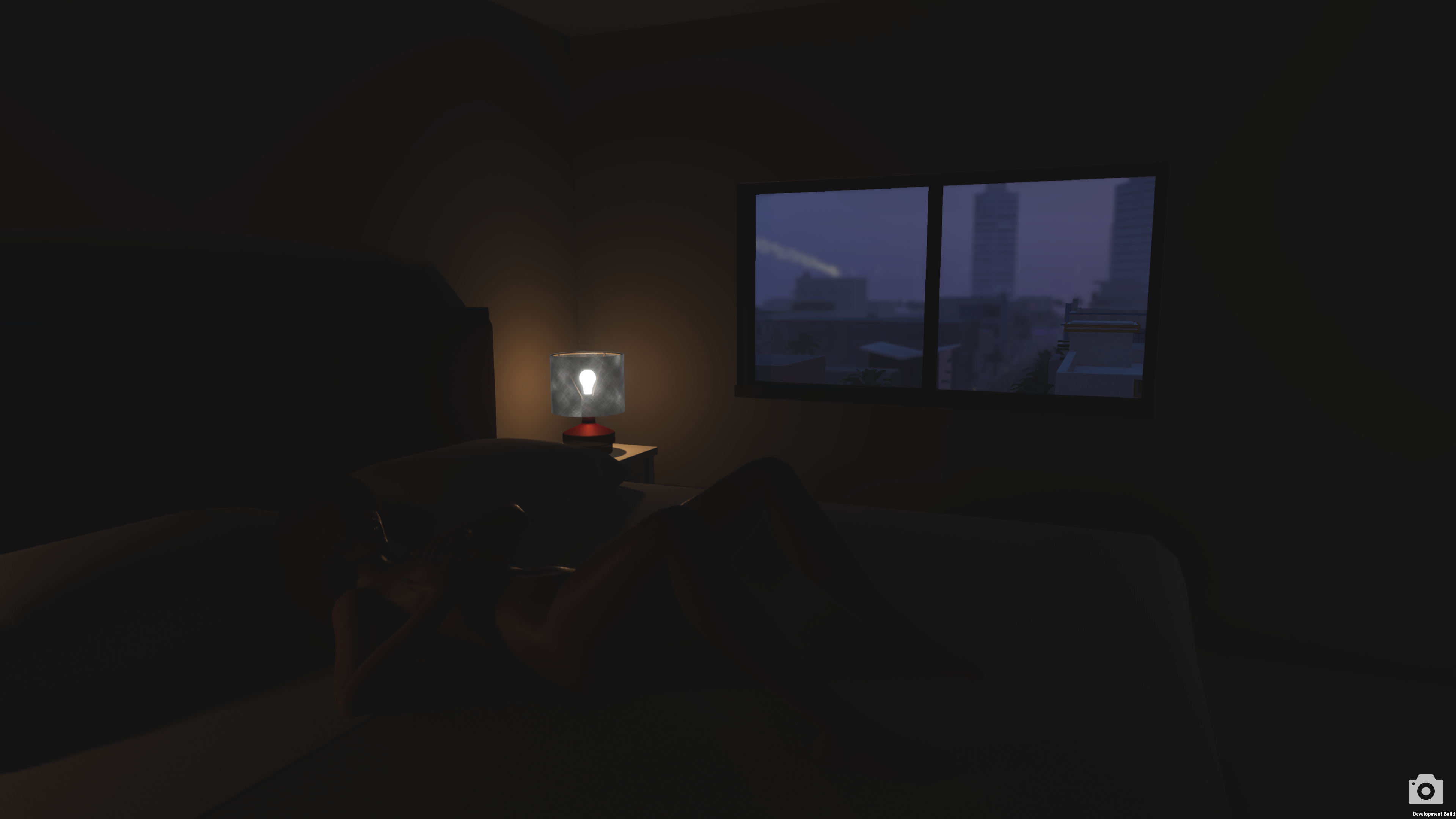
Here are more images of my Project in the new Unity 6 engine. Demonstrating Unity 6 lighting potential. Areas especially the interior are lit correctly. When entering a building a room that has no light is dark.
I like these two images because they show great lighting.
The main reason why I switch to Unity 6 is to improve lighting in the Day And Night System. Before Unity 6, the Interiors of the building were too brightly lit which to me felt unrealistic.
Upgrading to Unity 6 greatly improves the lighting with the Day And Night System. Thanks to Adaptive Probe Volumes.
Enjoy some screenshots with the new Adaptive Probe Volume.
HUD Update and Changes.
I made changes to the UI. The old HUD seemed cluttered and distracting, and I wanted something minimal so that the environment was not distracted by a colorful HUD. I am still thinking about whether to keep the UI grey.
When interacting with objects, the object will be highlighted and your crosshair will change to an interact instruction. It will display the button used to interact with the object along with the action when activated. This also affects NPC when you face them. They will be highlighted along with a message to activate chat.
Vehicle Traffic System Added
I added the vehicle traffic system to the new map. Cars are driving around the map now. Their materials have been updated, looking better than before. I plan to update this system more as I continue to work on Build 8.
Pick Up Appearance and Effect Changes.
I made some changes to the items you can pick up and their indicators. The sparkle indicator indicates that this item is a pickup. I changed the appearance of the sparkle indicator. The old sparkle indicator just looked cheap and terrible.
I improved the appearance of the credits, changing their color from green to blue. They also should be shiny and reflected.
Gifts' appearance also saw a change from green to white with stripe color.
What I Plan To Work On Next.
More focus next is working more on the map, replacing more of the Block Out Buildings with Actual Buildings with Detail. After the blocks out are replaced I plan to add texture.
I also working quickly to add the important system now I got the vehicle system back in. I would like to add the NPC back in and walking around and the adult system back in.
I plan to release a Development Test Build for Build 8 soon for Tier 3 members. I still have a lot of work ahead of me.
Thank you everyone for supporting and liking my project. I hear your suggestions and I look forward to bringing you a better game in the next update.
Thank you,
Blast
Files