Home Creators Posts Import Register Favorites Logout

Content

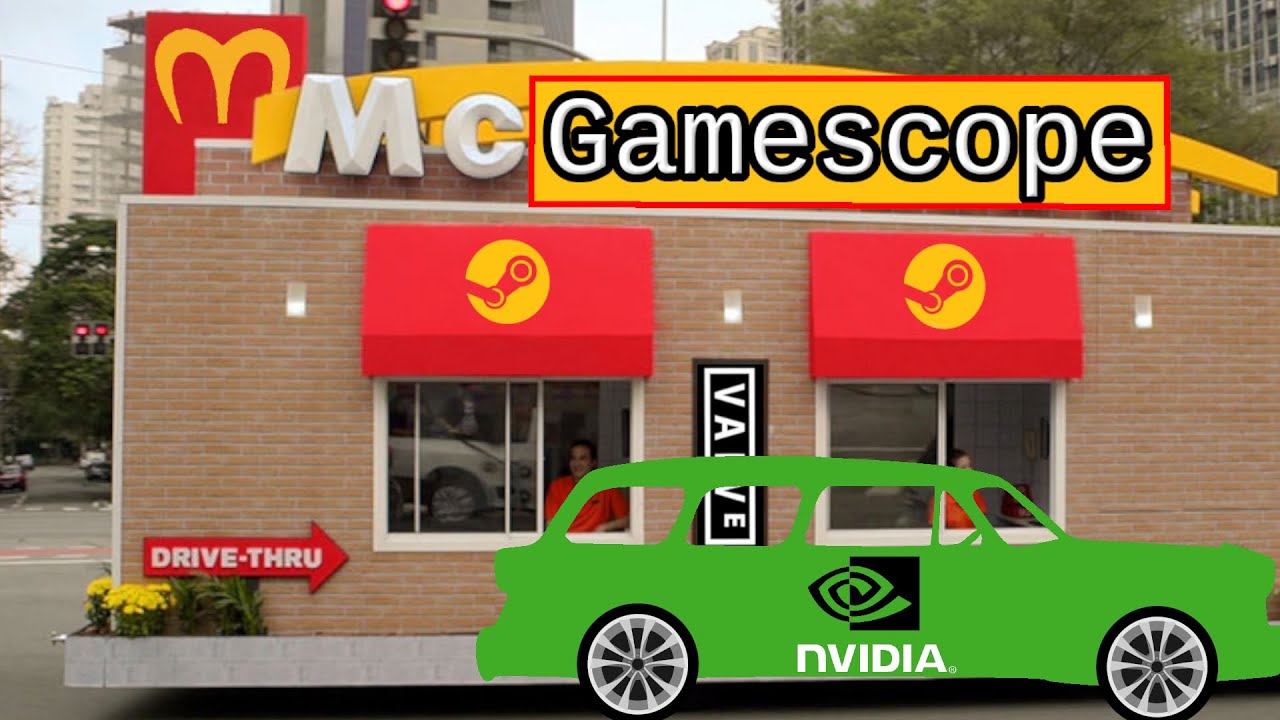
I hammered out a little guide on installing and configuring gamescope with TeamGreen™ GPUs. It's better than expected... ish.  
Files

Gamescope On NVIDIA In 2023

Ever have a game ignore your display settings? #Gamescope can help with that by putting windows into obey me mode. It even works with #NVIDIA. Support future videos directly https://patreon.com/linuxgamecast --------------------------------------------------- SHOW BUSINESS Show notes: https://linuxgamecast.com/2023/03/gamescope-with-nvidia/ Podcast: https://linuxgamecast.com/podcasts/ Schedule: https://www.twitch.tv/linuxgamecast/schedule --------------------------------------------------- SUPPORT BUSINESS Patreon: https://patreon.com/linuxgamecast Merch: https://store.linuxgamecast.com/ Bitcoin: https://linuxgamecast.com/magic-internet-money/ Wishlist: https://www.amazon.com/gp/registry/wishlist/3RNET1MJW55SQ/ --------------------------------------------------- SOCIAL BUSINESS YouTube https://www.youtube.com/linuxgamecast Twitter: https://twitter.com/VennStone Steam: https://store.steampowered.com/curator/6856357-Linux-Gamecast-Weekly/ Twitch: https://www.twitch.tv/linuxgamecast/ Facebook: https://www.facebook.com/linuxgamecast/ --------------------------------------------------- TIMESTAMPS BUSINESS 00:00 Intro 00:58 Nvidia #Linux drivers 01:10 Configure Grub 01:25 Downloading gamescope 01:44 Building from source 01:51 Installing dependencies 02:16 Cloning the git repository 02:14 Compile and install 02:28 Gamescope options 03:04 Using gamescope with Steam

Comments

No comments found for this post.