 Home

 Creators
 Search
 Recent
 Missing
 Random
 Posts
 DMs
 Tags
 Random
 Importer
 Import
 FAQ
 Account
 Register
 Login
 Favorites
 Keys
 Logout
 Telegram

SKYRIM I AR Shezarrine HighPoly Racemenu Preset (Patreon)
Content
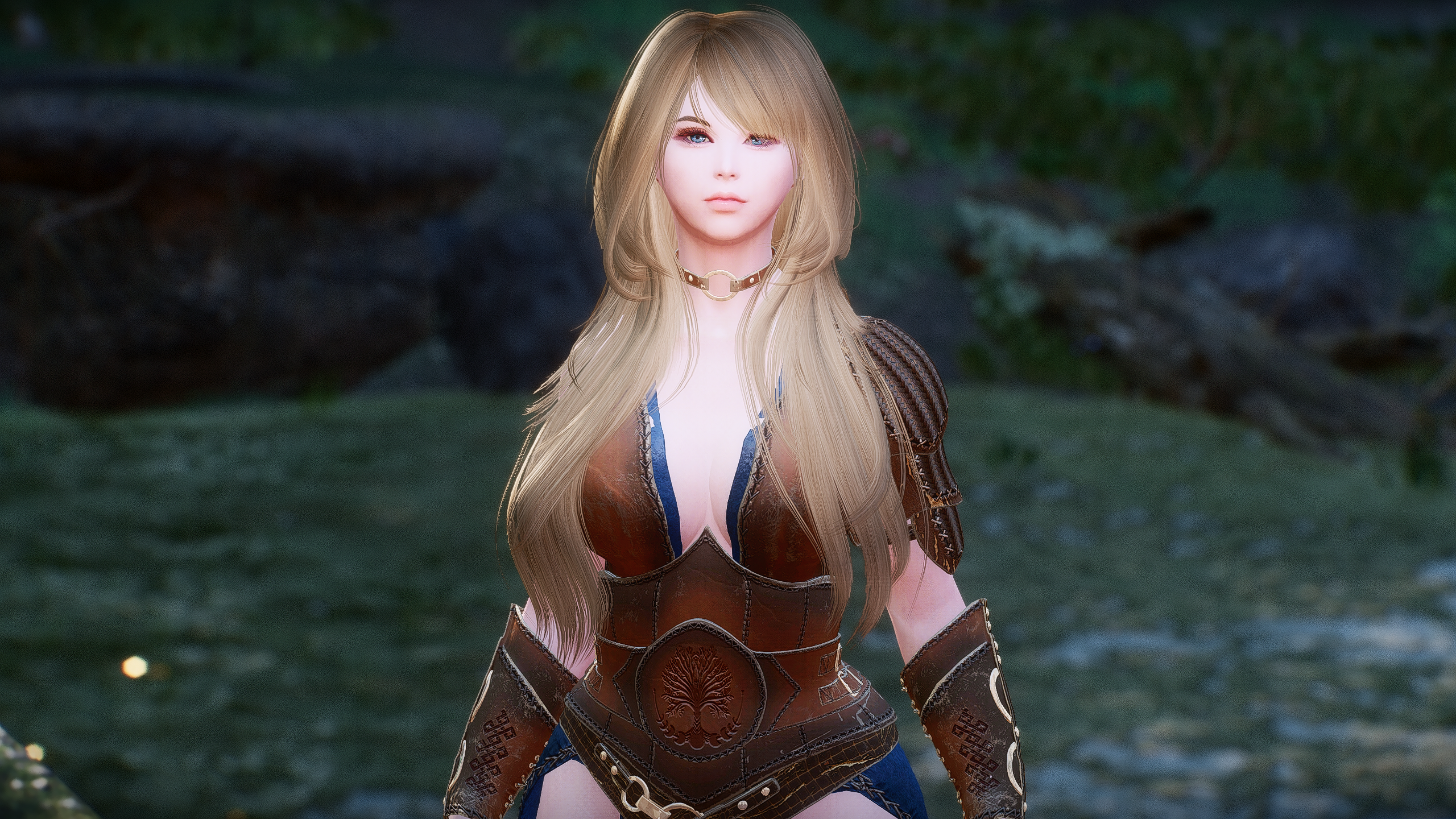
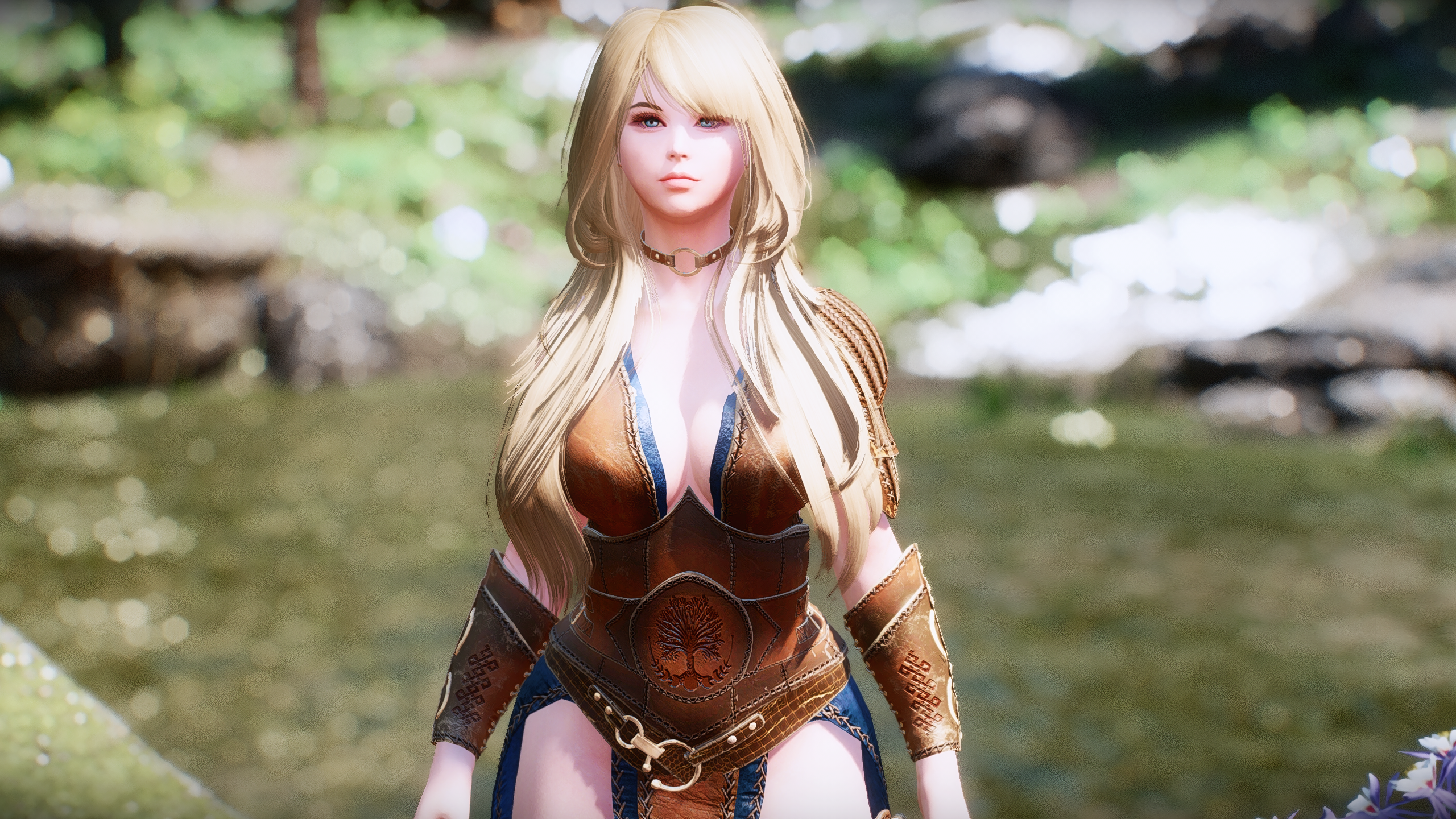
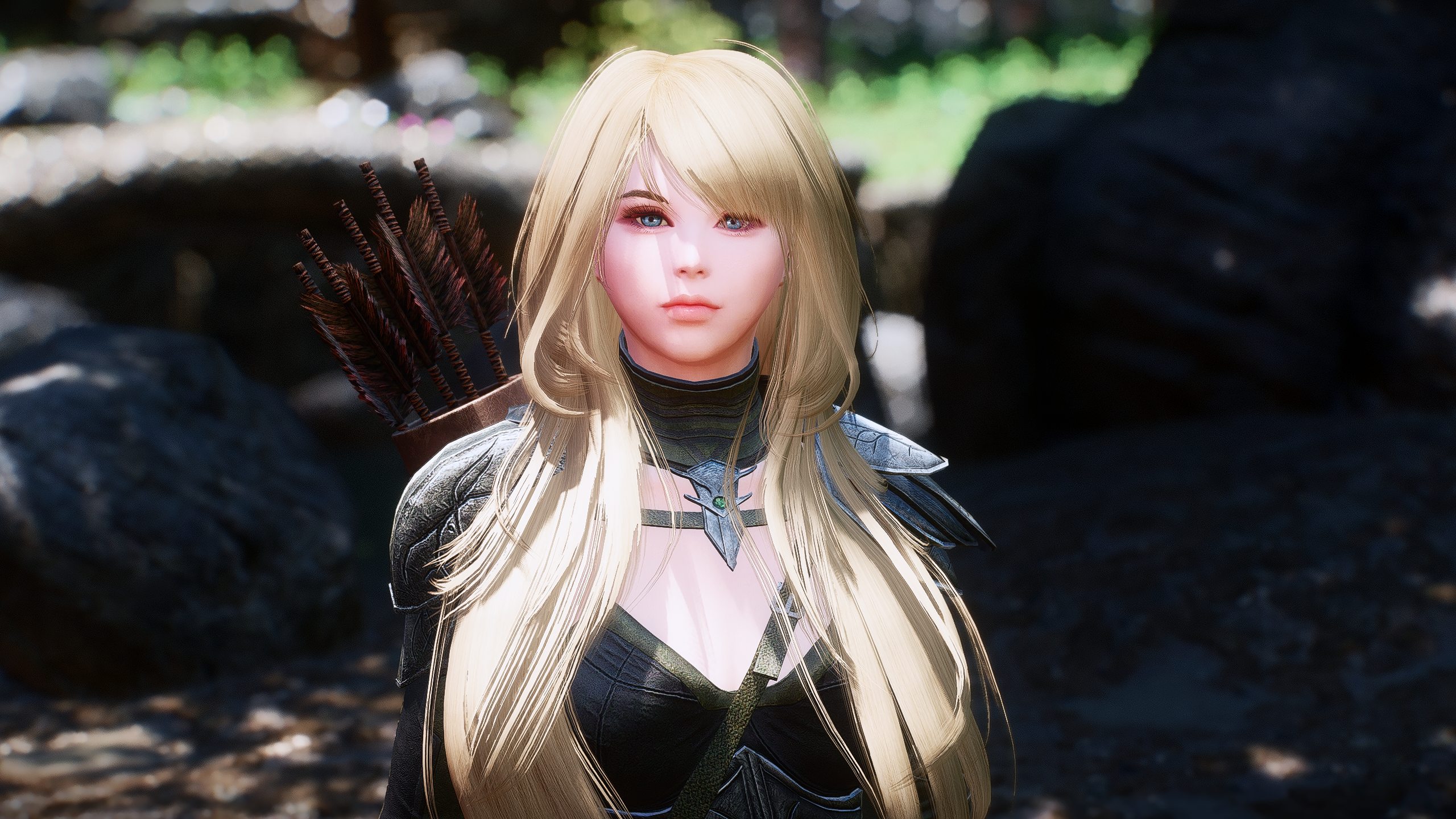
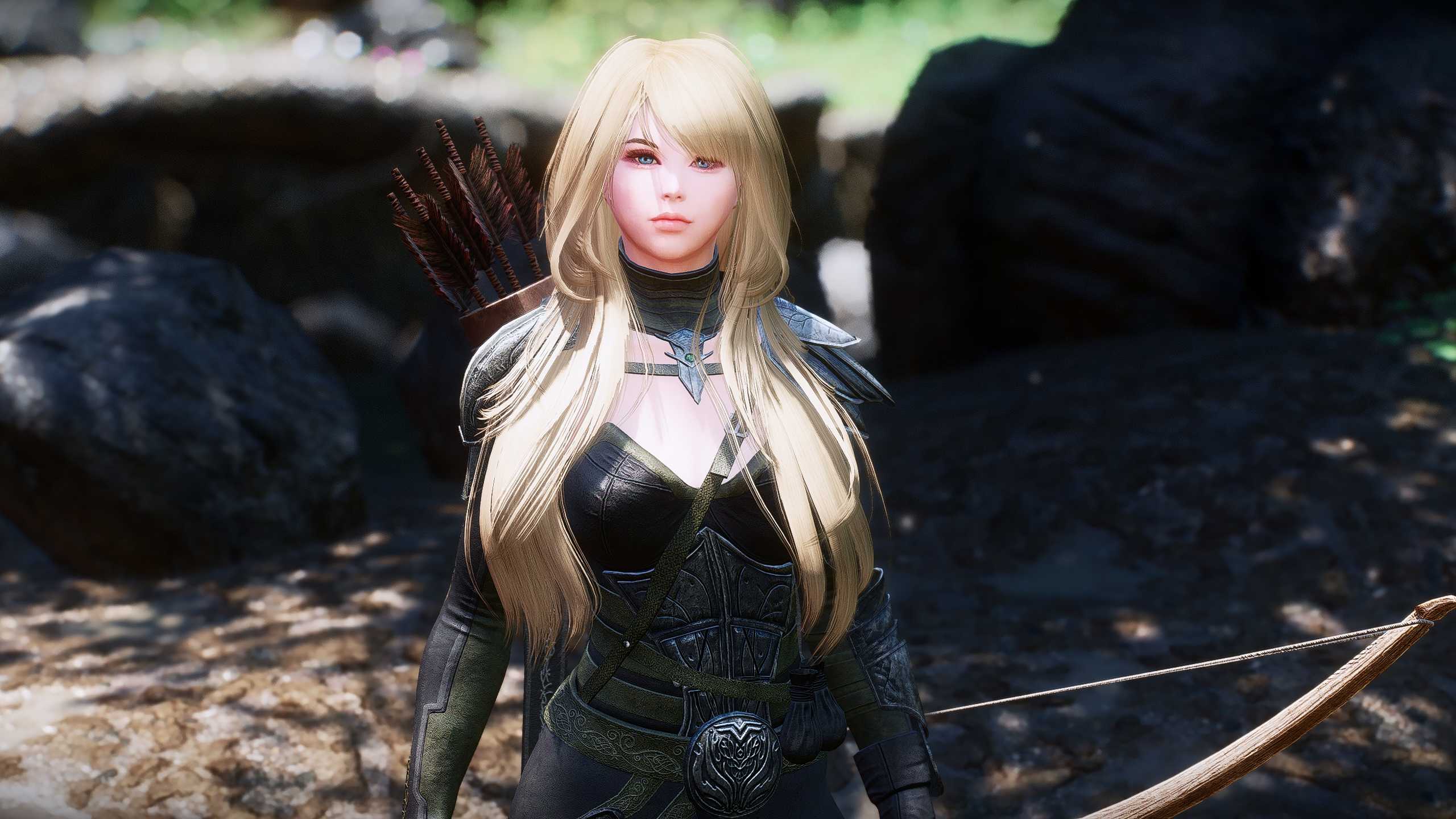
1. Requirement
Racemenu
https://www.nexusmods.com/skyrimspecialedition/mods/19080
High Poly Head
https://vectorplexis.com/files/file/283-high-poly-head/
The Eyes of Beauty AI Remaster
https://www.nexusmods.com/skyrimspecialedition/mods/70263
KS Hairdos SSE
https://www.nexusmods.com/skyrimspecialedition/mods/6817
니블레쓰A CME 패키지
https://drive.google.com/file/d/13OnQrhI4CLyfR-lsjzURtMgetE6ooXgE/view?usp=drive_link
2. Installation
Step 1. Place the downloaded JSlot file in the SKSE\plugins\Chargen\preset folder.
Step 2. Once in-game if not starting a new game (skip to Step 3 if you are), open the console (~ key) then type
'showracemenu' and press Enter.
Step 3. Use the Face Part slider in RaceMenu to switch to the high poly head.
Step 4. Click on the Presets tab in the upper right and press 'F9'.
Step 5. Select 'AR Shezarrine.jslot' and hit Enter.
III. Link
Files
Previews only

