Home Creators Posts Import Register Favorites Logout

Downloads

Content

Greetings...

Hello everyone.

This month was a long month for us. Too many things have happened out of our control...

But we will not bore you the details.

We like to thank all patrons that patiently supported the channel.

And also, to those who gave a little extra to help others in need during the bad weather that occur in our country.

As an appreciation, we like to present you our Ultimate TeknoParrot Installer.

It's still in beta version, but we still improving its features.

What does it do?

This will serve as a tool for Installing the latest updated TeknoParrot addon itself for both I-RETROPLAY and TeknoParrot Standalone version.

This will help you setup teknoparrot even if you're not knowledgeable on setting up games and emulator.

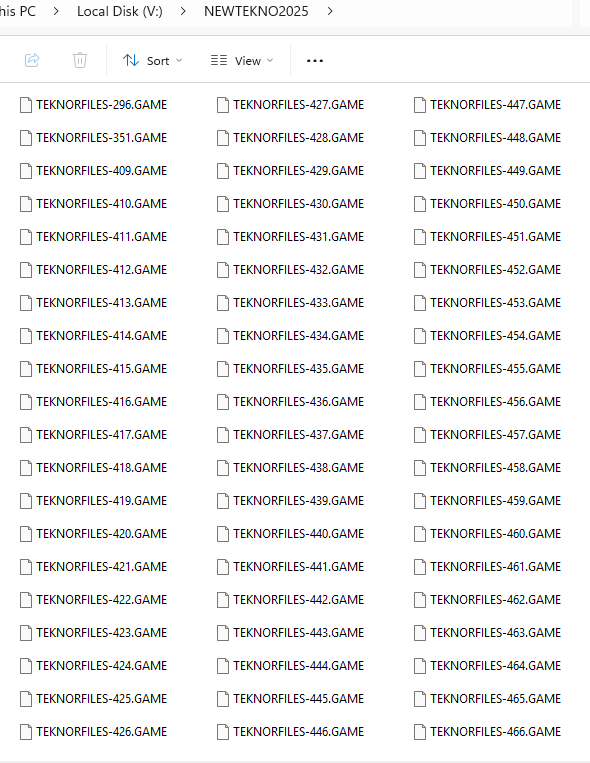
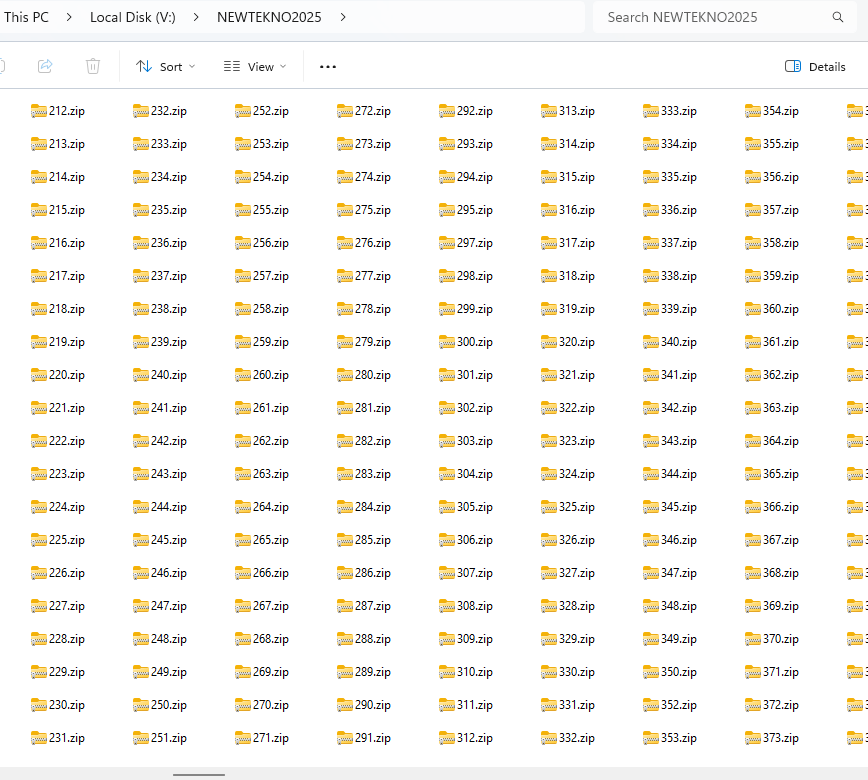
We compiled a new complete set for the teknoparrot files. Mostly pre patched versions and clean ones.

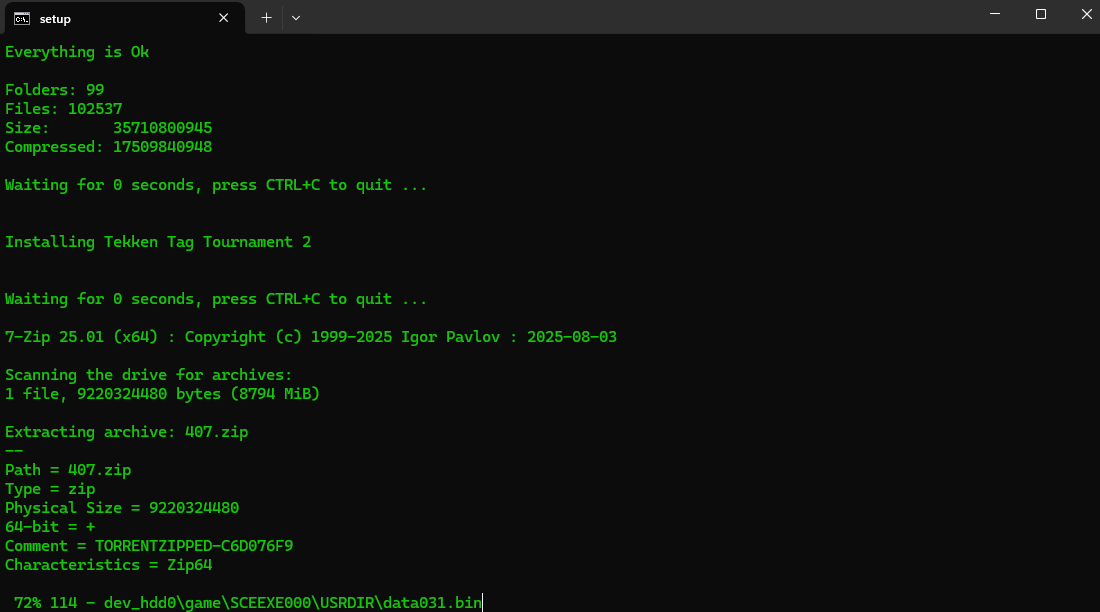
Will automatically extract and install all archives, except for a few game titles to any chosen drive.

With proper file names directory structures.

If a game or games are already installed it will not overwrite and will continue to install non existing games as long the sets are available in your installation directory.

You can also select only what to install by removing game files not needed in the install directory.

You can also install manually by entering only codes for the list of games. Good for hand picking games you want to be on your playlist.

You can freely choose what drive letter you want to install any particular game.

Once you've chosen the drive letter, it will automatically install and create profiles for all Teknoparrot games without going to the Teknoparrot GUI. Just make sure you have all the necessary files.

Yes, we cut the long and painful process of mapping directories.

Unfortunately for the controller mapping, it is default only for the Xbox controllers.

Mapping buttons with a different controller will be the only additional task you might face.

We still working on the auto patching features.

INSTALL NOTE

You need the base files first to make this work.

This will be an update of the base build.

Its either Project Arcade I-RETROPLAY or PROJECT i-TEKNOPARROT STANDALONE BUILD.

You do not need to put any files inside your base build. You can run the installer batch file anywhere together with the MASTERTEKNOPATCHER folder along with all needed files inside. See the video demo.

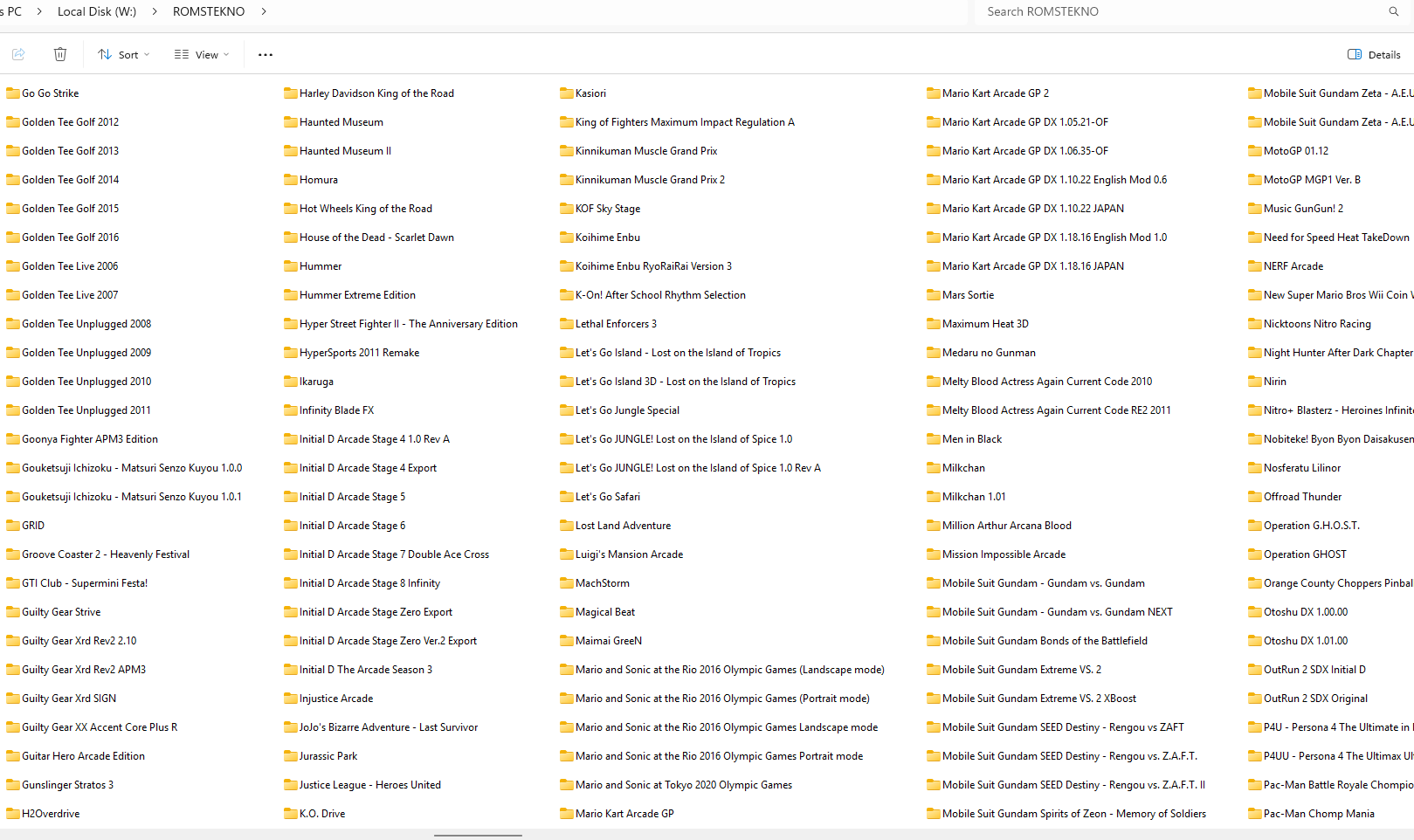
The roms files should be outside the MASTERTEKNOPATCHER folder.

Use the MASTER CODE LIST for installing hand pick games.

or just put only roms files that you only want in the folder from where the batch file reside.
Files

TeknoParrot Ultimate Installer Beta - NEW COMPLETE SET WITH AUTO CONFIGURATION DEMO

#retrogaming #teknoparrot #emulation #retroFE #coinops #arcadegame Greetings... Hello everyone. We like to thank all patrons that patiently supported the channel. And also, to those who gave a little extra to help others in need during the bad weather that hit our country. As an appreciation, we like to present you our latest Ultimate TeknoParrot Installer. It's still in beta version, but we still improving its features. What does it do? This will serve as a tool for Installing the latest updated TeknoParrot add-on for both I-RETROPLAY and TeknoParrot Standalone version. This will help you setup teknoparrot even if you're not knowledgeable on setting up games and emulator. Will automatically extract and install all archives, except for a few game titles to any chosen drive. This will sure cut the time of setting up files on teknoparrot. With proper file names and organized directory structures. If a game or games are already installed it will not overwrite and will continue to install non existing games as long the sets are available in your installation directory. You can also select only what to install by removing game files not needed in the install directory. You can also install manually by entering only codes for the list of games. Good for hand picking games you want to be on your playlist. You can freely choose what drive letter you want to install any particular game. Once you've chosen the drive letter, it will automatically install and create profiles for all Teknoparrot games without going to the Teknoparrot GUI. Just make sure you have all the necessary files. Yes, we cut the long and painful process of mapping directories. Unfortunately for the controller mapping, it is default only for the Xbox controllers. Mapping buttons with a different controller will be the only additional task you might face. We still working on the auto patching features. Enjoy the demo. Please visit our Patreon Page for additional information. Full DEMO WILL BE HERE: https://www.patreon.com/c/jolygimgameandtech http://retrofe.nl/ ++++++++++++++++++++++++++++++++++++++++ Also please check my other videos: PROJECT ARCADE LATEST BUILD | BASIC OPERATION | HOW TO | ARCADE FRONTEND https://youtu.be/FB1A7haE0Kw TeknoParrot | System 2x6 Media Artworks Update | RetroFE https://youtu.be/rzR9eglsWMw CoinOps Next 2 - Custom Theme Installation | NINTENDO SWITCH ADD-ON | RETROFE https://youtu.be/8U5bjDjouUw TeknoParrot Version V11 Collection Add-on - Project Arcade https://youtu.be/GYELEd9xAH0 PINBALL | Project Arcade AZZA Theme Addon | RetroFE 2025 https://youtu.be/RFX8KEpIWrM RPCS3 Arcade Collection | Project Arcade AZZA 2025 https://youtu.be/WPF8GMRGHNM ========================================================================= +++++++++++++++++++++++++++++++++++++++++++++++++++++++++ How to download Project Arcade for free: Visit our discord channel to know more... Discord: https://discord.gg/afQU3aWkaV FB: https://www.facebook.com/JolygimGameandTech/ Please support the channel by being a Patron: https://www.patreon.com/jolygimgameandtech If you share my passions and like to support the channel, feel free to donate. Thank you! https://www.paypal.me/JolygimGameandTech ++++++++++++++++++++++++++++++++++++++++++++++++++++++++++ Recommended System Requirements: AMD Chipsets Quad Core CPU or above 16GB Ram or above Graphics Card At least a GTX 1050 TI or higher. SSD for OS 8 Terabyte HDD for Data Files Light Guns (optional) Controller (Xbox controller or similar) Windows 10 64Bit

Comments

parchi NICOLA

Hola neceisto ayuda al abrir el PATEKNOPARROT i-RETRO me muestra 456 juegos pero al apretar enter para jugar no carga ningun juego. Verifique las roms estan todas y el emulador teknoparrot tiene el perfil asignado correcto que seria en mi caso la unidad G.

parchi NICOLA

Por otro lado queria saber como poner el sistema teknoparro al ProJectArcadeBitsBits porque cuando ejecuto el instalador y seleccion dicha carpeta y selecciono la unidad G me dice que no existe y si la trengo instalada podria copiarla manual en emuladores no veo al teknoparrot tal vez sea eso

Gianluca ciferni

Good morning i have a problem pa i-telnoparrot e i-gun exe no start

JolygimGame&Tech

Hello—please try the following steps: Navigate to the AMALGAM folder, then open the Interface subfolder. Run one of the batch files to reset the settings (for example, DUAL MONITOR MODE MARQUEE OFF.bat, or any of the other available batch files). After running the batch file, launch the main executable again. Let me know if it works or if you run into any issues.

JolygimGame&Tech

Can we chat on discord, please send me screenshots of you root files in the Base folder Installation. We can assist or help better on discord.

JolygimGame&Tech

Hello... we will send the links to your email within the day.. thank you for supporting the channel