Home
Home

 Creators
 Search
 Recent
 Random
 Posts
Posts
 DMs
DMs
 Tags
Tags
 Random
 Importer
 Import
 FAQ
FAQ
 Account
 Register
 Login
Login
 Favorites
 Keys
Keys
 Logout
 Telegram

Project Arcade Base Build Updates FEB 2023 (Patreon)
Downloads
Content
ProjectArcadeBlur Base Build Update 2023(Teknoparrot addon not included)
Info:
1. No previous updates needed. First step if you want ProjectArcade to be your base build.(Feb 19, 2023 Update)(Semi-Standalone)(recommended clean install)
2. Arcade addons included namely MAME and a few others.(ready to play)
3. A few small console add ons added NES etc. (ready to play)
4. Also added the emulators for arcades and consoles. MAME and Retroarch with bezels and overlays included for my whole build ready.
5. Can add new addons from my list of uploads for Project Arcade or RetroFE.(just follow instructions included)
6. The default resolution is window-1920x1080. But can be changed anytime in the settings ini.
7. Compatible medium_artworks files from CoinOps. Supported media files and can add without renaming folders.
Frontend Controls:
up = Up,joyHat0Up
down = Down,joyHat0Down
left = Left,joyHat0Left
right = Right,joyHat0Right
pageUp = A
pageDown = B
letterUp = M,joyButton5
letterDown = N,joyButton4
playlistUp = Keypad 4,joyHat0Up,joyAxis1-,Up,joyAxis2+
playlistDown = Keypad 6,joyHat0Down,joyAxis1+,Down,joyAxis5+
collectionUp = K
collectionDown = L
favPlaylist = F,joyButton2
nextPlaylist = F2,joyHat0Right
prevPlaylist = F1,joyHat0Left
addPlaylist = I,joyButton8
removePlaylist = O,joyButton9
random = R,joyButton2
select = 1,Return,joyButton0
back = Escape,joyButton1
quit = Q, joyButton6
deadZone = 20
ProjectArcadeBlur
Other Features:
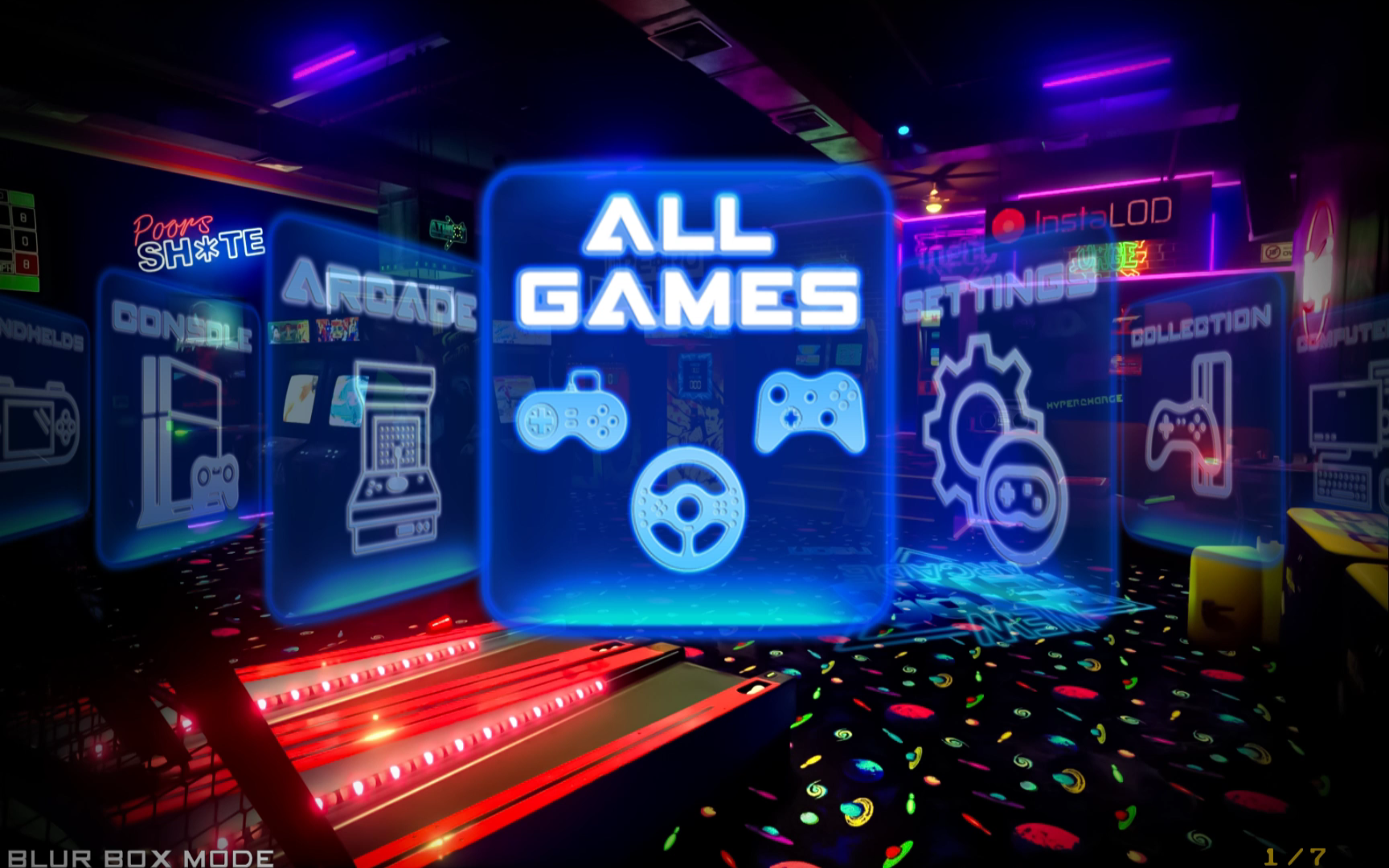
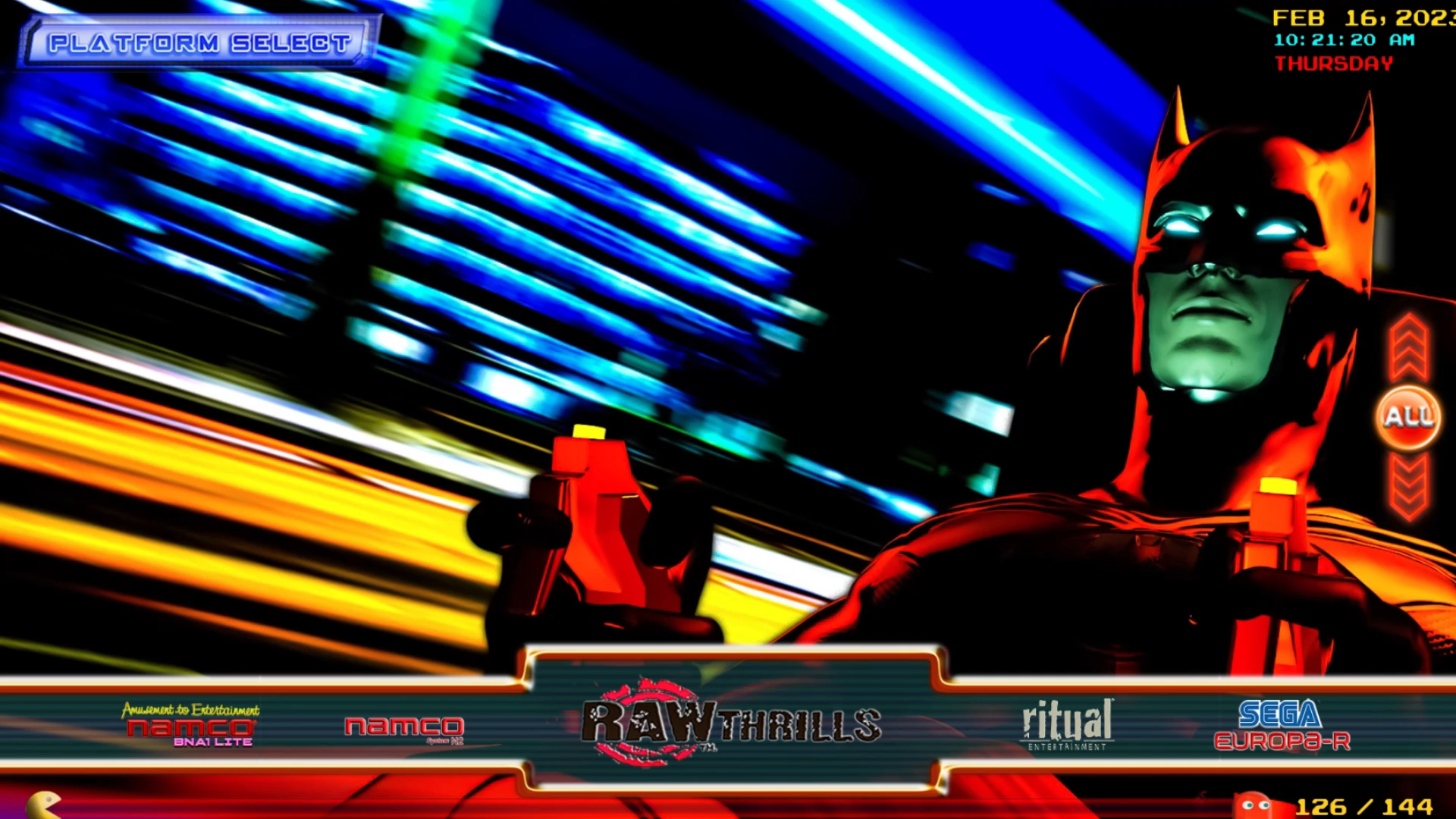
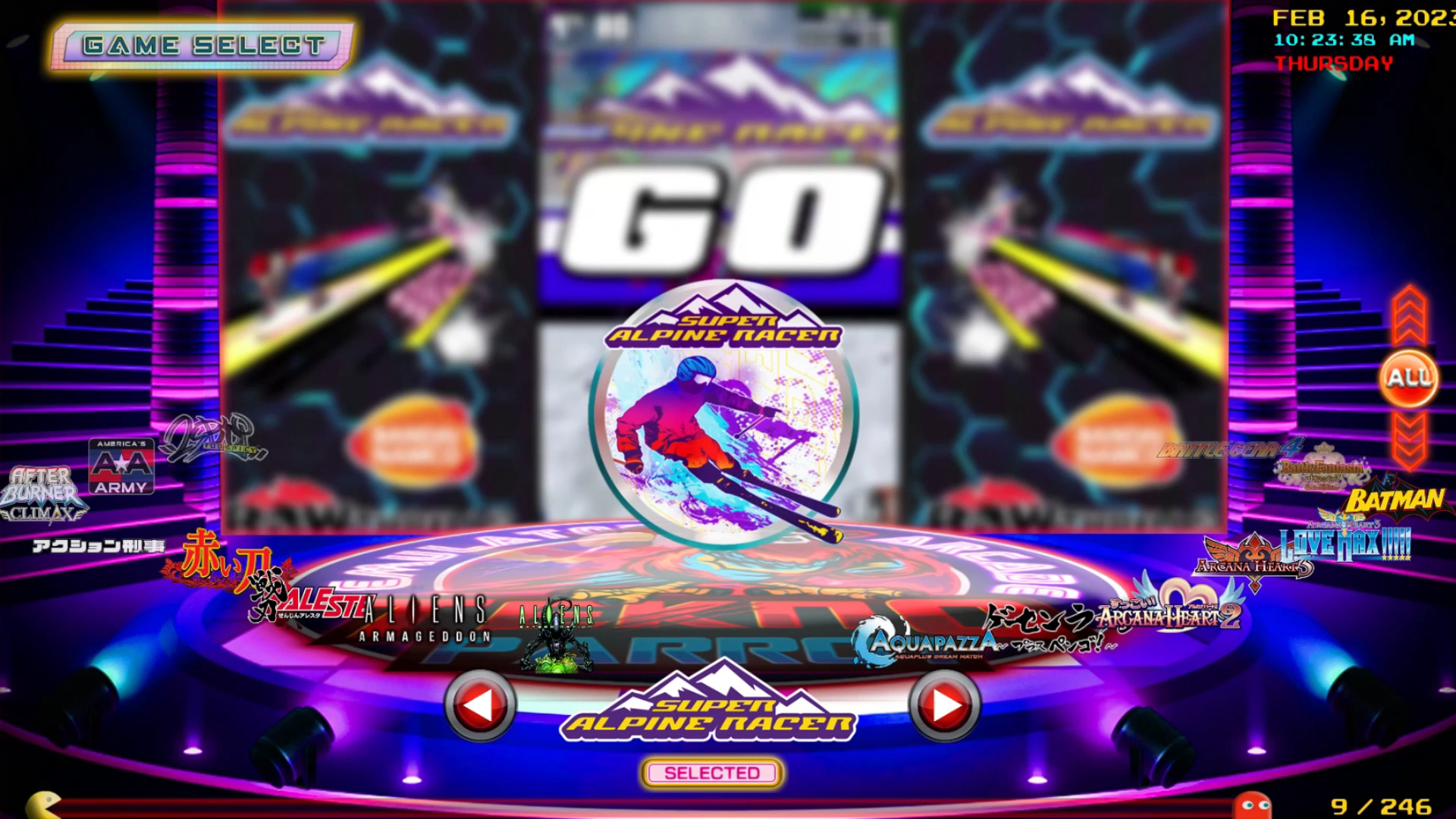
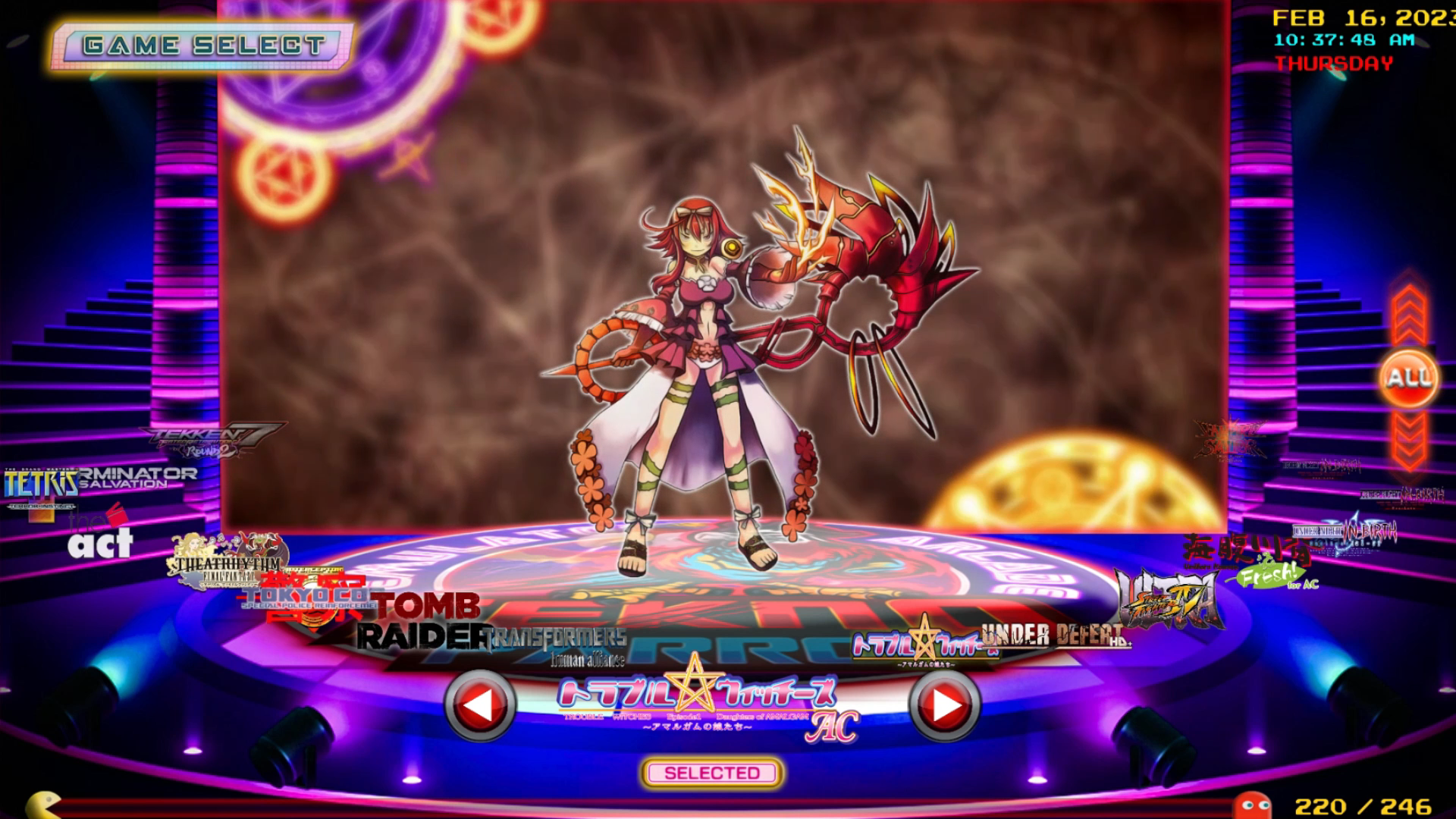
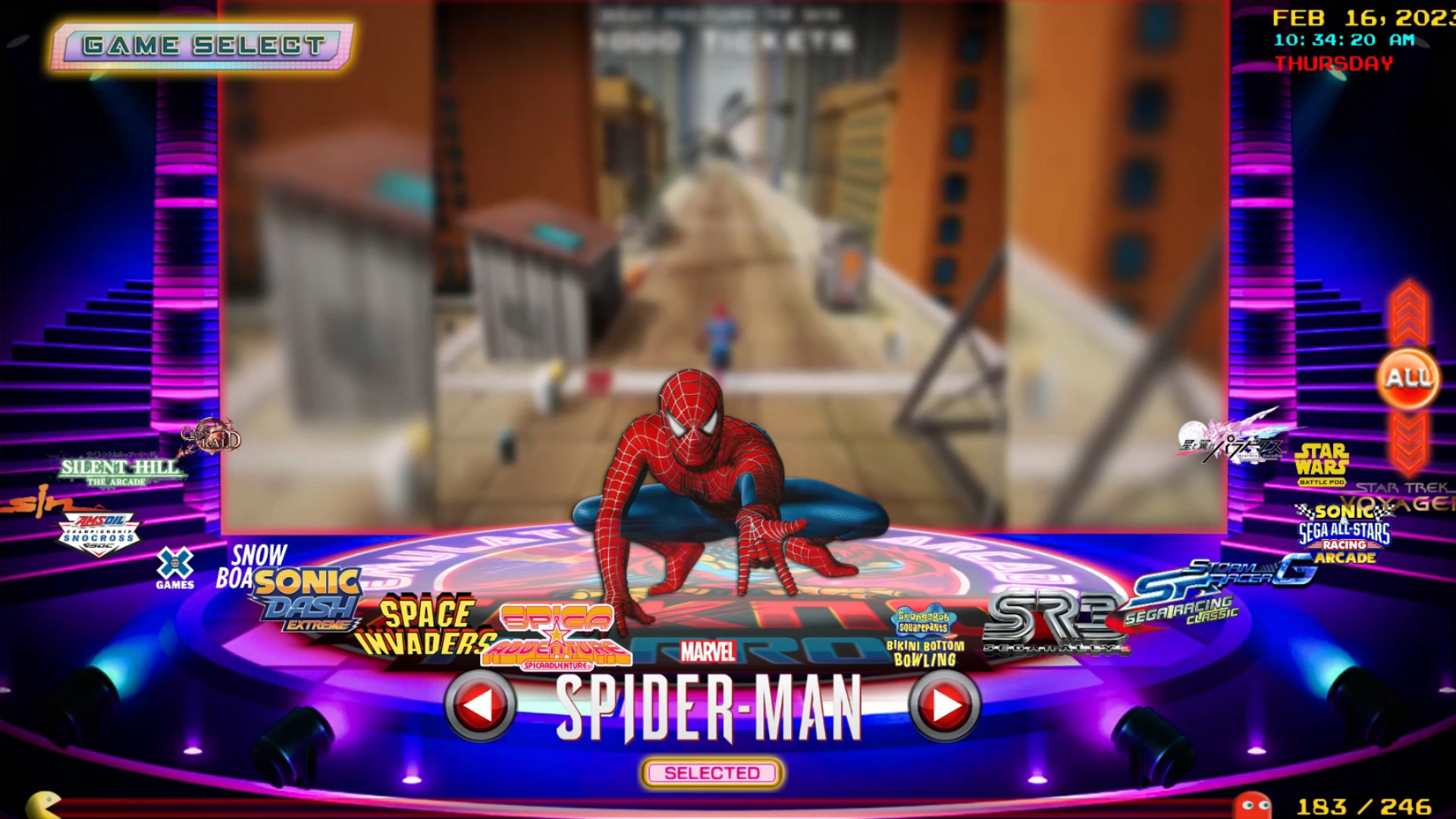
1.Three (3) Screen Selection Menu-
a. Main Menu (Screen1)- Genre Selection including Settings Menu
b. Platform Selection Menu (Screen2)- Over 135plus platform to choose from and adding more.
c. Game Selection Menu (Screen3)
2. Music Effects - Interchangeable through the Settings Menus-
a. 5 Main Menu Music
b. 5 Platform Selection Menu
c. Can turn all music ON and OFF (Turning off the music will turn on video background volume of all media)
3. Mode or Mode Selection - manageable in the Settings Menu - Every Mode has its own set of settings every time you change mode.
a. Default Mode or Blur Box Mode - semi transparent boxes behind the actual game logos.
b. Logo Mode - Game Logo only on the game selection menu. (Screen3 only)
c. Platform Logo Mode - Semi Transparent Box with logo (Screen2 only)
d. Marquee Mode - Game Marquee instead of game logos will be use on the game selection menu.
e. Big Video Mode - replace the video on the Platform Selection Menu on (Screen2) with a full HD 1920x1080x60 video preview.
f. Fast Mode - a mode similar to common retroFE Theme like Coinops. Also recommended to medium specs machines. If the High Specs Mode doesn't work on yours very well.
g. Fast Mode Big Video Mode or Energized Mode - similar to Fast Mode but with additional video effects on Platform selection Menu.
h. Low Specs Mode - designed for low specs computers specially with dual core processors. This mode will disable all video effects and replace it with a still image on all 3 screens. Making the whole interface smooth on a low-end machine.
i. High Specs Mode - The default settings for ProjectArcadeBlur.
Minimum Requirements:
AMD Ryzen™ 3 2200G with Radeon™ Vega 8 Graphics or similar Quad Core CPU
12GB to 16GB Memory / RAM
GTX 750 Ti 2GB - Game Ready Driver or Similar
Windows 10 Pro v.20H2
4. Added 4 Loading Screen after the Game Selections Menu. Interchangeable in the "Settings Menu".
5. Highly Compatible to CoinOPS Addon. So, you can use the roms and medium artworks folder from your CoinOPS Build without renaming or changing. Just copy the addon on the collections folder and make it as a sub file for the existing addon or similar addon.(a tutorial is in order).
6. Default Emulators are located in the "emulators" folder.
7. Added additional info like ratings, score, numberofplayers, year, manufacturer, etc. on the game selection menu. Mainly Mame and some Console Addons)
8. All addons were tested and configured on an Xbox controller.
+++++++++++++++++++++++++++++++++++++++++++++++++++++++++++++++++++++++++++++++++
ProjectArcadeBlur TeknoParrot Extension Addon Only
Info:
Requirements: ProjectArcadeBlur with all previous updates or ProjectArcadeBlur Base Build Update 2023(Teknoparrot addon not included)
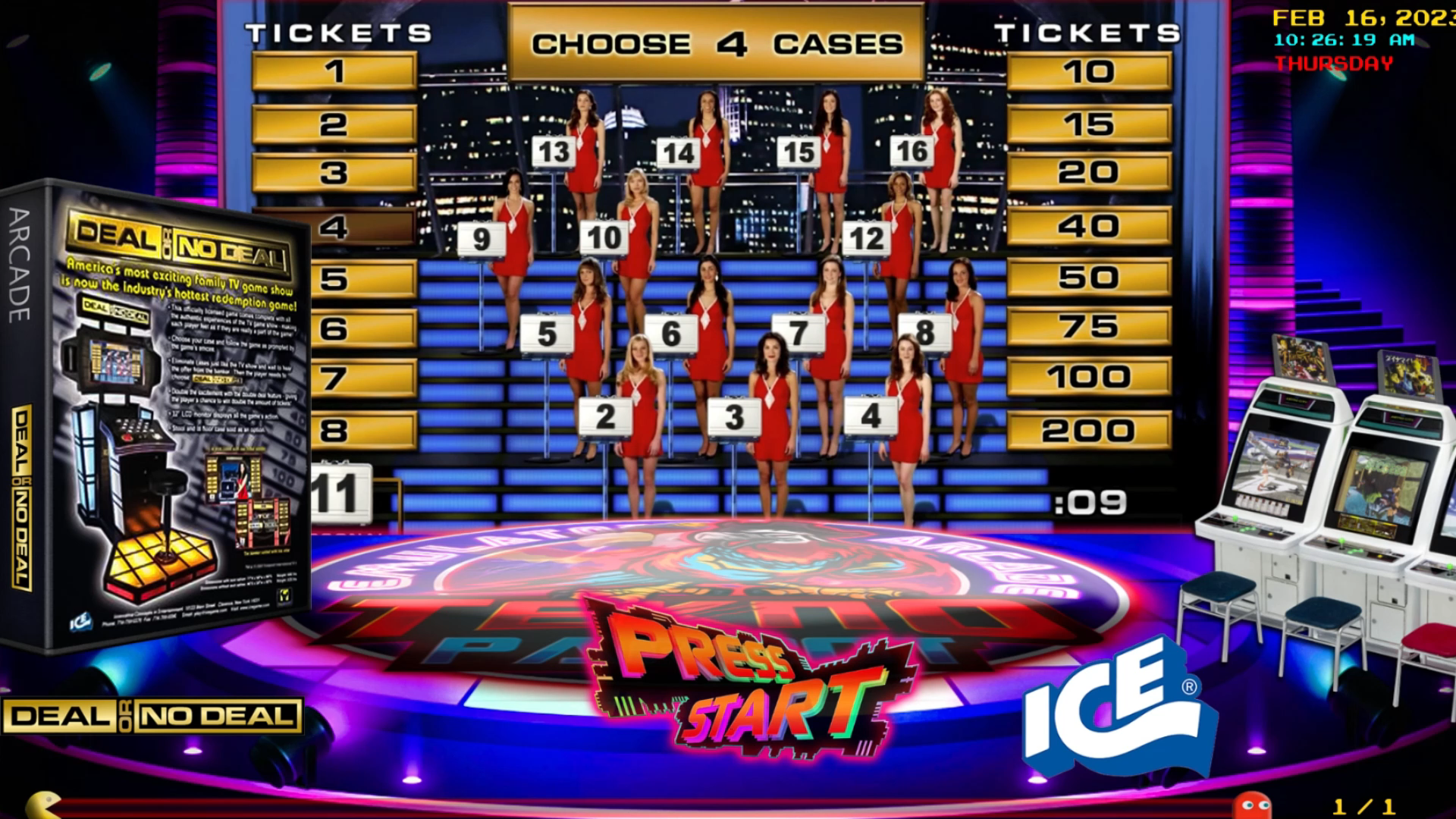
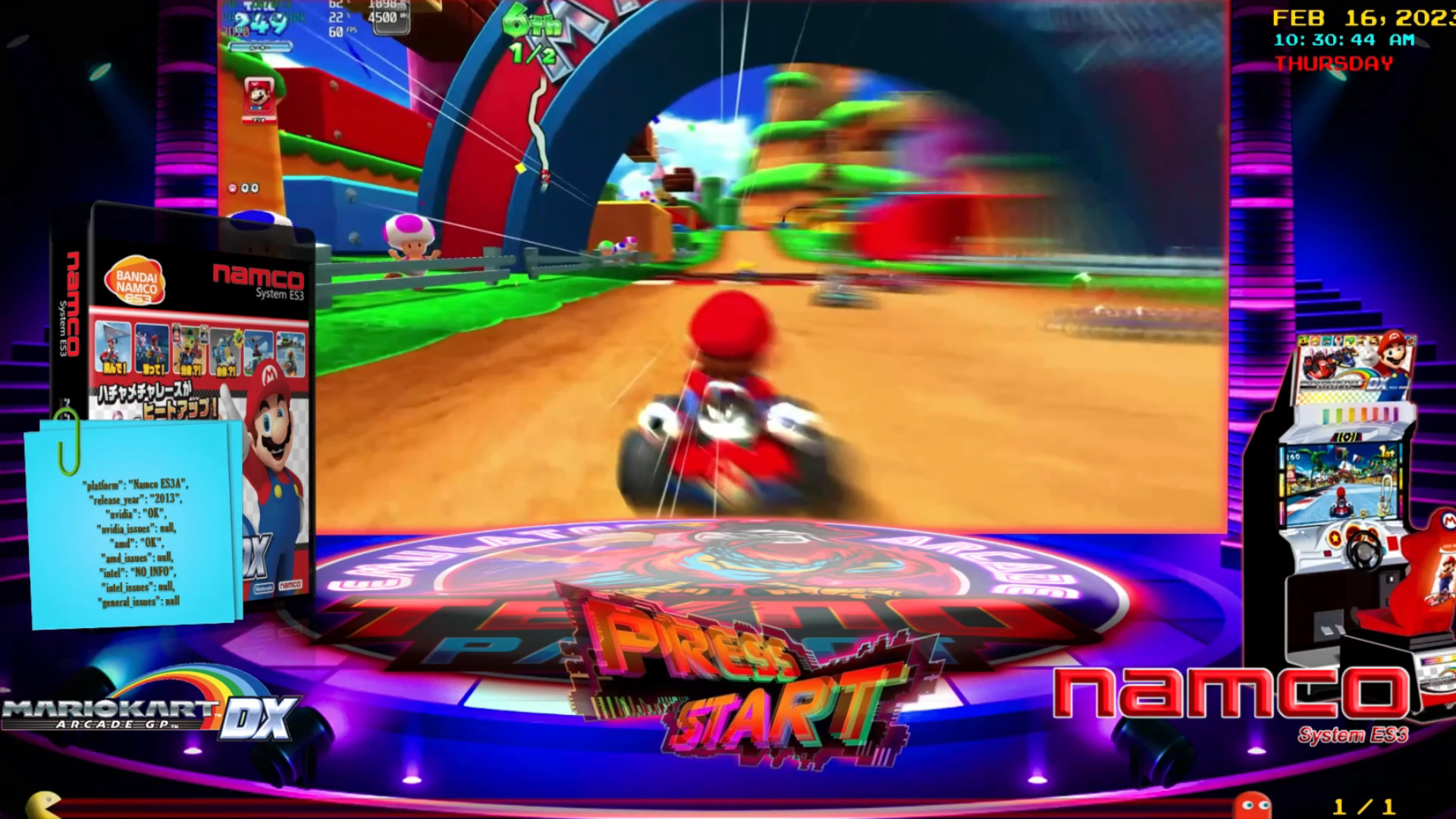
Extension addon can be viewed in "Collections" Category besides the normal mode for this addon.
Theme Addon Extension for CoinOPS and ProjectArcade...
Designed to run on any frontend. running on RetroFE.
Custom videos, logos and artworks...
With box art, arcade machines, cabinets
and additional game emulation info...
Updated arcade ambience.
Note:
It does not matter, where are your games located as long its configured on your Teknoparrot GUI it will work.
Just copy your emulator "TeknoParrot" folder to the "emulators" folder after all is configured.
Create an emulator folder if it does not exist.
You will be needed to subscribe to Teknoparrot website to play the games that needed serial keys...
Files