Home
Home

 Creators
 Search
 Recent
 Random
 Posts
Posts
 DMs
DMs
 Tags
Tags
 Random
 Importer
 Import
 FAQ
FAQ
 Account
 Register
 Login
Login
 Favorites
 Keys
Keys
 Logout
 Telegram

Burnout Toggle - Toggle Burnout our Daze and Burnout (Patreon)
Published:
2023-03-30 17:11:48
Edited:
2023-04-21 17:25:37
Imported:
2026-06
Content
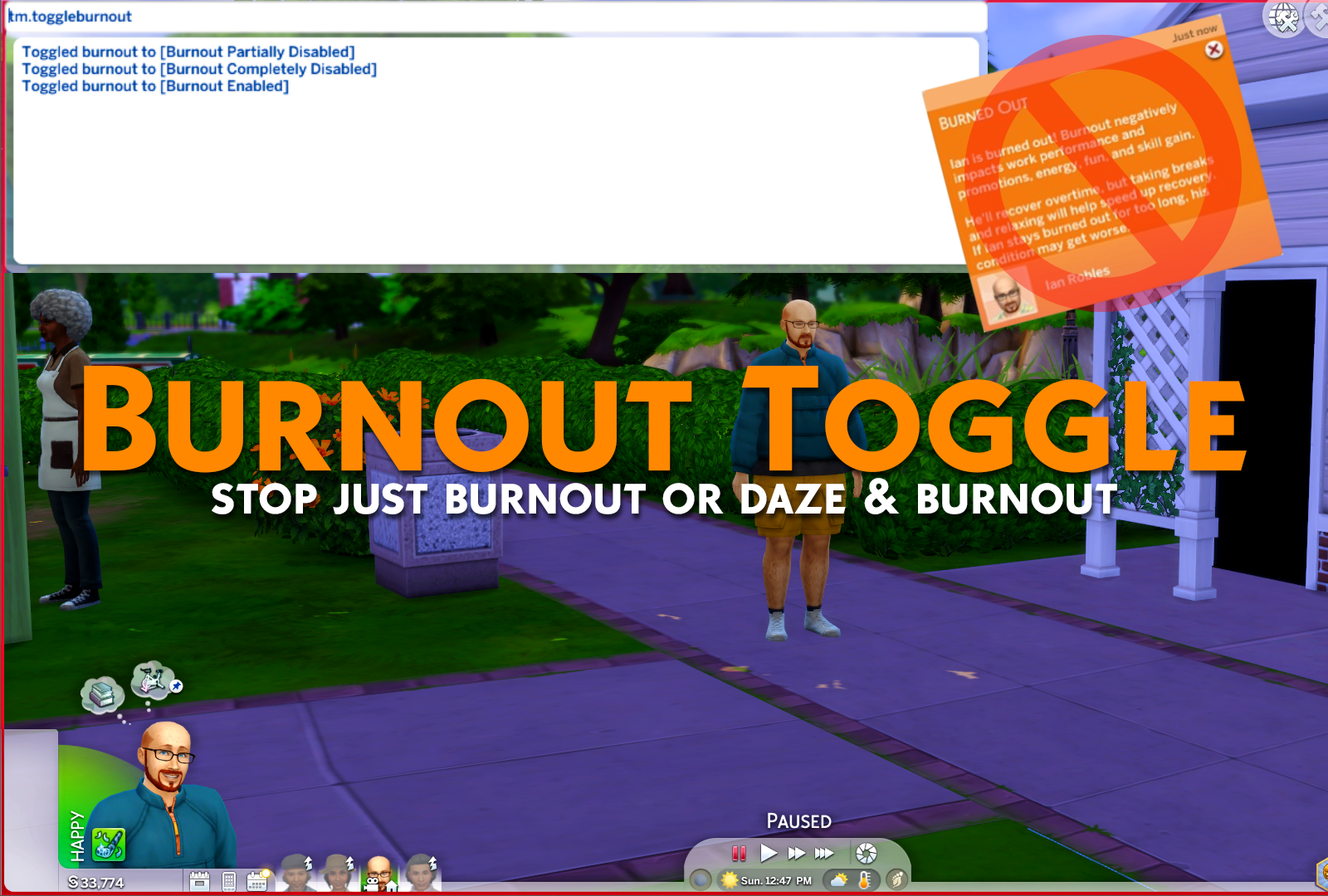
This is another lightweight toggle mod that stops burnout when toggled off.This toggle has 3 states, as follows:[Burnout Enabled] = Game default behavior.[Burnout Partially Disabled] = Only Burnout will be toggled off.[Burnout Completely Disabled] = Both Dazed moodlets like creative fog and burnout will be toggled off.Simply repeat the "tm.toggleburnout" cheat until it's set to your preferred option.This toggle applies across all saves, just like my other toggle mods.
Install Instructions
1. OPEN the zip, do not use any extract options.2. Inside will be a .ts4script. Drag it to your Mods folder.3. Make sure gameplay options have both mods and 👉script👈 mods turned on.That's it!
Files