Home
Home

 Creators
 Search
 Recent
 Random
 Posts
Posts
 DMs
DMs
 Tags
Tags
 Random
 Importer
 Import
 FAQ
FAQ
 Account
 Register
 Login
Login
 Favorites
 Keys
Keys
 Logout
 Telegram

December update 6: Max the Elf LEVEL 4 RELEASE! (Patreon)
Content
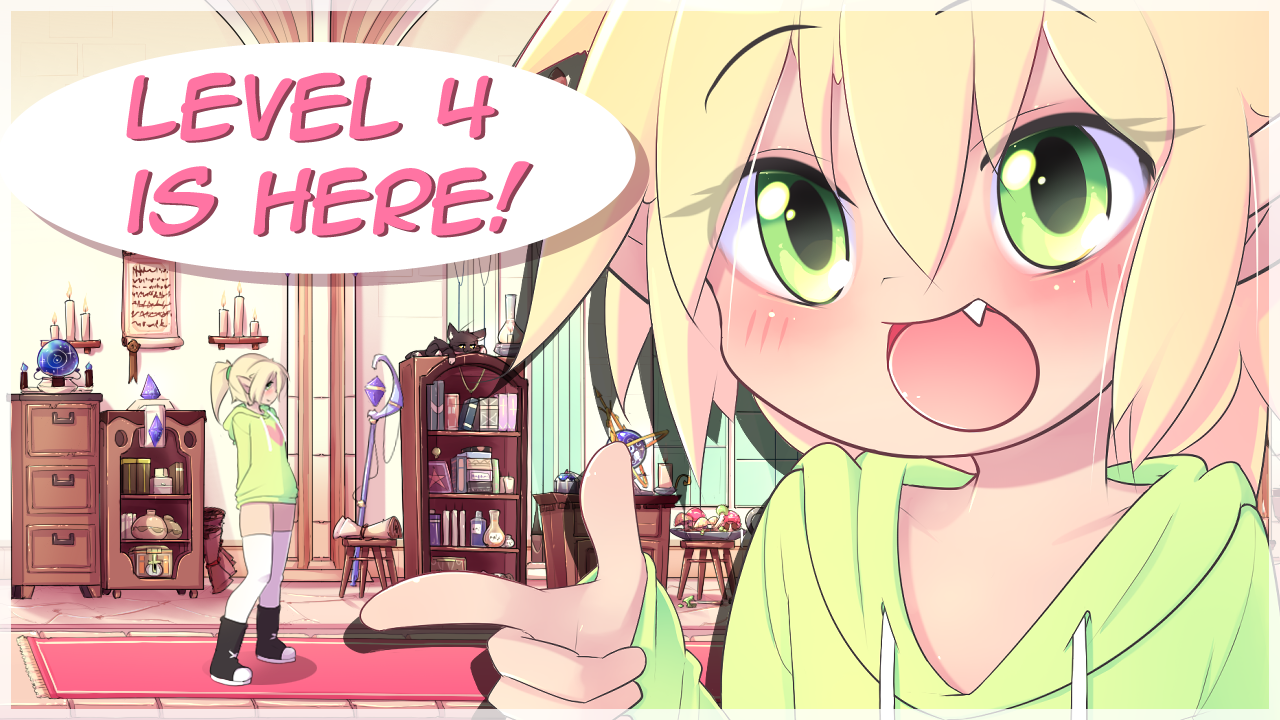
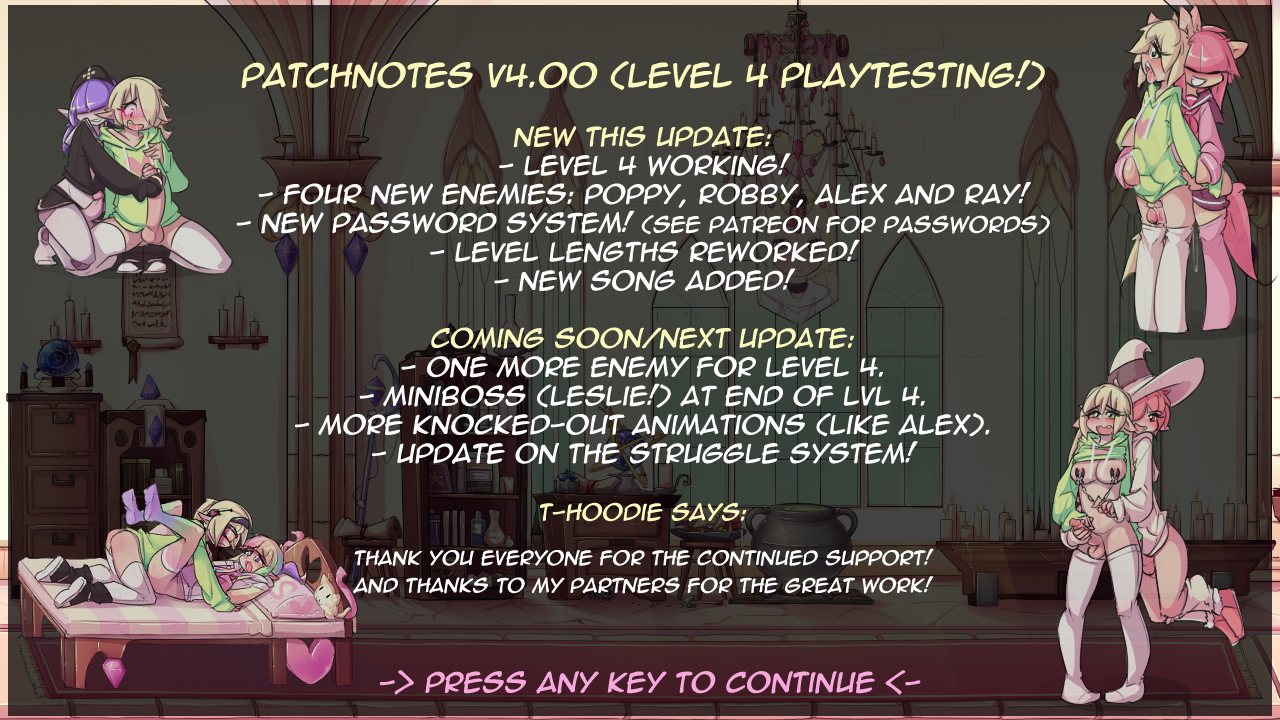
The level 4 playtesting update is live!
-> Dropbox Download <--> Megaupload Mirror <-
Please do not share these links with anyone, I'm heavily reliant on your support and that of others!What's new:- Four new enemies in level 4- A new password system and locked progression (passwords are in the README)- Level lengths reworked (level 1 was incorrectly set to be very long)- New song for level 4, it's a banger!- Animation bug for level 3 enemies fixed (our script didn't count the last frames properly)Coming in early 2023:- One more enemy for level 4, and one extra event- Mini bossfight with Leslie at the end of lvl 4!- More knock-out animations for existing enemies (like Ray and Alex)- Update on the struggle system!Known bugs:
- If you do a slide attack and during the animation try to do a special attack, Max will freeze in place and you're stuck until you reset. Sorry!The gallery for level 4 is not working yet! It will come later as well.
If you find new bugs or problems:
We have a channel on discord (#playtester comments) where you can post your thoughts and findings, You can also message me directly about big bugs but I mostly prefer to be contacted on the discord server.
Troubleshooting:Q: How do I open the .RAR file?A .rar file is a compressed package of multiple files together, you will need a (very commonly used) tool to extract it. You can use either WinZip, WinRar or 7zip to do this, I would recommend 7zip, since it's open source and completely free. https://www.7-zip.org/(You can get the "64-bit x64" version, unless your computer is very old and running on 32-bit x86, if you're not sure you can check like this:Click the Start button, then choose Settings. Select System. Choose About. Check the bit version on the System type field.)Once you have your compression tool installed, right-click "MtE v4.00 windows.rar" and find the "extract here" option. After extracting you can run "Max_The_Elf_DEMO" to play the game. Q: How do I resize the game window? Sorry, but the game is forced to launch at 1280 x 720. If you want to make the game bigger: On windows: If you make a shortcut for "Max_The_Elf_DEMO", then go to properties of the shortcut, and add " -screen-width 1920 -screen-height 1080 -screen-fullscreen 1 " to the [target/destination (translated from dutch)] property, it will launch with those settings! Image preview: https://imgur.com/a/R4lV2XnWe hope you enjoy the update!!
Happy holidays!
Files