Home
Home

 Creators
 Search
 Recent
 Random
 Posts
Posts
 DMs
DMs
 Tags
Tags
 Random
 Importer
 Import
 FAQ
FAQ
 Account
 Register
 Login
Login
 Favorites
 Keys
Keys
 Logout
 Telegram

Stellar Blade - HDR Optimized Settings (Patreon)
Content
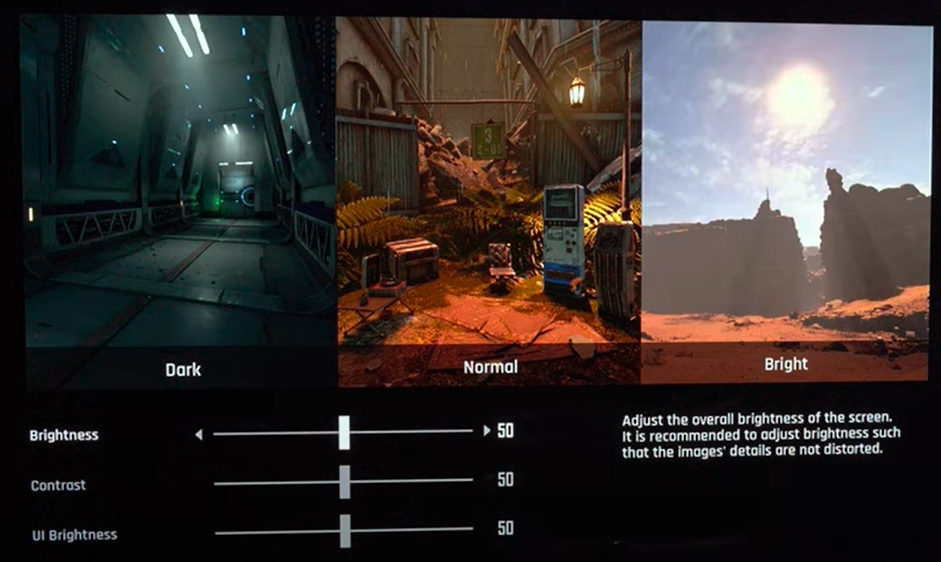
The game is NOT using/applying Playstation HDR Calibration app settings.The game has a decent HDR implementation as its actual Peak HDR Luminance can reach up to 3.000 nits but will average around 1.500-1.600 nits Peak with its default settings.Unfortunately, the provided in-game sliders will change the overall exposure/contrast of the game together with Peak Brightness so it's not recommended to be changed (as they already result in a balanced PQ by default).If you have an LG G3 or G4 OLED, you can try HGIG (forced in FMM via ColorControl) but for all other TVs Dynamic Tone Mapping is recommended for this game.BONUS:
Use the Balanced performance mode: in order to have unlocked 60fps which will be handled very well by VRR, all while keeping a good image quality and resolution.
Enjoy :)-P
Files