Home
Home

 Creators
 Search
 Recent
 Random
 Posts
Posts
 DMs
DMs
 Tags
Tags
 Random
 Importer
 Import
 FAQ
FAQ
 Account
 Register
 Login
Login
 Favorites
 Keys
Keys
 Logout
 Telegram

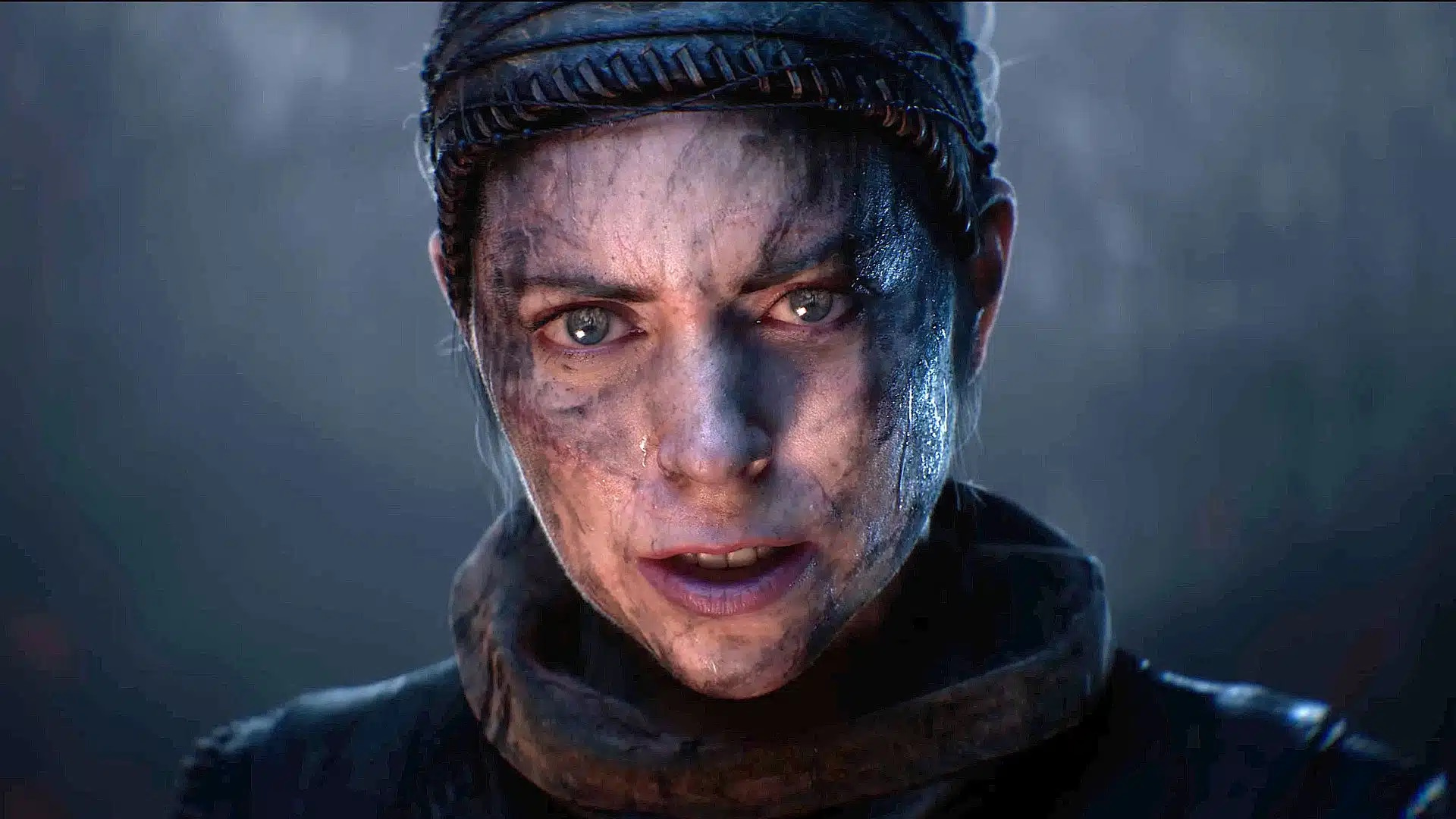
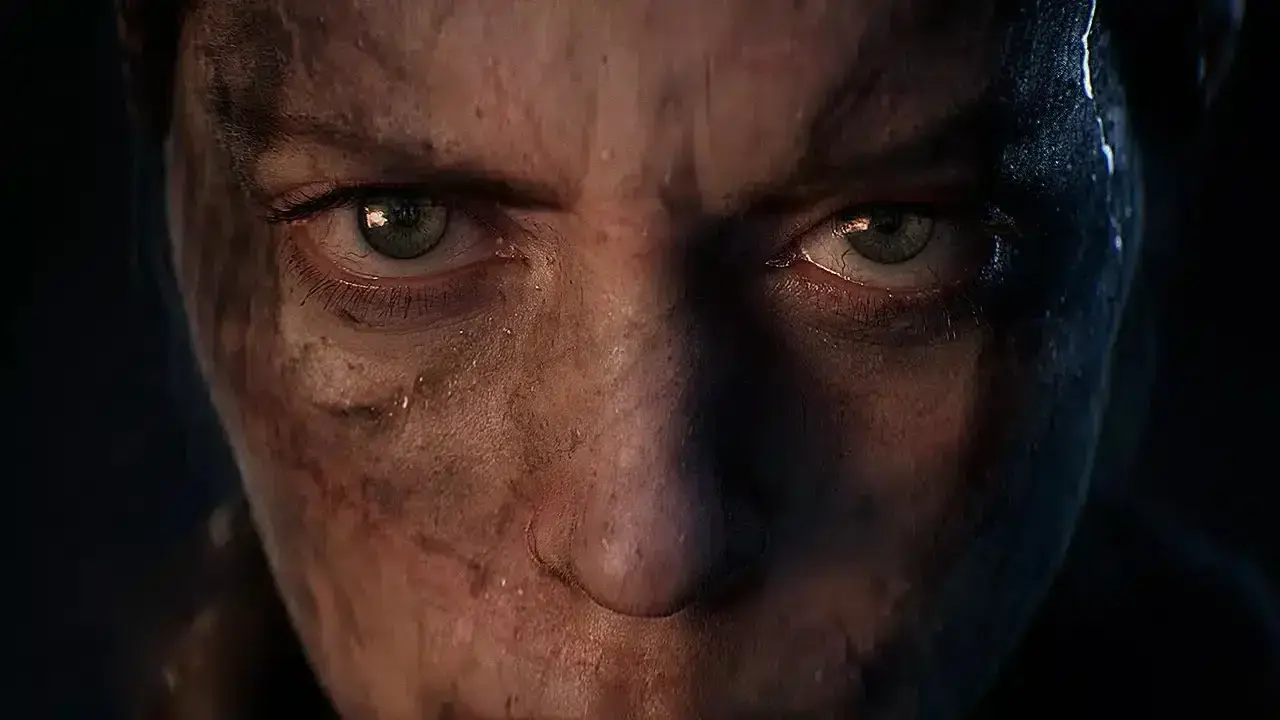
Hellblade 2: Senua's Saga - HDR Optimized Settings (Patreon)
Content
The game is NOT using/applying Xbox or PC HDR Calibration app settings. The game has a good HDR implementation as, even if it doesn't offer a precise in-game HDR slider in nits value, actual peak HDR luminance seems around 2.000 nits.For this reason Dynamic Tone Mapping is recommended.What the game lets you adjust is the HDR Brightness with 3 options:
Dark: Which is way too muted
Default: Which can be on the dim side except if you use DTM on pre-2023 LG OLEDs where it looks OK
Bright: Which is the one I recommend for most users as it's more impactful without ruining highlights accuracy and creators intent
There is also a setting to adjust UI HDR Brightness separately with the same 3 options above but I recommend Default in this caseYou will also find an HDR Gamma slider which I recommend leaving to Default 50 as it already represent a balanced exposure.BONUS:
Set Subtitles size to 7 (instead of default 5, which is way too small)
Play with Headphones! The game uses binaural audio for everything to be the most immersive experience possible, so using headphones (and playing in a dark room) is a must! [Set the in-game audio to Headphones as well]
The Enhanced Edition now offers a 60fps Performance Mode which I only recommend on PS5 Pro as on base PS5 and XSX it may look too soft (but you can still try it)
PC ONLY:
The Enhanced Edition offers an higher "Very High" graphic preset which at the moment has no noticeable visual differences compared to the previous highest preset while still noticeably decreasing performance so I DON'T RECOMMEND IT
Use my UET Mod to remove black bars, improve performance, reduce stuttering, lower latency, all with better picture clarity instead ;)
Enjoy! :)-P
Files